
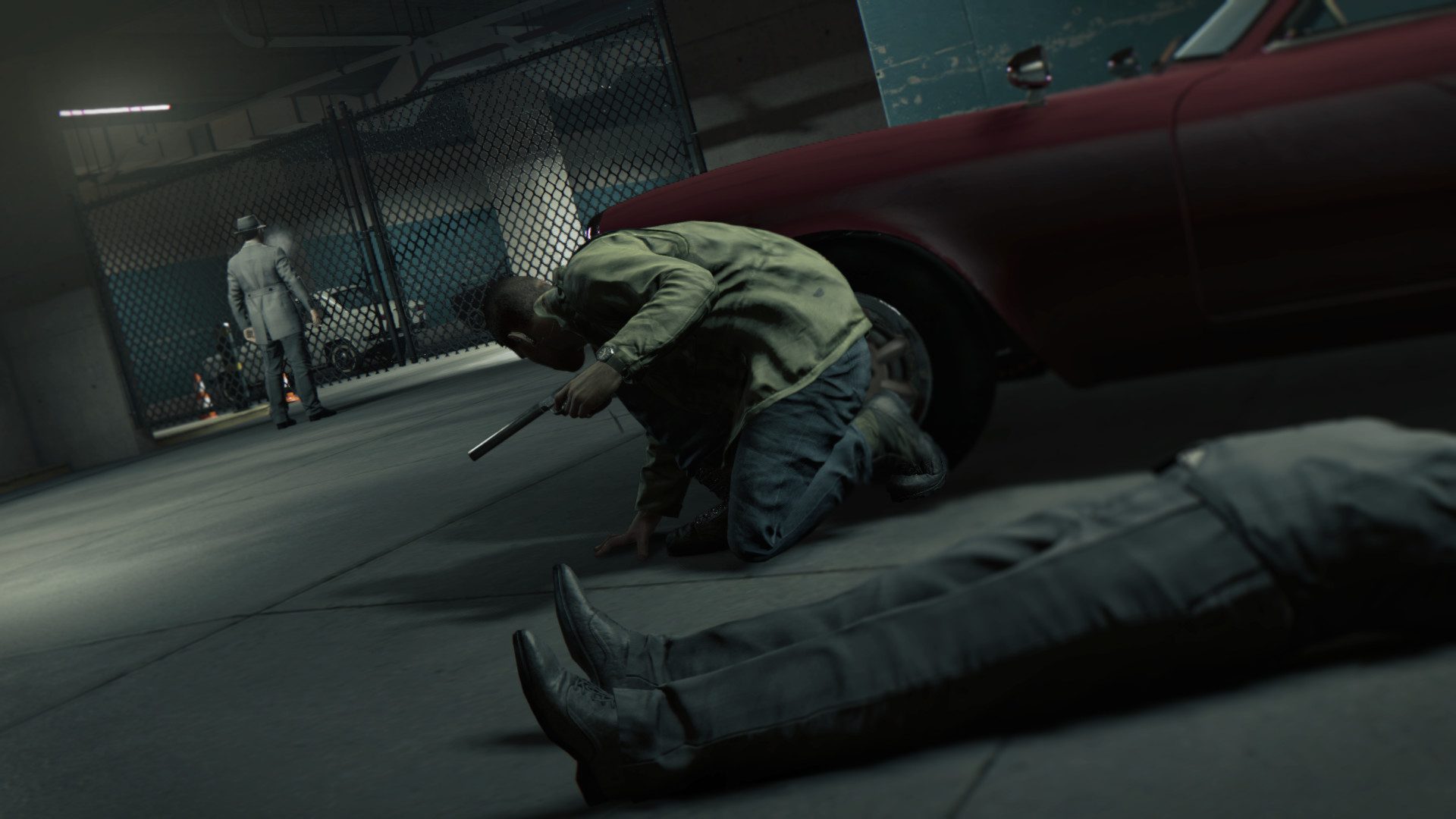
Mafia 3 graphics modes are worth a look after the native Xbox Series X|S edition launched on October 8, 2026. The Definitive Edition now supports 60 FPS gameplay on Series X and Series S, with HDR10 among the capabilities listed by Xbox.
If you’re hunting for a Quality or Performance option in the settings, the official information is much less complicated: 2K describes a 60 FPS upgrade, but neither its announcement nor Microsoft’s Store page specifies a selectable graphics-mode toggle. Here’s what you can expect when playing.
Do Mafia 3 graphics modes include Quality and Performance?
No selectable Quality, Balanced or Performance preset has been documented by 2K for the October 2026 Xbox release. The Xbox Store lists 60 fps+ and Series X|S optimisation, but that doesn’t establish a menu for switching between a 30 FPS quality mode and 60 FPS performance mode. Check you’re reading advice for Mafia III on Xbox, not Mafia I or the PC version.
Mafia 3 graphics modes: Xbox Series X vs Series S
| Capability | Series X | Series S |
|---|---|---|
| Native release | Yes | Yes |
| Gameplay target | 60 FPS | 60 FPS |
| HDR10 listed | Yes | Yes |
| Quality/Performance switch | Not officially documented | Not officially documented |
| 120 FPS mode | Not announced | Not announced |
| Fixed native resolution | Not specified | Not specified |
The two consoles have different hardware, but Microsoft’s current listing doesn’t give a separate official rendering-resolution chart. Treat estimates from comparison videos as measurements, not confirmed developer specifications.
Why some Mafia 3 graphics modes cutscenes run at 30 FPS
Most real-time cinematics can run at 60 FPS alongside gameplay. Some older pre-rendered movie sequences remain at 30 FPS. If a video sequence looks less smooth than driving around New Bordeaux, that’s expected and isn’t evidence that your installation has switched to an undisclosed 30 FPS mode.
What else improves in the Xbox update?
The current-generation build includes faster loading and fixes for legacy technical problems. 2K’s October update notes describe improvements to lighting consistency, texture rendering, shadows and gameplay stability, alongside changes to some troublesome mission sequences and NPC interactions. It’s a technical refresh of Mafia III, with the same story and expansions rather than a visual remake.
How to use HDR10 with Mafia 3 graphics modes
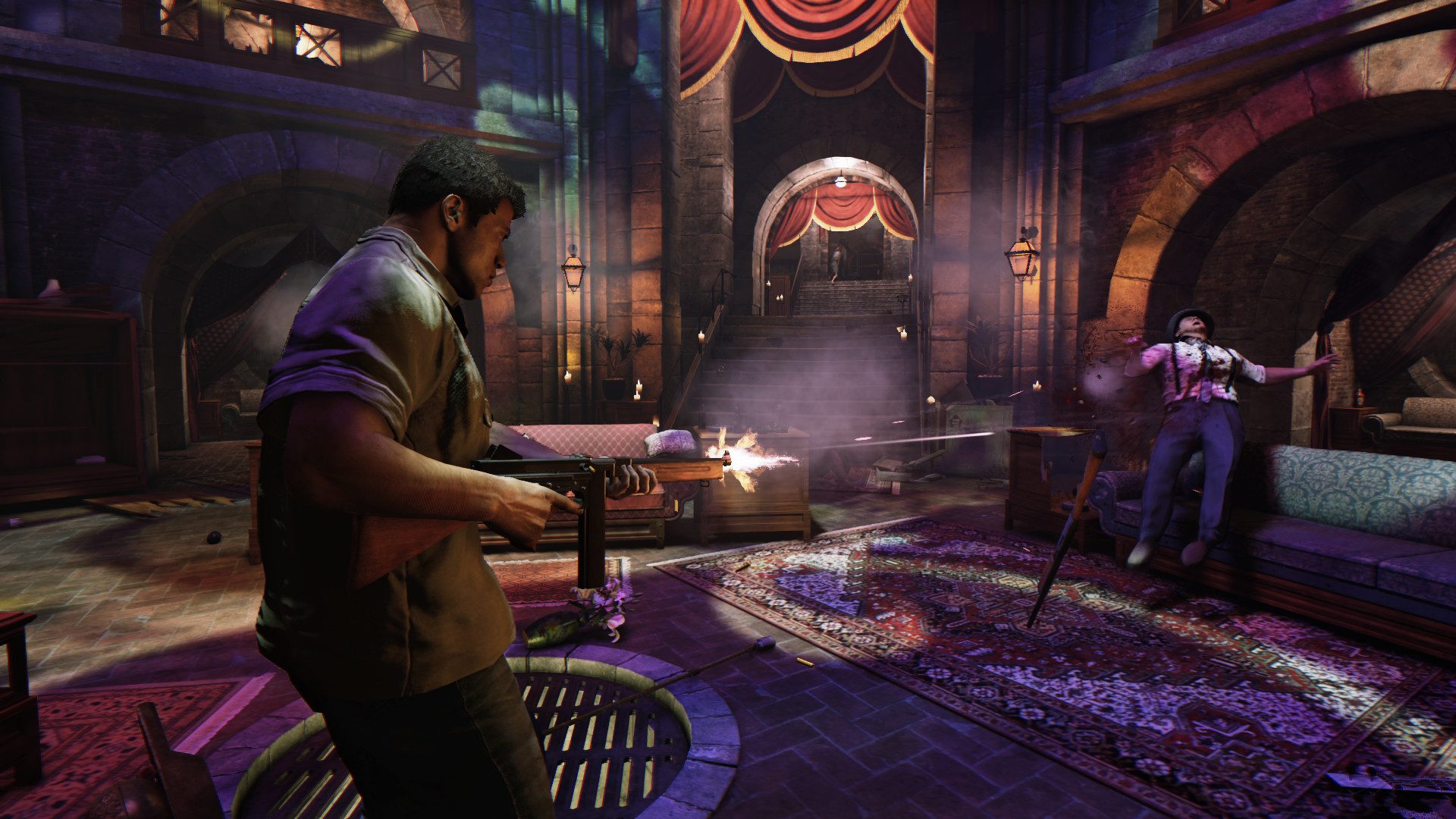
The Microsoft Store listing advertises HDR10. On your Xbox, open Settings → General → TV & display options and check Video modes, then use the HDR calibration options where supported. Your television also needs HDR enabled for its input. If colours look washed out, check the TV picture settings before changing anything else.
Do Mafia 3 graphics modes include 120 FPS?
2K announces 60 FPS gameplay for the native release, and the Xbox Store labels it 60 fps+. No separate 120 FPS console mode has been announced. A 120 Hz TV doesn’t automatically make the game draw 120 distinct frames every second. A 60 Hz screen is enough for the advertised 60 FPS target.
How to install the latest Mafia 3 graphics modes update
You must install Mafia III: Definitive Edition for Xbox Series X|S, which has a dedicated Store listing. The older Xbox One installation is a separate version. If you own a qualifying digital copy, the upgrade is free. Use our 60 FPS Xbox installation guide for the download steps and fixes if the Store still shows a price.
Will your Xbox One save work in the new version?
No. 2K has confirmed that saves and achievements don’t transfer into the native Series X|S edition. You’ll need a fresh campaign and will earn its achievements separately. Keep your existing Xbox One game installed if you’re planning to finish an older save before starting over.
The big thing with Mafia 3 graphics modes on Xbox Series X|S is that the native edition targets 60 FPS with HDR10 support, but there’s no confirmed console switch between multiple graphics presets. Install the correct version and use your television’s HDR options where supported.
Official sources: 2K upgrade support and Xbox Store.





