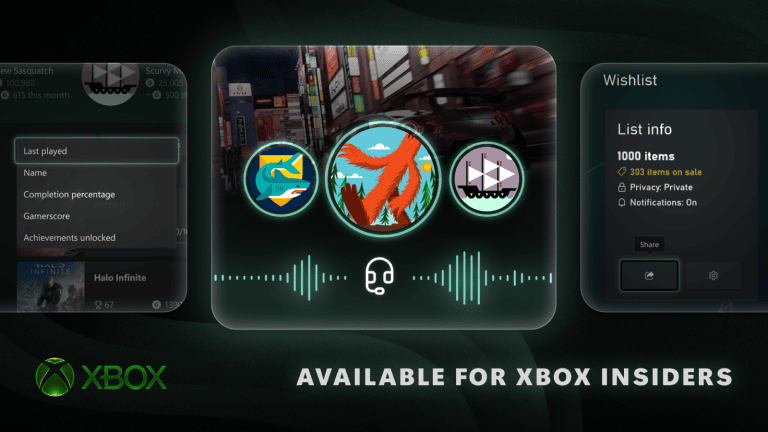
Xbox Disc to Digital Not Showing does not automatically mean something is wrong with your console. Microsoft’s disc-to-digital system is still being tested through Xbox Insider, so the first thing to check is whether your account and console actually have access to the current test before troubleshooting the disc itself.
The next Xbox Disc to Digital Not Showing check is game eligibility. Microsoft says most Xbox One and Xbox Series X disc-based games are supported, not all of them, and the catalogue is still growing as publishers such as SEGA join the programme.
Xbox Disc to Digital Not Showing: check Insider access first
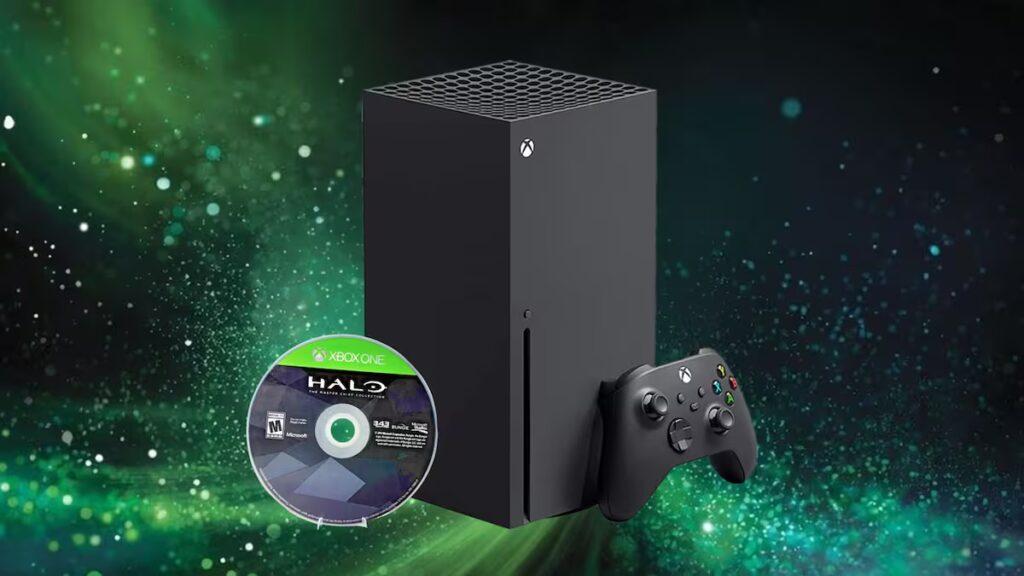
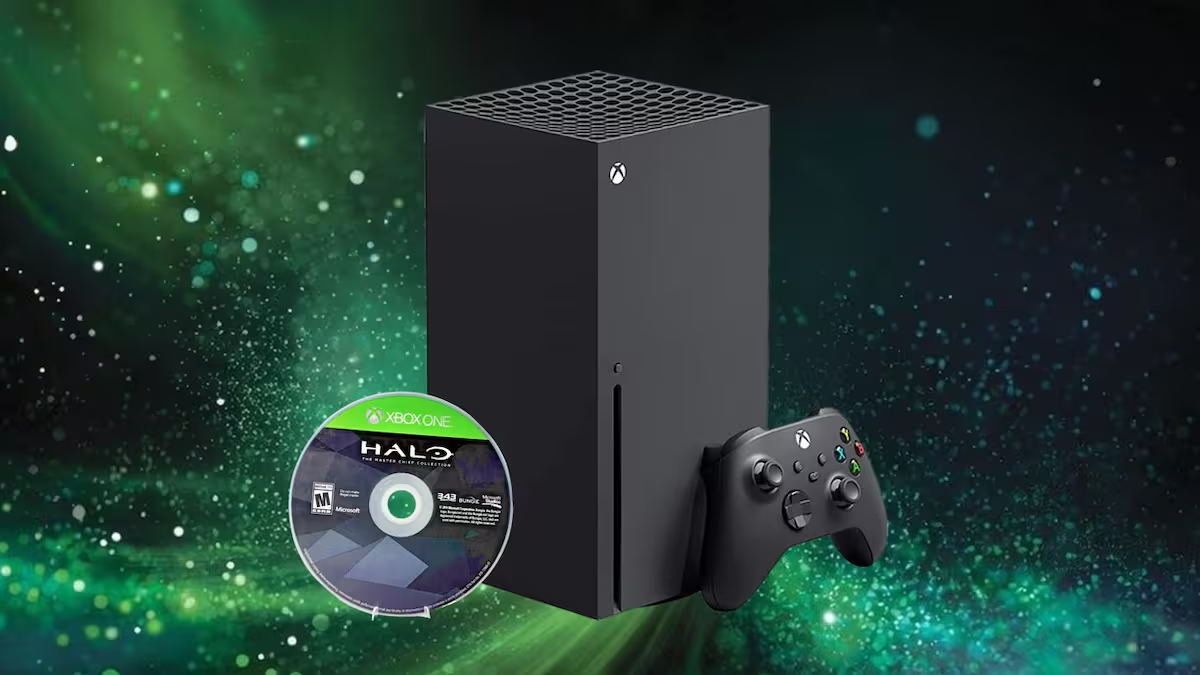
Xbox Disc to Digital Not Showing Image Xbox.
Older coverage that describes the feature as publicly available to every Xbox owner is premature. Microsoft’s official announcement still identifies Xbox Insiders as the testing audience.
If your console has never received the disc-to-digital test, you should not expect Claim Digital License or automatic entitlements to appear yet.
Check whether the disc is actually eligible
Use an Xbox One or Xbox Series X physical game when testing. Microsoft has not included Xbox 360 or original Xbox discs in the announced support range, even if those older games are backward compatible.
One unsupported title does not prove Xbox Disc to Digital Not Showing affects the whole console. Try another known-supported Xbox One or Series X disc if you have one.
Look for an automatic entitlement
Current Insider builds can grant the entitlement automatically for supported discs, so do not rely only on finding a Claim Digital License button. Insert the disc, allow Xbox to recognise it and check whether the game appears as digitally entitled.
The first successful automatic claim can show a fuller explanation, while later discs can use a smaller notification. Missing the notification does not necessarily mean the entitlement failed, so check the library as well.
Restart the Xbox and check updates
- Fully restart the console rather than leaving it in a suspended state.
- Open Settings and confirm the latest available system update is installed.
- Sign back into the account with Insider access.
- Insert the supported disc again.
- Check both the game tile and My games & apps for the entitlement.
A restart is worthwhile after an Insider system update because the disc entitlement feature is tied to console software and account eligibility.
Xbox Disc to Digital Not Showing for a SEGA game
SEGA titles have only just begun appearing in the current test catalogue. If one SEGA disc works and another does not, the second title may simply not have been enabled yet.
Publisher participation is not the same as instant support for every physical product. Region, edition and exact catalogue entry can all matter while the test is expanding.
Check the signed-in Xbox account
The entitlement belongs to the account that claims it, so confirm the intended profile is active before inserting the disc. This is especially important on shared family consoles with several accounts.
If the feature works under one Insider-enabled account but not another, account rollout can explain Xbox Disc to Digital Not Showing without any hardware problem.
Do not factory reset for one unsupported game
A factory reset is far too aggressive for a single missing entitlement. If the disc launches normally and other games work, keep using the physical copy and wait for the compatibility list or Insider rollout to expand.
Xbox Disc to Digital Not Showing is most often a question of test availability or title eligibility. Microsoft says more games will be added, so a disc that fails today can become supported later.
Microsoft's official feature description and Insider status are available in the Xbox disc-to-digital announcement.