
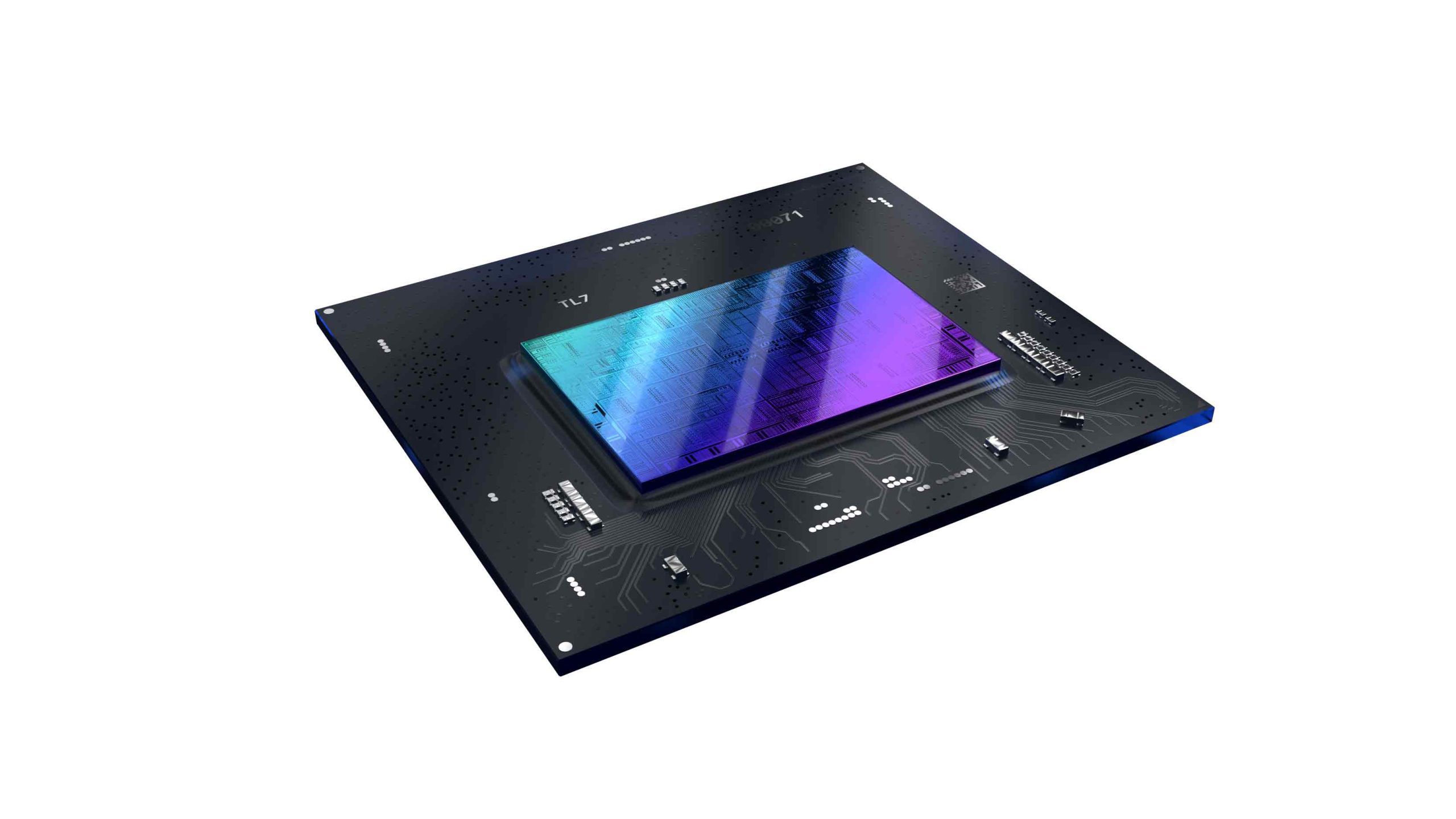
Intel Arc generic driver vs OEM driver comes down to the PC you’re using. If you have a desktop Arc graphics card, Intel’s download is often the straightforward choice. For a gaming laptop or Windows handheld, the manufacturer may supply a package tailored to its display, power settings or graphics hardware. Check the manufacturer’s driver first.
Intel warns that its generic graphics package replaces the OEM-selected driver. That doesn’t mean every laptop loses customised features, and a normal update is different from a clean installation. Check the exact model of your PC and the problem you’re trying to solve before installing anything.
Intel Arc generic driver vs OEM driver: what’s different?
Intel supplies a generic Windows graphics driver for the products on its supported list. An OEM driver is selected or customised by the computer manufacturer. It may include platform-specific fixes, settings or compatibility testing, even though the graphics hardware itself still comes from Intel.
| Option | Download location | Main consideration |
|---|---|---|
| Intel generic driver | Intel Download Center | Verify exact GPU compatibility and OEM warnings |
| OEM graphics driver | Manufacturer support page for your exact device | May preserve specific platform support and vendor-tested configurations |
A desktop with a supported Arc B570, B580 or A-series card is usually simpler: you can compare the standalone GPU directly with Intel’s download list. Laptops may switch between integrated and dedicated graphics or rely on their maker’s display and power configuration. The precise device model matters more than an Arc logo.
Will Intel’s generic package overwrite laptop customisations?
Intel’s download page warns that installing its generic package overwrites the OEM-selected graphics driver. That’s a reason to check the laptop maker’s support information, not evidence that every laptop will malfunction. A manufacturer-approved version gives you a known point of reference if a later update causes trouble.
Intel also explains that normal updates retain OEM customisations, but clean installations may overwrite them. That makes the Intel Arc generic driver vs OEM driver choice especially important when you’re considering the clean-install option. Unless there’s a specific reason to use it, don’t choose a clean install just to get a newer version number.
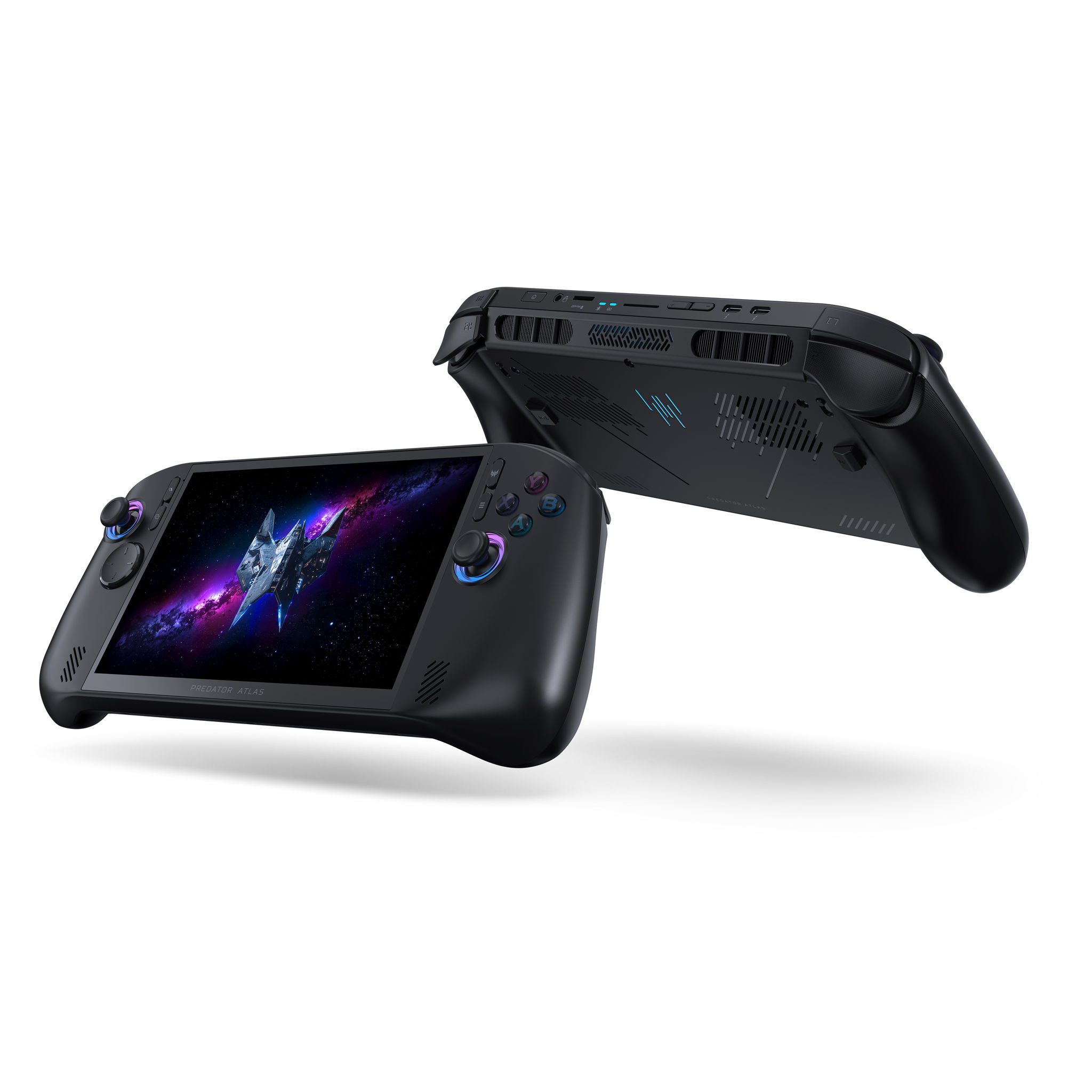
The Acer Predator Atlas 8 is a good example of why the exact model and vendor software matter. Our PredatorSense guide covers its settings. That doesn’t establish a known fault with Intel’s 9150 driver on this device, or confirm support for every configuration.
Intel Arc generic driver vs OEM driver: how to decide
- Find your laptop or handheld’s complete model name and graphics variant.
- Open Device Manager > Display adapters to identify the GPU and its Properties > Driver tab to see the installed version.
- Check Windows + R > winver to confirm which Windows release you use.
- Compare the graphics package on your manufacturer’s official support page with Intel’s supported-products list.
- Keep details of your last working driver and follow your manufacturer’s normal recovery procedure if an update goes wrong.
Intel Driver & Support Assistant can identify supported Intel hardware and suggest updates. If it warns about an OEM-customised package, check the manufacturer first. Note the version that’s currently working, and keep the maker’s support page handy in case you need to reinstall its driver.
Is Intel Arc 32.0.101.9150 better than the OEM package?
The Intel Arc generic driver vs OEM driver comparison isn’t simply about which version has the higher number. Intel released 32.0.101.9150 WHQL on 2 October 2026 for listed Arc A-series, B-series and Core Ultra graphics. That confirms which hardware the Intel release targets, not that it works better on every laptop. Check the supported products and your Windows version before downloading.
Our 9150 installation guide covers those checks. If your manufacturer offers an older driver for your model, compare its guidance with Intel’s notes before replacing it. The highest version number isn’t necessarily the best answer for a device-specific problem.
Can an older driver be better for a specific game?
Intel’s advice for certain War Thunder cockpit flickering and visual corruption problems recommends 32.0.101.8250. That’s an exception for particular symptoms, not a general downgrade recommendation. Our War Thunder guide explains it, while Lost Ark B580 freezing has its own troubleshooting steps.
For the Intel Arc generic driver vs OEM driver decision, start with your hardware and what you want to fix. On a desktop, Intel’s supported-products list is the natural first check. On a gaming laptop or handheld, compare the manufacturer’s driver and any special instructions before you choose Intel’s package.
If your graphics are stable and there isn’t a relevant fix in the release notes, a clean installation may add risk without giving you a benefit. The Intel Arc generic driver vs OEM driver comparison is really about matching the software to the device, not automatically chasing the newest download.
Official Intel source: Intel Arc Graphics Windows download and OEM driver warning.




