
E-Day Xbox Play Anywhere matters most after launch, when players start moving between an Xbox console and a Windows PC and discover that “cross-platform” can mean several different things. Ownership, save progression, achievements and multiplayer compatibility are related but not identical features. A purchase can support cross-play without giving you a second storefront licence, while an Xbox Play Anywhere entitlement is specifically about eligible Xbox ecosystem ownership across supported devices.
Gears of War: E-Day also ships on Steam, which makes the distinction more important than it looks on an edition chart. Steam players can join the wider multiplayer ecosystem, but a Steam purchase is not the same licence as an Xbox digital purchase. This revival turns the old feature announcement into a practical ownership reference: where the game should appear, which progress is shared, what Steam does not inherit and which account to check when a second device does not recognise the game.
How E-Day Xbox Play Anywhere works
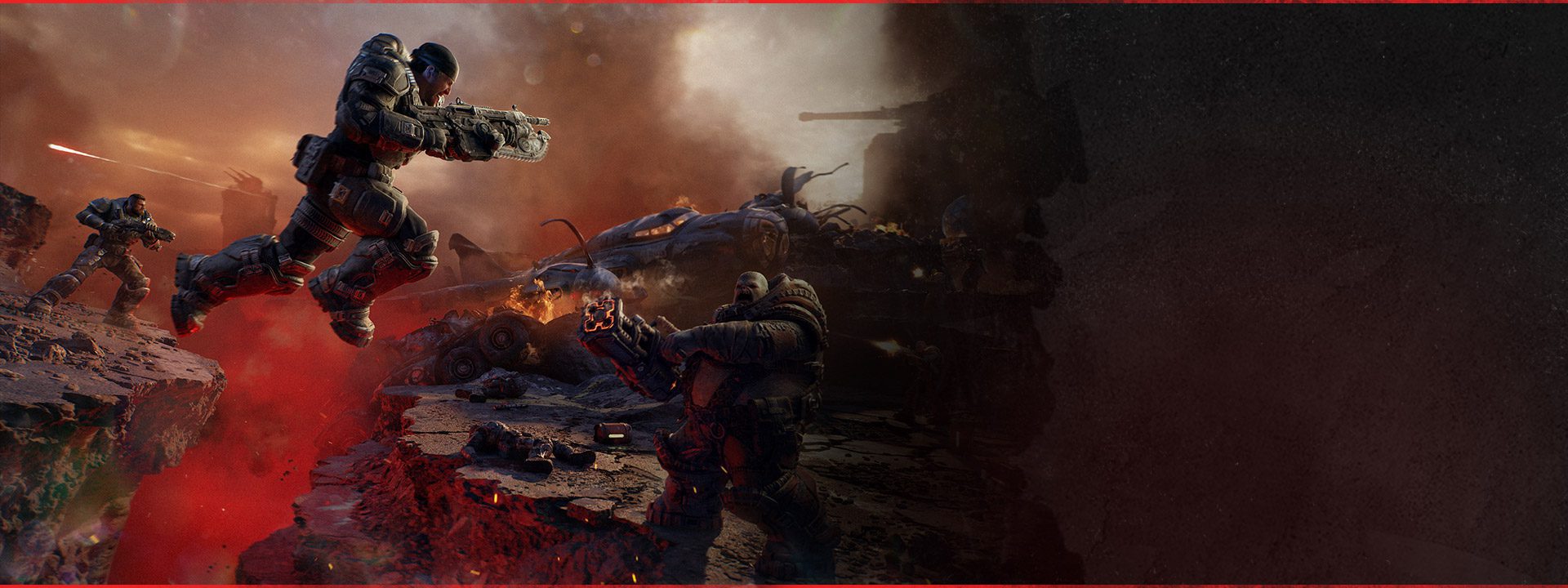
Image credit: Xbox Game Studios / The Coalition
E-Day Xbox Play Anywhere means an eligible digital purchase through Xbox gives access to Gears of War: E-Day on Xbox Series X|S and Windows PC without buying a second Xbox Store copy. Xbox also confirms shared progression and achievements across those supported Xbox ecosystem versions. Sign into the same Microsoft account that owns the game, then use the Xbox library on the second supported device to install or launch it.
| Feature | Xbox Play Anywhere result |
|---|---|
| Eligible digital ownership | One Xbox purchase across Xbox Series X|S and Windows PC |
| Progression | Shared across supported Xbox ecosystem versions |
| Achievements | Shared across supported Xbox ecosystem versions |
| Steam licence | Separate purchase path, not an Xbox Play Anywhere copy |
| Cross-platform multiplayer | Supported as a multiplayer capability, separate from store ownership |
Which purchase qualifies?
The Coalition listed Xbox Series X|S and Xbox on PC as E-Day Xbox Play Anywhere platforms when preorders opened. The cleanest ownership route is therefore a digital Xbox ecosystem purchase attached to the Microsoft account you intend to use on both devices. Physical discs do not become a Windows PC licence through E-Day Xbox Play Anywhere, because the feature is tied to eligible digital ownership rather than possession of console media.
Game Pass is another route into the game, but it is a subscription entitlement rather than a permanent retail purchase. Game Pass Ultimate and PC Game Pass provide launch access on their supported devices while the subscription and catalogue entitlement remain valid. Do not use the phrase “buy once” to describe a subscription account that has not actually purchased the game.
Does progression move between Xbox and Windows PC?
Yes. Xbox’s E-Day information explicitly describes shared progression and achievements for E-Day Xbox Play Anywhere. That makes switching devices practical for campaign and multiplayer players who stay inside the supported Xbox ecosystem. The same Microsoft account is the important anchor because it is the identity that owns the licence and progression path.
Cross-platform co-op and multiplayer are separate capabilities from E-Day Xbox Play Anywhere. A friend on another platform can be a multiplayer compatibility question even when they do not share your store licence. E-Day Xbox Play Anywhere answers whether your own eligible Xbox purchase works on both Xbox Series X|S and Windows PC and whether your progress follows you between them.
How Steam is different
Steam is a separate PC storefront. Buying Gears of War: E-Day on Steam does not create an Xbox Play Anywhere licence and does not add the Xbox Store version to your library. The August beta FAQ also confirmed that a Microsoft account was not required simply to play on Steam, although linking an Xbox account was required to send cross-platform squad invites during the test. That reinforces the distinction between Steam ownership and Xbox ecosystem ownership.
Do not assume that a Steam purchase will appear as “owned” in the Xbox app because both versions can participate in cross-platform multiplayer. Store entitlement and multiplayer connectivity are different layers. If your goal is one eligible digital purchase across Xbox console and Windows PC, use the E-Day Xbox Play Anywhere route rather than Steam.
What to check if the game is missing on your second device
For E-Day Xbox Play Anywhere on Xbox Series X|S, open the owned library while signed into the Microsoft account that bought the digital game. On Windows PC, sign into the Xbox app and Microsoft Store with that same purchasing account, then check the library for Gears of War: E-Day. A mismatch between the account used in the Xbox app and the account used in the Microsoft Store can create licence confusion on Windows.
- Confirm the purchase was an eligible digital Xbox ecosystem purchase.
- Use the same Microsoft account on Xbox and Windows PC.
- Check the owned library rather than searching only the storefront price page.
- If using Game Pass, confirm the relevant subscription is active on the account.
- If the purchase was made on Steam, use Steam because that licence is separate from Xbox Play Anywhere.
How E-Day Xbox Play Anywhere fits with co-op
Campaign supports up to four players online, while console also supports two-player local split screen. E-Day Xbox Play Anywhere can make it easier for one person to move their own campaign and achievements between Xbox and Windows PC, but it does not increase split-screen player limits or turn a single licence into four simultaneous online seats.
For households choosing between devices, E-Day Xbox Play Anywhere is straightforward once store boundaries are respected. Keep the same Microsoft identity across Xbox console and Windows PC, let shared progression handle the move between those supported versions, and treat Steam as its own purchase. That gives E-Day Xbox Play Anywhere a clear evergreen purpose long after the release-date marketing has disappeared.
Official source: Xbox: Gears of War: E-Day





