
The E-Day preload page has changed jobs now that the October release window has arrived. Before launch, the search was about the first moment the download button would appear. During launch, the more useful questions are whether the installed files belong to the full game rather than the August beta, whether the drive still has enough working space for updates, and whether the account has an entitlement that can actually unlock the build. The original preload timing remains worth preserving because it explains why many players already have a large installation sitting on their system.
The Coalition used one worldwide pre-install time across Xbox Series X|S, Xbox on PC and Steam, then separate entitlement times for Premium and standard access. That can make a completed installation look confusing if the Play button is still governed by the edition or subscription on the account. PC storage guidance also changed as storefront information was refined close to release, so this revival separates the historical E-Day preload milestone from the current job of keeping the launch build installed, updated and attached to the correct licence.
When did the E-Day preload open?
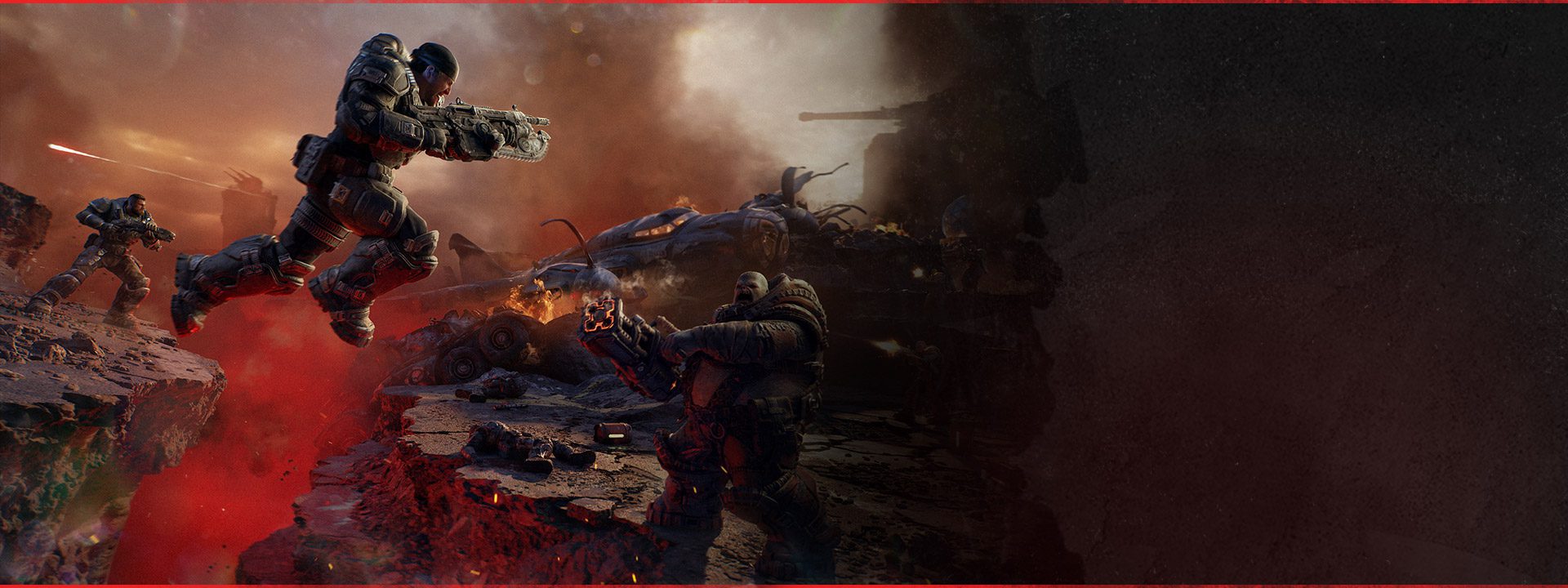
Image credit: Xbox Game Studios / The Coalition
The E-Day preload opened on September 29, 2026 at 8:00 a.m. PT, 11:00 a.m. ET and 15:00 UTC across Xbox Series X|S, Xbox on PC and Steam. Premium Edition early access then began October 1 at the same worldwide time, while the standard worldwide launch uses October 6 at 15:00 UTC. Pre-installing only downloaded the game in advance. It did not move an account into the Premium access window by itself.
| Milestone | Time |
|---|---|
| Pre-install opened | September 29 at 8:00 a.m. PT / 15:00 UTC |
| Premium early access | October 1 at 8:00 a.m. PT / 15:00 UTC |
| Worldwide standard launch | October 6 at 8:00 a.m. PT / 15:00 UTC |
The preload is now the full launch installation
Players who completed the E-Day preload should now be using the full release installation, not a permanent copy of the August Multiplayer Beta. The beta was a separate client and The Coalition explicitly described its PC specifications as beta-only. If both entries still exist in a library, the full Gears of War: E-Day game is the one that should receive launch updates and current Season 1 files.
A preload can also receive additional updates before or after the unlock. “Preloaded” does not mean every future file is already present forever. The Xbox store warns that future updates can require additional storage, and PC launchers may need temporary working room while patching or unpacking. Keeping spare SSD capacity above the published game requirement is therefore more practical than leaving the drive with only a few megabytes free after the E-Day preload completes.
How much PC storage should you allow?
The current Steam store requirement lists 115 GB of available storage and states that an SSD is required. The Coalition’s launch-spec announcement was updated shortly before release, so players should use the current storefront value shown by the platform they are actually installing from rather than treating an older screenshot as permanent. Xbox console installation size can also differ from the PC storage requirement.
On PC, the SSD requirement is not optional wording. Gears of War: E-Day also requires a hardware ray tracing capable GPU at the minimum tier. The PC requirements guide contains the current CPU, memory and GPU tables, while the E-Day preload page should be used for installation timing, build identity and entitlement rather than as a second hardware-spec article.
What to check if the game is installed but still locked
Start with the account’s licence rather than deleting the E-Day preload. A Standard Edition purchase and normal Game Pass launch access use the October 6 worldwide unlock. Premium Edition access began on October 1. The Premium Edition Upgrade can add Premium benefits when it is paired with eligible base-game access, but owning only a preload file does not create that entitlement.
- Confirm the signed-in account owns the edition or subscription you intend to use.
- On Xbox or the Xbox PC app, check that the full Gears of War: E-Day entry is installed rather than the old Multiplayer Beta.
- Allow any launch update to finish before judging the installed build.
- Keep additional free SSD space available for patching and unpacking on PC.
- Use the release-time guide if the licence is correct but the standard worldwide unlock has not yet occurred.
Game Pass and the E-Day preload
Game Pass Ultimate and PC Game Pass members were allowed to pre-install before standard launch. That made the E-Day preload useful to subscribers even though normal Game Pass access did not include the October 1 Premium window. The subscription entitlement and the downloaded files are separate ideas: the game can be installed before the licence becomes playable.
Steam is another separate entitlement path. A Steam purchase can use the Steam preload and launch files, but it is not an Xbox Play Anywhere licence. Players who want one eligible digital purchase across Xbox Series X|S and Windows PC should use the Xbox ecosystem. That ownership difference matters after the E-Day preload because the same installation timing does not mean every storefront shares purchases.
What the preload date still tells you after launch
The historical E-Day preload milestone is useful because it separates three things that often get mixed together: downloading the game, owning the right edition and reaching the official unlock time. September 29 was the download milestone. October 1 was the Premium access milestone. October 6 is the standard launch milestone. Once those are separated, most “I already installed it” confusion becomes an entitlement or update question rather than a preload-date question.
After launch, the E-Day preload remains an installation reference and use the live E-Day cluster for the rest. PC players can move to the requirements, high CPU usage, Low Core Mode and Steam Deck guides. Multiplayer players can move to Horde Siege or co-op. The E-Day preload itself is now history, but the installation and licence distinctions it created still affect current players.
Official source: Xbox Wire: E-Day Goes Gold, Pre-Install and PC Specifications





