
Echoes of Wisdom Switch 2 free update makes the original Nintendo Switch game look sharper on Nintendo Switch 2 and adds HDR when playing on a compatible television. It’s included with the game you already own, with no upgrade pack or separate Switch 2 Edition to buy.
There’s another useful change in version 1.1.0: after learning 30 Echoes, you can filter the list to show just your favourites. That feature works on the original Switch as well. The enhanced image quality and HDR are the Switch 2 improvements.
Echoes of Wisdom Switch 2 free update: graphics and HDR changes
Nintendo’s UK list dates the free Switch 2 enhancements to 5 June 2025, while the game’s version 1.1.0 notes are dated 4 June. They’re the same update period, so there’s only one patch to check for.
On Switch 2, Nintendo has optimised the visuals for the console’s screen and high-resolution TVs. HDR improves contrast and brightness in TV mode with an HDR-compatible display. Nintendo hasn’t announced a fixed new frame-rate target for this game.
Your adventure, quests and Echo abilities haven’t been replaced. The Echoes of Wisdom Switch 2 free update improves how the existing game looks; it isn’t a remake or extra story content.
How to install the Echoes of Wisdom Switch 2 free update
If you bought the digital game, use the Nintendo Account that owns it. If you have the original Switch game card, insert it into Switch 2. Connect to the internet and check for the update from the HOME Menu:
- Highlight Echoes of Wisdom on the HOME Menu, but don’t launch it.
- Press + or – to open the software menu.
- Select Software Update, then Via the Internet.
- Check the version shown under the game’s name. Nintendo lists 1.1.0 for this update.
Nintendo confirms your save data remains available after updating. If automatic software updates are enabled, version 1.1.0 may already be installed. You don’t have to restart the adventure.
Version 1.1.0: how the favourite Echo list works
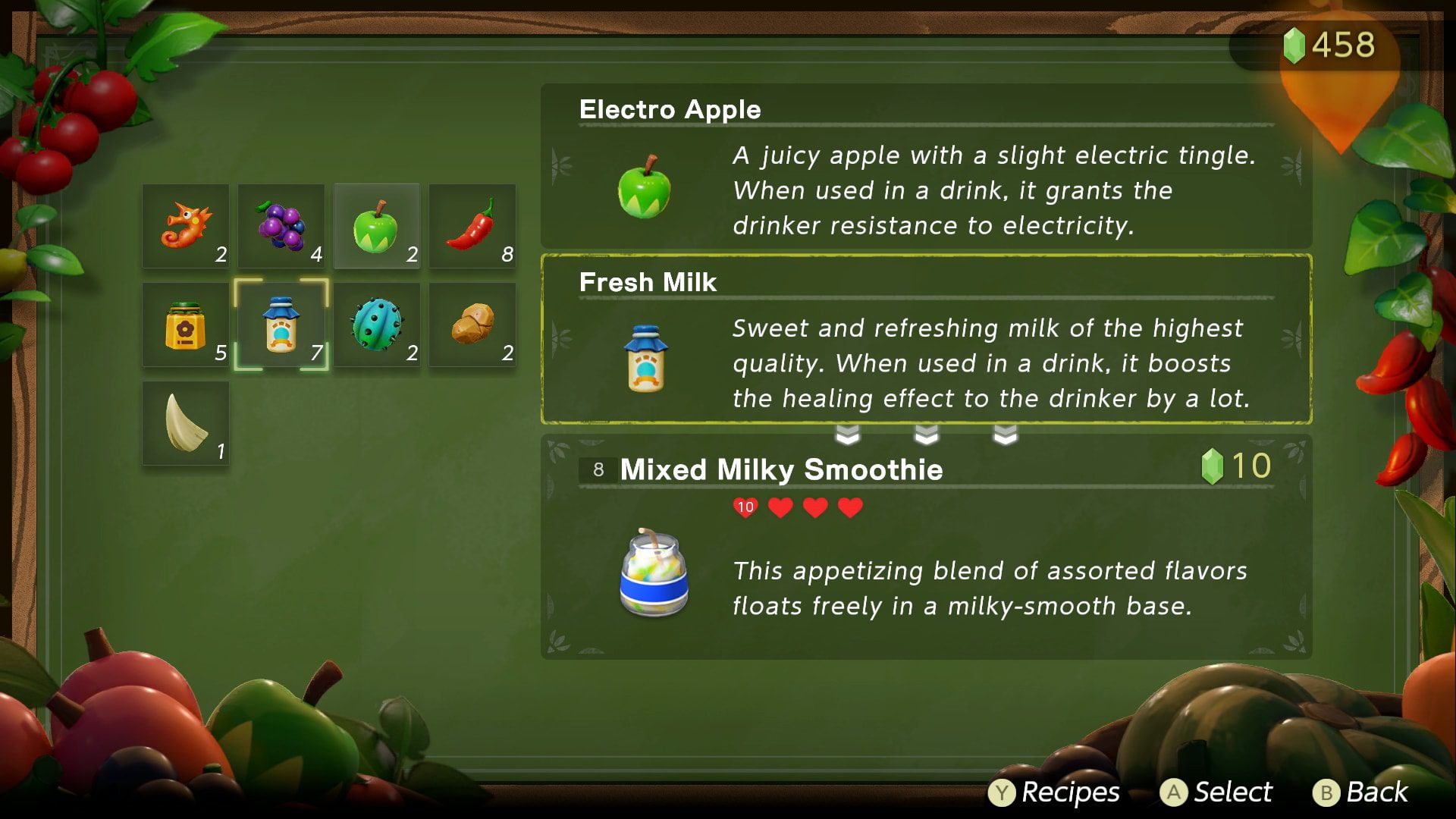
After Zelda learns at least 30 Echoes, the updated list can show only those you’ve marked as favourites. This makes it much quicker to find the object or creature you use often when the complete list has grown crowded.
The favourites filter isn’t restricted to Switch 2: the same improvement appears in Nintendo’s original Switch patch notes. The Echoes of Wisdom Switch 2 free update adds the visual enhancements on newer hardware, but both consoles benefit from better Echo organisation.
If you’re revisiting Zelda’s other abilities, see our Bind and Reverse Bond guide or the Automatons guide for how her different tools work.
Echoes of Wisdom Switch 2 free update: why isn’t HDR working?
To see HDR, connect Switch 2 in TV mode to an HDR-compatible television. Check the console’s HDR output setting and make sure the television accepts HDR on the HDMI input you’ve selected. The game won’t display HDR on a TV that cannot receive it.
HDR and variable refresh rate are different display features. If the problem is the console’s VRR option rather than this game’s image quality, see our Switch 2 VRR troubleshooting guide.
Do you need to buy an Echoes of Wisdom Switch 2 Edition?
No. If you already own Echoes of Wisdom on Switch, the enhanced Switch 2 visuals come through the normal free patch. There’s no separate paid edition for this update. Breath of the Wild and Tears of the Kingdom have different Switch 2 upgrade arrangements.
Nintendo gave Link’s Awakening a similar free Switch 2 update, so it’s worth checking both games if you’re bringing your Zelda library over to the newer console.
What if the update isn’t showing?
From the HOME Menu, check Software Update > Via the Internet and compare the version number with Nintendo’s 1.1.0 support page. Make sure the game is installed or the game card is inserted. Once updated, the Echoes of Wisdom Switch 2 free update is ready to use on Switch 2.
Official source: Nintendo’s official Echoes of Wisdom version 1.1.0 patch notes.





