
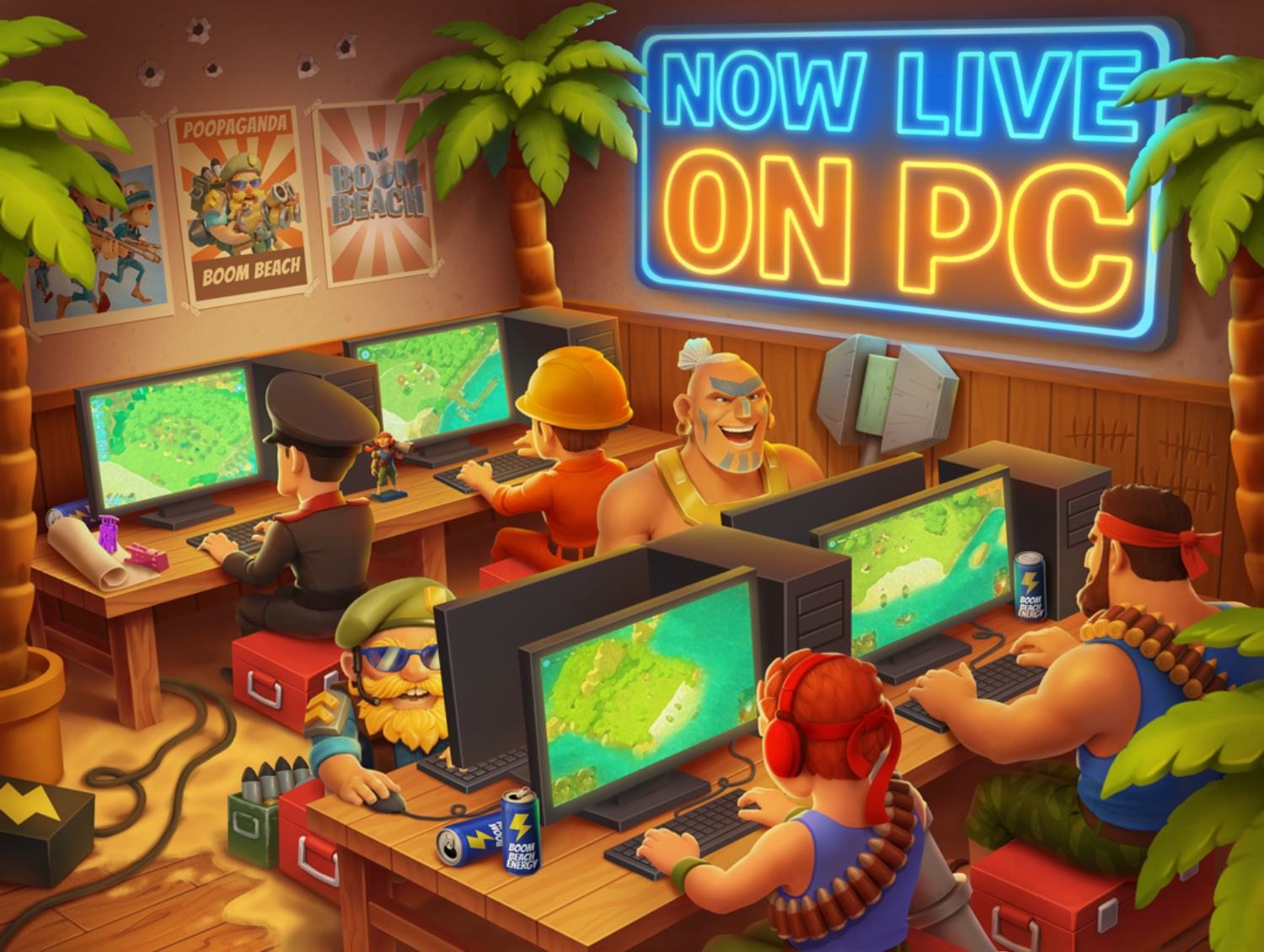
Boom Beach PC is an official Windows version of Supercell’s strategy game, released on 6 April 2026. You download it directly from Supercell, not through an Android emulator, and you can carry on with the same base you use on your phone.
If you already play on mobile, the main thing to get right is your Supercell ID. Sign into the Windows version with the same account and your progress will sync. You can switch between phone and computer during the day, although opening the game on one device signs you out of the other.
How to download Boom Beach PC safely
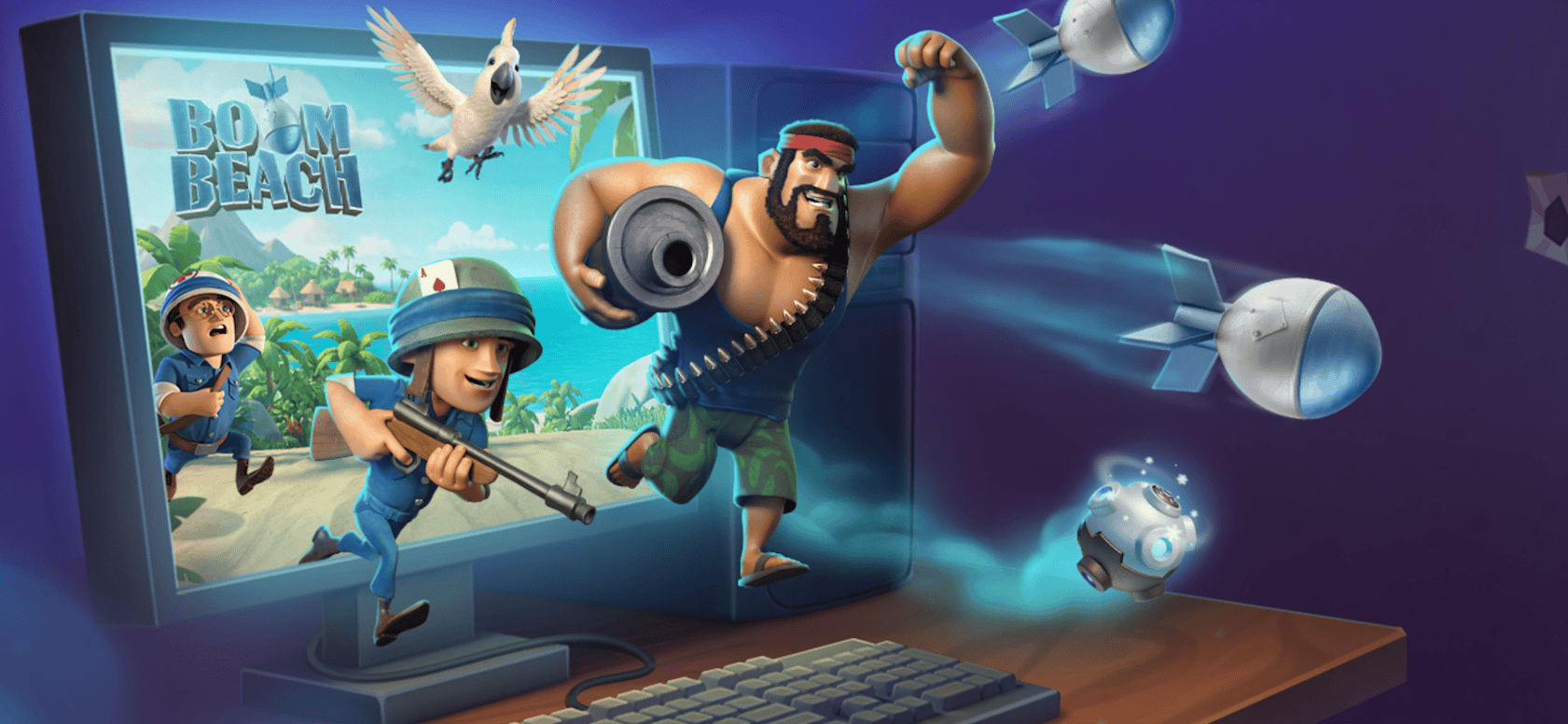
To install Boom Beach PC, use Supercell’s own Windows launcher. The game went live on 6 April 2026 and Supercell followed with a wider announcement on 9 April. This is the same Boom Beach you play on mobile, adapted for mouse and keyboard, not a separate game where you have to start over.
- Open the official Boom Beach website. The publisher’s download link is included at the end of this guide.
- Choose the Windows PC download and save the official Boom Beach launcher.
- Run the downloaded installer and follow the on-screen prompts to install the launcher and game client.
- Open the game, then decide whether you are starting a new base or continuing your mobile progress.
- If you already play on mobile, connect the PC game to your existing Supercell ID before treating it as your main base.
Skip APK download sites, emulator tutorials and unofficial installers. Supercell already provides the Windows version. Downloading the publisher’s launcher is the straightforward route and avoids handing your account to an unknown installer.
Boom Beach PC minimum system requirements
The official Boom Beach PC requirements are modest, but Supercell warns that meeting the minimum does not guarantee the best performance. Check your Windows edition and available storage before installing, particularly on older laptops.
| Component | Minimum requirement |
|---|---|
| Operating system | Windows 10 64-bit or newer |
| Processor | Intel Core i3 (6th generation) or AMD equivalent |
| Memory | 4GB RAM |
| Graphics | Integrated GPU with OpenGL support |
| Storage | 2GB free space |
Windows 10 must be the 64-bit edition; the current launcher is Windows-only. There is no native Mac or Linux version in Supercell’s PC announcement. A Windows virtual machine, compatibility tool or emulator is not the same as an officially supported Mac or Linux release.
How to sync Boom Beach PC with your mobile base
Boom Beach PC syncs your base through Supercell ID. If your island is already established on iPhone, iPad or Android, check that it’s linked to Supercell ID before you open the Windows version. You need to sign in with that exact account to load the progress you’ve already made.
- On mobile, open your player profile and check your Supercell ID. Supercell moved its sign-in and change-account buttons to the profile screen in September 2026.
- Start the Windows version and use its Supercell ID sign-in option.
- Sign in with the same Supercell ID account you checked on mobile.
- After connecting, verify that your base and progress match before playing further.
A brand-new PC player can start without creating a Supercell ID. However, Supercell says you need one to resume progress from mobile or make purchases on PC. If the wrong base appears, check the Supercell ID first rather than assuming your progress has been erased.
Can you play on PC and mobile at the same time?
No. Boom Beach PC and the mobile version can share progress, but Supercell does not allow simultaneous sessions with the same account. Launching the game on one device immediately logs that account out of its other devices. You can play on a phone during the day and continue on Windows later; that is normal account switching, not a one-way transfer.
Supercell also confirms that purchases made through Google Play or the App Store carry across to PC when your progress is linked. Boom Beach is free to play with optional purchases, and Supercell says prices are the same on mobile and Windows.
Where is Boom Beach PC available?
Boom Beach PC is available in markets where the mobile version operates, with three stated exceptions: South Korea, Australia and the US state of Texas. The UK is not on that exception list. If the launcher isn’t offered in a listed restricted region, do not substitute an unverified third-party installer.
Boom Beach PC launcher and account problems
If the launcher won’t start, check that your PC meets the Windows, processor, graphics, memory and storage requirements above. Supercell fixed a specific crash associated with a Windows Security warning on 5 October 2026. That fix doesn’t explain every possible crash, but it means older advice describing the warning as an ongoing known issue may be out of date.
If your base is missing, verify you’re using the original Supercell ID on both devices. Also remember that being signed out on the phone when you open the PC version is expected behaviour. For further account or installation trouble, use Boom Beach’s in-game support instead of sharing sign-in details with unofficial troubleshooting sites.
Once the Windows client is running, you can tackle the same game modes as on mobile. Our Boom Beach Warships guide covers how to unlock seasonal PvP, while the Warships Tech Tree guide explains its separate upgrades and tokens.
Official publisher: Download Boom Beach PC from Supercell.





