FSR 4.1.2 is now available for AMD Radeon RX 6000 graphics cards, bringing machine-learning image reconstruction to the RDNA 2 generation. AMD added this support with Adrenalin 26.10.1 on October 20, 2026 and released FSR SDK 2.4 on October 28. Cards such as RX 6600, RX 6700 XT, RX 6800 XT and RX 6900 XT are part of the supported family.
The new support lets RX 6000 owners use AMD’s ML upscaler in compatible games. It works independently of FSR Frame Generation 4.0.2, the newer generated-frame model reserved for RX 9000. The game, rendering API and Radeon software determine how the upscaling option is delivered.
Which RX 6000 graphics cards support FSR 4.1.2?
AMD lists Radeon RX 6000 discrete graphics, using its full INT8 model. The driver compatibility list names RX 6900, RX 6800, RX 6700, RX 6600, RX 6500 and RX 6400 families. That includes popular variants such as the RX 6650 XT, RX 6750 XT and RX 6950 XT, alongside the standard cards in those ranges. Check your exact GPU model and the driver made available for it.
RX 7000 received the ML upscaler in June 2026 and now gets the updated 4.1.2 implementation. RX 9000 uses a full FP8 model, while RX 6000 and RX 7000 use full INT8. RX 5000 can still run analytical FSR in supported games, but it is outside the ML upscaling list.
Driver requirements and installation
For FSR 4.1.2 on a desktop RX 6000 card, open AMD Software and check the driver version. Adrenalin 26.10.1 introduced RX 6000 compatibility; download that release or a later supported driver for your model from AMD. Finish installation, restart if requested, then launch a game with a compatible FSR implementation.
On a laptop, use the manufacturer’s driver if your system relies on vendor-specific display or power features. For handheld PCs, AMD directs owners to device-specific OEM updates. These systems have their own graphics software and should be updated using the device maker’s instructions.
How to turn on FSR 4.1.2 in games
Open a compatible game’s Display or Graphics options and select FSR Upscaling, then choose Quality, Balanced or Performance according to your display resolution. Quality starts from more rendered pixels, while Performance uses a lower internal resolution. If you are unsure, compare the same moving scene and pay attention to fine textures, foliage and text as well as FPS.
FSR 4.1.2 can reach an eligible DirectX 12 FSR 3.1 or newer integration through AMD’s supported driver update route. Vulkan is different. The developer must integrate SDK 2.4’s Vulkan-capable effect to expose newer ML upscaling. A Vulkan game with only older analytical FSR 3.1 is not automatically upgraded when you install Adrenalin. Some games also display FSR without spelling out the exact effect version.
Does the update include new frame generation?
No. FSR 4.1.2 expands the upscaler’s hardware range, but AMD FSR Frame Generation 4.0.2 still requires Radeon RX 9000 series or newer with Windows 11. The same restriction applies to the new Driver-Assisted Frame Pacing path. RX 6000 and RX 7000 users can continue to run compatible analytical FSR 3 frame generation when games provide that option.
Upscaling rebuilds each rendered image from fewer pixels. Frame generation inserts intermediate images between rendered frames. You can have FSR upscaling enabled on an RX 6700 XT while still using a game’s analytical FSR 3 frame generation, where supported. These settings solve different problems.
Windows and graphics API compatibility
FSR 4.1.2 upscaling supports Windows 10 and Windows 11 on suitable hardware. DirectX 12 requires Shader Model 6.6 and an appropriate Agility SDK, while the Vulkan implementation uses Vulkan 1.2 and SPIR-V 1.5. The game developer handles these technical integrations. You only need a supported game build, graphics card and appropriate driver.
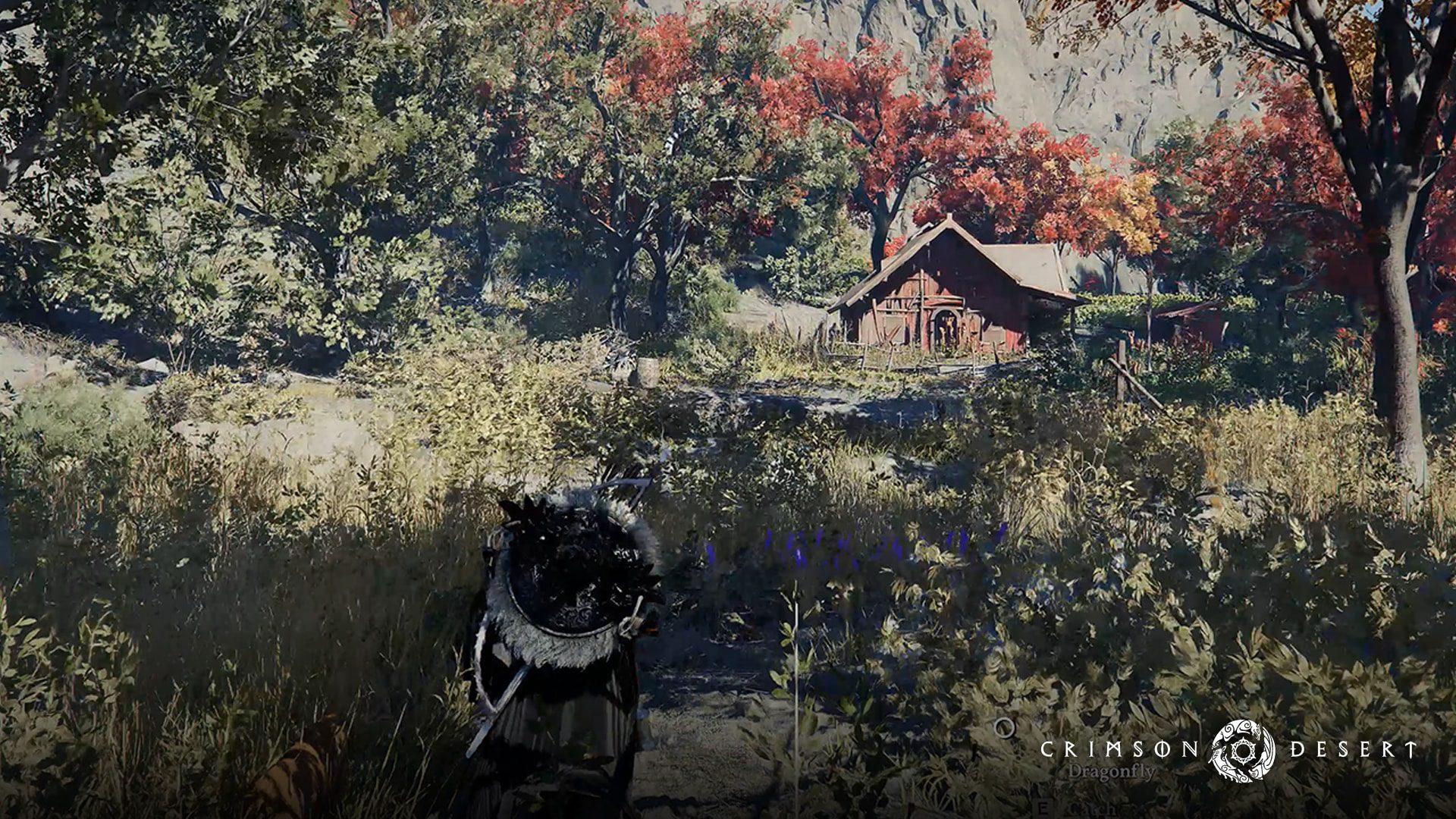
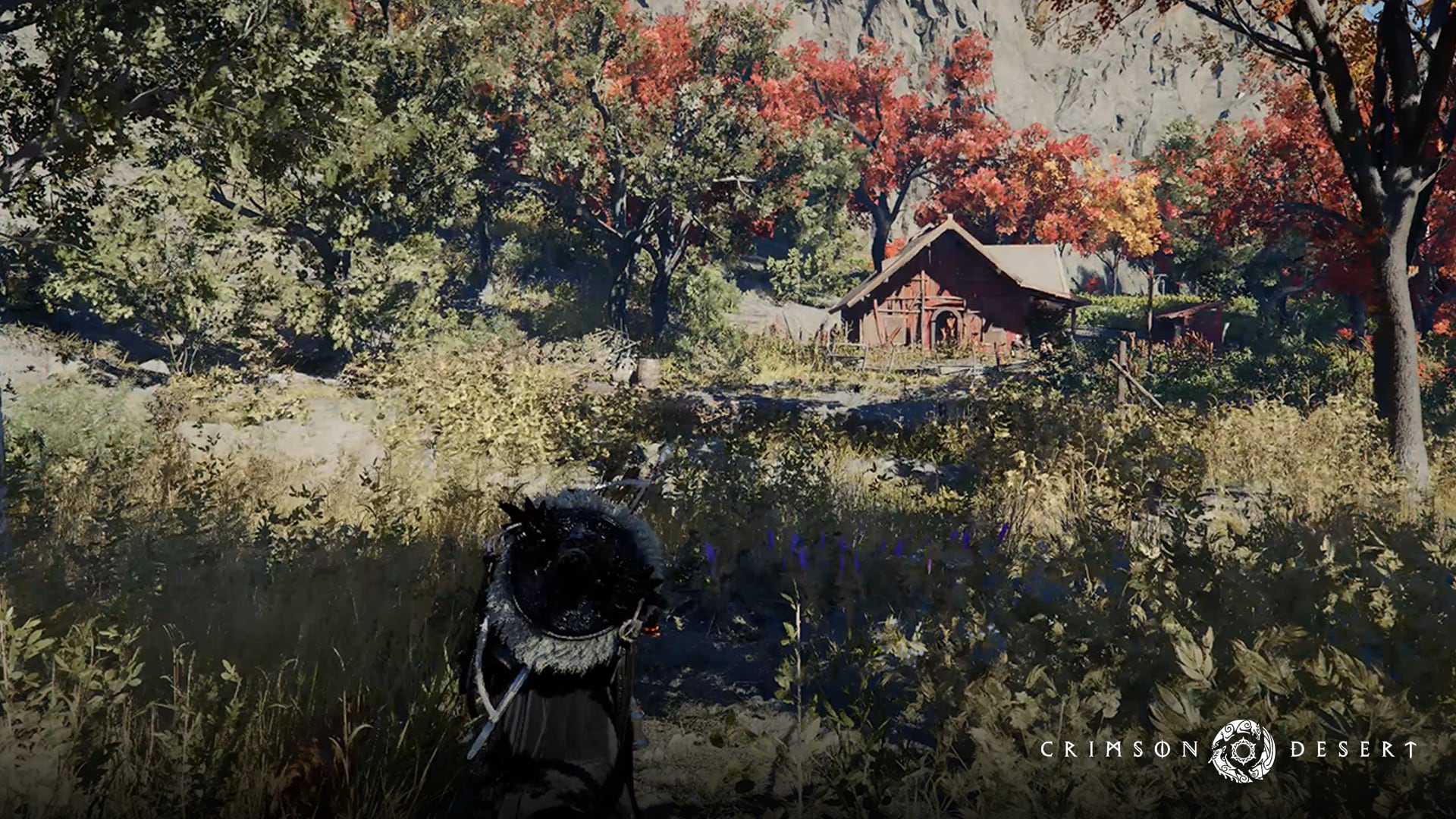
AMD demonstrates the new upscaler in Crimson Desert on an RX 6800 XT. Its images compare FSR 3.1 Quality mode with FSR 4.1 Performance mode at 4K Ultra, so they are a useful illustration of reconstruction quality, not a same-preset FPS benchmark by The Click.
What to check if FSR is missing
If the FSR option is missing, confirm the RX 6000 model, Radeon driver, game update and rendering API. On DirectX 12, eligible FSR 3.1 integrations can use a supported driver upgrade. On Vulkan, the game needs the SDK 2.4 integration, which arrives through its own update.
Once you have FSR 4.1.2 running, test Quality and Balanced first, then move to Performance if you need more headroom. Keep the frame generation setting separate and make a note of the graphics preset you tested. This gives a useful comparison without pretending AMD promised a fixed FPS gain for every RX 6000 card.
Related Guides
Official source: AMD GPUOpen FSR SDK 2.4 compatibility announcement.