
Fortnite v43.00 known issues include mobile sprinting in LEGO Fortnite Odyssey, overly bright Fortnite OG colours and the Sweet Dreams Sprite placeholder icon. Epic is also tracking Pump & Dump firing both weapons together and standalone UEFN entities that fail to appear in live sessions. A November 1 report from Fortnite Status adds a temporary Toggle Inventory and Toggle Map keybind problem.
Three reports have specific workarounds: rebind inventory and map controls from the lobby, enable Auto Run Lock Zone for mobile Odyssey sprinting, and restart Fortnite if OG colours look oversaturated. UEFN creators can use Push Changes to sync a pasted standalone entity. Epic hasn’t provided a dependable workaround for Pump & Dump firing both guns together.
Fortnite v43.00 known issues: what to do now
| Problem | Mode | Official response |
|---|---|---|
| Toggle Inventory and Toggle Map keybinds not responding | Keyboard controls in a match | Change binds in the lobby; mid-match changes apply from next match |
| Sprinting unavailable | LEGO Fortnite Odyssey on mobile | Enable Auto Run Lock Zone |
| Island colours unusually bright | Fortnite OG after Battle Royale | Restart the game |
| Placeholder icon and text | Sweet Dreams Sprite | v43.10 fix targeted |
| Shotgun and SMG fire together | Pump & Dump | v43.10 fix targeted; no verified workaround |
| Copied entity absent from playtest | UEFN live edit | Push Changes or use a prefab |
Fortnite v43.00 known issues: map and inventory keybind fix
Fortnite Status reported on November 1 that the Toggle Inventory and Toggle Map keybinds can stop responding or refuse to rebind during a match. For now, return to the lobby, open Settings and the Keyboard Controls tab, adjust the affected binds and test them in the next match. A change made during a match is expected to take effect in the following match, not immediately. This is an ongoing investigation in the Fortnite v43.00 known issues list, not a confirmed permanent fix. Epic’s control settings are under the gear icon, in the Keyboard Controls tab with the arrow-keys symbol. Check that you’re in the intended game mode before editing the bindings.
If the key press does nothing but the on-screen minimap, health and inventory display are otherwise visible, this is a keybind issue, not the same as the Fortnite HUD missing problem. Fortnite Status has not announced a permanent patch for this exact report. Do not treat v43.10 as a confirmed fix, and avoid reinstalling the entire game for a rebinding delay.
LEGO Fortnite mobile sprint not working: setting fix
Epic’s temporary workaround for mobile players in LEGO Fortnite Odyssey is to enable the Auto Run Lock Zone option. Follow this exact menu path:
- Open Settings.
- Go to Game, then Movement.
- Set Auto Run Lock Zone to Enabled.
- Return to Odyssey and test sprinting.
The workaround applies to Odyssey on mobile, so there’s no need to reset every control or reinstall the game. Separately, v43.00 fixed a conflict between double-tapping Ping and double-tap autorun, but the Odyssey sprinting issue remains.
Fortnite OG colours too bright: restart the game
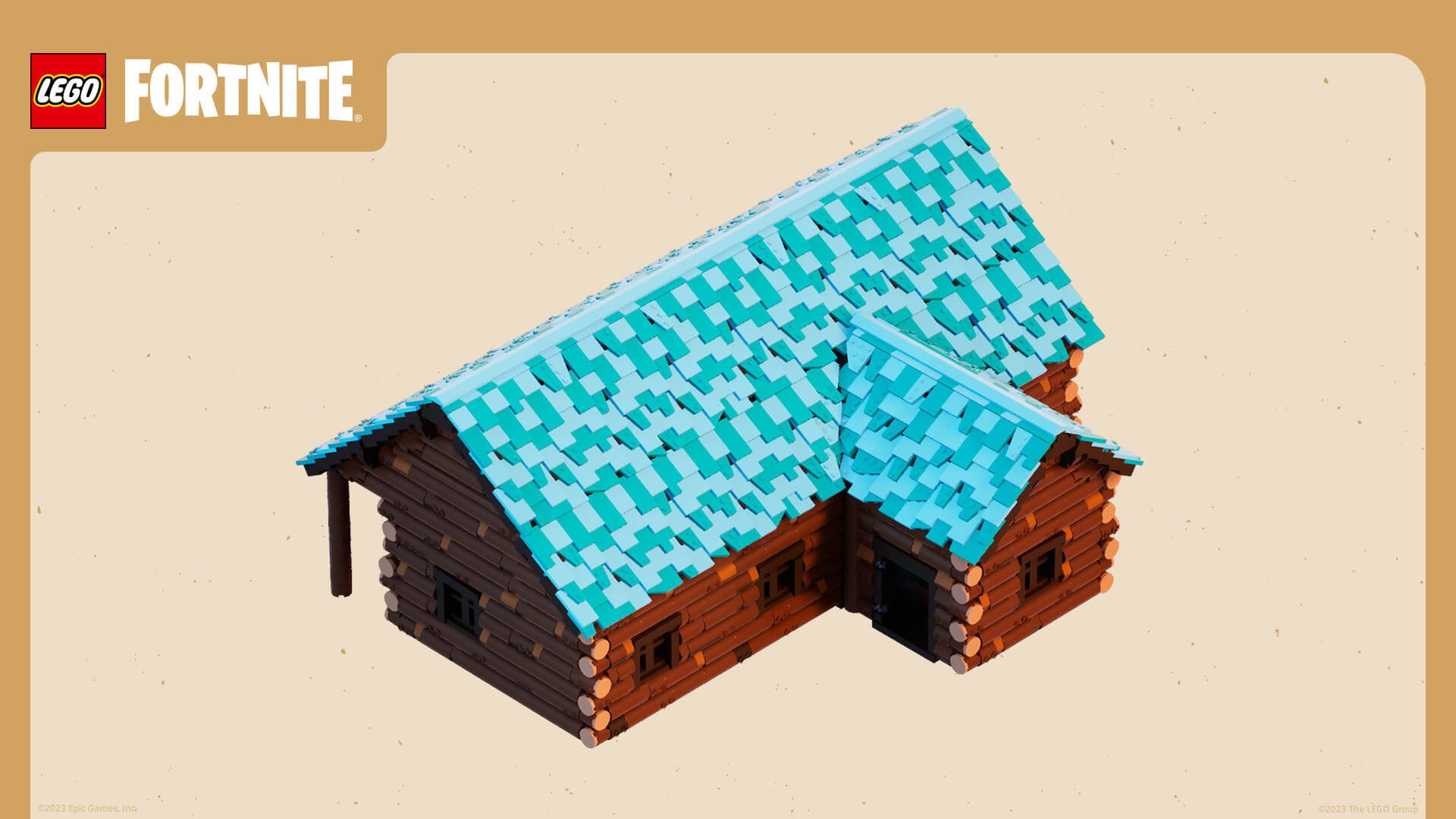
Fortnite OG can look more saturated and colourful than intended after playing a Battle Royale match in the same session. That mode-switching sequence is the problem Epic describes, rather than a deliberate new colour style for the OG Island.
To put the colours back, fully close Fortnite and relaunch it. This is Epic’s official workaround. Before changing monitor saturation, NVIDIA Digital Vibrance or accessibility colour settings, try the restart that addresses this specific bug.
Sweet Dreams Sprite placeholder icon: is its ability broken?
The Sweet Dreams Sprite may display a placeholder icon and text in the inventory. Epic lists it under Battle Royale and Zero Build in the Fortnite v43.00 known issues section.
This is an inventory display bug. Epic hasn’t reported a failure of Sweet Dreams’ ability, which gives a random item when it levels up and Mythic loot at maximum level. Our Sweet Dreams Sprite guide explains how those rewards work.
Fortnite v43.00 known issues: Pump & Dump dual-fire bug
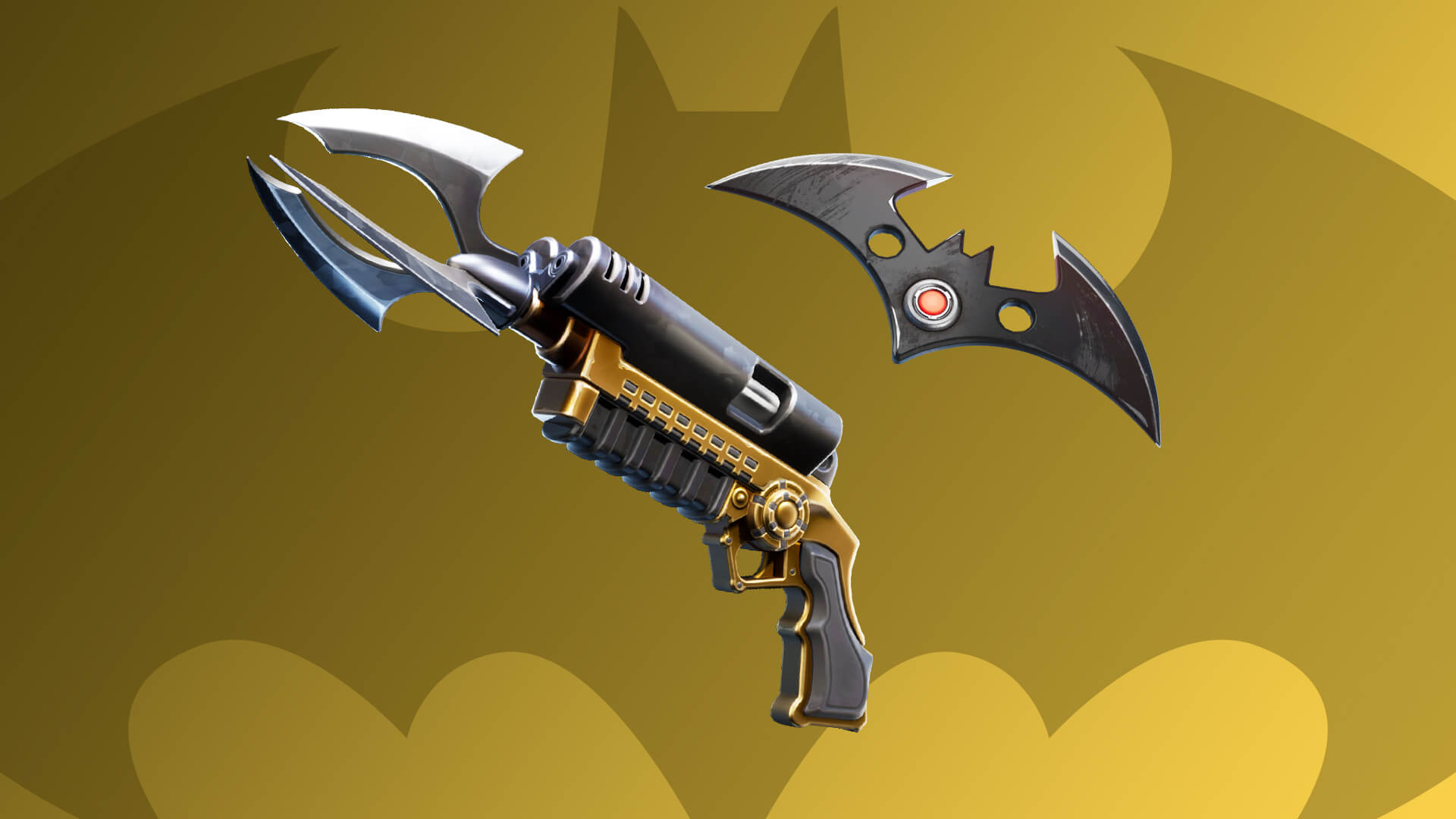
Pressing secondary fire on the Pump & Dump fires both the Shotgun and SMG, preventing players from firing the SMG alone. Epic says this affects every rarity, including the Lawless Blink Pump & Dump. There is no verified workaround, and the repair is targeted for v43.10 on 12 November.
Fortnite v43.00 known issues: copied entities missing in UEFN
A standalone entity pasted after launching a UEFN session may appear in the editor but not in the running Fortnite client. Epic recommends Push Changes after pasting, or using a prefab. See our UEFN copied entity not showing guide for the steps. This is separate from an island versioning failure.
Fortnite v43.00 known issues: UEFN warnings and matchmaking
Deleting a referenced entity while Entity Proxy Actors are disabled can leave stale references until you save and reopen the project. A separate Ensure condition failed message about FApp time during Launch Session or Push Changes is harmless according to Epic. Both are targeted for v44.00 on 5 December.
Non-leader party members can encounter Matchmaking Error #1 when readying after Retry. Epic has moved the target fix for that specific sequence to v44.00. Not every matchmaking error has the same cause.
Other Fortnite v43.00 known issues still being worked on
| Mode | Issue | Status |
|---|---|---|
| Save the World | Inconsistent weapon damage in high-level missions, notably Mythic Storm King | Investigating |
| Save the World, Xbox One | Directional Jump Pads may fail after Phase Shifting | v43.10 fix planned |
| Fortnite Festival Main Stage | Controller D-pad not working in the Song Menu | Analogue stick works |
| Fortnite Festival Jam Stage | Sidekick Quests cannot currently be completed | Known issue |
| Cosmetics | Venom can show two tongues in the We Are Venom emote | v43.10 fix planned |
Epic is still investigating the Save the World weapon-damage problem. The Xbox One Jump Pad issue, by contrast, is listed for a v43.10 fix.
Which bugs have already been fixed in v43.00?
Other bugs were fixed in v43.00. In Fortnite OG, Driftboards no longer move on their own after boosting and now float in deep water. Epic also addressed scenery popping in and out around Lucky Landing, Tilted Town and Dusty Depot.
On mobile, the Pocket Item HUD slot can now be moved and resized. Epic also fixed cases where it disappeared, including a related problem with older custom layouts in Reload. These changes are already live in v43.00.
Fortnite v43.00 known issues: v43.10 and v44.00 dates
Epic’s tracker targets v43.10 on 12 November 2026, including repairs for the Pump & Dump and copied-entity bugs. The stale-reference issue, harmless UEFN warning and Retry matchmaking problem target v44.00 on 5 December. These are planned fixes, not completed updates.
For now, use the available workarounds for Fortnite v43.00 known issues and check Epic’s tracker for changes. Sweet Dreams’ inventory placeholder and the Pump & Dump input bug still need confirmed repairs.
Official source: Epic Games v43.00 known issues and planned fixes.





