
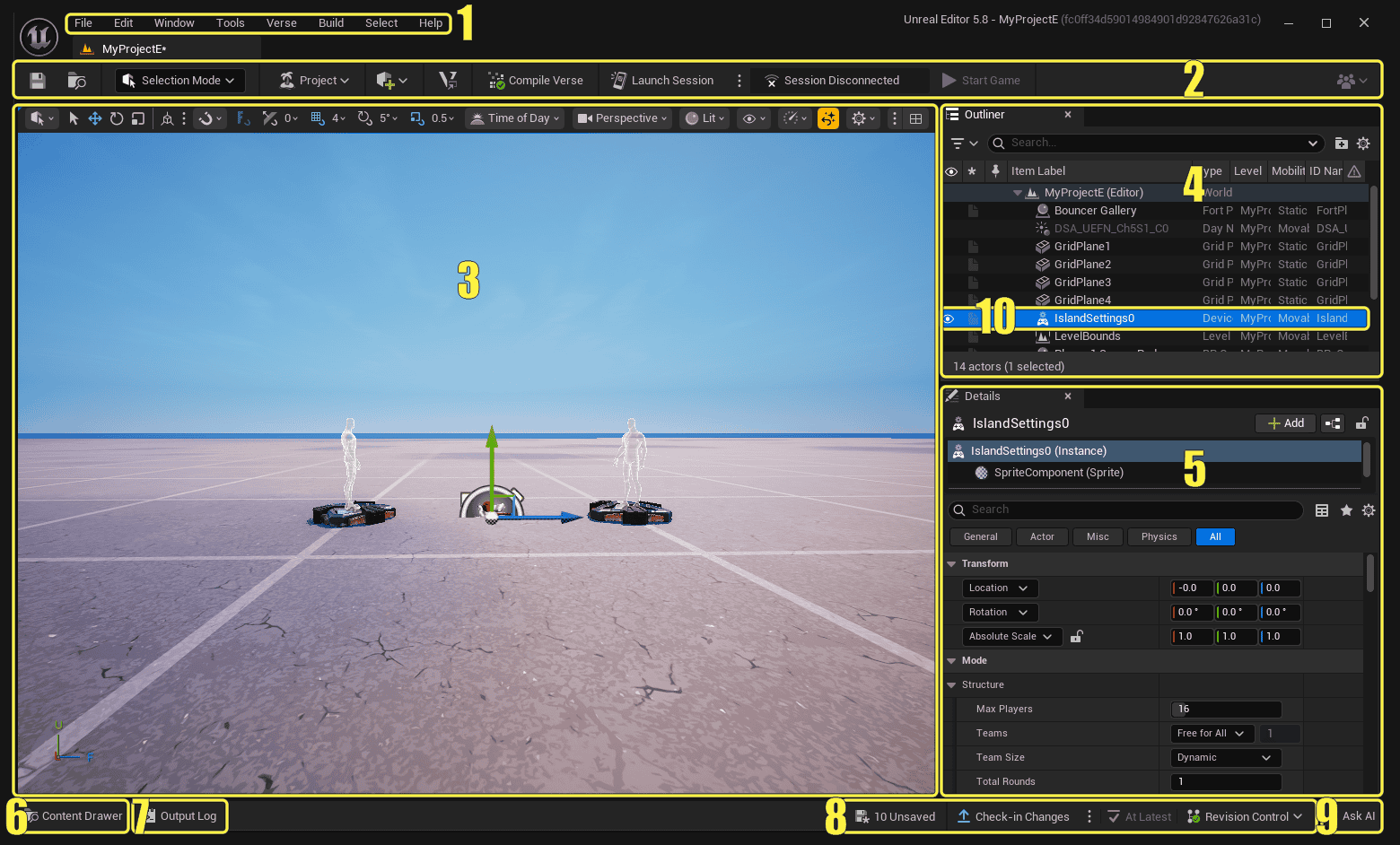
UEFN copied entity not showing in a running Fortnite session is a confirmed v43.00 live edit bug. If you copy and paste a standalone entity after launching a session, the object appears in UEFN but not necessarily in the game. Epic’s workaround is to click Push Changes or use a prefab.
Don’t rebuild your island or delete the object. Check that the pasted entity is in the Outliner, send the pending changes to your playtest, then check the same location in Fortnite.
Why is a UEFN copied entity not showing?
Epic’s report specifically covers standalone entities pasted after a session has started. They are added to the editor project but don’t always appear in the connected Fortnite client. It’s a live edit issue, not an indication that your published island has been changed.
Find your pasted object in the Outliner and check its position. If it’s missing from the editor too, investigate the paste itself. If it’s in the editor but absent from the connected game, follow the UEFN copied entity not showing steps below.
This isn’t a Verse compilation problem. The editor already has the object; the running session needs an update. The correct button is Push Changes, rather than the Verse-only option.
UEFN copied entity not showing: Push Changes steps
1. Check the connection. Make sure the Fortnite playtest is running from your open UEFN project. Epic’s reported problem concerns an active editor session.
2. Find the copy in the Outliner. Select the new entity, not the original, and confirm it’s where you intended to paste it.
3. Click Push Changes. This is Epic’s official workaround for UEFN copied entity not showing. It sends pending editor updates, including newly placed objects, to Fortnite.
4. Return to Fortnite. Let the update finish, visit the object’s location and check that it appears and behaves as intended.
Push Verse Changes won’t solve this particular issue. That button sends only Verse code updates. Push Changes also sends placed objects and property updates, which is what your pasted entity needs.
If Push Changes fails or the object is still missing
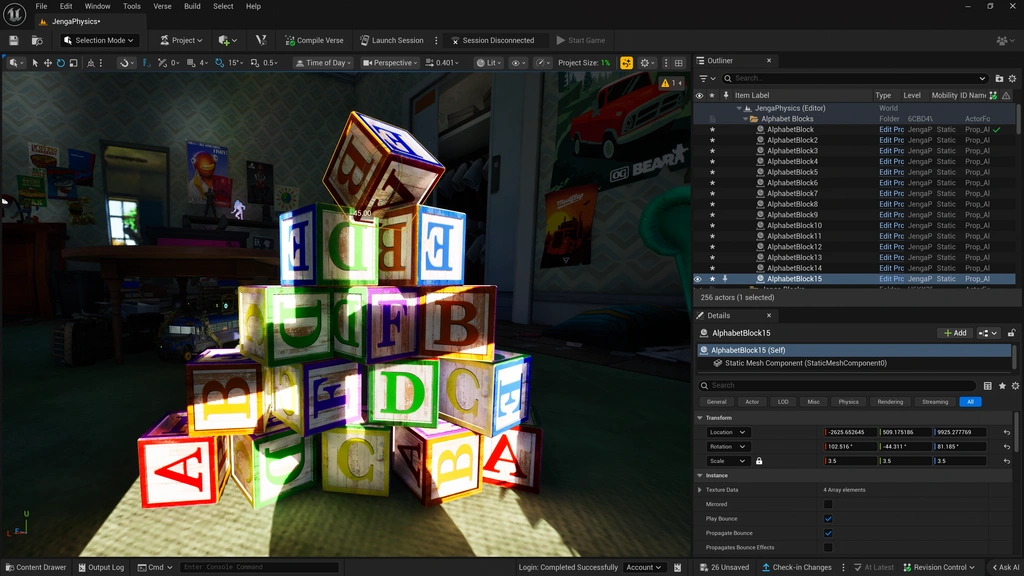
If the object still doesn’t appear, first check whether the update actually completed. Open Tools → Live Edit Tools → Session Inspector to see session and cooking progress. If UEFN reports a failure, use the Output Log to find the error.
Don’t wipe the project, delete assets or reinstall the game. Those aren’t the documented fix for a UEFN copied entity not showing in live edit. If Push Changes fails, investigate the error rather than guessing.
An Ensure condition failed warning mentioning FApp time can appear during Launch Session or Push Changes. Epic confirms that specific warning doesn’t affect functionality, so it shouldn’t be treated as a broken project.
If the editor and game still disagree even though the push succeeded, Epic also provides a Refresh Session command in UEFN’s Session menu to reconcile general editor-versus-session discrepancies. That is an additional troubleshooting step, not the specific workaround listed for copied standalone entities.
Can a prefab prevent the UEFN copied entity not showing bug?
Yes. Epic recommends a prefab as the alternative to copying standalone entities. Fortnite v43.00 added live edit support for prefab assets, so changes to a prefab asset update its instances during a session.
Prefabs are helpful for repeated structures or object groups. They let you make one supported live edit to a reusable asset instead of pasting another standalone copy.
The standalone copy-and-paste bug is still listed separately. If prefabs don’t suit your layout, you can keep using standalone entities and Push Changes after pasting.
When will UEFN copied entity not showing be fixed?
Epic targets a fix in v43.10 on 12 November 2026. That’s the planned release, not a completed fix. For now, Push Changes or a prefab remains Epic’s official advice.
Don’t confuse the bug with stale Scene Graph references from deleting entities while Entity Proxy Actors are disabled. For that separate issue, save and reopen the project. Epic targets its repair for v44.00 on 5 December.
If the UEFN copied entity not showing issue matches what you see, check the Outliner, Push Changes and then inspect the object in-game. This is the fastest route supported by Epic’s v43.00 guidance.
Official source: Epic Games v43.00 known issues and pre-release updates.





