
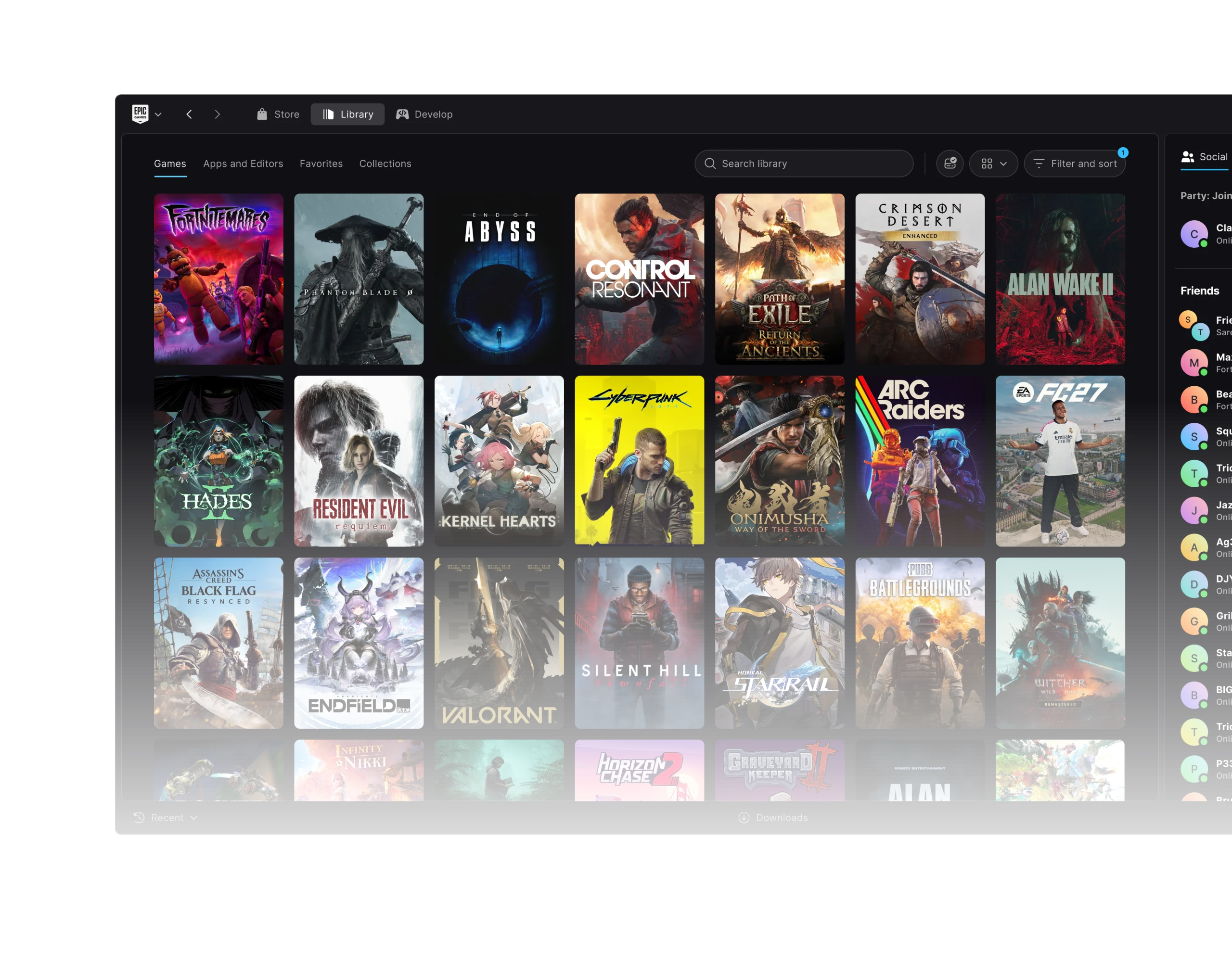
Before you uninstall Epic Games Launcher Preview, check what will happen to your installed games. Epic’s support FAQ warns that removing the launcher can remove game installations too. However, the 0.100.0 update added an option to keep those games when uninstalling.
That makes the choice in the removal dialog important. Back up any local saves or project files you cannot replace, and read the prompt before continuing if you’re returning to Epic’s legacy launcher.
Before you uninstall Epic Games Launcher Preview
Epic’s support FAQ still warns that uninstalling Preview also uninstalls previously installed games. Its 21 October 2026 release notes say the uninstaller now asks whether to keep them. Both statements are official, so check the choice shown by your installed version rather than assuming the outcome.
Back up locally stored saves, mods and Unreal Engine projects first. Games that support cloud saves may restore progress from your Epic account, but cloud sync isn’t available for every title or every local file.
When you uninstall Epic Games Launcher Preview, choose keep installed games if the prompt appears and that’s what you want. If you don’t see that choice, make sure you understand the risk before confirming the removal.
How to uninstall Epic Games Launcher Preview and restore legacy
- Back up important local saves and Unreal Engine project folders.
- Review your installed Preview version and Epic’s current removal guidance.
- Use your operating system’s normal application-uninstall process for Epic Games Launcher Preview.
- Read the uninstaller prompt. Select keep installed games if available and if you wish to retain them.
- Download the legacy Epic Games Launcher from Epic’s official store website and install it.
- Sign in with your usual Epic Games account and check which games and files are recognised.
Epic’s official route back is to uninstall Preview, install the legacy launcher again and sign into your account. Preserved game files may still need to be recognised by the older client, so check the Library afterwards rather than assuming everything has transferred automatically.
Forward migration and moving back are different tasks. Preview has a built-in process for importing legacy installations; that doesn’t mean returning to legacy will register the same files without any extra work.
Does uninstalling Epic Games Launcher Preview delete games?
It depends on the uninstall choice. Epic’s FAQ warns about game removal, while the later 0.100.0 release offers an option to keep the files. Don’t approve a removal option if you’re trying to preserve installations.
Even after selecting keep-games, check that your local data is still present. Your Epic purchases remain linked to your account, but that doesn’t guarantee every downloaded file is still on the computer.
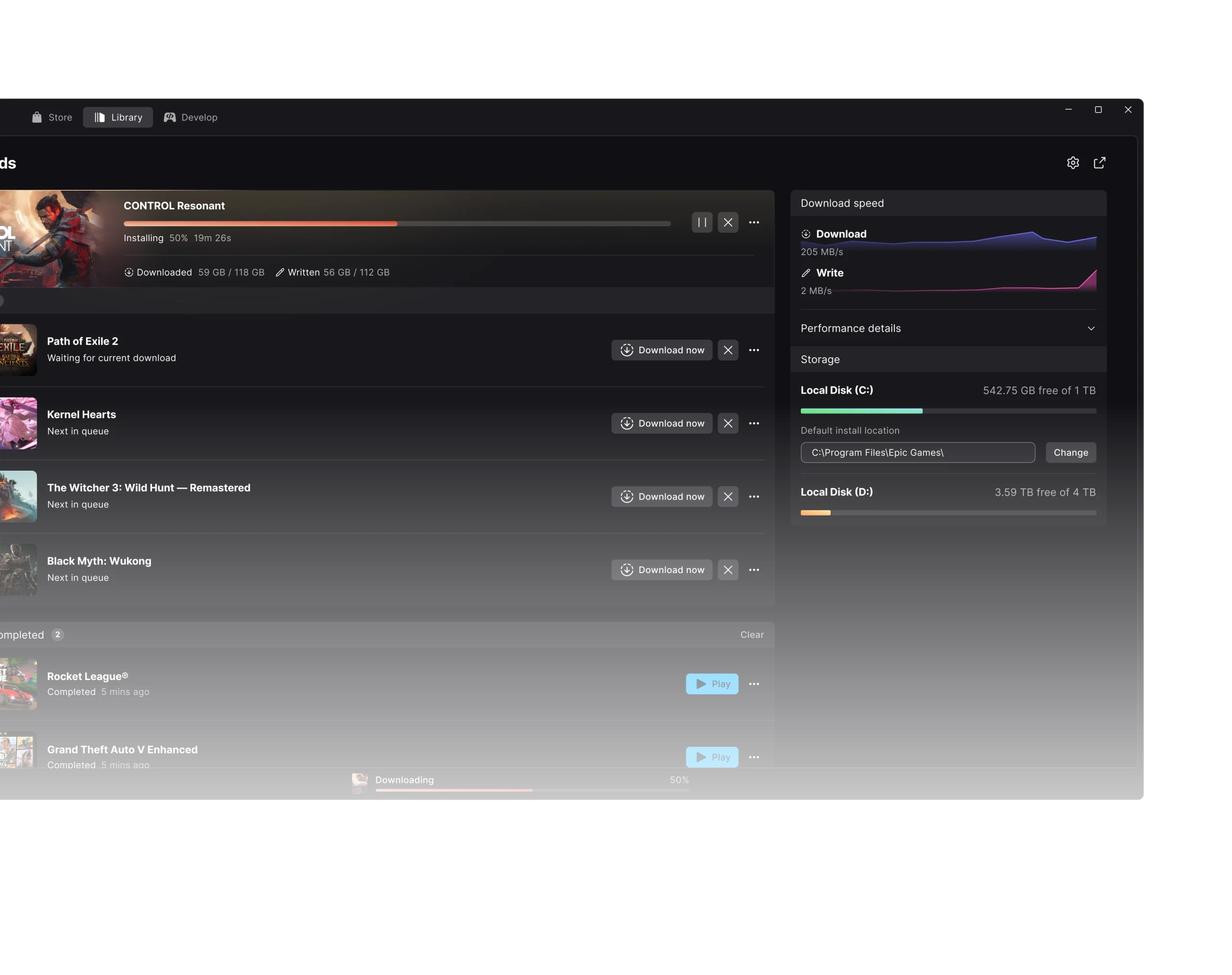
How to uninstall one game without removing Preview
If you only need to remove one title, use Library at the top of Preview, open the game’s page and select Uninstall from its three-dot menu. Confirm that game removal in the popup. This leaves the launcher in place.
That’s a different operation from removing the entire Preview. If you’re troubleshooting an incomplete Library, try the official scan and filter checks before deleting any games.
Do you lose purchased games when returning to legacy?
No. Purchased games and completed free-game claims remain linked to your Epic account when you change launcher applications. Downloaded installations and unsynchronised local saves are separate, which is why backing up matters.
If the legacy launcher doesn’t recognise a game after you switch, first confirm you’re signed into the right account. Don’t buy the game again; use Epic’s official help to locate or reinstall the files.
Should you uninstall Epic Games Launcher Preview to fix bugs?
Check for an update first. Version 0.108.0 fixes several Library and Social Panel problems; 0.106.0 fixes a Linux keyring sign-in issue. Installing a fix is usually less disruptive than replacing the launcher.
If you want to return to the older interface, uninstall Epic Games Launcher Preview using the precautions above. Our migration guide explains the separate move from legacy to Preview.
What if the keep-installed-games choice doesn’t appear?
Stop before confirming removal if the uninstaller doesn’t offer to preserve games and you’ve got files you want to keep. Check the installed version, Epic’s official notes and your backups, then decide whether to continue.
You can uninstall Epic Games Launcher Preview and restore legacy, but the safe order is to back up personal files, inspect the keep-games option and verify your installations afterwards.
Official source: Epic’s official Preview release notes, including the version 0.100.0 keep-games prompt.





