

Phantom Blade Zero GeForce NOW support launched on 29 October 2026. NVIDIA’s cloud service now streams the Steam version of S-GAME’s action RPG, so you can play without downloading its large Windows installation onto your own device. You still need to own a supported copy on Steam; a GeForce NOW membership does not include the game.
Playing in the cloud means NVIDIA’s servers handle the graphics, game files and updates. Your screen receives the stream while your controller or keyboard sends inputs back. Ultimate members can use RTX 5080-class cloud hardware, though the resolution, responsiveness and session limits depend on the device, connection and membership.
Phantom Blade Zero GeForce NOW: How to link Steam and play
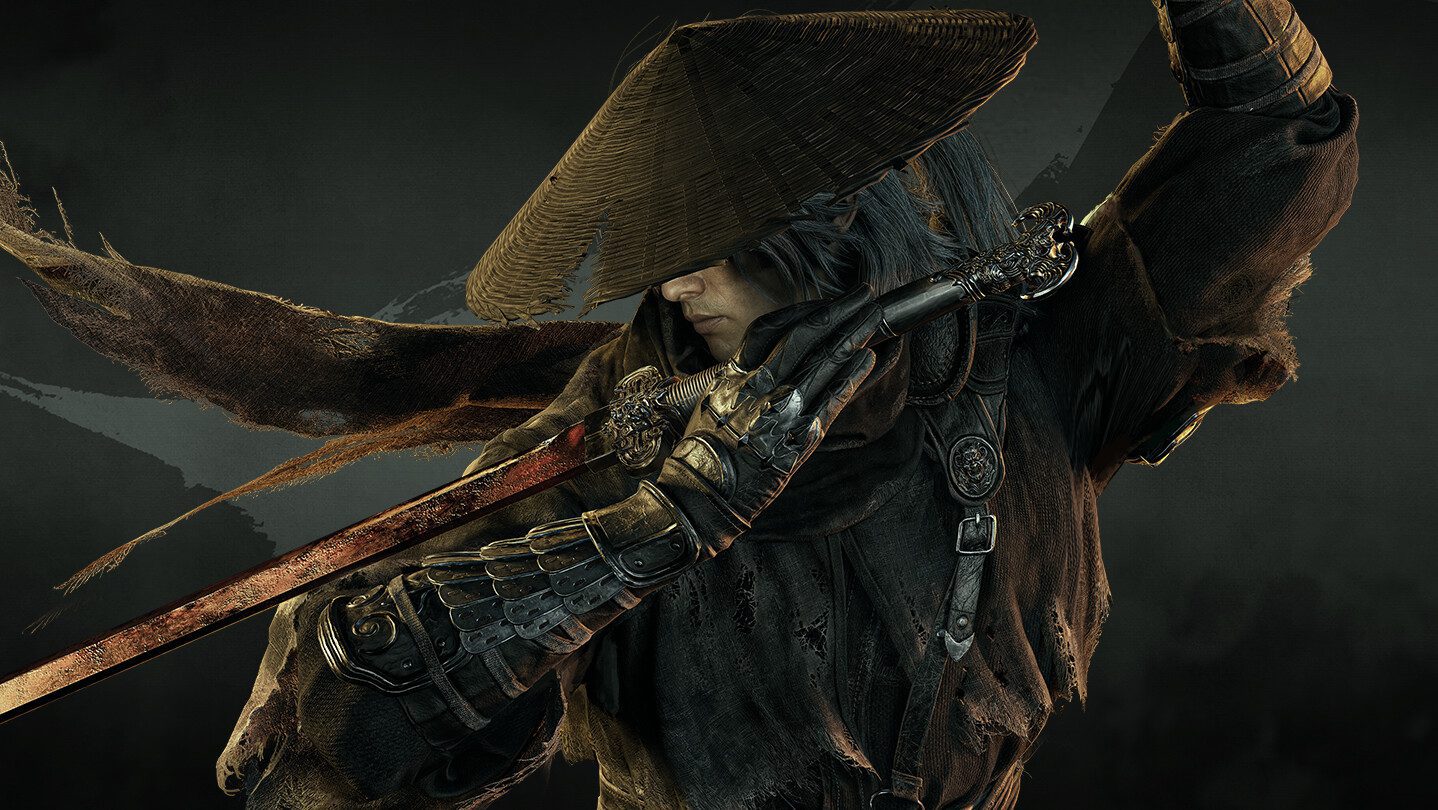
To start streaming Phantom Blade Zero, sign into your NVIDIA account and select a GeForce NOW membership. Open the GeForce NOW app on Windows, Mac or another compatible device, or use its supported web player. The game is listed under Steam, the confirmed storefront in NVIDIA’s October 29 announcement.
Open Settings in GeForce NOW and find Connections or the connected game-store accounts section. Link the Steam account that owns Phantom Blade Zero. NVIDIA’s game syncing feature can bring supported Steam purchases into My Library; press the sync control again if a recently purchased game has not appeared.
Search for Phantom Blade Zero in the GeForce NOW library, choose its Steam option and select Play. Sign into Steam when the cloud session asks to verify ownership. The game runs on the remote server, so there is no separate 145 GB download inside your local NVIDIA app.
Do you need to buy the Steam version?
Phantom Blade Zero GeForce NOW does not make the Steam game free. Free, Performance and Ultimate are cloud-streaming memberships, separate from the game licence. NVIDIA supports free members as well as paying members, but available cloud rigs, waiting times and session durations differ. A PlayStation copy is not interchangeable with a Steam purchase.
For Ultimate subscribers, NVIDIA specifically advertises RTX 5080-class cloud performance. That is the remote hardware class, not an automatic promise of 4K/120 FPS on every screen. Performance and Free members use their plan’s available cloud rigs. You can adjust streaming quality to match your internet connection and device.
Membership tiers and supported devices
The Phantom Blade Zero GeForce NOW launch supports NVIDIA’s general device ecosystem: Windows PCs, Macs, compatible handhelds, supported browsers, Android and iOS devices, and selected televisions. Device-specific app and controller support still applies. For precise parry timing and smooth combat, use a stable internet connection and a supported controller or keyboard setup.
S-GAME’s warning about driver 621.01 concerns local PC installs. NVIDIA manages drivers on its streaming servers, so changing your laptop’s driver won’t fix a cloud session. For the separate PC issue, read our local NVIDIA driver guide for that separate issue.
Cloud saves and switching between PC and streaming
Before switching between Phantom Blade Zero GeForce NOW and a local PC installation, check Steam’s cloud-save setting and wait for progress to sync. If Steam offers conflicting save versions, compare their timestamps before choosing one. NVIDIA supports cloud saves for compatible games, and a save should be treated with care when moving between devices.
Phantom Blade Zero GeForce NOW troubleshooting
If Phantom Blade Zero GeForce NOW isn’t showing up, check the selected game store, resync Steam in the NVIDIA app and search the full game name. NVIDIA adds new titles throughout the week, so the Steam listing may appear after the initial announcement.
A different issue is a session that launches but then closes. Sign out and back into Steam, restart the GeForce NOW app and use NVIDIA’s connection test or service-status page. For a crash on a locally installed game, our Phantom Blade Zero crashing guide covers PC-specific fixes.
The game’s UK unlock was 2 AM GMT on 29 October and NVIDIA added cloud streaming that day. Our release-time guide explains the US/UK date difference. The PC requirements and day-one patch guides are useful if you also play locally.
For Phantom Blade Zero GeForce NOW, start with a Steam purchase and a connected store account. Select the Steam game tile and play. NVIDIA handles the installation and graphics processing while you keep ownership of the game in your Steam library.
Official source: NVIDIA’s October 29 GeForce NOW announcement.





