Phantom Blade Zero PC requirements start with a GTX 1660 6 GB or Radeon RX 5500 XT 8 GB, 16 GB RAM and an SSD for the minimum 1080p, 30 FPS experience. For the recommended 1440p, 60 FPS target, S-GAME lists an RTX 3060 Ti 8 GB or Radeon RX 6700 XT 12 GB. Both targets use upscaling.
The developer has published four performance profiles: minimum, recommended, ray tracing and path tracing. You’ll also need room to install the game. It’s approximately 145 GB on PC, but the preload needs at least 300 GB free on an SSD. That larger number is temporary working space, not the final game size.
Phantom Blade Zero PC requirements: minimum and recommended specs
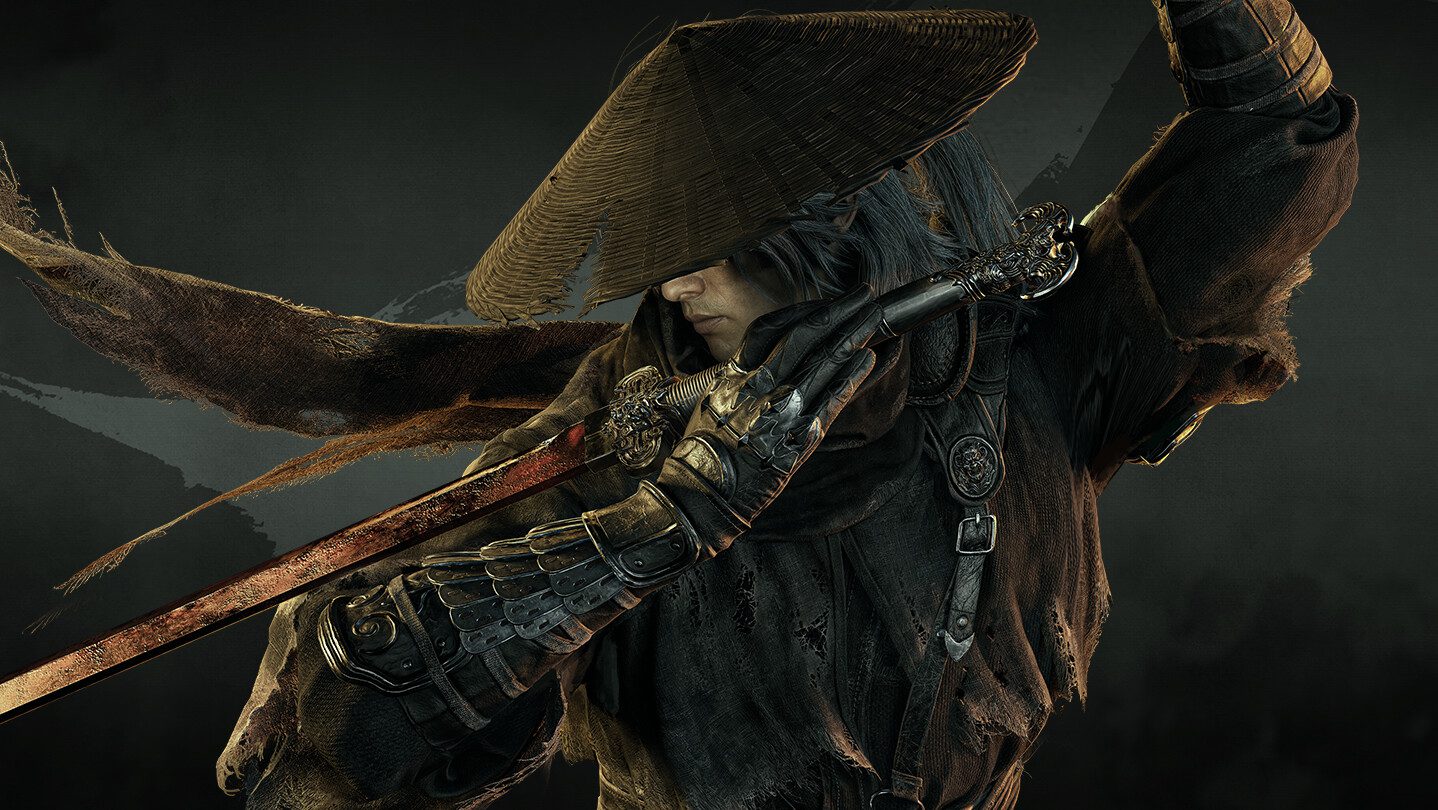
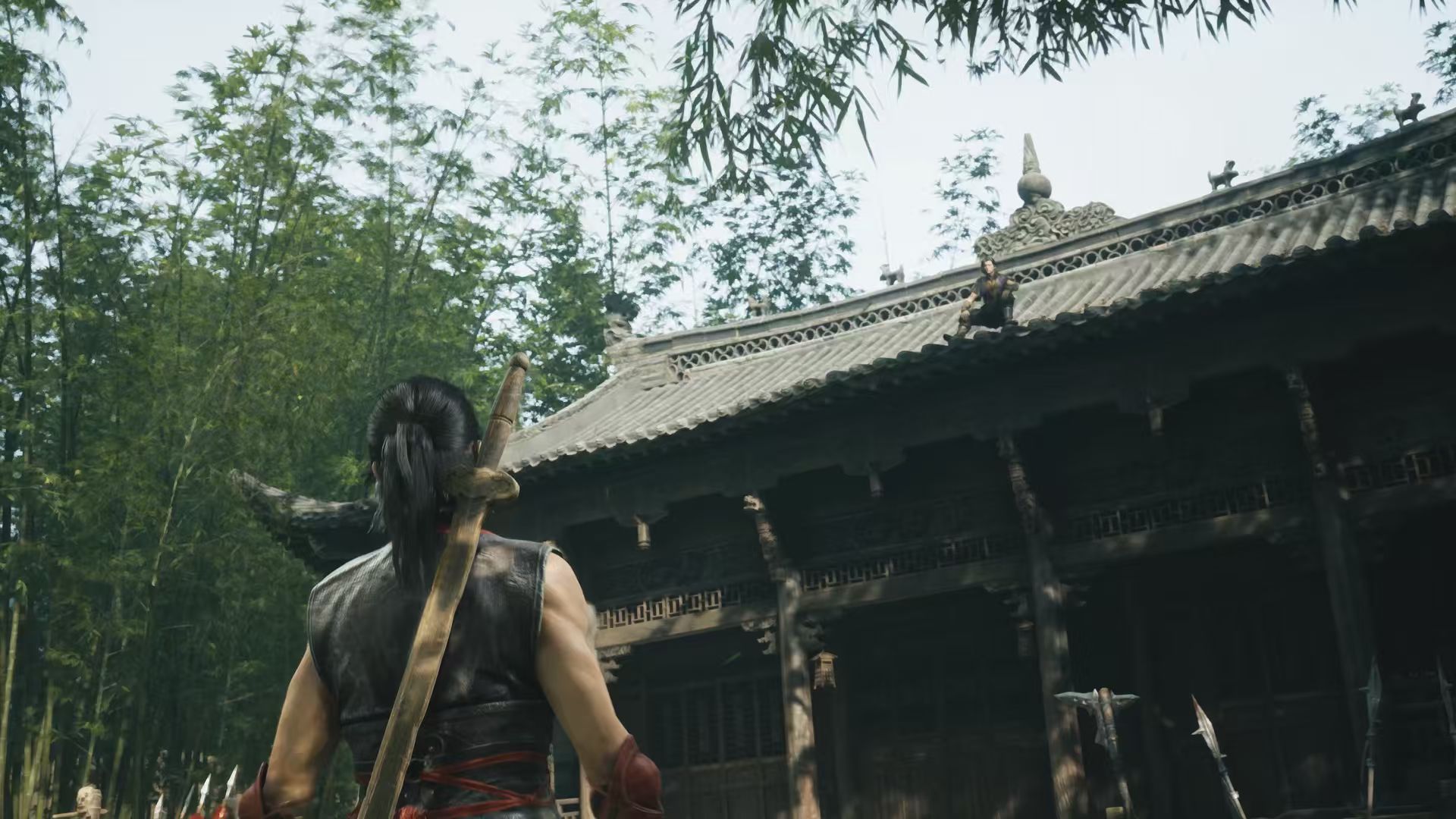
Image credit: S-GAME
S-GAME’s published Phantom Blade Zero PC requirements include Windows 10 or 11 in 64-bit form, DirectX 12, 16 GB RAM and an SSD in both complete system profiles. Treat the frame rates in the table as the developer’s performance targets with upscaling enabled, rather than guaranteed results on every combination of settings.
| Component | Minimum | Recommended |
|---|---|---|
| OS | Windows 10/11, 64-bit | Windows 10/11, 64-bit |
| CPU | Intel Core i7-8700K or AMD Ryzen 5 3600 | Intel Core i5-10600K or AMD Ryzen 5 5600X |
| GPU | GeForce GTX 1660 6 GB or Radeon RX 5500 XT 8 GB | GeForce RTX 3060 Ti 8 GB or Radeon RX 6700 XT 12 GB |
| RAM | 16 GB | 16 GB |
| DirectX | 12 | 12 |
| Storage | SSD required | SSD required |
| Target | 1080p / 30 FPS, upscaling on | 1440p / 60 FPS, upscaling on |
What are the minimum Phantom Blade Zero PC requirements?
For 1080p at 30 FPS, the minimum Phantom Blade Zero PC requirements call for an Intel Core i7-8700K or Ryzen 5 3600, paired with a GTX 1660 6 GB or RX 5500 XT 8 GB. S-GAME’s target assumes upscaling. Meeting the minimum does not mean you’ll automatically get 60 FPS or native 1080p with every setting turned up.
If your PC is older, check the full graphics card model and its VRAM. A similarly named GPU isn’t necessarily the same card. In Windows, Settings > System > About shows your processor and RAM, while Task Manager > Performance > GPU usually shows your graphics model. Also check that the drive where you want to install the game is an SSD.
Recommended Phantom Blade Zero PC requirements for 60 FPS
The recommended Phantom Blade Zero PC requirements aim for 1440p at 60 FPS with an RTX 3060 Ti 8 GB or RX 6700 XT 12 GB. The listed CPUs are Intel’s Core i5-10600K and AMD’s Ryzen 5 5600X. S-GAME still specifies 16 GB RAM, not 32 GB, for this standard recommended profile.
The 1440p target also uses upscaling. It’s a reference point for the standard graphics experience, not a promise of 60 FPS at native resolution with every effect enabled. Ray tracing and path tracing have their own, higher GPU targets below.
Phantom Blade Zero ray tracing and path tracing specs
| Graphics mode | GPU listed by S-GAME | Published target |
|---|---|---|
| Ray tracing | GeForce RTX 5060 8 GB | 1080p / 60 FPS, upscaling on |
| Path tracing | GeForce RTX 5080 16 GB | 2160p / 60 FPS, upscaling on |
For ray tracing, S-GAME lists an RTX 5060 8 GB at 1080p and 60 FPS with upscaling. Its more demanding path tracing profile uses an RTX 5080 16 GB for 2160p and 60 FPS with upscaling. The public table doesn’t provide separate CPU or RAM requirements for those effects or list AMD alternatives in those particular rows.
If you plan to play without ray tracing, compare your PC with the minimum or recommended table rather than treating an RTX 5080 as a general requirement. Our Phantom Blade Zero State of Play coverage shows the game in action if you want a better sense of its visual style.
How much SSD space does Phantom Blade Zero need?
The updated Phantom Blade Zero PC requirements put the game at approximately 145 GB. That’s S-GAME’s stated game size, not a separate published number for the exact network download. The amount displayed in Steam can change with updates and file preparation.
The 300 GB figure is specifically for the preload. It gives Steam room to handle the files before release; S-GAME hasn’t published an exact breakdown of that process. If your SSD only has 160 GB free, you may have enough room for the finished game but not enough for the preload. Make space on the SSD you’ve chosen for the game, or use another SSD with sufficient free space.

Can you run Phantom Blade Zero on a hard drive?
No. The official Phantom Blade Zero PC requirements say SSD required at both minimum and recommended levels. Installing onto a mechanical HDD puts the PC outside the published specification, even if its processor and graphics card are more powerful than the recommended models.
You can still store other games on an HDD. For Phantom Blade Zero, select an SSD library in Steam and check how much free space is on that specific drive. The preload and download-size guide explains why the temporary requirement is considerably larger than the final game.
Phantom Blade Zero PC requirements: storage and preload troubleshooting
If Steam says there’s not enough room, look at the free space on your selected installation SSD. The preload asks for 300 GB even though the game is about 145 GB. Space on a different drive won’t help unless you move the game’s installation location to another suitable SSD.
If the download option is missing, check you’re signed into the account that purchased the game and look in Steam’s Downloads page for a paused or queued job. The PC preload opened on October 27, but a missing button in another storefront isn’t proof your processor or graphics card is incompatible.
If the game is downloaded but Play is locked, check the release time before changing anything. S-GAME now recommends NVIDIA driver 617.42 after discovering instability with 621.01. This supersedes its earlier general advice to update to the latest driver. If an installation fails, keep the exact error message for the store’s support team.
When does Phantom Blade Zero unlock on PC?
The preload began at 2 AM GMT on October 27, 2026. Phantom Blade Zero unlocks in the UK at 2 AM GMT on Thursday, October 29, equivalent to 7 PM PDT on Wednesday, October 28 in the western US. Our release-time guide covers the other time zones.
Meeting the Phantom Blade Zero PC requirements and finishing the download won’t let you play before the worldwide launch. Steam may need to finish preparing the files when the game unlocks. Leave some SSD space available and update your graphics drivers before starting.
The essential Phantom Blade Zero PC requirements are 16 GB RAM, an SSD and hardware capable of the developer’s minimum or recommended profiles. For storage, expect a game of roughly 145 GB, with 300 GB free temporarily if you’re using the preload. A bigger graphics card only becomes necessary if you’re targeting the separate ray tracing modes.
Related Guides
Phantom Blade Zero PC requirements after the day-one patch
The launch update is approximately 5 GB and improves ray-tracing and path-tracing performance. The standard minimum and recommended hardware requirements haven’t been replaced: S-GAME still targets 1080p/30 FPS on a GTX 1660 or RX 5500 XT, and 1440p/60 FPS on an RTX 3060 Ti or RX 6700 XT, with upscaling. For a breakdown of rendering modes and which GPUs they’re aimed at, see our ray tracing versus path tracing guide.
There’s also a launch-specific NVIDIA warning. S-GAME has observed instability with driver 621.01 and currently recommends a clean installation of 617.42. That’s developer advice for NVIDIA owners, not a new general hardware requirement or a reason for AMD users to change drivers. See our NVIDIA driver guide, PC graphics settings guide and crashing-on-launch guide if you’re troubleshooting the released game.
Official source: S-GAME: Phantom Blade Zero PC System Requirements