
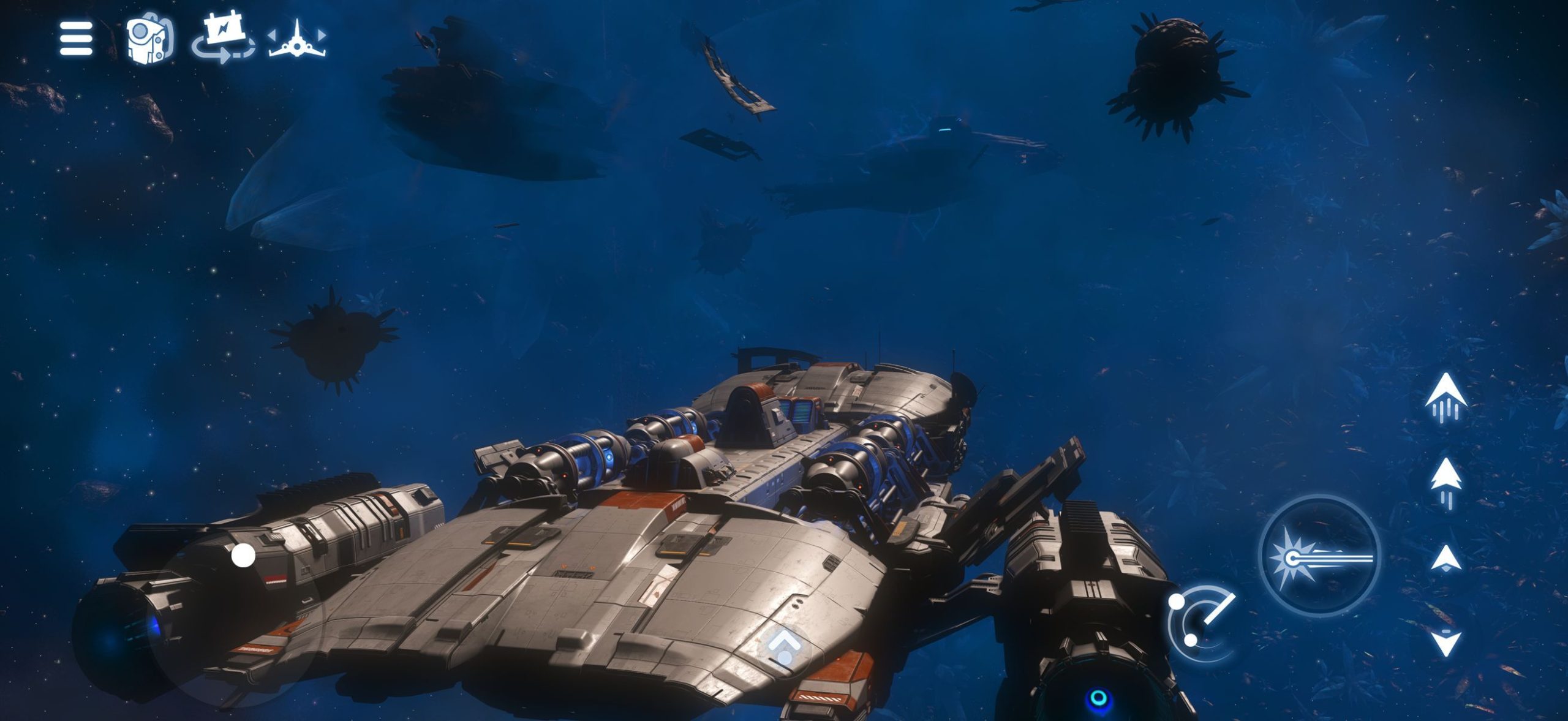
No Man’s Sky iPhone Controller support lets you use a compatible Xbox or PlayStation gamepad instead of the touchscreen. Hello Games includes gamepad support in the iOS release, and controllers pair through your iPhone’s Bluetooth settings.
The game also has redesigned touch controls for walking, flying, vehicles and inventory management. You don’t need to buy a controller to play, but the option is handy for long sessions. Here’s how to connect one, customise the buttons and get it working again if it disconnects.
No Man’s Sky iPhone Controller: Supported Gamepads
| Controller | Apple iPhone support |
|---|---|
| Xbox Wireless Controller with Bluetooth, model 1708 | Yes |
| Xbox Series X and Series S controllers | Yes |
| Xbox Elite Wireless Controller Series 2 | Yes |
| PS5 DualSense and DualSense Edge | Yes |
| PS4 DualShock 4 | Yes |
Apple identifies these as compatible gamepads, and Hello Games confirms general controller support in No Man’s Sky for iOS. Extras such as adaptive triggers, controller speakers and lighting depend on the game, so use its on-screen prompts for actual button actions.
No Man’s Sky iPhone Controller: How to Pair Xbox
- Turn on your Xbox controller.
- Hold its Pair button until the Xbox light flashes.
- On the phone, open Settings > Bluetooth.
- Tap the controller name when it appears.
- Wait until it says Connected, then launch No Man’s Sky.
The No Man’s Sky iPhone Controller setup uses iOS Bluetooth, not an Xbox or Hello Games account login. If the pad isn’t appearing, check its battery, repeat pairing and install any available firmware update.
How to Connect DualSense or DualShock 4
Switch the PlayStation controller off. For DualSense or DualSense Edge, hold Create + PS until its light flashes. For DualShock 4, hold Share + PS. Open Settings > Bluetooth and choose the controller. You can connect some controllers by USB using a compatible cable and adapter too.
Once connected, open the game and follow the controls shown on screen. If you’ve been using the pad with a PlayStation, you may need to reconnect it to the console when you finish playing on your iPhone.
No Man’s Sky iPhone Controller Settings and Button Mapping
Apple lets you customise buttons on supported gamepads. Open Settings > General > Game Controller, select the connected controller and choose Default Controls. You can save a profile, and Apple’s Add Game option allows changes for individual supported games.
Those are Apple settings rather than an in-game remapping menu. The on-screen prompts in No Man’s Sky will show the correct controls while walking, flying and working in the inventory. There’s no need to copy a PC keyboard layout or a PlayStation-specific button chart.
Can You Play With Touch Controls Instead?
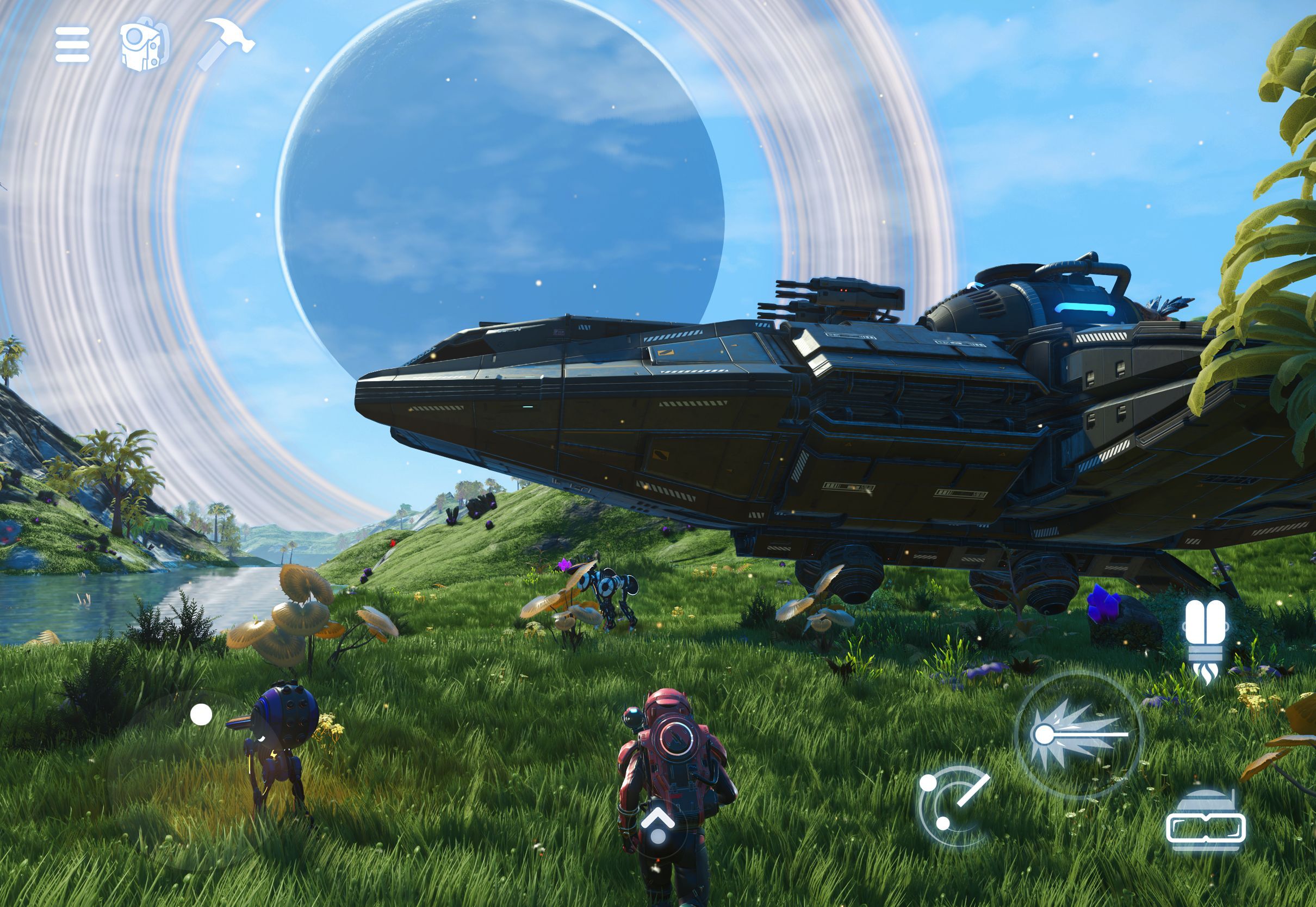
Yes. Hello Games rebuilt touch input for planetary exploration, flight, vehicles, mechs and crafting. You can test the touchscreen version in the free opening trial before buying the £19.99 UK full-game unlock. The mobile edition also supports TV casting, and iPad has mouse and keyboard support.
No Man’s Sky iPhone Controller support is included in the same app as touch input. It’s not an extra purchase and doesn’t change which single-player content you can access.
What If the Controller Stops Responding?
If your No Man’s Sky iPhone Controller stops responding, first check Settings > Bluetooth to see whether it’s still connected. Reopen the game, test the pad in another supported app, then check for any button profile you changed in Game Controller settings.
For connection problems, Apple advises updating the controller firmware and iOS, reducing nearby Bluetooth interference and using Forget This Device before pairing again. Your No Man’s Sky save isn’t affected by disconnecting a Bluetooth controller.
Can Two Controllers Enable Multiplayer?
No. Hello Games says multiplayer isn’t supported on iOS. Apple’s Buddy Controller setting can let two pads control one character in compatible games, but it doesn’t add a second player to No Man’s Sky.
For the supported phone models, free trial, price and storage requirements, see our iPhone and iPad release guide. No Man’s Sky iPhone Controller support works with the mobile single-player adventure.
Related Guides
Official source: Hello Games’ No Man’s Sky iOS announcement.





