Phantom Blade Zero ray tracing vs path tracing comes down to how much of the game’s lighting is simulated, what visual detail it adds and how powerful your graphics card needs to be. Both modes enhance the game’s Unreal Engine 5 presentation, but path tracing goes further by calculating more realistic indirect lighting and reflections. You can play with both turned off.
S-GAME’s official GPU targets are very different: GeForce RTX 5060 8 GB for ray tracing at 1080p/60 FPS and RTX 5080 16 GB for path tracing at 2160p/60 FPS, both with upscaling. These are recommended targets rather than a guarantee of identical results in every scene.
Phantom Blade Zero ray tracing vs path tracing: graphics differences
| Mode | What it changes | Developer’s GPU target |
|---|---|---|
| Standard rasterized graphics | Game’s normal lighting and visual effects without optional ray tracing | GTX 1660 6GB minimum |
| Ray tracing | Ray-traced lighting and reflections | RTX 5060 8GB, 1080p / 60 FPS |
| Path tracing | More unified indirect lighting and effects with advanced ray reconstruction | RTX 5080 16GB, 2160p / 60 FPS |
With Phantom Blade Zero ray tracing vs path tracing, look first at the lighting. Ray tracing improves reflections and shadows. Path tracing adds more accurate bounced light, colour bleeding, indirect shadows and realistic light patterns beneath water. The differences are easiest to spot on shiny surfaces, in shaded rooms and beside water.
Path tracing uses ReSTIR GI instead of hardware ray-traced Lumen for indirect lighting. On supported GeForce RTX cards, it also uses DLSS Ray Reconstruction. Water caustics are exclusive to the path-tracing mode. These are changes to how light is calculated, not simply higher texture settings.
Which mode has better image quality?
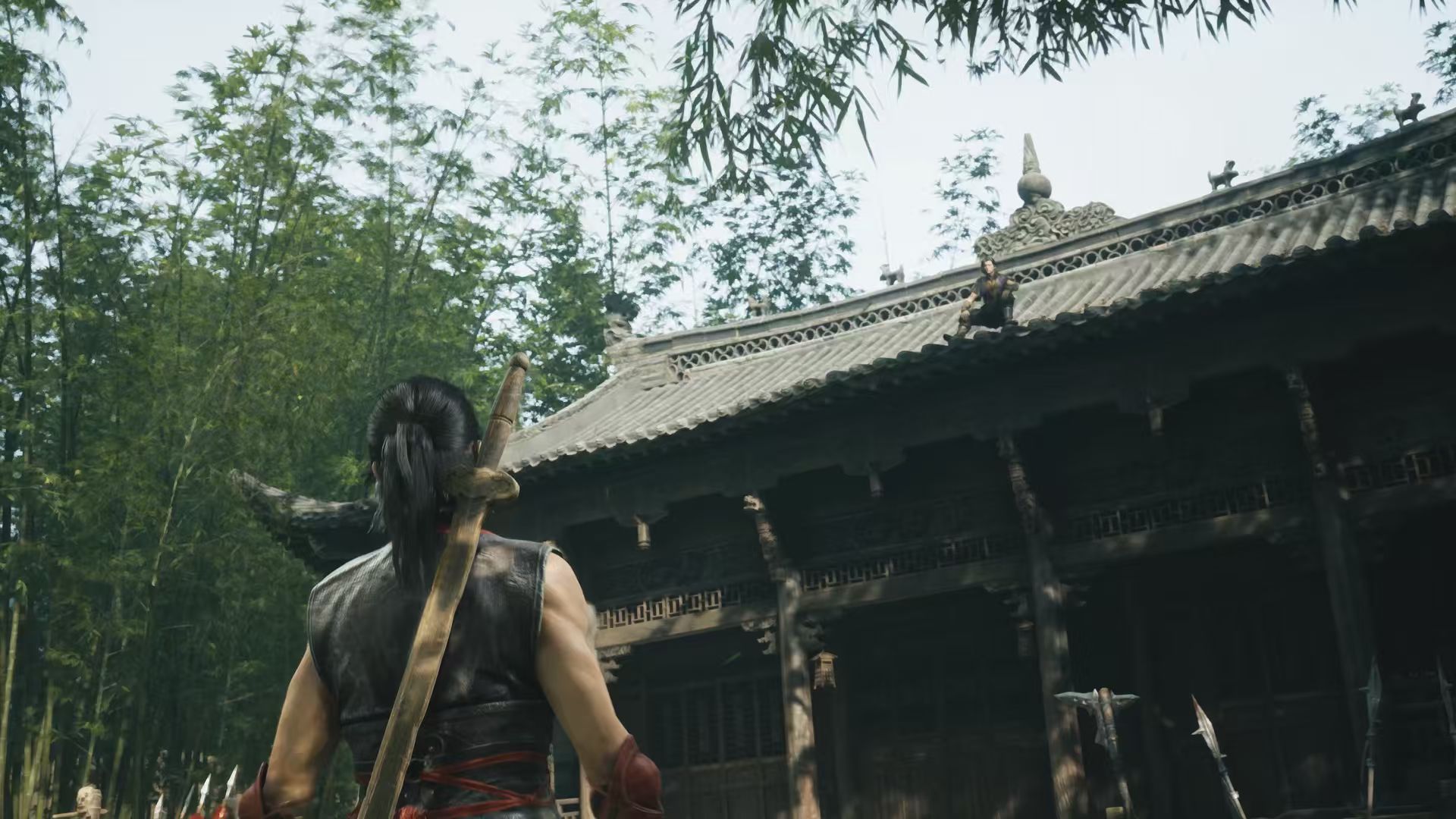
Path tracing is the most advanced rendering option, with more accurate indirect light and richer interactions between bright and dark surfaces. Ray tracing can still add realistic reflections without the full additional cost. Standard rasterized graphics remain a genuine option: S-GAME says it spent considerable time retaining the game’s visual style even when ray tracing is disabled.
That means Phantom Blade Zero ray tracing vs path tracing isn’t a decision between a good-looking game and an unplayable one. On an RTX 3060 Ti or RX 6700 XT, S-GAME’s regular recommended profile targets 1440p/60 FPS with upscaling without requiring you to turn on path tracing.
Does the 5 GB patch improve both modes?
Yes. S-GAME says the approximately 5 GB day-one patch improves performance for ray tracing and path tracing and fixes several other bugs. It has not released a detailed before-and-after FPS chart, so the exact gain depends on hardware and isn’t a published fixed percentage. Our day-one patch article explains the difference between preload updates and fresh downloads.
If you’re comparing modes on PC, apply the update first so you’re testing the latest build. The game can use NVIDIA DLSS 4.5 and Ray Reconstruction with path tracing on supported GeForce hardware, but DLSS frame generation isn’t the same as increasing native input responsiveness. Fast sword combat can make latency important even when the displayed FPS looks high.
Which should you use on your PC?
For a mid-range system, start with ray tracing and path tracing off and establish a steady frame rate in combat. If you own a suitable RTX card, enable ray tracing and check whether the extra visual detail is worth the cost. Reserve full path tracing for hardware nearer S-GAME’s RTX 5080 target, especially if you’re aiming for high resolution.
For Phantom Blade Zero ray tracing vs path tracing, watch both stability and how responsive parries and dodges feel. Our PC graphics settings guide gives starting points, and PC requirements lists every official component. GeForce users should also review the driver 621.01 warning before attributing all performance problems to ray tracing.
For Phantom Blade Zero ray tracing vs path tracing, start with standard graphics if combat responsiveness matters most. Try ray tracing on hardware near S-GAME’s RTX 5060 target, or path tracing nearer its RTX 5080 profile. Both official frame-rate targets assume upscaling. Our PC graphics settings guide helps you choose a starting point.
Related Guides
Official source: S-GAME’s official Phantom Blade Zero PC system requirements.