
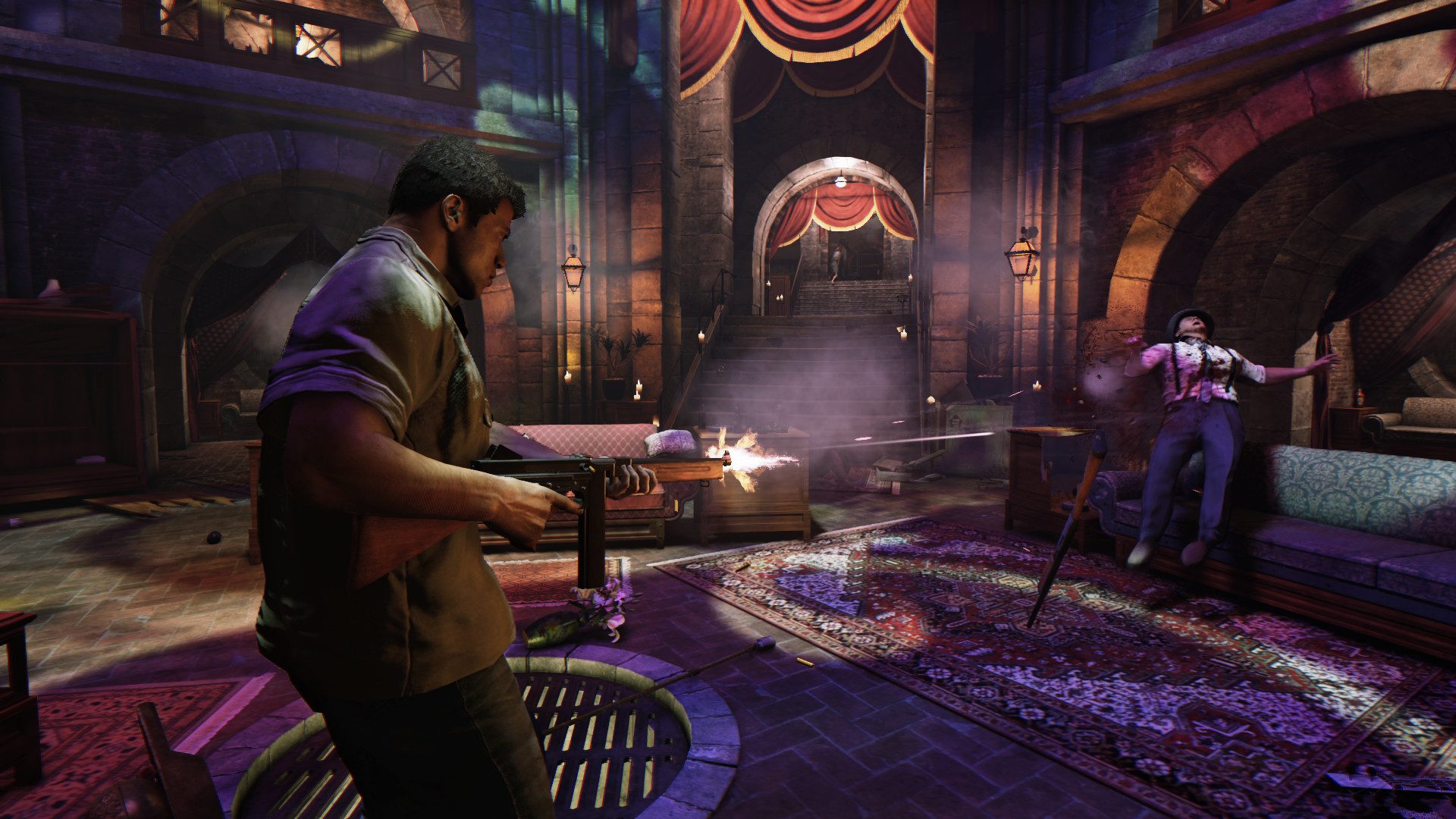
The Mafia 3 60 FPS update arrived on October 8, 2026, adding a native Mafia III: Definitive Edition release for Xbox Series X|S. It supports smoother 60 FPS gameplay, HDR10 and technical fixes, and eligible existing digital owners get the new edition free.
There’s an important detail when installing it: the Series X|S version has its own Microsoft Store listing. Opening your old Xbox One installation isn’t the same as downloading the newer build. Here’s where to find it and what to check if your upgrade is missing.
How to install the Mafia 3 60 FPS update
- Sign into your Xbox Series X or S using the Microsoft account that owns Mafia III: Definitive Edition.
- Open Microsoft Store and search for Mafia III: Definitive Edition for Xbox Series X|S.
- Choose the native edition, not the Xbox One version.
- Use Get or Install if the correct licence appears on your account.
- Launch the new Series X|S game after downloading it.
The direct Series X|S Store listing can help if a general search keeps showing the old edition.
Is the upgrade free for Xbox One owners?
Yes. 2K confirms the Mafia 3 60 FPS update is free for qualifying digital owners of Mafia III: Definitive Edition on Xbox One. Digital owners of Mafia: Trilogy and Mafia: The Omertà Collection can also qualify. New digital purchases include the newer console edition. The licence must be associated with the Xbox account you’re using; having played someone else’s copy doesn’t establish entitlement.
Mafia 3 60 FPS update not showing in your library?
Check My games & apps → Full library → Owned games. Bundle owners should look there first, while standalone owners may have to search the Microsoft Store for the separate Series X|S title. If it still shows a price, confirm which account bought the game and check its purchase history. Try the direct Store listing before buying another copy.
Can Xbox disc owners get the Mafia 3 60 FPS update?
2K directs Xbox disc owners towards Microsoft’s Claim Digital License process. That requires a supported disc and compatible account/console access, and the programme began in Xbox Insider testing. It’s not a guarantee that every physical copy can immediately claim the new edition. Xbox Series S doesn’t have a disc drive, so it needs a qualifying digital licence. Our Xbox disc-to-digital guide covers eligibility checks.
How to check that the Mafia 3 60 FPS update installed
The new Xbox Store product is labelled Optimised for Xbox Series X|S and lists 60 fps+ and HDR10 capabilities. Launching the older Xbox One build through compatibility won’t turn it into the separate native release. If you’re unsure which one you have, check the full edition name in your library and open its associated Store page.
Do Xbox One saves and achievements transfer?
No. 2K confirms that saves and achievement progress won’t transfer into the native Series X|S edition. You’ll need to start a fresh campaign and earn its achievements separately. Keep your older installation if you want to finish an Xbox One playthrough first; the free upgrade doesn’t import it automatically.
What does the Mafia 3 60 FPS update change?
The main improvement is 60 FPS gameplay on both Series X and Series S. Many real-time cinematics also run at 60 FPS, though some pre-rendered movie scenes stay at 30 FPS. The release adds faster loading and technical fixes, including improvements to lighting, texture issues, missions and NPC behaviour. This is still the original New Bordeaux campaign, not a new chapter.
What if Xbox still asks you to pay?
Check the exact edition, the digital purchase account and whether you own a qualifying version. For bundles, inspect Full library; for standalone owners, use the dedicated Xbox Store listing. Physical owners should check Microsoft’s supported disc-licence programme. If the correct digital purchase still shows a price, contact 2K or Xbox Support with proof of ownership before paying again.
The Mafia 3 60 FPS update is worth installing if you’re starting a fresh playthrough. Just check your licence before you pay again, and remember that your old save stays with the previous version.
Official sources: 2K upgrade support and Xbox Store.





