
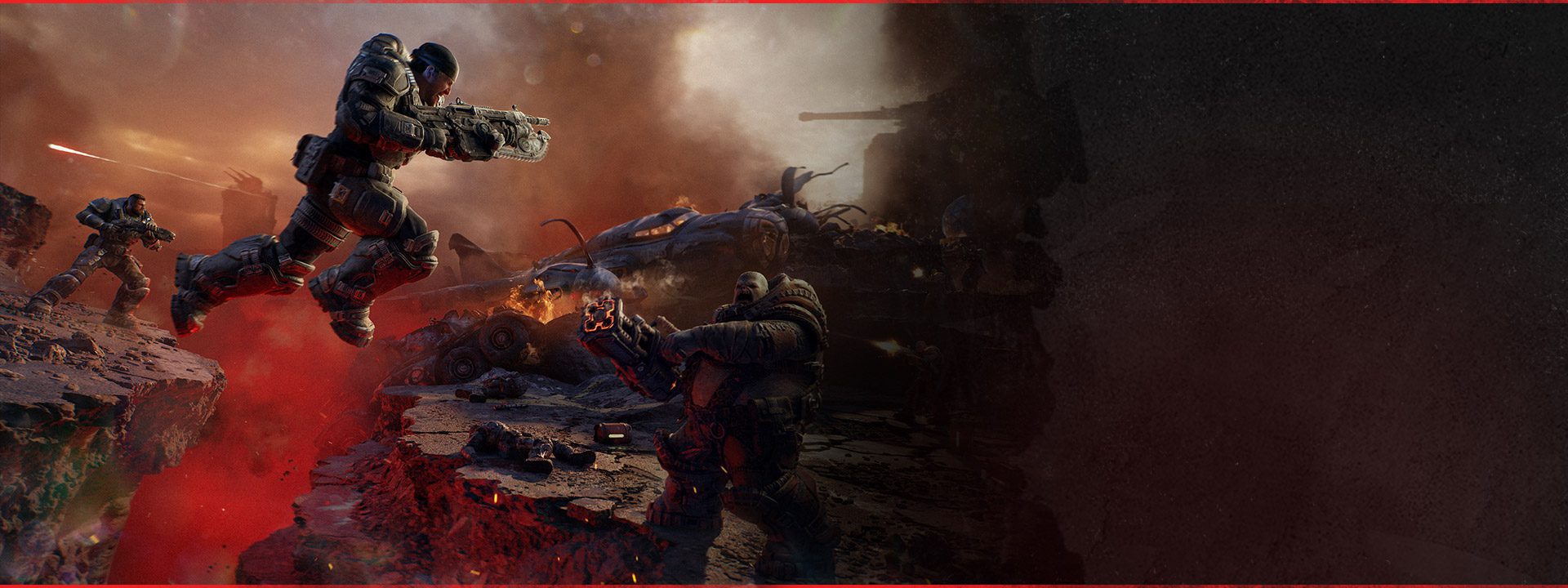
Gears of War E-Day Split Screen supports two local players for the Campaign on console, keeping couch co-op as part of the series instead of pushing everyone into separate systems. The local player count is different from online Campaign co-op, which supports up to four players, and it is also completely separate from the twelve-player Horde Siege mode.
The launch build adds one important troubleshooting detail to the normal setup. The October 5 patch fixes the named Bilefrog-Kalona error that could sign out a split-screen player after the game was suspended and resumed. If local co-op suddenly drops player two after resume, update before assuming there is something wrong with the second account or the Campaign save.
Gears of War E-Day Split Screen: player count and platform support
Image credit: Xbox / The Coalition
Gears of War E-Day Split Screen supports two local Campaign players on console. Online Campaign co-op can expand the party to four players, so two people on one console are not the same thing as the maximum online squad size.
The published launch information does not list PC split screen in the same way, so Gears of War E-Day Split Screen should be treated as a console local-co-op feature. PC players looking to run the Campaign together should use the online co-op route rather than expecting a local two-player option that has not been advertised.
How to start split screen
For a normal Gears of War E-Day Split Screen session, sign the main player into the console, launch the Campaign and connect the second controller before adding player two. Use a proper second profile where possible so achievements and account-specific progress are not confused with a temporary guest state.
Once both players are recognised, load the Campaign from the host profile. The exact on-screen prompt can vary depending on where you are in the menus, but the important part is that the second local player is signed in before you begin relying on a suspended session or jumping between online and local party states.
Can split-screen players join online friends?
Yes. Gears of War E-Day Split Screen can occupy two places in the four-player online Campaign group, allowing a local pair on one console to play with additional friends online. That is useful for households with one Xbox because the two local players do not each need a separate console just to join the wider Campaign squad.
The broader Gears of War E-Day co-op guide covers online invites, four-player Campaign structure and the difference between Campaign and Horde Siege. Use this page for the local-console side of the setup.
Bilefrog-Kalona error after suspend and resume
The biggest current Gears of War E-Day Split Screen issue with an official launch fix is Bilefrog-Kalona. The Coalition says a split-screen player could be signed out after the game was suspended and later resumed. The October 5 update addresses that specific error.
If it happens, install the current build, fully quit E-Day and launch it again instead of resuming the same broken session. Sign both profiles back in and rebuild the local party. The dedicated Bilefrog-Kalona guide has the full recovery path and explains why deleting save data is the wrong first move.
Should you avoid suspend and resume?
You do not need to swear off console suspend features forever to use Gears of War E-Day Split Screen. The known problem has been patched. What makes sense is using a clean launch while you are verifying the fix, especially if the error happened in a session that began before October 5.
If local co-op is stable on a fresh current-build session, carry on normally. If the Bilefrog-Kalona error still returns specifically after suspend and resume, record that sequence because it gives support a useful post-patch reproduction rather than a vague sign-in complaint.
Individual difficulty in co-op
Gears of War E-Day Split Screen is part of the wider Campaign co-op system, where players can use individual difficulty settings. That is a genuinely useful feature for couch co-op because one person does not have to suffer through a difficulty they dislike simply to keep the whole session on the same setting.
For mixed-skill pairs, pick settings that let both players contribute. The point of local co-op is to play the Campaign together, not to force the less experienced player into constant downs or make the more experienced player bored for the entire story.
Split screen versus Horde Siege
Gears of War E-Day Split Screen should not be confused with Horde Siege’s twelve-player headline. Local split screen is for two console players. Horde Siege is a separate PvE mode with twelve online players divided into three squads of four.
If you are looking for the large-scale mode, use the Horde Siege guide. The October 5 patch also fixes two Horde progression bugs, including a Siege Blitz Secure objective and a missing extraction helicopter, but those problems are unrelated to local Campaign sign-in.
What if player two will not stay signed in?
If Gears of War E-Day Split Screen still signs out the second player after the current update, start by checking whether the Bilefrog-Kalona message appears. Fully restart the game, sign both profiles in again and keep the Xbox system clock automatic. The launch patch separately improves Xbox authentication handling when the clock is significantly wrong.
If player two is being signed out across other games or Xbox services as well, the problem may be broader than E-Day. Check Xbox service status and the second account rather than treating every sign-out as the same game bug.
Do you need two copies of E-Day?
No separate second game purchase is required just to use Gears of War E-Day Split Screen on the same supported console. The second local player joins the host’s local Campaign session. Online entitlements and subscriptions matter when the session expands onto the network, but couch co-op itself is not a two-copy setup.
Do not buy another edition because a local profile failed after resume. The known launch problem was a session bug, and the October 5 patch is the first thing to apply.
Best way to keep a local co-op session stable
For now, the cleanest Gears of War E-Day Split Screen routine is simple: keep the game updated, make sure both profiles are properly signed in, start from a fresh game launch after major patches and avoid carrying a known broken session forward. If you move from local to mixed online co-op, rebuild the party from a stable Campaign state.
That gives you a much better baseline than changing accounts, deleting saves or repeatedly resuming the same session. E-Day’s local Campaign support is real and useful. The Bilefrog-Kalona bug was an ugly launch wrinkle, but it now has a named fix and a sensible recovery path.
Official source: The Coalition October 5 patch notes





