Nintendo Switch 2 GameChat no sound from your friends, even though you can hear the game? Open GameChat and check the voice-volume slider for the people you can’t hear. You can turn down one person’s voice without affecting everyone else’s, which makes a silent friend easy to overlook.
If game music, menu sounds and videos are also silent, start with the console’s audio output instead. Nintendo has different troubleshooting steps for docked TV sound, headphones, USB speakers and the Switch 2’s own speakers. The checks below are for voices missing during an otherwise working GameChat session.
Fix Nintendo Switch 2 GameChat no sound from friends
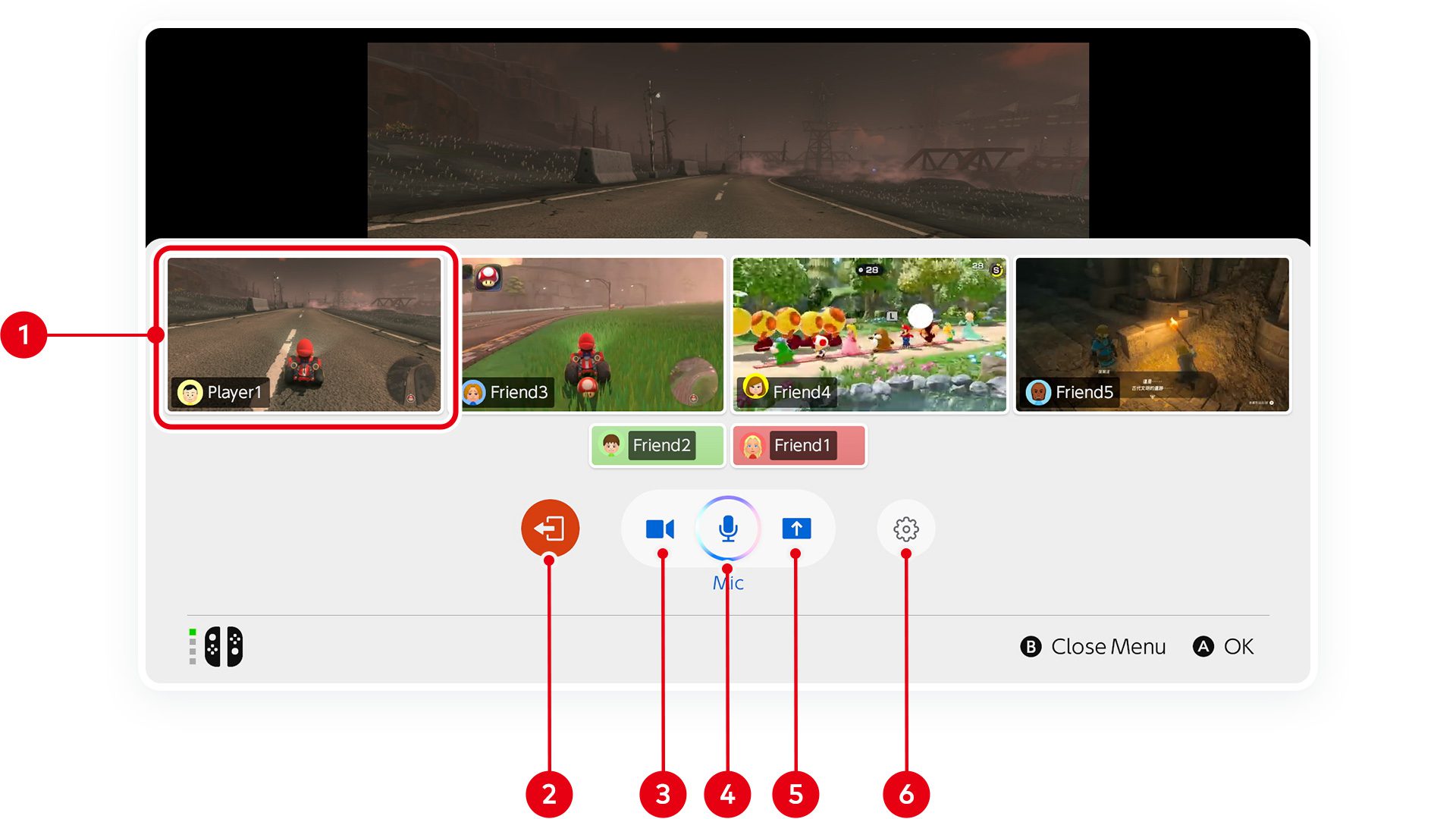
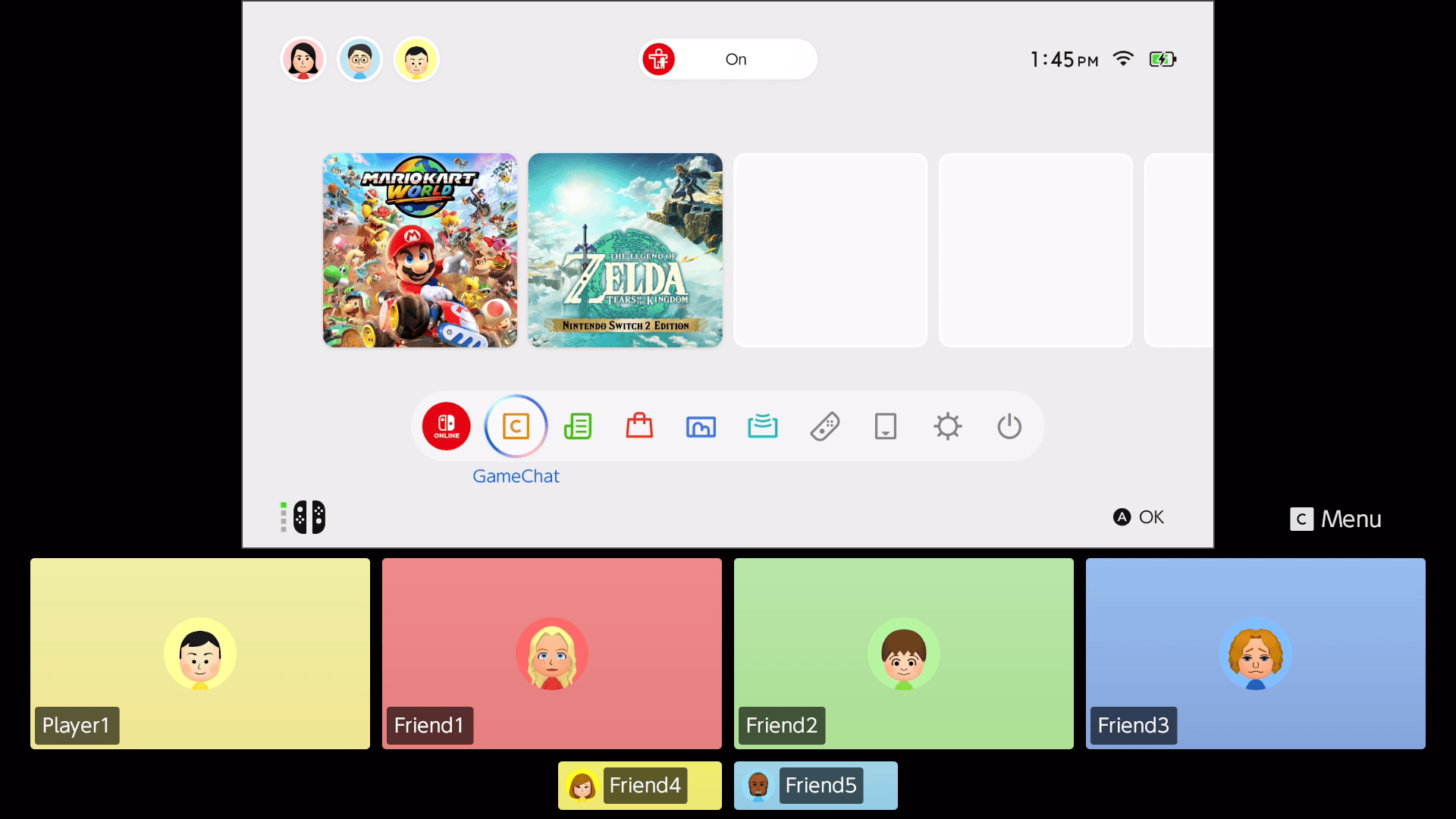
Press the C Button while you’re in the call. Select the person you can’t hear, open Options and raise their voice-volume slider. If you can hear some friends but not others, check the slider for each silent player.
Ask those friends to check their own microphones too. They can press C and select the microphone icon to unmute. When someone speaks, a green border around their user icon means their microphone is detecting their voice. If the border never appears, they can check System Settings > Audio > Audio Input > Test Microphone.
It’s worth doing both sides of this check. The person who’s silent might be muted, or you may have turned down their voice on your console. Neither problem requires changing the TV or internet settings.
Try the Switch 2’s built-in speakers
For Nintendo Switch 2 GameChat no sound while using the dock, remove the console and try handheld or tabletop mode. Disconnect headphones or other speakers as well, then listen through the Switch 2 itself.
If your friends become audible on the built-in speakers, focus on the original output device and its connection. If nothing at all comes through the console, use Nintendo’s guidance for general sound problems rather than repeatedly adjusting GameChat’s chat sliders.
You can also test a game with sounds you recognise or play a saved video from the Album. That confirms whether sound is missing everywhere or only from the people in your call.
Nintendo Switch 2 GameChat no sound after adjusting volume?
Have everyone leave the session, restart their consoles and start another call with the same people. Nintendo specifically recommends having the whole group leave, not just the person who can’t hear anyone.
- Press C, then select the red X to leave GameChat.
- Hold the POWER Button for at least three seconds and select Power Options > Restart.
- Press C again, choose your user and select Create Chat.
- Choose your approved friends, then select Next > Start Chat.
If you need to communicate during these checks, GameChat supports text-to-speech messages. Everyone can use that feature to type messages that the console reads aloud.
Check the internet connection if voices keep dropping
A Nintendo Switch 2 GameChat no sound problem that keeps returning may be linked to the network. Check Nintendo’s Network Status page for GameChat maintenance before troubleshooting at home.
On Wi-Fi, Nintendo advises moving closer to the router, reducing interference, restarting the console and power-cycling the network. For a wired connection, check both ends of the Ethernet cable, try another cable or LAN port and run an internet connection test after changes.
Do not confuse a failed invitation or an account restriction with missing live audio. If you can’t open GameChat at all, the network-conditions and friends-not-showing guides below cover those separate problems.
Nintendo Switch 2 GameChat no sound in captured videos?
That’s expected when you use the Capture Button. Nintendo says Switch 2 video captures record your own gameplay, not other players’ chat audio or video, and not the sound from your own GameChat microphone. Hearing friends during the call but not in the saved clip is not an audio fault.
For live Nintendo Switch 2 GameChat no sound, start with individual voice volume and the other person’s microphone, then test the built-in speakers and restart the session. Those checks address the situations Nintendo covers before moving on to home-network troubleshooting.
Official source: Nintendo’s guidance for missing GameChat audio.