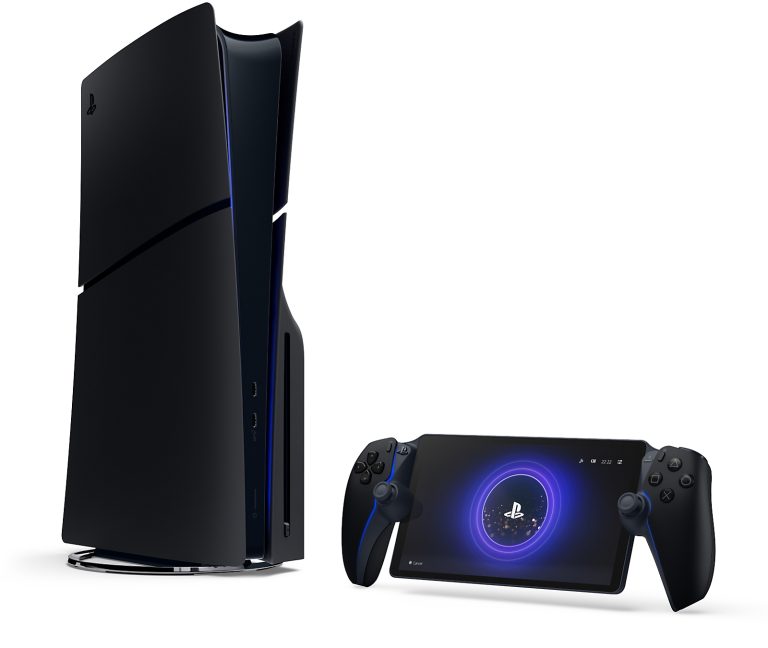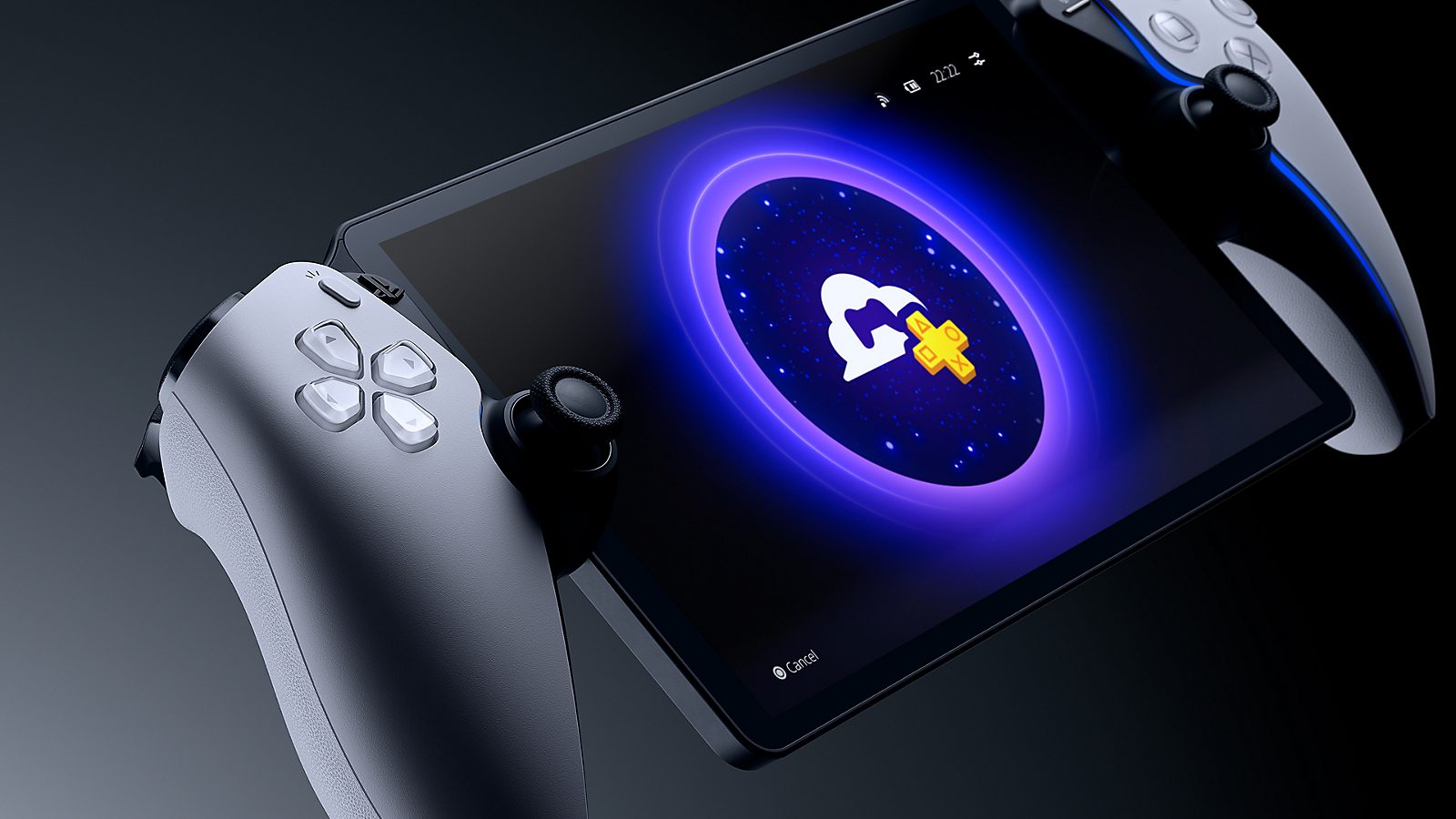
PlayStation Portal without PS5 works through Sony’s Cloud Streaming service. You need PlayStation Plus Premium, an adult PlayStation account and Wi-Fi, but you don’t need to buy or switch on a PS5 to play eligible games.
Portal originally connected to games running on a PS5. Cloud Streaming gives it a second way to play, directly from Sony’s servers. There are limits to which games you can stream, though, so check your favourites before spending money on the handheld.
How PlayStation Portal without PS5 works
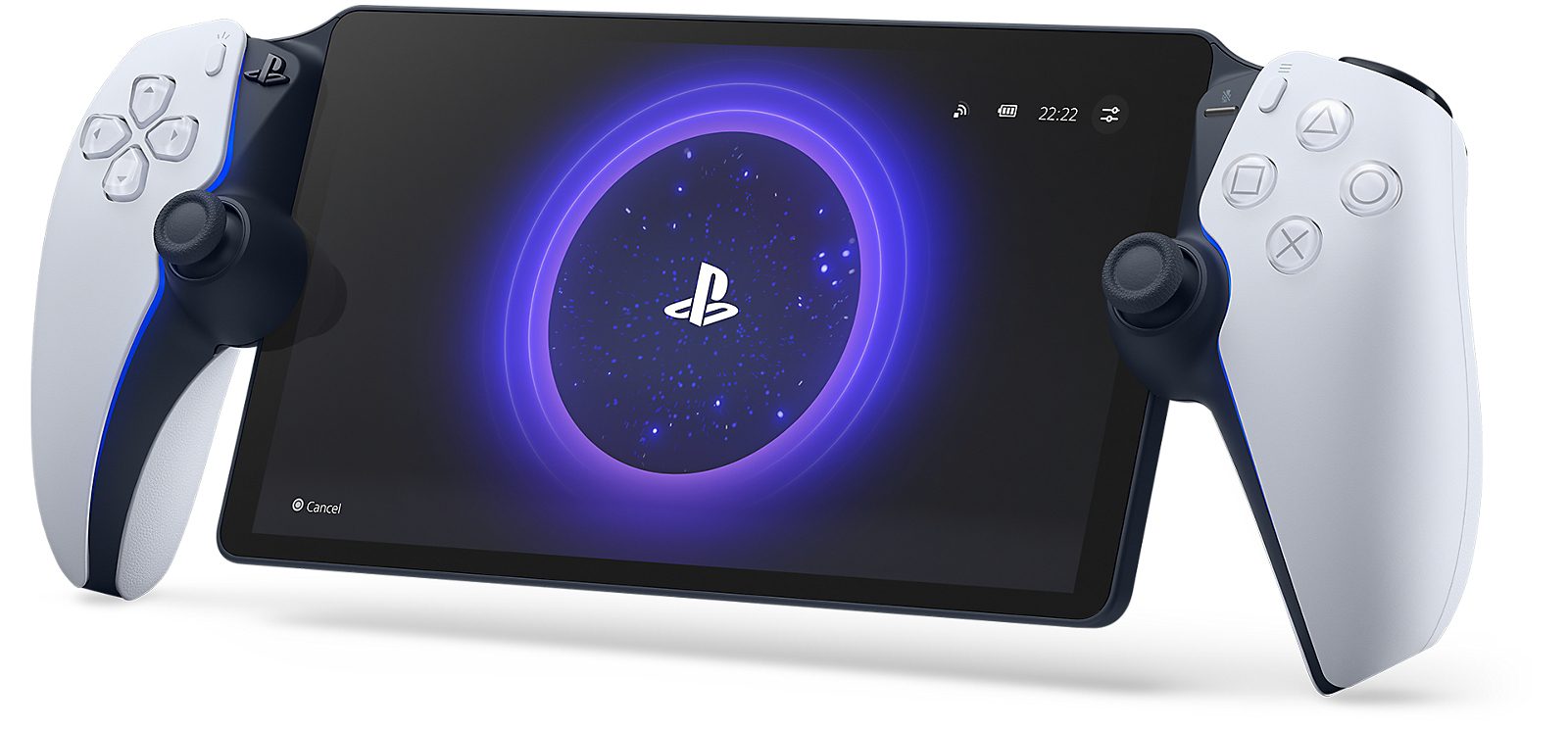
Sony runs the game on its servers and streams the picture and sound to your Portal over Wi-Fi. Your button presses travel back over the connection. There’s no game to install and no need to leave a home console running.
Sony launched the full version of Cloud Streaming in November 2025, after an earlier beta. It covers eligible PS5 games from the PlayStation Plus Game Catalogue and Classics Catalogue, plus selected digital PS5 titles in your personal library. Buying a game digitally does not automatically make it compatible.
What you need for PlayStation Portal without PS5
You’ll need the Portal itself, an adult PlayStation account in a supported country and a Premium subscription on that same account. The United Kingdom is supported. Essential and Extra subscriptions won’t unlock Portal cloud gaming.
Sony sets a minimum of 5 Mbps upload and download to start a session. It specifies 7 Mbps for 720p streaming and 13 Mbps for 1080p. Those figures are minimums, not a guarantee of smooth gameplay. Sony recommends at least 15 Mbps for a better Portal experience; a steady connection matters as much as the number on a speed test.
PlayStation Portal without PS5 also needs internet whenever you play. The device does not have built-in cellular data or support local game downloads. Public Wi-Fi can work where the network permits the connection, while a mobile hotspot depends on your phone plan, signal and network setup.
How to start PlayStation Portal without PS5 cloud games
Once Portal is connected to Wi-Fi, updated and signed into an eligible account, you’re ready to open a cloud game:
- Open the Cloud Streaming tab at the top left of the Portal Home screen.
- Browse the Premium streaming selection or choose an eligible title from Your Library.
- Choose the game and select Stream.
- The game starts when the connection is ready.
If the tab is missing entirely, check the account’s age setting, supported region and system updates first, then confirm Premium. If a particular game is missing, check its streaming eligibility rather than resetting the device. Our cloud streaming troubleshooting guide explains both situations.
Which games work with PlayStation Portal without PS5?
You can stream eligible PS5 games from the Premium Game Catalogue and Classics Catalogue, as well as selected digital PS5 purchases you own. Sony changes the selection by region and over time, so a game you bought isn’t automatically supported.
You can’t insert PS5 discs into Portal, install games on its storage or play offline. Sony also says PS4 and PS3 games aren’t supported in Portal Cloud Streaming. Compatible PS4 games running on a PS5 are a different matter and can be accessed through Remote Play.
Cloud Streaming versus Remote Play
If you own a PS5, Remote Play lets Portal connect to compatible games running on that console. The PS5 must be on or configured to wake from rest mode. Remote Play itself doesn’t require PlayStation Plus, although an online game’s usual subscription rules still apply.
Cloud Streaming runs independently of the home console. If you do have a household PS5, somebody else can use it under a different account while you stream. See our Cloud Streaming vs Remote Play comparison for a side-by-side breakdown.
Can children use PlayStation Portal without PS5?
Sony states that Cloud Streaming isn’t available to child PlayStation accounts. The adult account needs its own eligible Premium access. A parent’s Premium subscription doesn’t remove the age restriction. Remote Play from an existing PS5 is a separate feature with different console settings.
Is PlayStation Portal without PS5 worth it?
PlayStation Portal without PS5 is worth considering if you already have Premium, enjoy the eligible cloud catalogue and usually play on reliable Wi-Fi. You can enjoy a dedicated eight-inch screen and familiar PlayStation controls without needing a television or home PS5.
If you want your entire purchased library or games for a journey without internet, this isn’t the right kind of handheld. Check the games you actually want to play in Sony’s supported cloud selection before deciding.
Official source: Sony PlayStation Support: Cloud Streaming on PS Portal.