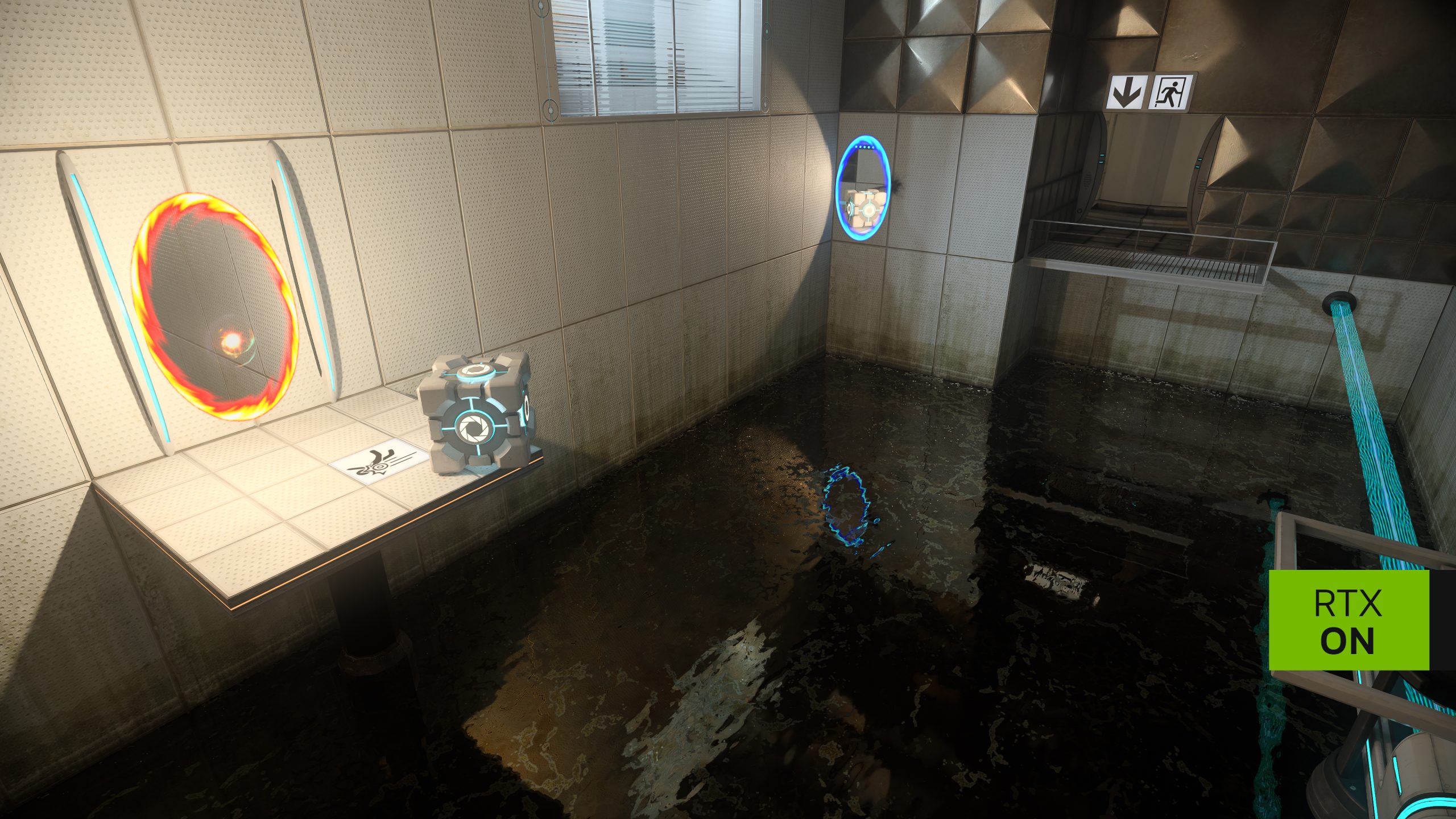
The Portal with RTX DLSS 5 update brings NVIDIA’s RTX Remix 1.6 graphics options to the ray-traced version of Valve’s puzzle game. The October 2026 upgrade includes DLSS 3D-Guided Neural Rendering, new frame-generation settings and support for compatible Windows on ARM devices.
Portal with RTX is free DLC for anyone who owns the original Portal on Steam. The October update doesn’t add new chambers; it adds graphics controls, and the options you can use depend on your GPU. Here’s where to find them and what they actually do.
Portal with RTX DLSS 5 update: how to enable the new settings
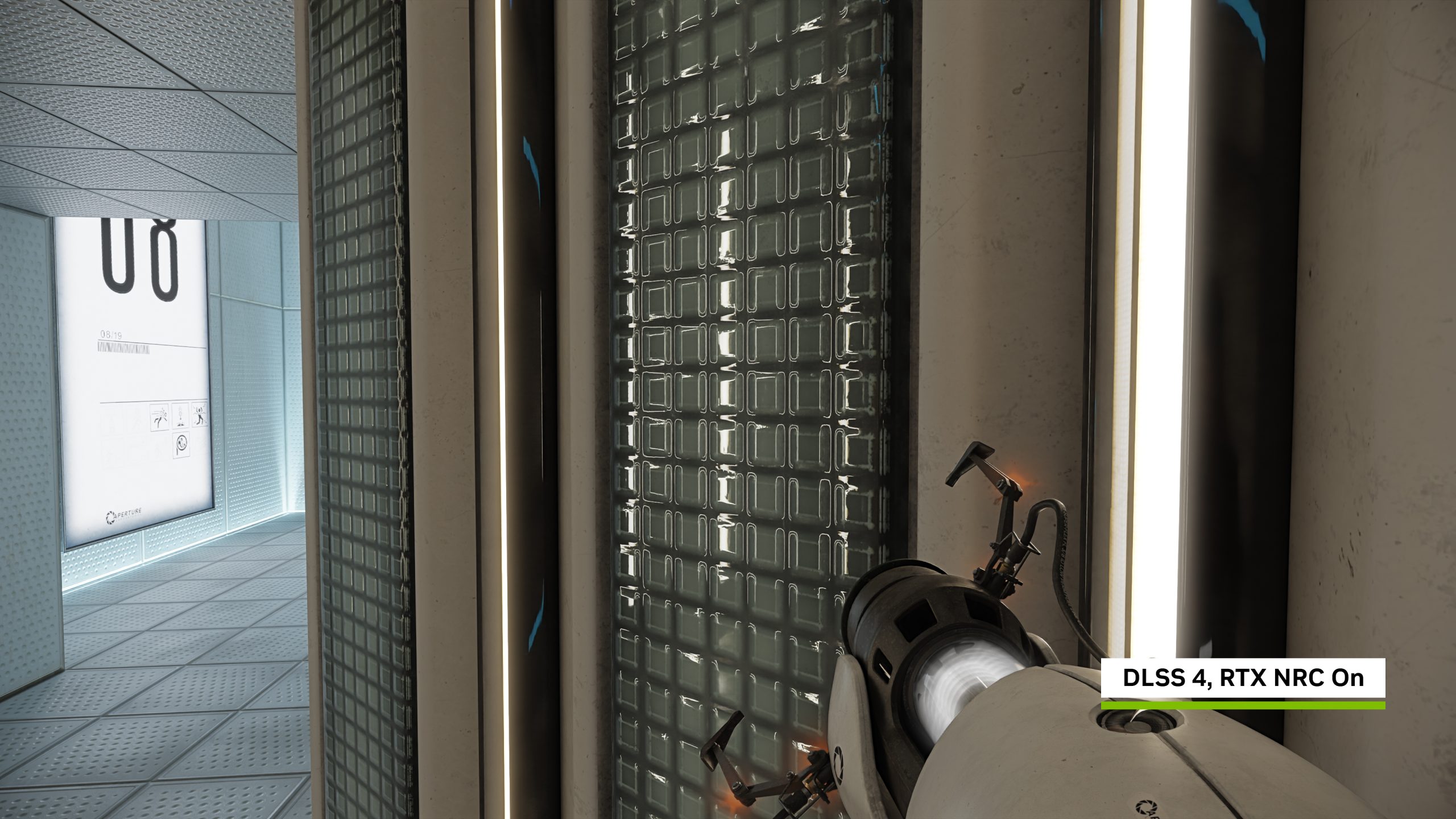
Let Steam finish updating Portal with RTX, check that your NVIDIA driver is current, and launch the RTX version, not the original Portal. Then open the new controls directly in the RTX Remix overlay:
- Press Alt+X in Portal with RTX.
- Choose Developer Settings Menu.
- Expand DLSS 3D-Guided Neural Rendering and turn it on if your GPU is supported.
- Adjust its available appearance settings.
- For frame-generation options, open the General graphics settings.
- Save or apply your settings in the menu.
NVIDIA calls the new visual effect DLSS 5, but the in-game menu calls it DLSS 3D-Guided Neural Rendering. After installing the Portal with RTX DLSS 5 update, that’s the option to open when you want to try the effect.
What does the Portal with RTX DLSS 5 update actually add?
DLSS 3D-Guided Neural Rendering changes how lighting and materials look by enriching the rendered image using AI. It works alongside path tracing, rather than replacing Portal’s original puzzles or level design. This is different from conventional DLSS Super Resolution, which reconstructs an image at a higher resolution.
Multi Frame Generation now includes 5X and 6X modes on supported GeForce RTX 50-series GPUs. These are modes for generated frames, not a claim that the GPU renders six times as many original game frames. Frame Generation Performance Mode (Preset C) is another option, currently in beta, for GeForce RTX 40- and 50-series cards and supported RTX Spark laptops.
Other RTX Remix improvements include Sparse Rendering, SHaRC for indirect-lighting calculations and reduced jagged self-shadowing on low-polygon surfaces. The Portal with RTX DLSS 5 update also brings these rendering improvements, but doesn’t change the puzzles or levels.
Portal with RTX DLSS 5 update GPU support
NVIDIA lists DLSS 3D-Guided Neural Rendering for the GeForce RTX 50 series, with the same GPU family supporting the new 5X and 6X Multi Frame Generation modes. Preset C covers a wider range, including RTX 40-series graphics cards. The options available to you depend on your GPU, driver and game build.
Steam’s minimum graphics card for Portal with RTX is an RTX 3060. That is a general requirement for running the DLC, not a promise that an RTX 3060 can enable DLSS 5 or 6X frame generation. An RTX 3060 can meet the game’s basic requirements without supporting every new DLSS option.
Is Portal with RTX free, and do you need the original Portal?
Yes, Portal with RTX is free DLC, but you must own Portal on Steam. NVIDIA Lightspeed Studios released the RTX version on 8 December 2022. NVIDIA announced the Portal with RTX DLSS 5 update on 28 October 2026. You don’t need to buy a separate RTX edition if you already have the original game.
The Steam minimum specifications are 64-bit Windows 10 or 11, an Intel i7-6700 or AMD Ryzen 5 3600 processor, 16GB RAM, a GeForce RTX 3060 and 25GB of available storage. Stronger GPUs are needed for the most demanding graphics combinations. Steam’s general system requirements shouldn’t be confused with NVIDIA’s separate eligibility rules for individual DLSS features.
What to do if the new graphics options are missing
If you can’t find the new settings after the Portal with RTX DLSS 5 update, check that Steam has finished the download, you’re running Portal with RTX rather than classic Portal, and you’ve opened Alt+X → Developer Settings Menu. They’re not in Portal’s original video settings.
Also check the driver. NVIDIA’s RTX Remix 1.6 release notes set a minimum NVIDIA driver baseline of 616.92. DLSS 5 3D-Guided Neural Rendering requires supported hardware, such as an RTX 50-series GPU or an RTX Spark device. An RTX 30- or 40-series card won’t gain it through unofficial DLL downloads, so leave Steam’s updated runtime files alone.
The Portal with RTX DLSS 5 update uses the same Alt+X controls as the Half-Life 2 RTX demo. For an explanation of the tools behind both games, see our RTX Remix 1.6 modding guide.
Official source: NVIDIA’s RTX Remix 1.6 announcement.