
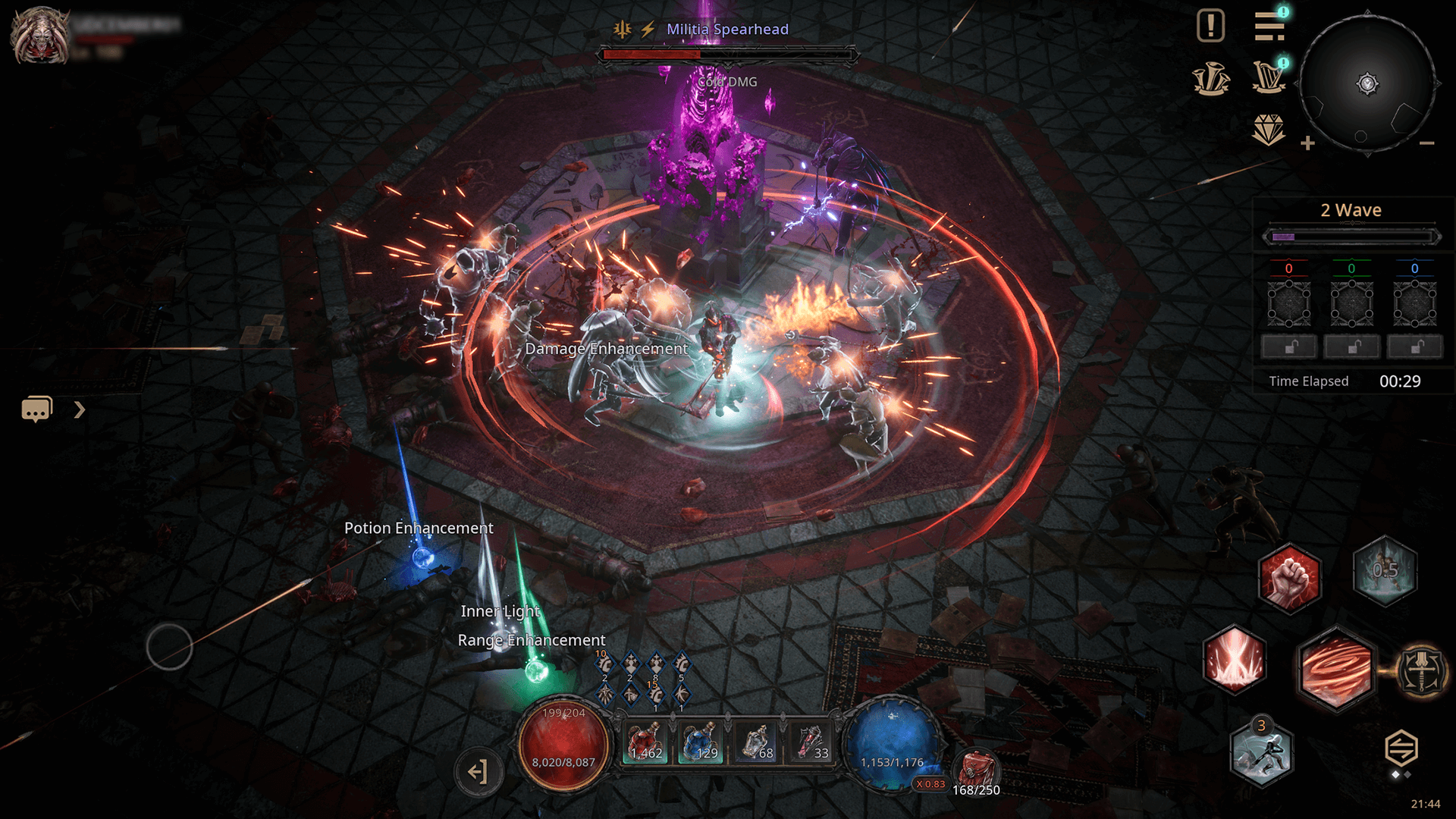
UNDECEMBER Android vs PC progression works through LINE Games’ account-linking system. A correctly linked mobile account can use its characters on PC, but separate Steam and mobile accounts do not automatically merge. When linking, choose which account’s characters to keep. The other account’s characters are permanently deleted.
If your phone cannot update to Android 16, a PC offers another way to play. First identify the account holding your existing character, then use the appropriate link. Mobile and Steam accounts have different linking routes.
UNDECEMBER Android vs PC: Crossplay and progression explained
| Question | Answer |
|---|---|
| Mobile and PC access | Yes, with the appropriate linked account |
| Shared characters and progression | Yes, after correct account connection |
| Use both at once | No simultaneous sessions on linked platforms |
| Combine Steam, mobile and FLOOR | Not through the publisher’s stated three-way linking restrictions |
| Current PC launch | Steam or the LINE Games Launcher |
LINE Games’ guide shows mobile-to-FLOOR and Steam-to-FLOOR connections. For UNDECEMBER Android vs PC progression, the account selected during linking determines which characters remain. Saved characters from two separate accounts cannot simply be merged.
How to use your mobile character on PC
If you’ve already signed into mobile using a FLOOR account, the official guide says that the same account can load the existing progress on PC without another account-link operation. The game’s account system still uses FLOOR branding, even though the old FLOOR Windows launcher was discontinued in September 2026.
If your character instead belongs to a Google, Apple, Facebook or LINE mobile account, LINE Games documents going to Game Settings, Account on mobile, selecting the FLOOR icon and signing into the account you want to link. It then displays an account-selection screen. Don’t confirm until you recognise the account holding the character you need.
The UNDECEMBER Android vs PC linking warning you must read
Characters on the unselected account can be permanently deleted. LINE Games says characters on the account you do not select are removed permanently. Linking isn’t a harmless test. If both accounts contain valuable progress, get official assistance before choosing which one to keep.
For UNDECEMBER Android vs PC account decisions, write down which login provider owns each character and check the selection screen against that information. If you are just trying to solve a mobile sign-in error, use our login guide instead of experimenting with account connection.
Can you connect Steam and mobile?
Steam-to-FLOOR linking is described in the publisher’s guide through the Steam game’s Settings and Account menu. However, an account already linked between mobile and FLOOR may not also link with Steam. The official procedure explicitly restricts linking all three platforms through the same account and says to choose which account pairing you need.
The UNDECEMBER Android vs PC route depends on how the characters were created. A mobile account already tied to an existing FLOOR account has different options from a fresh Steam account. Don’t start a new character on another PC platform and assume your old progress will automatically appear.
Which PC launcher is current for UNDECEMBER Android vs PC?
LINE Games discontinued the old FLOOR launcher on 30 September 2026. Its replacement is the LINE Games Launcher, while Steam remains another way to install the game. The current launcher requires 64-bit Windows 10 or newer and no longer supports older Windows or 32-bit systems.
Moving from an older Android phone to PC
PC is an alternative if the mobile device cannot upgrade to Android 16, but changing platform doesn’t correct an account-linking mistake. Before linking, check whether you actually need a different device or just a Google Play update. Our Android 16 requirements guide covers eligibility, and the Android update guide covers installation errors.
For UNDECEMBER Android vs PC, the safe rule is to preserve the account with your existing characters, avoid connecting unrelated accounts in a rush, and remember that a linked account can’t be played simultaneously on two platforms. The developer’s data-loss warning takes priority over convenience.
Related Guides
Official source: LINE Games’ official cross-platform account instructions.





