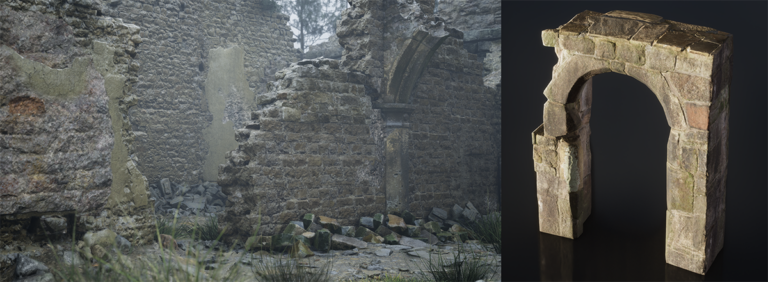
The UEFN Shadows of the Abbey template is a new Feature Example in Fortnite 43.10. Open it from the UEFN Project Browser under Feature Examples. It contains an abbey, graveyard, catacombs, forest, windmill and coastline, so you can examine how Epic built a large horror environment without downloading a separate community island.
The project demonstrates how to use Quixel Megascans assets without filling an island with hundreds of unique textures and models. Epic reuses materials, meshes and environment kits throughout the map. You can inspect those pieces directly in UEFN and apply the same approach to your own levels.
How to open the UEFN Shadows of the Abbey template
Launch UEFN, open the Project Browser and select Feature Examples. Choose Shadows of the Abbey and create a copy of the example project. Let the assets finish loading before checking the environment. Start a Live Edit session if you want to walk around the map in the Fortnite client while inspecting it in the editor.
Where to find the assets and environment kits
Open the Outliner to see how the scene is organised. Select an object you want to understand, right-click it and choose Browse to Asset(s) to jump to the associated item in the Content Browser. Start with one catacomb wall module, then inspect the dressing pieces around it.
Compare an unadorned shell to the finished corridor: the extra visual detail comes from reused parts and materials, not thousands of individually modelled walls.
What’s inside the UEFN Shadows of the Abbey template?
Epic counts 15,056 placed actors, including 12,747 placements of static meshes drawn from just 306 unique meshes. The 439 textures are no larger than 1024 by 1024 pixels except for the sky.
Those figures matter because the project looks complex without treating every rock or stone as a separate asset with its own full texture set. It is a working reference for environment construction, not proof that any collection of imported Megascans will fit your island budget.
UEFN Shadows of the Abbey template: can you use the assets in your own Fortnite island?
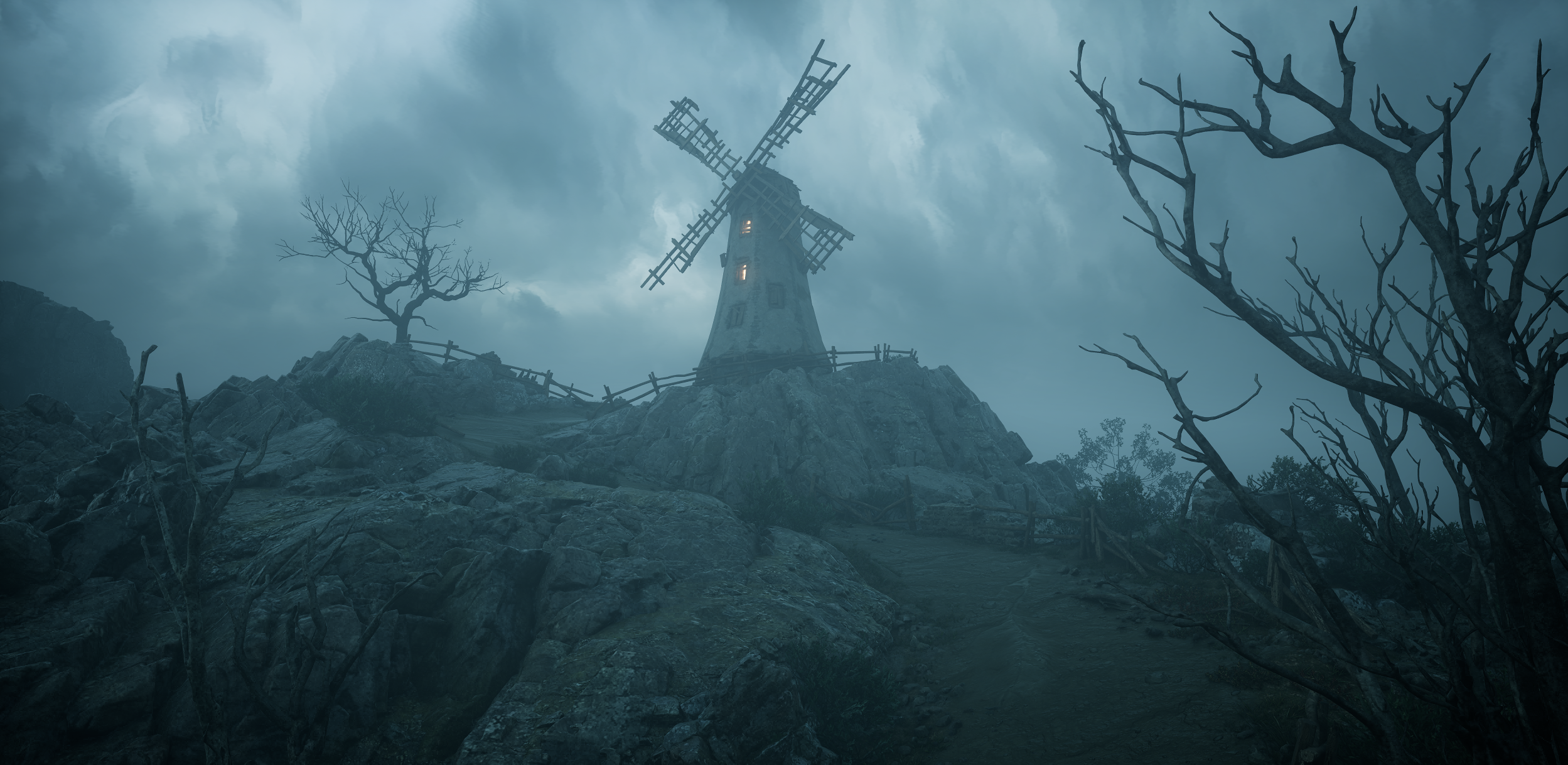
The UEFN Shadows of the Abbey template is a starting point for learning and building, and Epic says the Megascans library is available through Fab. That does not remove the need to check the licence for any asset you bring into a project.
Test memory, performance and platform appearance before publishing, particularly where Nanite fallback meshes and lower quality settings are involved. Opening an example successfully is not the same thing as passing your own island validation.
UEFN Shadows of the Abbey template not showing up?
If the template isn’t visible, check that UEFN is updated to v43.10 or later and that you’re in Feature Examples, not Brand Templates. If the scene looks incomplete, give the editor time to load assets and shaders. Compare the editor view with the Fortnite client before assuming anything is missing.
Explore the rain system in the example island
Shadows of the Abbey has one Verse script dedicated to rain, named rain_follower.verse. Epic uses 17 Mutator Zones to control when the rain effect should be visible to the player. When someone goes indoors, the rain spawner moves underground briefly so the final drops can finish falling before the effect stops. It’s a useful system to inspect if your own level has indoor and outdoor areas.
The map also includes separate Niagara effects for drips, splashes and roof-edge rain. They are placed where the player can notice them instead of running every effect everywhere. Open the relevant devices and script in the example project, then compare the weather outdoors with the catacombs. That shows how the scene keeps its atmosphere without paying the same effect cost in every room.
UEFN Shadows of the Abbey template FAQ
Where is the Shadows of the Abbey example in UEFN? Open Project Browser, choose Feature Examples and select Shadows of the Abbey. It is an editor example, not a Battle Royale island code.
Can I use the environment as a starting point? Epic describes it as a starter island. Check memory and any relevant Fab licences before publishing your own work.
Do I need to know Verse to explore the build? No. Most of the assets, materials and level structure can be inspected in the editor.
Related Guides
- UEFN Shadows of the Abbey Memory Optimization: Meshes, Materials and Rain
- UEFN Fab MCP Toolset: Search and Install Fab Assets With Agent Tools
- UEFN Day Sequence Verse API: Control Time of Day, Sun and Fog
- UEFN Add Branded Content: Convert an Existing Island Safely
- UEFN GLB Import
- UEFN Procedural Content Generation
- UEFN Material Inheritance Error
- UEFN Copied Entity Not Showing
Official source: Epic Games documentation.