A UEFN material inheritance error can show up when Verse code that worked before Fortnite v43.00 suddenly stops compiling. Epic introduced material inheritance in that update, so some members that used to belong to an individual material instance now come from a shared parent class.
The two errors to look for are unknown member on qualified access and conflicts between extension methods with the same name. The fixes are in Verse. You don’t need to delete your materials or rebuild the island.
Why the UEFN material inheritance error appeared
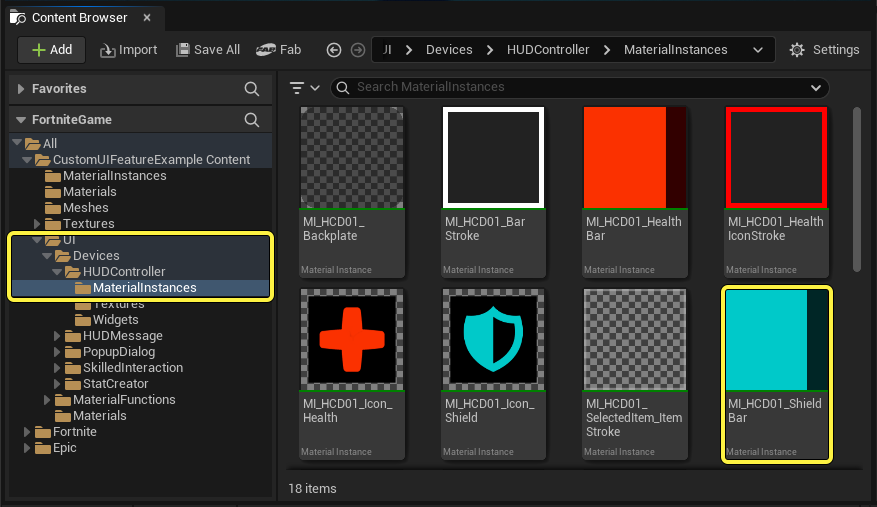
Official Epic Games UEFN Material Instances reference. Material class changes should be fixed in Verse, not by deleting this asset.
Material instances can now share a base class, cutting memory use and letting the same Verse utility work with related materials. That’s useful for new code, but it can trip up older projects that refer directly to a child material class.
For example, your code might look for a member on a specific child class when it’s now declared by the parent. The material itself can still be fine. It’s the Verse reference that needs changing.
Fix 1: Unknown member on qualified material access

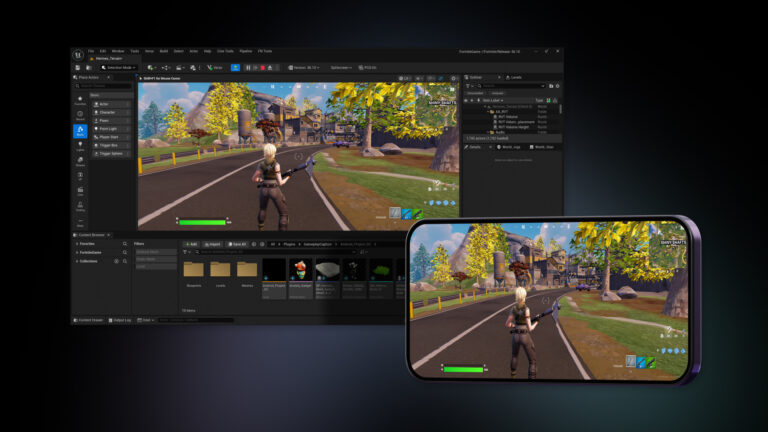
UEFN material inheritance error troubleshooting takes place in Verse. Official Epic Games editor illustration; it is not a screenshot of this exact compiler error.
If the compiler flags something shaped like Value.(Class)Member, look for Member on the parent material class. The qualifier tells Verse where to look, so pointing it at the old child class can trigger the error.
- When the UEFN material inheritance error points to qualified access, read the exact member name in the compiler output, then locate the corresponding call in your Verse file.
- Check the material inheritance relationship and determine which class declares that member now.
- Remove the unnecessary class qualification, or change the qualifier to the parent that actually declares the member.
- Build Verse again. Only move on to other errors once this particular symbol has resolved.
Check the class name in the failing expression before touching the material graph. A texture change won’t repair a Verse member lookup.
Fix 2: Duplicate extension methods
Another UEFN material inheritance error can appear when a parent and child class both expose an extension method with the same name. What used to work on separate material types can become ambiguous once those types inherit from one another.
If the implementations are genuinely identical, remove the redundant extension method associated with the child material instance. If the methods do different jobs, rename them so callers can select the intended one without ambiguity.
In a larger project, Epic recommends temporarily renaming the conflicting methods so compilation identifies every call that needs attention. Fix the child-class calls first, followed by the parent-class calls. There’s no reason to rename unrelated functions.
UEFN material inheritance error checklist
| Symptom | Likely cause | What to check |
|---|---|---|
| Unknown member | Member moved to parent | Class qualifier in Verse |
| Duplicate extension method | Inherited classes now overlap | Remove identical duplicate or rename distinct methods |
| Upload or validation fails | May be a separate project issue | Read the validation message, not just a compiler warning |
| VS Code diagnostic only | Could be an editor diagnostic | Compare with UEFN’s actual Verse build result |
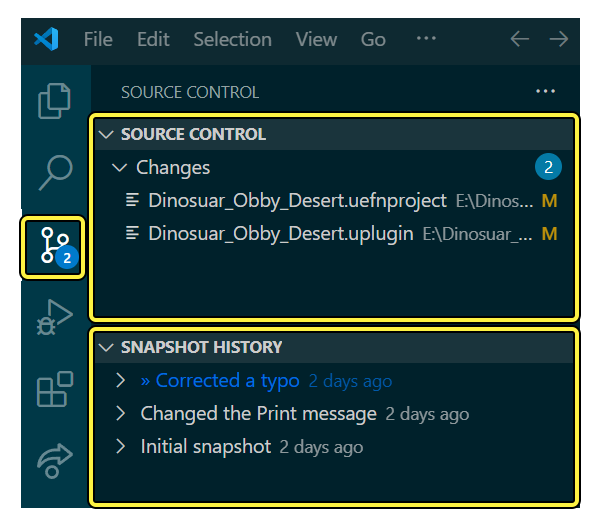
Save a working revision before editing, then fix one kind of error at a time. After Verse compiles, launch a test session and make sure the affected materials still behave correctly. A clean build doesn’t tell you whether everything works in play.
What not to change while troubleshooting
Don’t confuse this with a missing Verse class placeholder, broken textures or an island failing validation. Those can produce their own errors, but they aren’t fixed by changing an inheritance qualifier.
When you’re dealing with a UEFN material inheritance error, start with the first useful compiler message. Fixing one qualified access or conflicting extension method can make several follow-on errors disappear.
Don’t copy another creator’s parent-class names into your project and expect them to work. Check your own material hierarchy and change only the references that are wrong.
Will the UEFN material inheritance error affect new projects?
Epic says the compatibility errors are uncommon and may show up when you re-upload an older project. If your Verse code still builds and the materials work, leave them alone.
If the compiler still reports a UEFN material inheritance error after you adjust the qualifier or duplicate methods, inspect the remaining error’s file and line rather than repeating the same fix. You may have more than one affected extension method or a separate Verse issue.
After the build and playtest pass, check in the change with the affected material classes named in the revision description. It’ll be much easier to find again if another part of the project breaks later.
Related Guides
Official source: Epic Games documentation.