UEFN FieldOfViewDegrees no longer works as a property on the Scene Graph perspective_camera_component. Fortnite v43.00 renamed it to FieldOfView and switched camera angles from degrees to radians, so you need to update both the name and the number.
An old Verse script might fail to compile because the property is gone, or it might compile with the new name but show a wildly different angle if you leave the original degree value in place.
Scene Graph camera components remain experimental and cannot be used in published islands. Make these changes in a UEFN test project, not an island you’re about to release.
UEFN FieldOfViewDegrees renamed: What changed in v43.00?
UEFN FieldOfViewDegrees was renamed in the experimental Scene Graph camera API. Official Epic Games Scene Graph editor reference.
| Before v43.00 | From v43.00 | What to change |
|---|---|---|
FieldOfViewDegrees | FieldOfView | Rename the property on perspective_camera_component |
| Angles measured in degrees | Angles measured in radians | Convert numeric angle values |
| Old camera framing | New camera framing | Retest the actual projection and transitions |
The UEFN FieldOfViewDegrees rename affects the experimental Scene Graph camera API, not every camera device in Fortnite. If you’re adjusting a normal Fixed Angle Camera device, its controls are separate from this Verse property.
Fix the old FieldOfViewDegrees property
Search your Verse files for FieldOfViewDegrees, focusing on code that configures a perspective_camera_component. Replace the old member name with FieldOfView, then build Verse again.
If the compiler says the member is unknown, fix the property name first. There’s no reason to remove the camera component or rewrite unrelated variables.
The UEFN FieldOfViewDegrees migration doesn’t end when Verse compiles. The old values were in degrees, so the same number will produce the wrong view when treated as radians.
How to convert camera degrees to radians
Convert each old angle using radians = degrees × π ÷ 180. For example, 90 degrees becomes π/2 radians, while 45 degrees becomes π/4.
| Old angle | Equivalent radians | Approximate number |
|---|---|---|
| 30° | π/6 | 0.524 |
| 45° | π/4 | 0.785 |
| 60° | π/3 | 1.047 |
| 90° | π/2 | 1.571 |
If your old setting was 90 degrees, the new value should be about 1.571 radians. Check your current Verse syntax before saving, and don’t leave the old 90 in a field that expects radians.
One trap: Epic’s Camera Component Types example still shows FieldOfViewDegrees := 75.0. That snippet uses the old name and units. The v43.00 upgrade notes supersede it, so don’t paste it into a current project unchanged.
How to check your Scene Graph camera after the change
- Rebuild Verse after replacing the removed member name.
- Check every numeric value assigned to the new
FieldOfViewfield, converting old degree values to radians. - Start a UEFN edit session and compare the frame width against the intended shot.
- Switch between cameras if your project blends transitions, and make sure there is no sudden jump in framing.
- Review other angle-driven Scene Graph settings, since Epic says all angles in the camera system now use radians.
If the view is much too wide or narrow, double-check the converted value before moving the camera. When updating UEFN FieldOfViewDegrees code, test its FOV separately from the position and tracking settings.
How normal camera device FOV differs
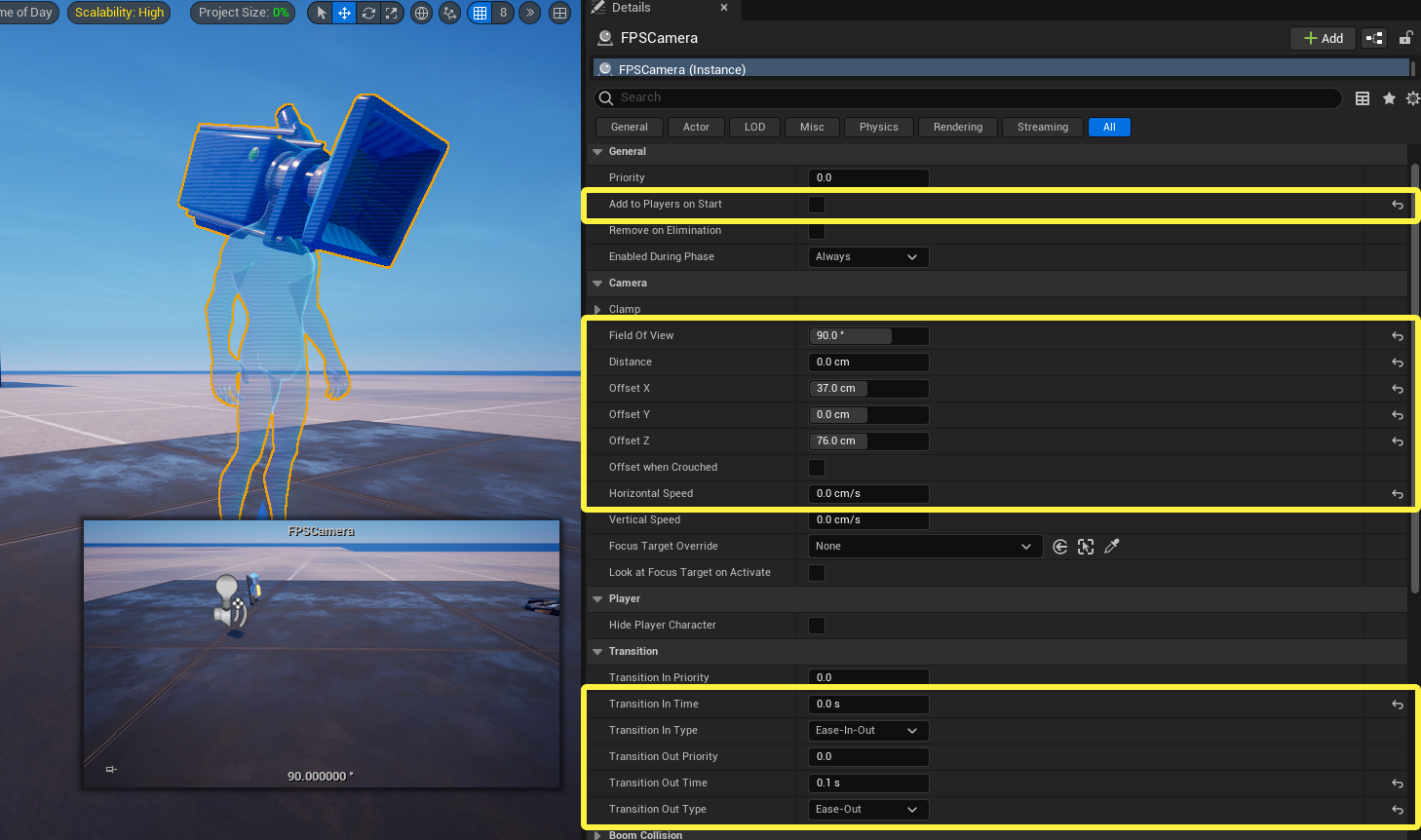
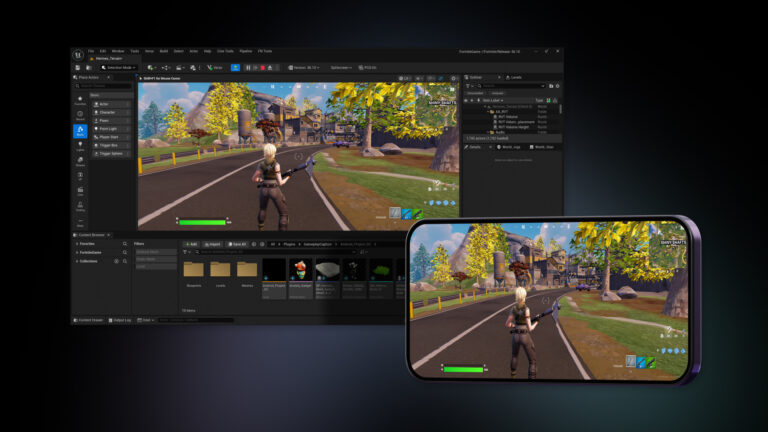
UEFN FieldOfViewDegrees migration does not change these conventional camera-device FOV settings. This is a standard FPS Camera device from Epic’s documentation, shown for comparison.
This picture is a conventional camera device, not a perspective_camera_component. Its field of view is presented in degrees. The Verse rename and radians conversion in this guide apply only to the experimental Scene Graph component. Don’t use the device’s displayed number as a ready-made value for the Verse field.
What if the camera will not activate at all?
A camera that doesn’t activate at all may have a different problem. Epic tracked a play-server issue with Scene Graph camera activation and targeted v43.10 for a fix, while editor sessions were unaffected. Check which version you’re running before assuming your FOV conversion is to blame.
If your updated UEFN FieldOfViewDegrees code builds but the view doesn’t change, check that the camera component is registered and active in the camera director. Its priority can decide which camera players actually see.
UEFN FieldOfViewDegrees questions
Should I still use FieldOfViewDegrees? No. For current Scene Graph perspective_camera_component code, Epic renamed it to FieldOfView.
Can I keep the same numerical angle? Only after converting it into radians. A unit change is separate from the property rename.
Does this change affect standard camera devices? The v43.00 note describes the experimental Scene Graph API, not the entire camera-device system.
Rename the property, convert the angle, rebuild Verse and test the view. If the camera still looks wrong, move on to framing and activation settings instead of repeatedly changing the field name.
Related Guides
Official source: Epic Games documentation.