The latest Fortnite Creator Tools Update has arrived with one of the biggest changes yet for people building islands in Fortnite Creative and Unreal Editor for Fortnite. Epic Games is now allowing creators to publish experiences containing LLM-powered NPC conversations, alongside new mobile controls, creator analytics, prefabs, galleries and development tools.
Released as part of the Fortnite v41.30 ecosystem update on July 30, 2026, the update gives creators more freedom to build interactive characters and mobile-friendly experiences. It also introduces new documentation for in-island transactions and an experimental Quests API that could significantly expand progression systems inside creator-made islands.
Here is everything included in the latest Fortnite Creator Tools Update and what the new features mean for Fortnite creators and players.
Fortnite Creator Tools Update Lets Creators Publish AI NPCs
The headline addition in the Fortnite Creator Tools Update is the full release of Conversations.
Conversations was previously classed as an Experimental feature, meaning creators could test it but could not publish islands that relied on the technology. Following the v41.30 update, creators can now publish Fortnite islands containing LLM-powered NPCs and interactive characters.
These NPCs can respond to players through dynamic conversations rather than relying entirely on a fixed selection of pre-written dialogue options. This could allow creators to build more reactive story islands, role-playing experiences, social games, tutorials and character-driven adventures.
However, this does not mean every Fortnite NPC has suddenly been replaced by generative AI. Conversations is a creator feature for compatible Fortnite Creative and UEFN experiences. Creators must deliberately add and configure the system within their islands.
Epic Games has also placed restrictions on certain official Fortnite characters. A selection of Fortnite IP characters is now locked to its established voice and persona, preventing creators from changing those characters in ways that would conflict with their official identities.
Use our Fortnite trackers to record Victory Umbrellas, Sprite rewards and Reload unlocks.Track Your Fortnite Collection
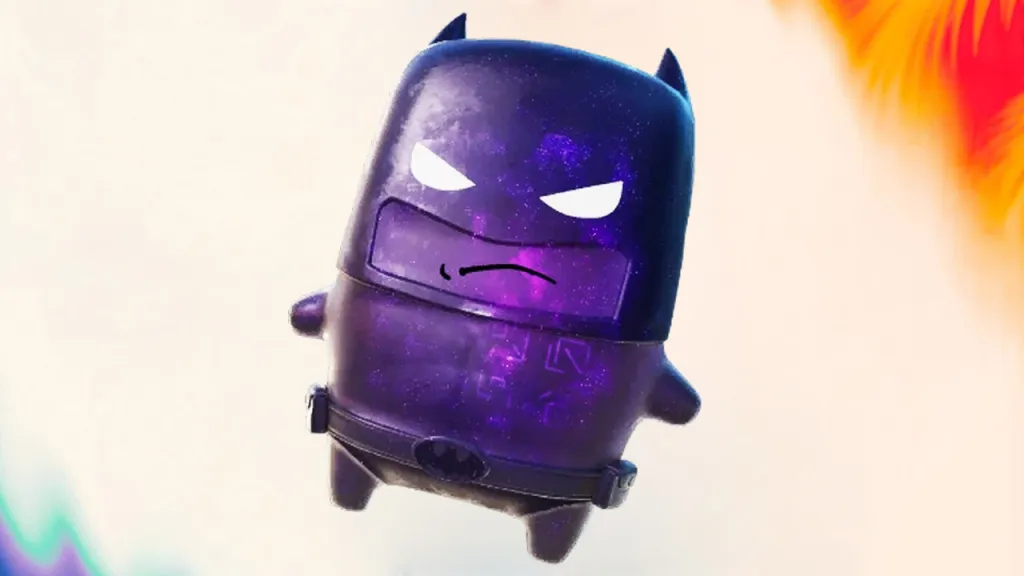
New Fortnite Conversations Analytics Added
The Fortnite Creator Tools Update also gives island developers new ways to measure how players interact with AI-powered characters.
Creators who enable Conversations can access a new Conversations section inside the Creator Portal. This includes analytics designed to show whether players are engaging with the feature and how frequently they continue interacting.
The available metrics include:
| Conversations metric | What it measures |
|---|---|
| Conversations Engagement Rate | The percentage of players who interacted with Conversations at least once during the selected period |
| Interactions Per Engaging Player | The average number of Conversation interactions completed by players who used the feature |
These statistics should help creators determine whether an NPC is easy to find, whether its dialogue is interesting enough to continue and whether a conversation system is improving the overall island experience.
For story-based or role-playing islands, these analytics could become especially useful when adjusting NPC placement, dialogue prompts and quest progression.
Fortnite Mobile Creator Tools Add Pinch-to-Zoom
Mobile development is another major focus of the Fortnite Creator Tools Update.
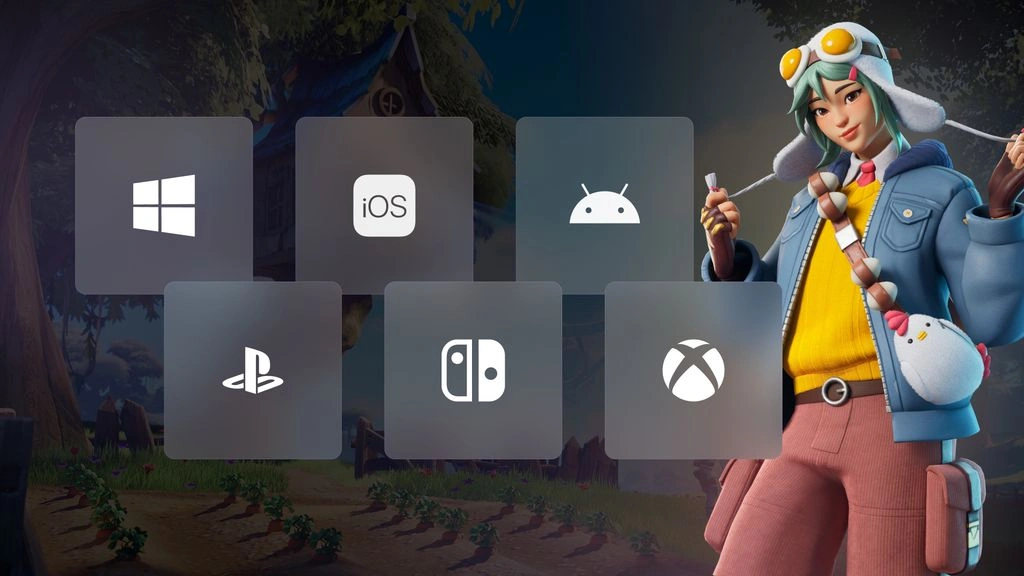
Epic has introduced PointerZoom, a new experimental InputAction that allows creators to support pinch-to-zoom gestures on touchscreen devices. The same input can also recognise a mouse scroll wheel or the right stick on a gamepad, reducing the amount of separate setup required for different platforms.
Creators could use PointerZoom to:
- Zoom a custom camera in and out
- Resize an object using pinch input
- Create interactive maps
- Improve mobile menus
- Build strategy or management experiences
- Add more accessible camera controls
On mobile devices, creators can add TouchInputMapping and subscribe to PointerZoom to begin reading pinch input.
Epic says PointerZoom is expected to leave its experimental phase with the Fortnite 42.00 ecosystem update. Until then, creators should remember that experimental tools may still change before becoming fully production ready.
More Custom Fortnite Touchscreen Controls
The v41.30 Fortnite Creator Tools Update expands Developer-Customizable Touchscreen Controls with additional supported actions.
This system allows creators to reposition, restyle or hide Fortnite’s default touchscreen buttons by assigning a custom layout through a HUD Controller device.
New supported actions include:
- Vehicle Boost
- Vehicle Horn
- Vehicle Brake
- Vehicle Aim
- Vehicle Switch Seat
- Vehicle Throttle
- Backpack
- Map Ping
- Toggle Autofire
- Toggle Map
Epic has also clarified that Developer-Customizable Touchscreen Controls are production ready. Although the feature was previously described as experimental in the v41.00 ecosystem notes, islands using it can be published.
Tappable Custom HUD Widgets have received the same clarification. These widgets allow custom HUD elements to function as touchscreen buttons and can also be used in published experiences.
Fortnite Quests API Introduced for UEFN
The Fortnite Creator Tools Update includes new documentation for an experimental Quests API, available through the Verse progression module.
The system allows creators to define quests, objectives and rewards through Verse. These creator-made quests can then appear within Fortnite’s existing quest interface and in the pause menu when tracked.
This could eventually make custom island progression feel much closer to official Fortnite quests.
Creators may be able to use the system for:
- Story objectives
- Daily or weekly challenges
- Multi-stage missions
- Tutorial tasks
- Exploration goals
- Island-specific progression
- Reward-based activities
The Quests API remains experimental, so creators should not assume its current behaviour or structure is final. Islands using experimental systems may also face publishing limitations until those features are moved into production-ready status.
New In-Island Transaction Documentation
Epic has also published new guidance covering in-island transactions.
In-island transactions provide creators with an additional potential revenue source alongside Fortnite engagement payouts. The newly published documentation covers the fundamentals of adding transactions to an island, as well as guidance for pricing and packaging purchasable content.
The Fortnite Creator Tools Update does not mean every island will immediately contain purchases. Creators must still follow Epic’s systems, eligibility requirements and publishing rules when implementing monetisation features.
The new documentation is primarily designed to help developers understand how transaction systems can be integrated into their experiences.
New Shaken Sanctuary Prefabs and Galleries
Creators have also received a new selection of building assets through the v41.30 Fortnite Creator Tools Update.
The update adds two Shaken Sanctuary prefabs:
- Shaken Sanctuary Secret Facility Prefab
- Shaken Sanctuary Greenhouse Prefab
Five matching galleries have also been introduced:
- Shaken Sanctuary Floor Gallery
- Shaken Sanctuary Wall Gallery
- Shaken Sanctuary Roof Gallery
- Shaken Sanctuary Base Gallery
- Shaken Sanctuary Prop Gallery
These assets give creators ready-made pieces for constructing secret facilities, underground bases, laboratories, greenhouses and other Shaken Sanctuary-inspired environments.
Prefabs contain pre-built structures that can be placed and adapted, while galleries provide individual walls, floors, roofs and props for more customised designs.
New Virtual Pointer Settings
Players using the Virtual Pointer now have additional options under the Controller and Virtual Cursor settings.
The available controls include:
- Pointer Speed
- Pointer Opacity
- Pointer Haptic Feedback Intensity
These settings allow players to adjust how quickly the pointer moves, how visible it appears and how strongly supported controllers respond through haptic feedback.
Although this is a smaller part of the Fortnite Creator Tools Update, it should improve usability in islands that rely heavily on menus, custom interfaces or virtual cursor navigation.
Fortnite UEFN Device Detection Improved
The Player Input Device Info API has also been updated.
Previously, the API could identify the input device a player was actively using at the exact time of the query. Following the new update, developers can query all input devices that a player has available.
This could help creators build more responsive interfaces and provide control instructions suited to each player’s available hardware.
For example, an island could potentially determine whether a player has access to a keyboard, controller or touchscreen and adjust its prompts accordingly.
Important Fortnite Creative Bug Fixes
The Fortnite Creator Tools Update contains a sizeable collection of Creative and UEFN fixes.
Community-reported problems addressed in v41.30 include:
- Join-in-progress players occasionally stuttering heavily
- Join-in-progress players spawning with one health and only a Pickaxe
- The letter E remaining stuck on-screen after using a matchmaking portal
- UEFN freezing when Timer Device properties were changed during a live session
- UEFN crashing after duplicating the Timer Device
- Seven Sliders damaging environments despite Environment Damage being disabled
- Infinity Blade secondary attacks failing to damage enemies
- Players becoming stuck after a sliding animation was interrupted
- Animation errors involving gliders and certain Bouncer Gallery devices
- Physics props visibly resimulating after hitting a Pinball Bumper
Epic has also fixed an issue where the Join Game option could be missing for friends outside the player’s current party, alongside a validation problem affecting broadcasters joining matches.
Illegal Property Override Warnings Explained
Some creators may begin seeing new Illegal property override warnings after installing the latest update.
Epic says an incomplete validation system previously allowed certain hidden property overrides to bypass checks. The validation has now been corrected, which means existing projects may display warnings that were not shown before.
These warnings are expected to become errors in a future UEFN release.
Creators who rely on an affected property have been advised to report it through the Epic Developer Community so the development team can consider officially exposing it in UEFN.
This is one of the most important technical changes in the Fortnite Creator Tools Update for developers maintaining older or more complicated projects. Ignoring the warnings could cause validation or publishing problems once Epic begins treating them as errors.
What the Fortnite Creator Tools Update Means for Players
Most of the changes are aimed directly at developers, but players should gradually notice the results inside Fortnite Discover.
Published islands can now include more advanced AI-powered conversations, while improved touchscreen support may produce better mobile experiences. The Quests API also points towards creator-made islands with clearer objectives, tracked missions and more substantial progression systems.
The changes will not transform every Creative island overnight. Creators still need time to build, test and publish experiences using the new systems.
However, the v41.30 Fortnite Creator Tools Update gives developers access to tools that could make custom islands feel more interactive, polished and responsive across mobile, controller and mouse-and-keyboard platforms.