

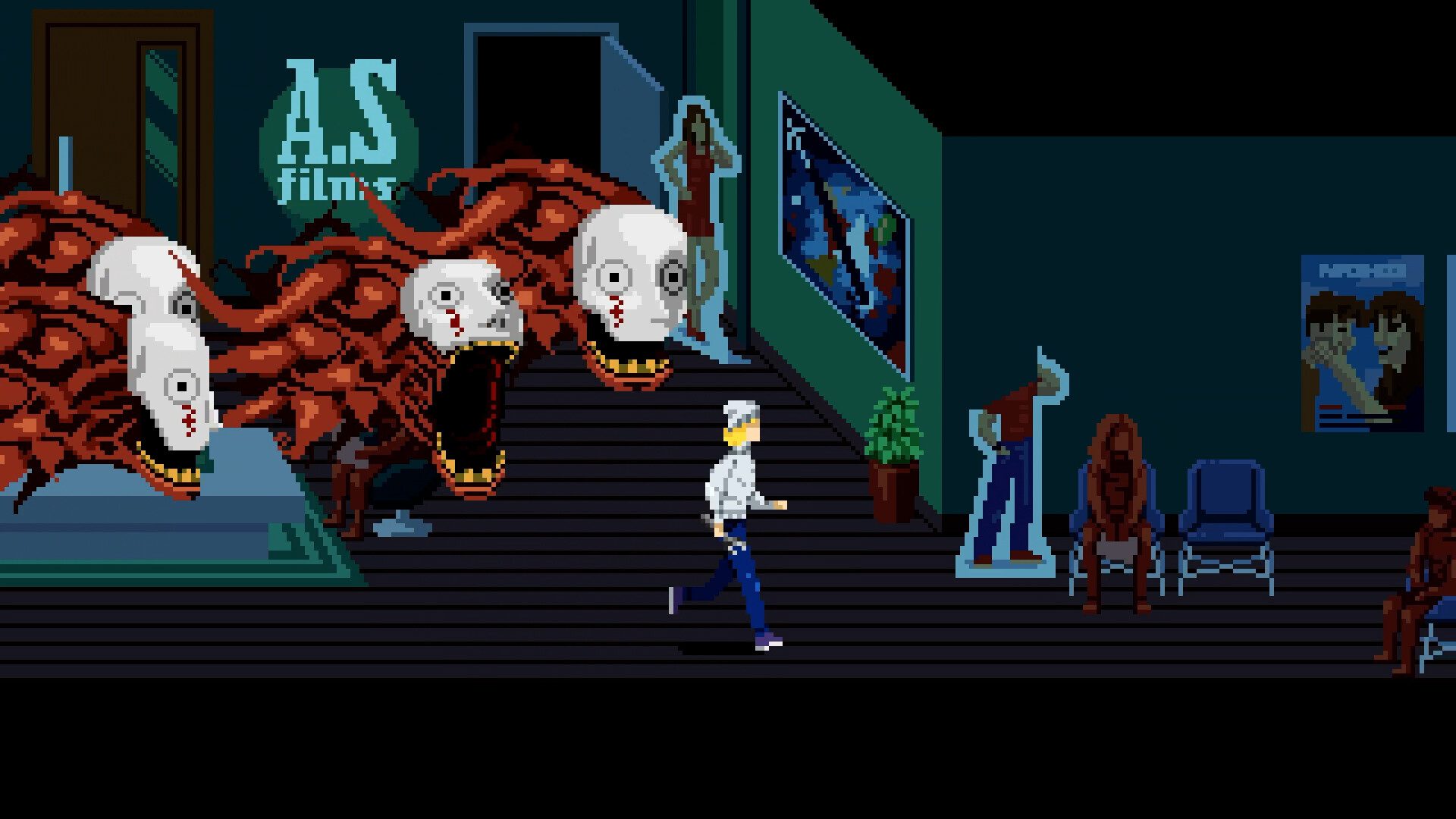
Tenebris Somnia Steam Deck matters if you’re thinking about picking up this unsettling new horror game on October 16. Tenebris Somnia has the look of a 16-bit adventure, then suddenly swaps its pixel-art world for live-action scenes with real actors and practical effects.
There’s a free Steam demo already, but choosing a platform or working out what your PC needs is worth doing before launch day. Here’s the confirmed information from the game’s official listing, without guessing at missing prices, release times or performance figures.
Tenebris Somnia Steam Deck: Official Verified compatibility
The game’s Steam store page shows Steam Deck Compatibility: Verified. This is a meaningful confirmation from Steam, rather than an unsupported guess that a 2D game should run on handheld hardware.
It is still not a benchmark. Verified status doesn’t specify a fixed frame rate, graphics preset or battery runtime. Those are things to establish from the release build after October 16.
Tenebris Somnia Steam Deck: How to install the game
On October 16, search for Tenebris Somnia on your Steam Deck, buy it through your Steam account and install it from your Library when available. You don’t need to purchase a separate Deck edition.
Before release, you can wishlist the game and open the demo from its Steam page. The full version still says upcoming as of October 11, so a Verified badge doesn’t unlock the game ahead of launch.
Tenebris Somnia Steam Deck: Controller support and button layout
Steam lists full controller support, and the developers recommend playing with a controller. The Deck’s built-in controls are therefore a natural choice for the game’s exploration and combat.
If you want to change what a button does, open the game’s Steam Input controller layout from the Deck interface. You can adjust bindings there rather than reaching for a keyboard immediately.
Tenebris Somnia Steam Deck: Steam Deck performance expectations
Tenebris Somnia uses 2D pixel graphics for much of the game and switches to filmed live-action scenes at key moments. Neither of those visual styles gives us an official frame-rate target.
There are no confirmed Steam Deck-specific FPS tests or battery-life figures on the official listing. Avoid relying on speculative 60 FPS claims simply because the game looks retro.
Tenebris Somnia Steam Deck: Free demo compatibility
A free demo is already available on Steam. Open the Tenebris Somnia store page and look for Download Tenebris Somnia Demo, then check its availability from your handheld.
The full game’s Verified badge doesn’t necessarily count as separate testing of every older demo build. The demo is nevertheless a useful way to see whether you’re comfortable with the controls and style before buying.

Tenebris Somnia Steam Deck: How much space will you need?
The main Steam requirements list 5 GB available storage. Clear at least that much space on your internal drive or microSD card before you try installing the full game.
That’s not a precise Steam Deck download size. The file transfer and installed footprint are reported by Steam once installation begins, and those values can change with updates.
Tenebris Somnia Steam Deck: Does Steam Deck mean console versions are confirmed?
No. Steam Deck runs the Steam game and is not the same as an Xbox, PlayStation or Switch release. The October 16 launch is confirmed for Windows PC through Steam.
New Blood has mentioned consoles when discussing future regional pricing, but no exact console release date has been confirmed in that announcement. If you only own a console, don’t treat the Deck compatibility badge as proof of an October launch for your system.
Related Guides
Official source: Tenebris Somnia official Steam store.





