
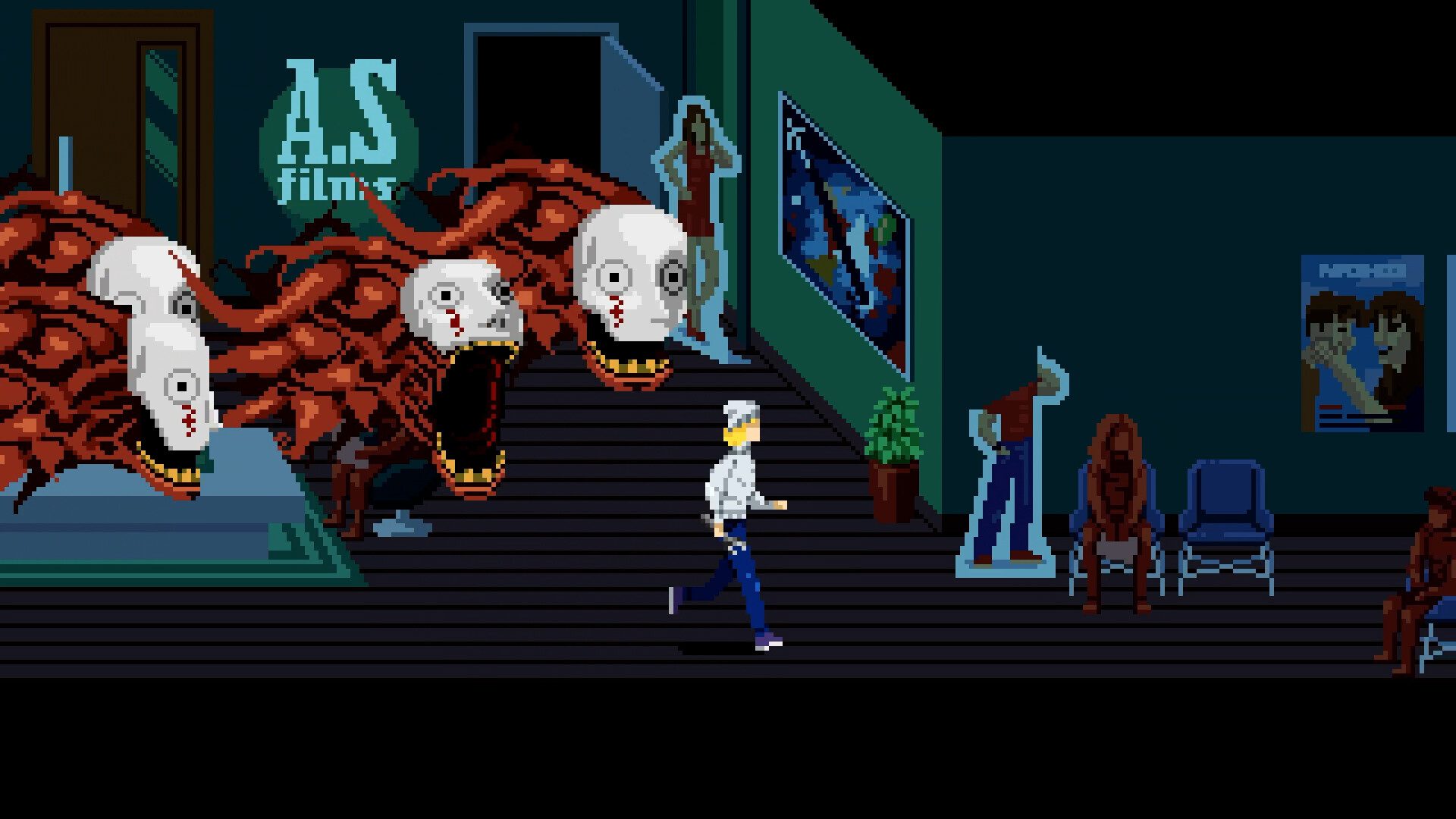
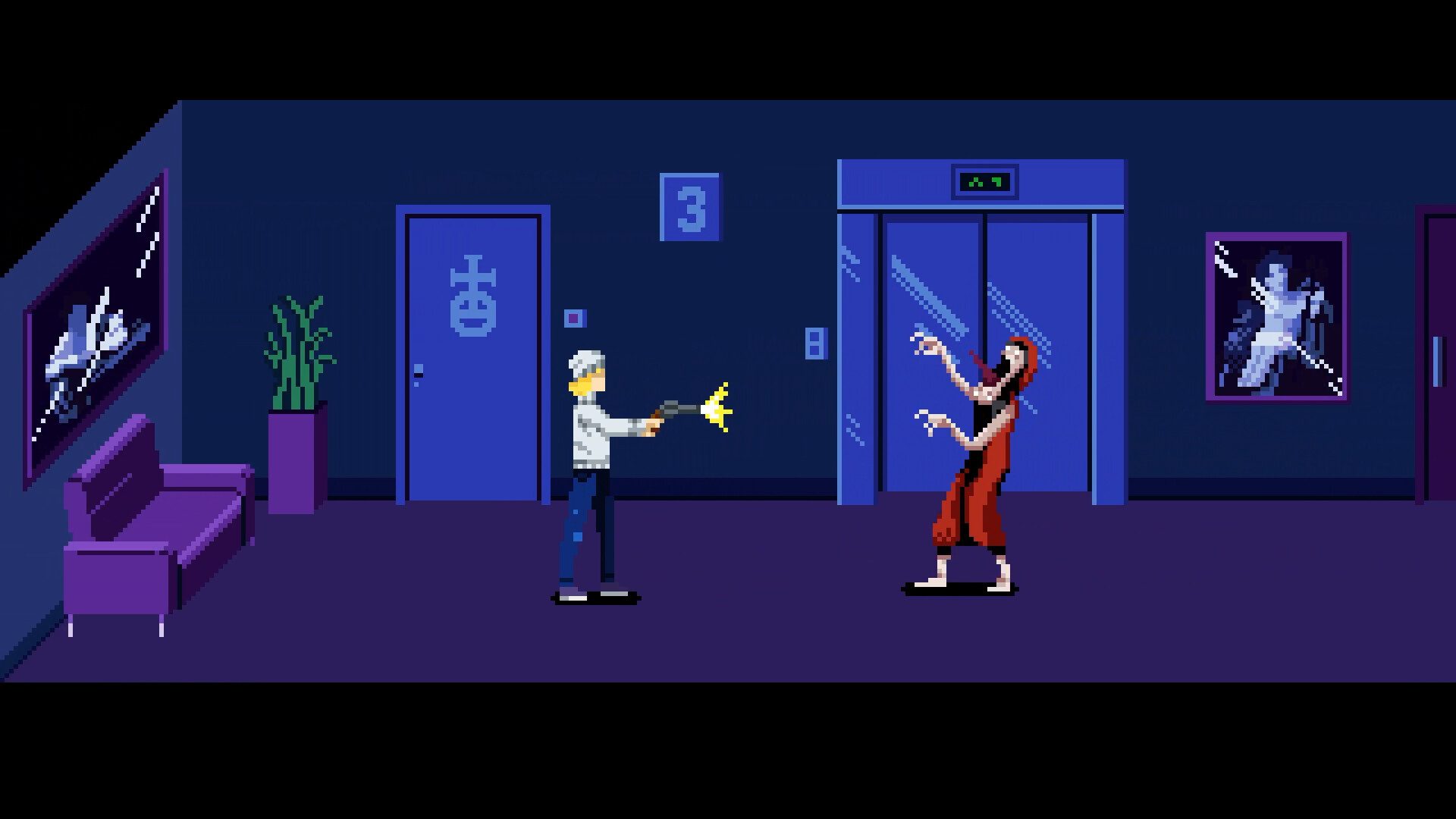
Tenebris Somnia PC Requirements matters if you’re thinking about picking up this unsettling new horror game on October 16. Tenebris Somnia has the look of a 16-bit adventure, then suddenly swaps its pixel-art world for live-action scenes with real actors and practical effects.
There’s a free Steam demo already, but choosing a platform or working out what your PC needs is worth doing before launch day. Here’s the confirmed information from the game’s official listing, without guessing at missing prices, release times or performance figures.
Tenebris Somnia PC Requirements: Minimum Windows specifications
The official minimum configuration is Windows 10 64-bit or later, 2.4 GHz dual-core processor, 8 GB RAM, graphics with 4 GB VRAM and DirectX 11. Steam also lists 5 GB of available storage.
There isn’t a named Nvidia or AMD graphics model in the requirements. If you’re checking a laptop, look up its graphics memory rather than assuming all integrated GPUs meet the 4 GB VRAM threshold.
Tenebris Somnia PC Requirements: Recommended specifications
Steam recommends Windows 11 64-bit, 3.6 GHz quad-core CPU, 16 GB RAM, 8 GB VRAM and DirectX 11. The storage requirement remains 5 GB.
New Blood says systems from roughly the last decade should generally handle the game, but that’s a broad recommendation, not a benchmark for any specific processor or graphics card. Meeting the recommended list is a stronger starting point.
Tenebris Somnia PC Requirements: Download size versus storage space
Tenebris Somnia asks for 5 GB available disk space on Steam. That’s the number to use when clearing room on your SSD before the October 16 release.
The actual compressed download size isn’t specified on the Steam page. Installation files and downloaded archives are not necessarily the same size. Steam will show both network and disk figures when the full game is available.
Tenebris Somnia PC Requirements: How to check your PC hardware
On Windows, open Settings → System → About to see RAM and processor information. You can use Task Manager → Performance to inspect your GPU, while dxdiag can help you check graphics and DirectX details.
Compare RAM, processor, VRAM and available space against Steam’s figures. Pixel art by itself isn’t proof that a game will run on any old laptop: Tenebris Somnia also uses filmed scenes and modern video playback.
Tenebris Somnia PC Requirements: Does it run on Windows 10?
Yes. Windows 10 is the listed minimum, so you don’t need Windows 11 just to meet the operating-system requirement. The Steam listing specifies a 64-bit installation.
There isn’t a separately announced native macOS or desktop Linux build in the official launch details. Steam Deck can run the Steam version through its compatibility environment, but that’s different from an announced Linux desktop edition.

Tenebris Somnia PC Requirements: Steam Deck requirements
Tenebris Somnia is Steam Deck Verified, according to its Steam page. That’s welcome news if you want to experience its 2D exploration on a handheld rather than at a desktop.
The Verified status is a compatibility badge, not a published promise of 60 FPS or a measured battery-life result. The 5 GB storage figure is for the listed game requirements; exact Deck disk allocation is shown on installation.
Tenebris Somnia PC Requirements: Try the free demo first
Steam has a free demo available before the October 16 release. If your PC only just meets minimum specifications, the demo is a useful chance to test the controls, presentation and how well your system handles the game.
Don’t assume the demo’s download size or performance will exactly match the final build. Save progress transfer and post-launch graphics options have not been given firm public specifications on the storefront.
Related Guides
Official source: Tenebris Somnia official Steam store.





