
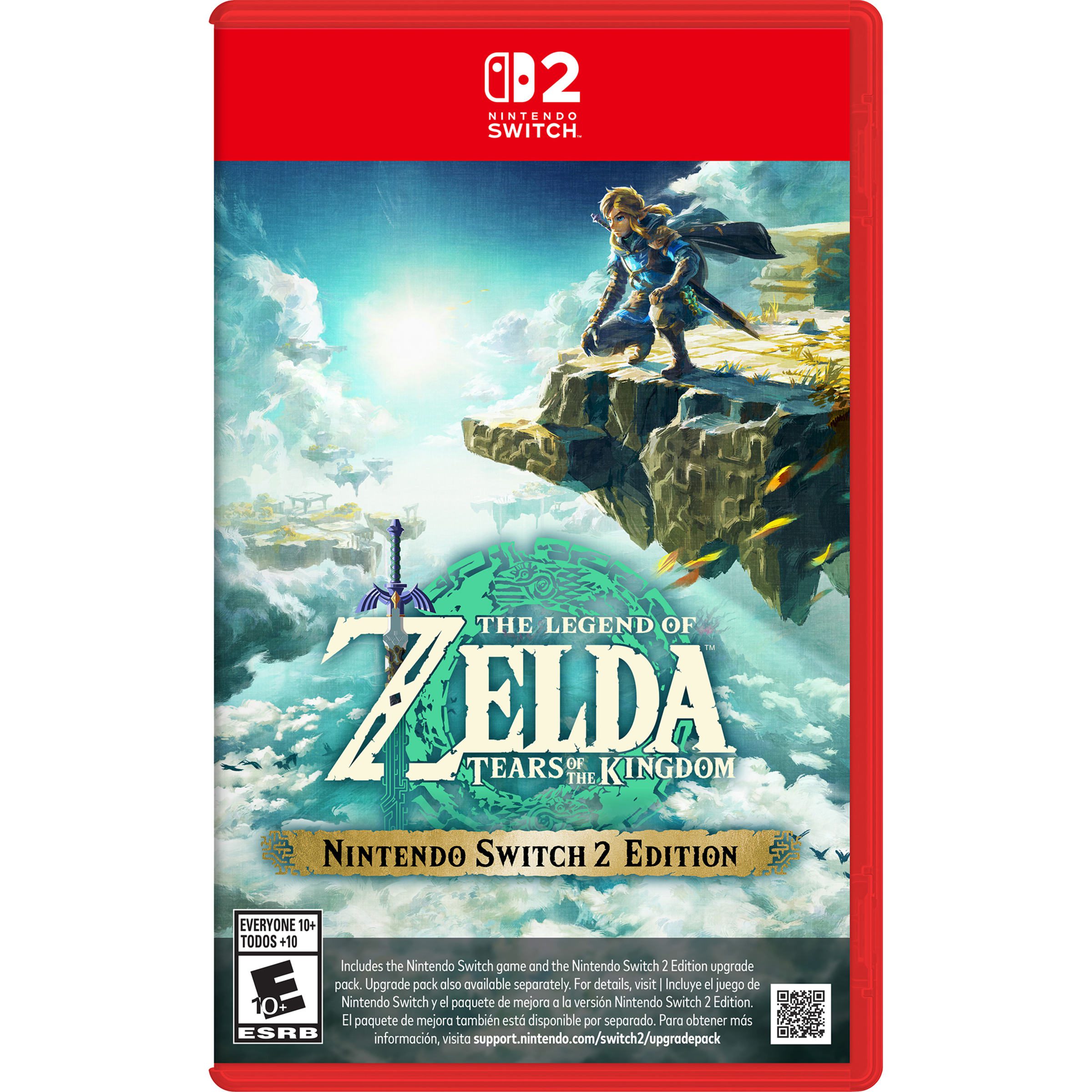
Tears of the Kingdom Switch 2 upgrade lets you play the enhanced edition using the original game you already own. You can buy the dedicated upgrade pack or download it through a qualifying Nintendo Switch Online + Expansion Pack membership, rather than paying for a second full copy.
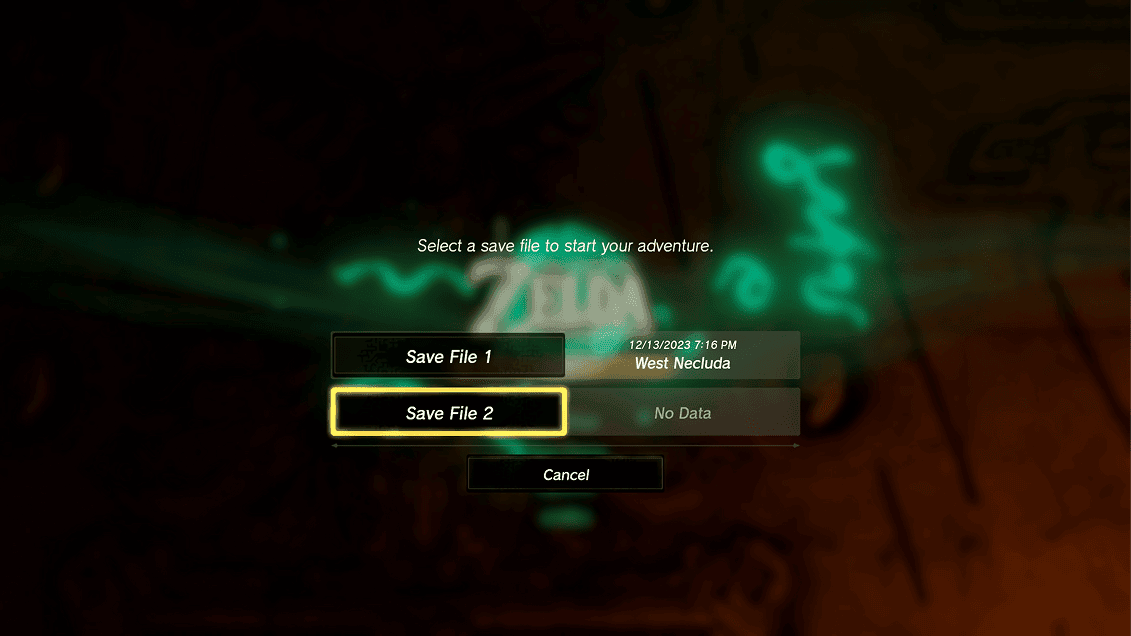
The Switch 2 Edition launched on 5 June 2025 with improved resolution, smoother frame rates, faster loading and HDR support. It also adds a second save slot and ZELDA NOTES features, including QR-code blueprint sharing for Ultrahand creations.
Tears of the Kingdom Switch 2 upgrade: what you need
You need a Nintendo Switch 2 and the original Tears of the Kingdom. A physical Switch game card works on Switch 2, but it must remain inserted while playing. Digital owners need access to their purchased base game through the appropriate Nintendo Account and virtual game card.
The upgrade pack is separate from the original game. Buying the pack doesn’t give you Tears of the Kingdom on its own, and an Expansion Pack subscription doesn’t give you the base game either. If you own neither, buy the complete Nintendo Switch 2 Edition instead.
The Tears of the Kingdom Switch 2 upgrade has its own eShop listing, separate from the complete Switch 2 Edition. If you’re checking the UK price, make sure you’re looking at the pack for existing owners rather than the full game. The current eShop price is the one that applies to your account.
How to buy or download the upgrade
Open Nintendo eShop on Switch 2 and search for The Legend of Zelda: Tears of the Kingdom – Nintendo Switch 2 Edition Upgrade Pack. Select that pack, then purchase it or redeem a valid download code. After installing, launch the original game through its normal HOME Menu icon.
An active Nintendo Switch Online + Expansion Pack membership provides the same edition upgrade at no additional cost while the qualifying subscription remains active. This works with qualifying Individual and Family memberships; ordinary Nintendo Switch Online does not include the pack.
To claim the subscription benefit, use the Nintendo Switch Online section of eShop or its HOME Menu application, open Expansion Pack Content and download the Tears of the Kingdom pack. The Tears of the Kingdom Switch 2 upgrade is tied to the eligible account while you’re using this membership route.
What’s actually improved on Switch 2?
The new edition renders Hyrule at a higher resolution, improves textures and frame-rate smoothness, and reduces loading times as Link moves between the surface, sky and depths. HDR support requires an HDR-capable television when playing in TV mode.
The second save slot lets you start another playthrough without replacing your existing adventure. Nintendo warns that progress created in that second slot cannot be transferred back to the original Switch game. It’s an important limit if you swap between two consoles.
Tears of the Kingdom Switch 2 upgrade also enables ZELDA NOTES on a compatible smart device. The service includes voiced navigation, records and activities, as well as TotK-only Autobuild blueprint sharing using QR codes. You don’t need a Nintendo Switch Online membership just to use ZELDA NOTES with a supported enhanced edition.
What happens if your subscription ends?
An Expansion Pack subscription gives access to the upgrade only for eligible members while that entitlement is active. If it expires, the membership-based Switch 2 enhancements are no longer yours to use through that route. Your owned original Tears of the Kingdom remains your game.
A purchased Tears of the Kingdom Switch 2 upgrade is different. Nintendo treats it as a Virtual Game Card that you can load onto a Switch 2. Other users on that same console can access the enhanced edition if the required original game card or virtual game card is also available.
Check the title screen after installing
Launch the game on Switch 2 and check for the Nintendo Switch 2 Edition logo. If the original title screen appears, ensure the pack was downloaded to this console, your purchased Virtual Game Card is loaded or your Expansion Pack membership is active under the account you selected.
Nintendo’s eShop can show Download beside Proceed to Purchase if a qualifying member has access but hasn’t installed the pack. If you see only Proceed to Purchase, Nintendo says that account has no detected purchase or eligible membership entitlement.
Our Tears of the Kingdom upgrade troubleshooting guide covers the fixes if the enhanced title logo is missing. With your original game and the Tears of the Kingdom Switch 2 upgrade installed, you can return to Hyrule with the updated features.
Official Nintendo source: Nintendo’s Switch 2 Edition information.





