
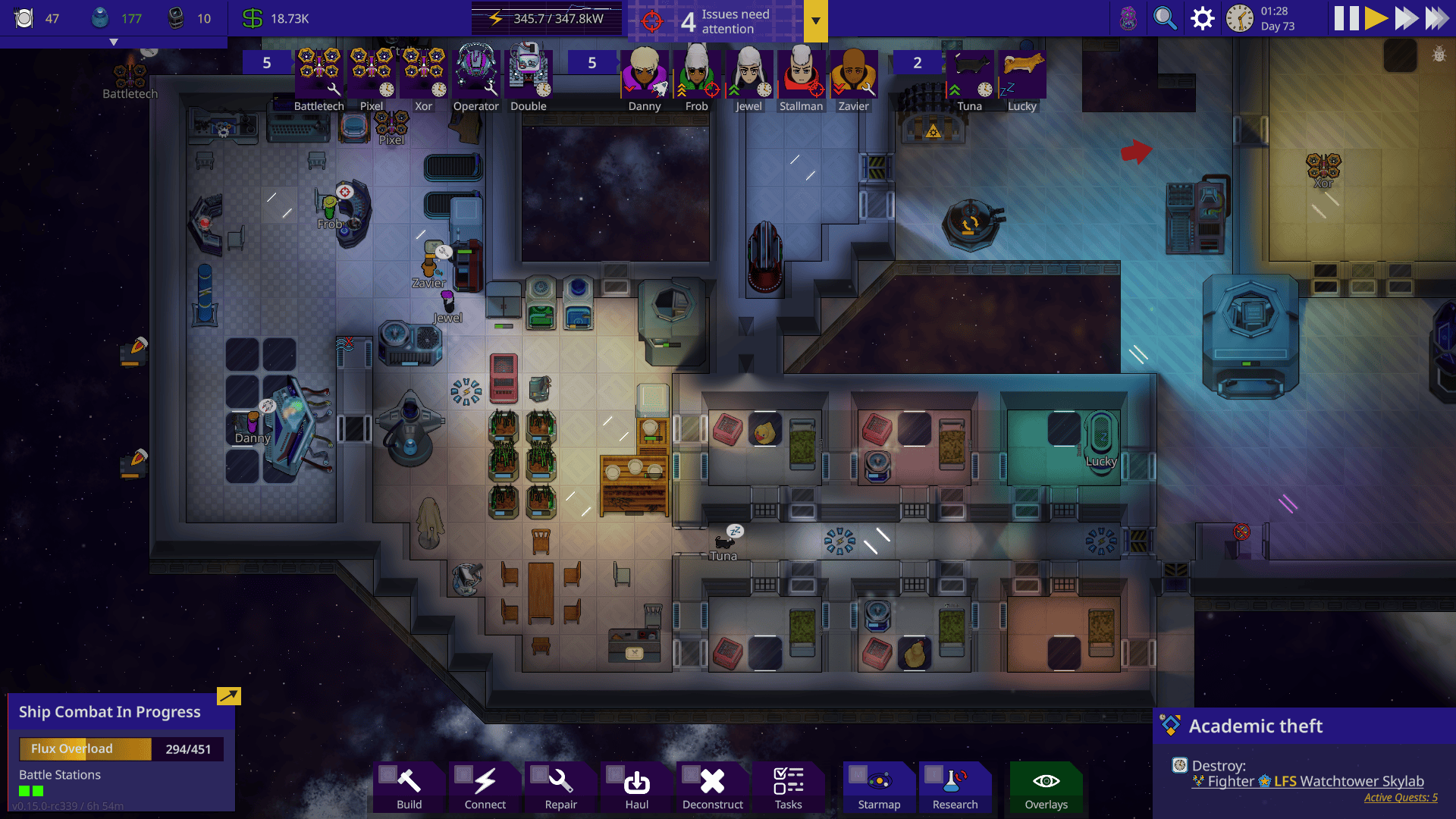
Stardeus saves from version 0.14 will not load after the October 29, 2026 Update 0.15. This is an intentional compatibility change, and the developer’s solution is to switch Steam back to the v0_14_x version branch.
You can carry on with your existing ship without starting it again. Here’s how to restore the older game build, protect your files and switch back to the new update when you’re ready.
Why 0.14 Saves Stop Loading After Update 0.15
Stardeus saves created in 0.14 cannot load under 0.15 because the October 29 update deliberately breaks compatibility. It changes more than 1,500 parts of the game, including combat, research, quests and colony systems. A working 0.14 campaign is not a corrupted save just because the new game refuses it.
Your ship is still playable on version 0.14. The preserved Steam branch lets you continue that campaign without starting again. Stardeus saves are not converted by the rollback; you are simply opening them with the version that created them.
Stardeus Saves: Roll Back to v0_14_x
Open the Steam Library and right-click Stardeus. Choose Properties, then Game Versions & Betas. Select v0_14_x. Wait while Steam downloads the previous version, then launch the game again from your Library.
Open the load menu and choose your existing 0.14 campaign. If Steam still launches the latest build, return to Properties and check the selected branch. Repeating the load on version 0.15 will not help, because the two save formats are incompatible.
Can You Convert an Old Campaign to the New Version?
No. The rollback keeps Stardeus saves playable on version 0.14. It does not update them to version 0.15. Switching back to the current release will not make the old campaign work under the new quest, combat and research systems.
If you want to try the new Rogue AI path, the New Beginning scenario or Battle Stations, start a separate game in 0.15. Keep your original playthrough untouched until you’ve decided whether to finish it on 0.14.
Keep the Original Files Safe
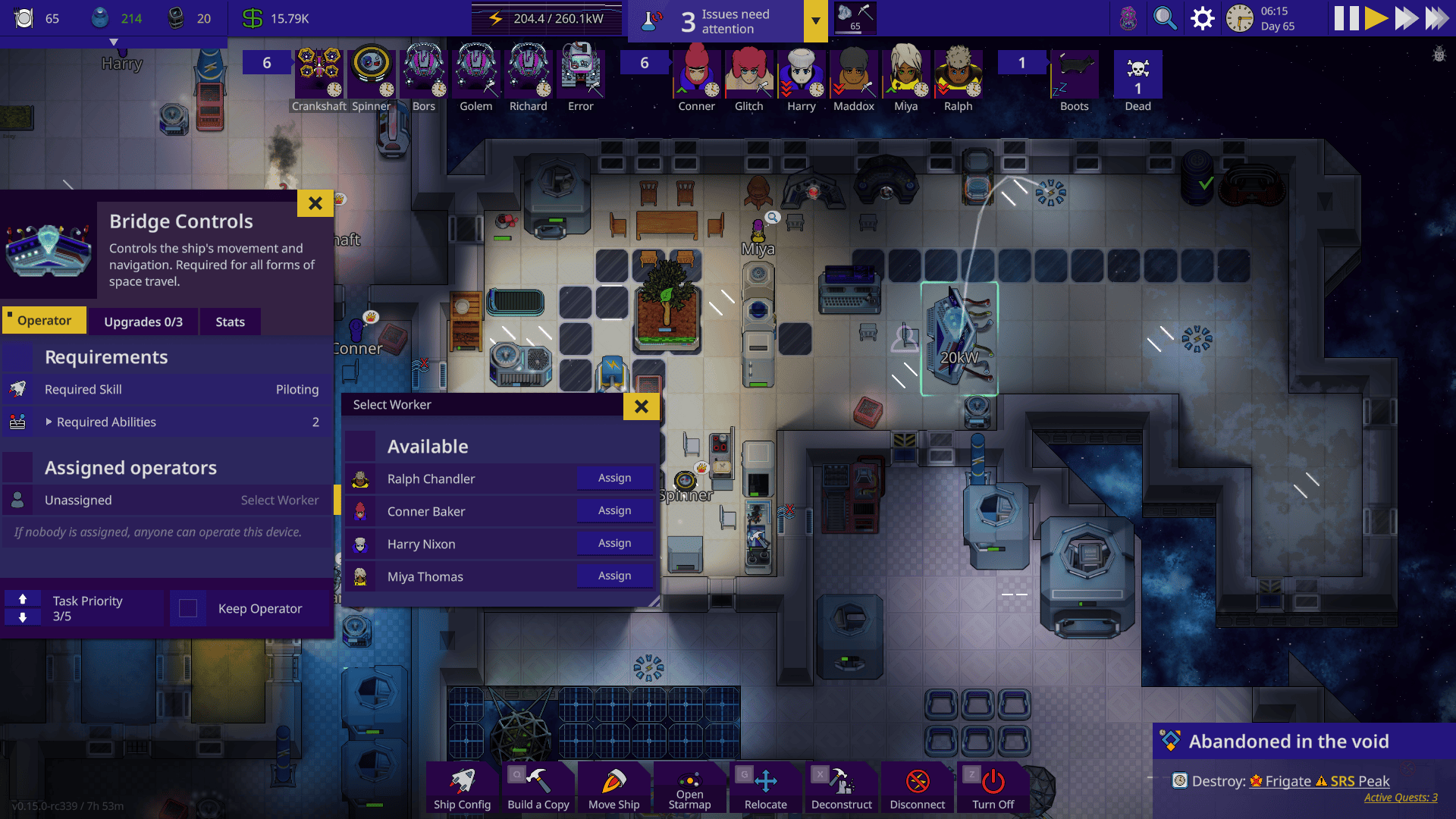
Steam’s branch selector changes which version of Stardeus is installed. It is not a request to delete your local files, and a rollback does not require removing save data. Make a backup copy of important Stardeus saves before experimenting with game versions or Workshop mods.
Give your 0.15 test campaign a different save name and leave your old colony alone. Keep a separate backup before experimenting with mods or switching branches, especially if the old save represents dozens of hours.
What About Mods?
Version 0.15 changes mod interfaces, configuration and UI theming. Some Workshop mods need updates, and the developer has arranged for known incompatible mods to be disabled automatically. Newly added mods also start disabled until you turn them on.
If Stardeus saves from an old modded run won’t load after rolling back, check whether the mods required by that campaign are enabled and compatible with 0.14. A Workshop mod updated for the newest build might behave differently on the older version; don’t erase the save to fix a missing mod.
How to Switch Back to Version 0.15
When you’ve finished your old run, open Steam Library > Stardeus > Properties > Game Versions & Betas again. Choose the normal current release rather than v0_14_x, and let Steam update the installed game.
Start a fresh 0.15 campaign. New Beginning is the current default scenario and includes tutorial quests, a gentler first few days and an optional gradual interface reveal. The old Stardeus saves can remain in your backup if you want to return to the earlier version later.
Stardeus Saves Still Missing After Rolling Back?
Check the Steam branch first. Then make sure the version download completed and you’re using the same Steam account and computer profile as before. Look through the game’s load menu rather than assuming an absent recent-save entry means all the files have vanished.
For a modded campaign, restore the set of Workshop mods that worked with 0.14. Stardeus saves from that version belong on the v0_14_x branch. Reinstalling 0.15 will not make them compatible.
Official source: Kodo Linija, Stardeus changelog.





