
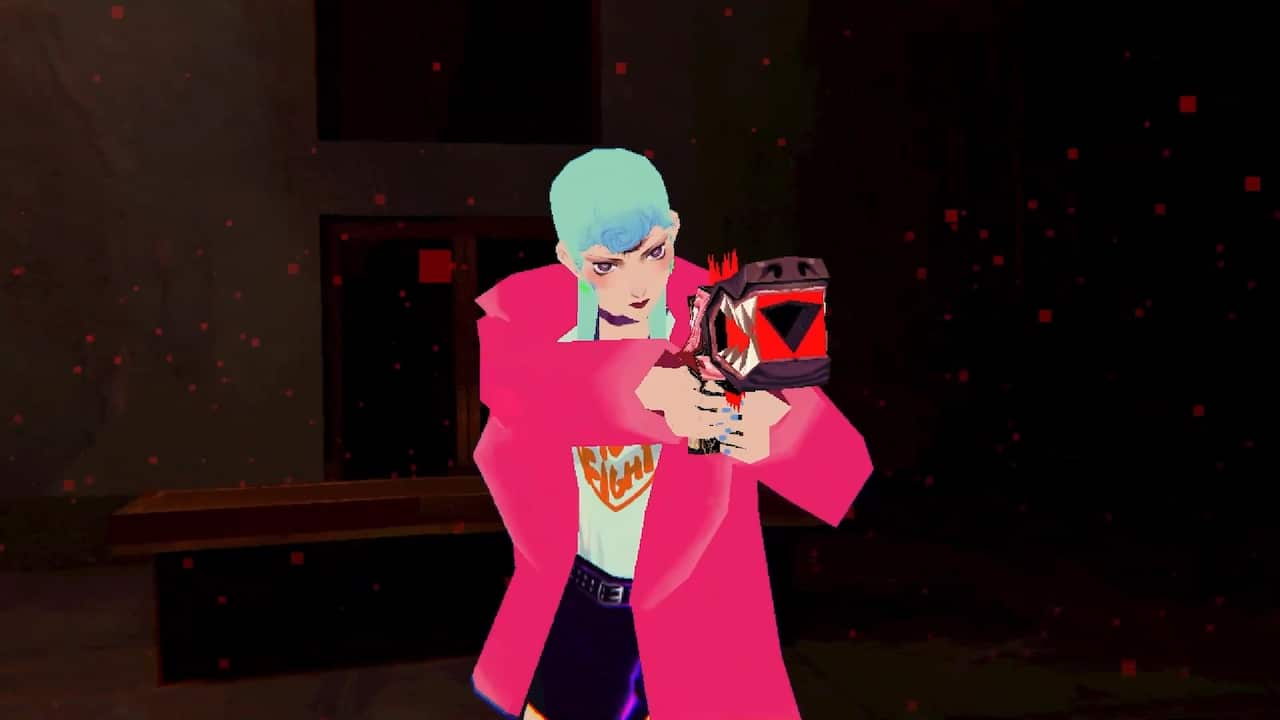
Sorry We’re Closed free on Epic is yours to claim until Thursday 5 November 2026 at 4 PM GMT. Epic is giving away the standard Windows PC game, and completing the £0 checkout adds it to your account permanently. You can download it whenever you like, including after the promotion ends.
This Halloween giveaway is for the full base game from à la mode games and Akupara Games. The Deluxe Edition, soundtrack and digital artbook are sold separately. All you need is an Epic account, two-factor authentication and a completed order before the deadline.
How to claim Sorry We’re Closed free on Epic
To claim Sorry We’re Closed free on Epic, use the official store link at the end of this article. Sign into the Epic account where you want to keep the game, choose the base-game edition and press Get. Check that the order total reads £0, then confirm checkout. The game is now tied to that account.
Epic requires two-factor authentication (2FA) for its weekly free games. If you haven’t enabled it, open your Epic account’s Password and Security settings and choose a 2FA method. Complete the security verification and return to checkout. You don’t need a paid subscription or a payment to redeem this £0 offer.
Sorry We’re Closed free on Epic: Claim deadline
The Sorry We’re Closed free on Epic offer began on 29 October and finishes at 4 PM GMT on 5 November. The deadline is for completing the free purchase, not downloading the files. Once you have the game in your library, it remains there when Epic returns the listing to its normal price.
The Sorry We’re Closed free on Epic base-game listing should display the Get button and a free checkout during the offer. If you see a price, look at the edition name first: the Deluxe Edition and separately sold extras are not part of the giveaway. Make sure you’re signed into the correct account and refresh the product page, then select the regular game.
Why does Epic show a price for Sorry We’re Closed?
After claiming, open the Epic Games Launcher on a Windows PC and select Library. Search for Sorry We’re Closed, click its tile, choose where to install it and press Install. When the download completes, launch it from the same library tile. It doesn’t matter whether you install it today or next month.
If the game hasn’t appeared, remove any Installed filter in Library, restart the Launcher and make sure you’re using the account from checkout. Check the account’s Transactions page for your £0 order. If the purchase is recorded but the game stays missing, our Epic Library troubleshooting guide walks through the hidden-games and account checks.
How to install after claiming
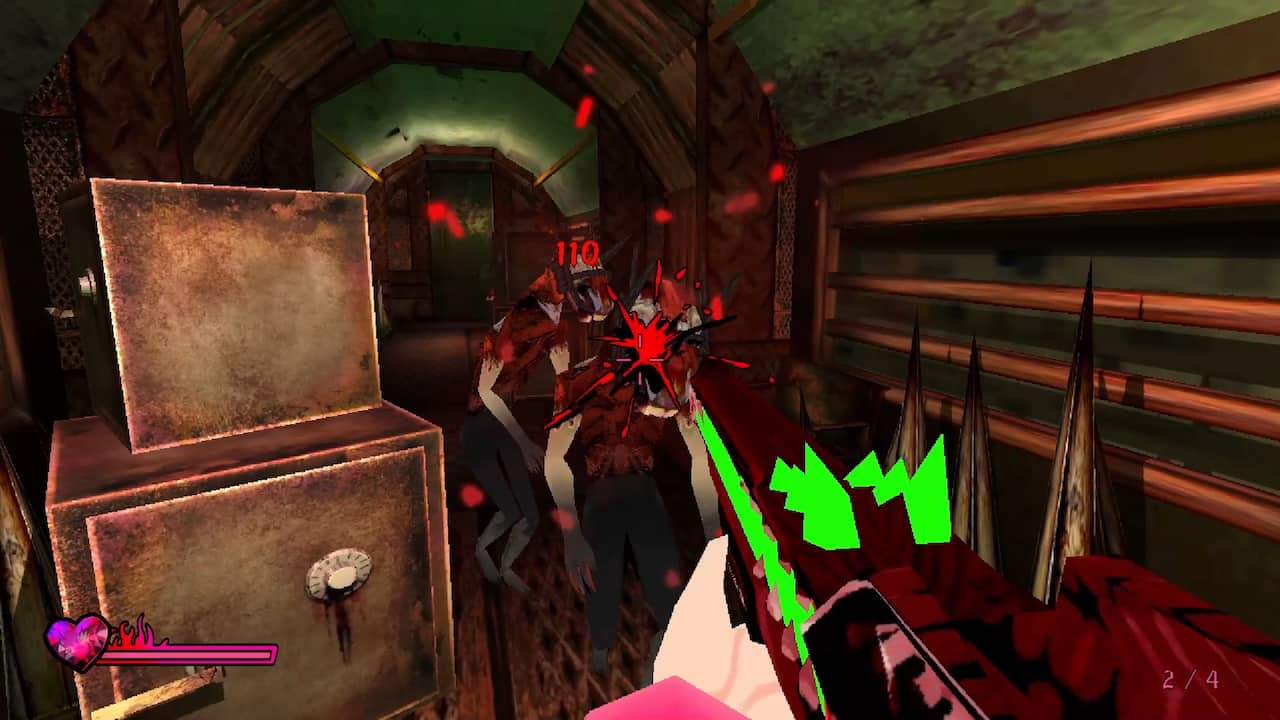
You play as Michelle in a neon-lit survival horror story about angels, demons and a curse. Exploring uses fixed camera angles, while battles switch to first-person aiming. Her Third Eye reveals hidden details and enemy weak spots. Puzzles, limited resources and dialogue choices help shape the multiple endings. Epic also lists achievements and controller support.
Gameplay and PC requirements
The Sorry We’re Closed free on Epic offer has the same PC requirements as the standard paid release: 64-bit Windows 10 or later, an Intel i3 or equivalent, 4 GB RAM and Intel UHD or AMD Radeon integrated graphics. Choose your installation drive in the Launcher and check the space prompt before downloading.
The Sorry We’re Closed free on Epic checkout closes at 4 PM GMT on 5 November. Claim the base game once, and it’s yours to keep on that Epic account. Our weekly free-games tracker covers the live offer, and the October roundup covers the other games offered during the month.
Official source and claim link: Sorry We’re Closed on Epic Games Store.





