
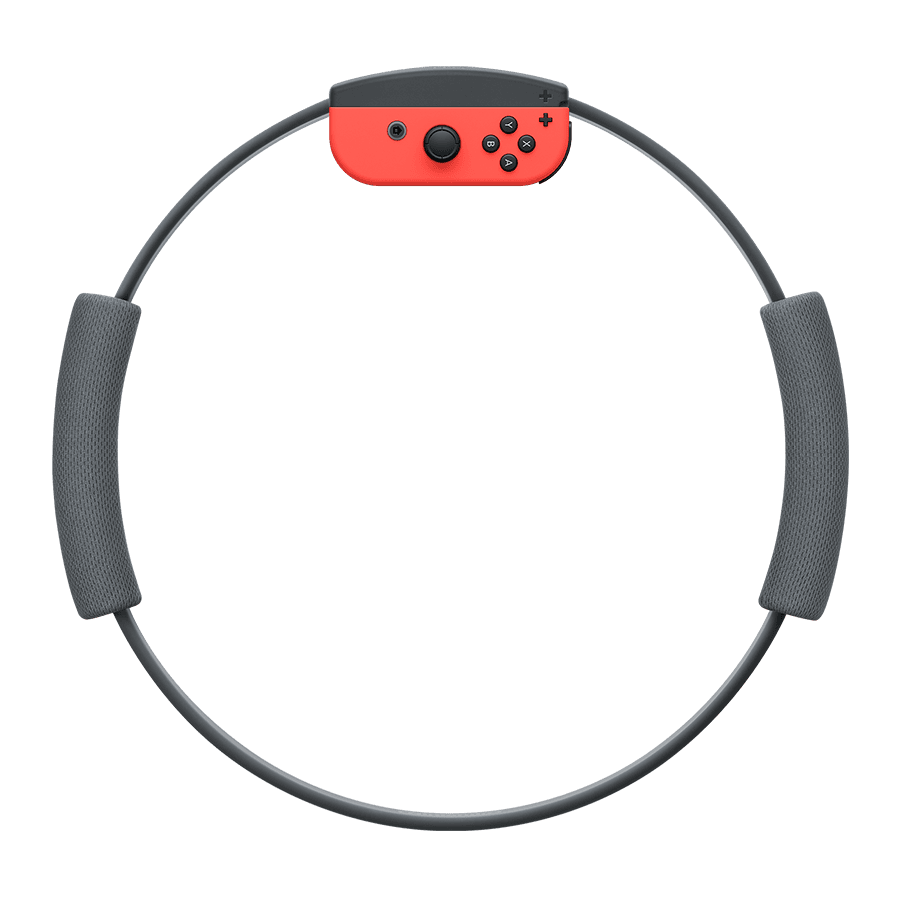
Ring Fit Adventure on Nintendo Switch 2 works if you keep the original Nintendo Switch Joy-Con that fit the Ring-Con and Leg Strap. Nintendo confirms the game can be played on Switch 2 with those older controllers connected wirelessly. The Joy-Con 2 supplied with Switch 2 do not fit the original Ring Fit accessories, so you cannot simply swap them in.
If you’ve upgraded your console and kept the Ring-Con and Leg Strap, they can still be used. The game itself is supported, but you need the right controller hardware. Here’s how to put everything together and what to check if your original Joy-Con will not connect or charge.
How to play Ring Fit Adventure on Nintendo Switch 2
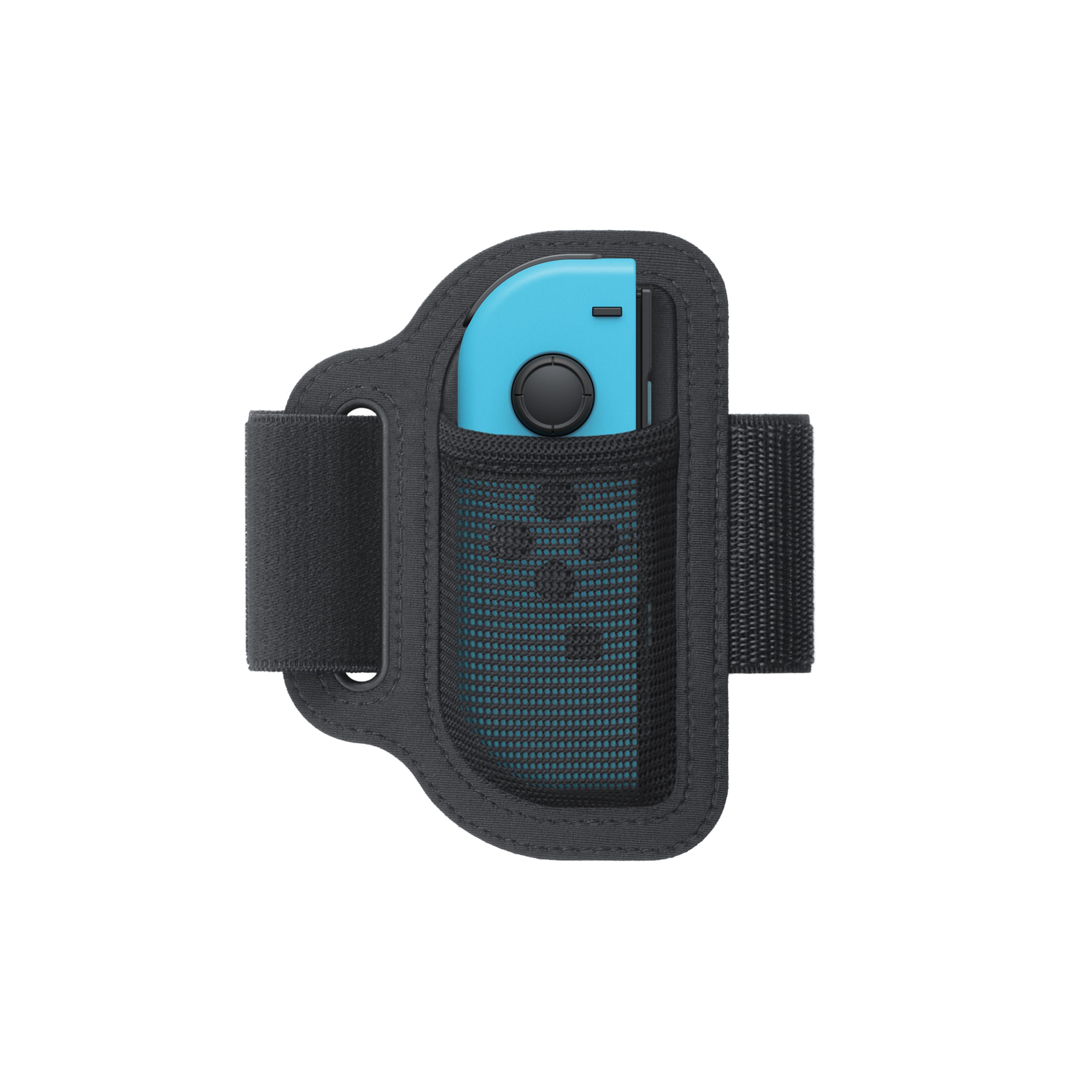
For Ring Fit Adventure on Nintendo Switch 2, you need the game, the original Ring-Con, the Leg Strap and the original left and right Joy-Con. Pair the old controllers wirelessly with Switch 2. The right Joy-Con goes into the Ring-Con, while the left Joy-Con goes into the Leg Strap, following the game’s setup instructions. The Ring-Con uses the first-generation controller connection rather than the larger Joy-Con 2.
| Hardware | Ring Fit on Switch 2? |
|---|---|
| Original right Joy-Con in Ring-Con | Yes |
| Original left Joy-Con in Leg Strap | Yes |
| New Joy-Con 2 in original Ring-Con | No |
| New Joy-Con 2 in original Leg Strap | No |
The Ring-Con still works, but it only fits the original Joy-Con. Nintendo explicitly says Joy-Con 2 cannot attach to the Ring-Con. If the controller will not slide into place easily, stop and check its model. Forcing Joy-Con 2 into the old accessory is not a supported workaround.
Can you use Joy-Con 2 for Ring Fit Adventure on Nintendo Switch 2?
No, not with the original Ring-Con and Leg Strap. Nintendo lists these accessories as compatible only with first-generation Joy-Con. The smaller rail-based Joy-Con is built for the Ring-Con’s slot, whereas Joy-Con 2 uses a different magnetic connector to attach to the Switch 2 console. Those are separate types of connections.
If you’ve sold your old Switch and its controllers, you will need suitable original Joy-Con to play with the Ring-Con. You don’t need to rebuy the Ring-Con just because you own Switch 2, but you do need a controller that physically fits. Our Switch 2 backwards compatibility guide covers other games with special hardware requirements.
How to connect Joy-Con for Ring Fit Adventure on Nintendo Switch 2
Open Controllers > Change Grip/Order from the Switch 2 HOME Menu and follow the wireless pairing instructions. Use the SYNC buttons on the original Joy-Con when prompted. Once both controllers are paired and have enough battery, start Ring Fit Adventure and follow its on-screen steps to attach the correct controller to each accessory.
The original Joy-Con cannot be attached to Switch 2’s magnetic sides. That doesn’t prevent wireless play, but it does mean you won’t charge them on the console. If one isn’t detected, check that it has charge and is paired before assuming the Ring-Con or Leg Strap is faulty. You can also repeat the in-game calibration after connecting the controllers.
How to charge controllers for Ring Fit Adventure on Nintendo Switch 2
Use an original Nintendo Switch, the original Joy-Con charging grip or a compatible Joy-Con charging stand (two-way). Nintendo confirms that original Joy-Con cannot recharge on Switch 2. If you tend to play Ring Fit in longer sessions, charge them beforehand so a low battery doesn’t interrupt the game.
A regular Joy-Con grip isn’t necessarily a charging grip. If you’ve kept several Switch accessories, check which one actually has charging capability rather than assuming all grips work alike. Our original Joy-Con charging guide sets out the supported options in more detail.
Do you need a new copy of Ring Fit Adventure on Nintendo Switch 2?
If you already own the game, check Nintendo’s compatibility information before purchasing anything else. Switch 2 can play many original Switch games, and Nintendo specifically lists Ring Fit Adventure as playable when original Joy-Con are connected wirelessly. Ring Fit Adventure was released as a physical game card with the Ring-Con and Leg Strap. If you still have your original card, you don’t need another copy simply because you’ve moved to Switch 2.
You don’t need a Nintendo Switch Online membership to use the game’s offline single-player content. Do check that the game starts correctly and recognises the required controllers, particularly if you’re using a second-hand Ring-Con or have not played in a while. The game’s own calibration steps help it respond to your movement inputs.
Does the Leg Strap work with other games?
Nintendo also names Nintendo Switch Sports as a title where the original Leg Strap can be used on Switch 2 with original Joy-Con connected wirelessly. That does not make the Leg Strap a Joy-Con 2 accessory. Keep the original controller with the matching attachment and check each game’s requirements rather than assuming the accessories are interchangeable.
The main thing to remember about Ring Fit Adventure on Nintendo Switch 2 is that it is the controller generation, not the newer console, that decides whether the Ring-Con fits. Keep your original Joy-Con charged, pair them wirelessly and use the Ring-Con and Leg Strap as designed.
Related Guides
- Original Switch Joy-Con Replaceable Battery
- Charge Original Joy-Con on Switch 2
- Nintendo Switch Dock on Switch 2
- Nintendo Switch Charger on Switch 2
- Nintendo Switch 2 Backwards Compatibility
- Nintendo Switch 2 Joy-Con 2 Not Connecting
- Joy-Con 2 Replaceable Battery Model
- Nintendo Switch 2 Battery Replacement
Official source: Nintendo’s Switch 2 game compatibility guide.





