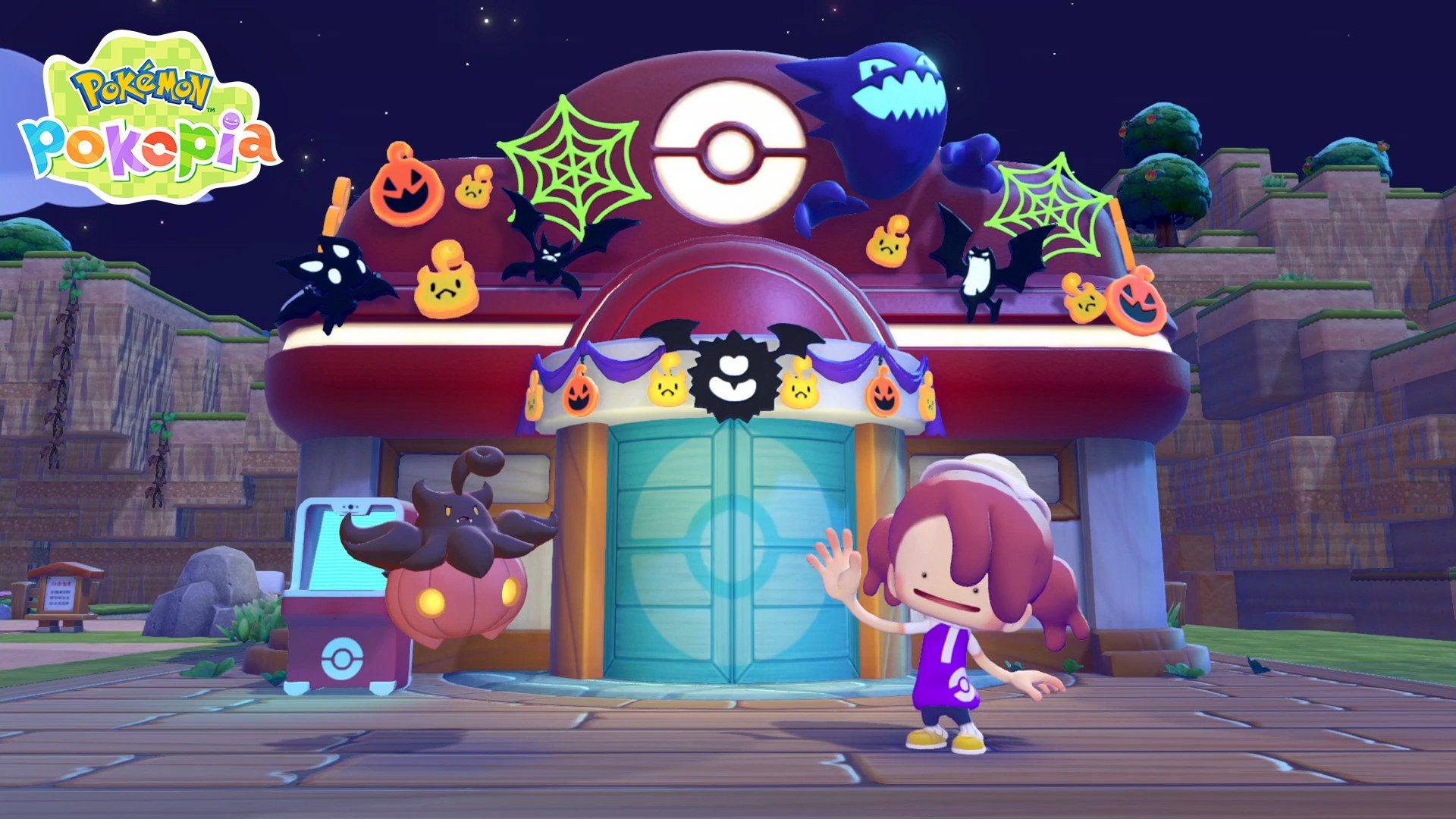
Pokémon Pokopia Sweet Surprises not showing on Switch 2? Nintendo lists six requirements, so start by checking the game update, your town progress, Camouflage, the clock and internet access. Missing just one can stop Pumpkaboo appearing at the Pokémon Center.
The event ends at 4:59 a.m. local time on Sunday 1 November 2026, so Saturday is the last full day to fix the problem and collect Pumpkin Candy. Here’s what to check, using Nintendo’s official instructions.
Pokémon Pokopia Sweet Surprises not showing: the checklist
You need Ver. 2.0.1, a completed town Important Request, a rebuilt Pokémon Center, and Camouflage learned from Zorua in Bleak Beach. The Switch 2 must show the real local time and be online the first time you enter the event.
Check version 2.0.1 and the Switch 2 clock
Highlight Pokémon Pokopia on the HOME Menu and open Options with the + or – button. Confirm the software says 2.0.1; download an update if it doesn’t. Nintendo says the version also appears on the game’s title screen.
Set the system clock to the actual real-world date and time. A date outside the event window stops it working. Backdating your Switch is not an official way to reactivate the event once it ends.
Pokémon Pokopia Sweet Surprises not showing after rebuilding the Center?
Pumpkaboo appears near rebuilt Pokémon Centers, but you also need to have finished an Important Request in a town. Rebuild a Center as part of your progression before searching the area for Pumpkaboo.
If the update is installed but Pumpkaboo still hasn’t appeared, check the story requirements. Our Pokémon Center rebuilding guide covers those earlier steps.
Unlock Camouflage from Zorua in Bleak Beach
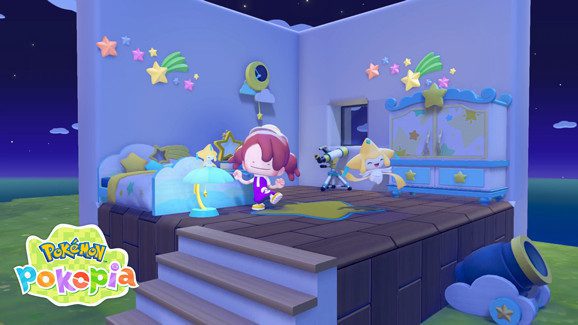
Find Zorua during your Bleak Beach progression and learn Camouflage. It is both a participation requirement and the move that lets Ditto disguise itself as furniture Pokémon like. You reveal the disguise to surprise a Pokémon and earn Pumpkin Candy.
If you’ve rebuilt the Center but Pumpkaboo isn’t there, check Camouflage. Our Camouflage guide walks through learning the move from Zorua in Bleak Beach.
Pokémon Pokopia Sweet Surprises not showing after Camouflage?
Nintendo says players who meet the conditions while already in a town need to move to another town once or select Save & Quit. Do that, then return to the rebuilt Pokémon Center. You must also connect to the internet on your first event launch.
This refresh is especially useful after you’ve just finished an Important Request or received Camouflage from Zorua. It lets the game register your new progress.
Pokémon Pokopia Sweet Surprises not showing in multiplayer?
The event cannot run on Cloud Islands or in Bubbly Basin. For multiplayer Link Play, choose Palette Town and talk to Pumpkaboo before starting the session. Spectator Mode isn’t supported.
If you can see Pumpkaboo while playing alone but not with friends, check the town and game mode first. Link Play doesn’t remove the location restrictions.
Has the event ended already?
The activity runs from 17 October at 5:00 a.m. until 1 November at 4:59 a.m. local time. After that, the seasonal event has ended. Pumpkaboo and Gourgeist befriended before the cutoff remain in town, but earning new event candy isn’t guaranteed afterwards.
Still can’t find Pumpkaboo?
Check the version, Important Request, rebuilt Center, Camouflage, clock, first-launch internet connection and supported town again. If all match Nintendo’s rules during the event window, contact Nintendo support and include your game version and the steps you’ve tried.
Once Pumpkaboo appears, speak to it to start collecting candy. You’ll find the rewards and the deadline in our Sweet Surprises event guide.
Official source: Nintendo: Sweet Surprises event requirements and troubleshooting.