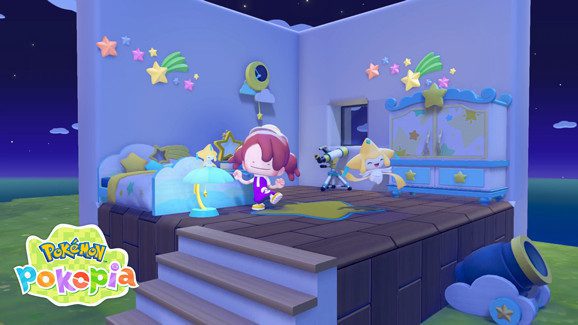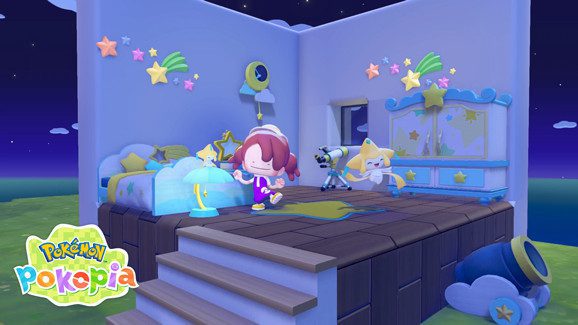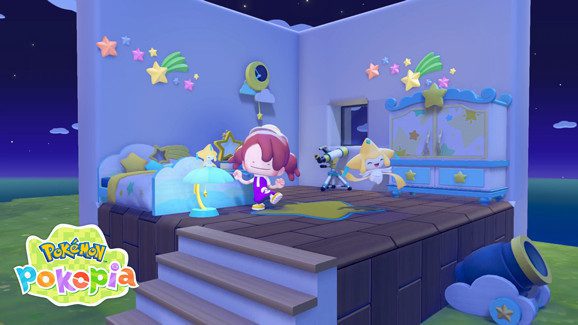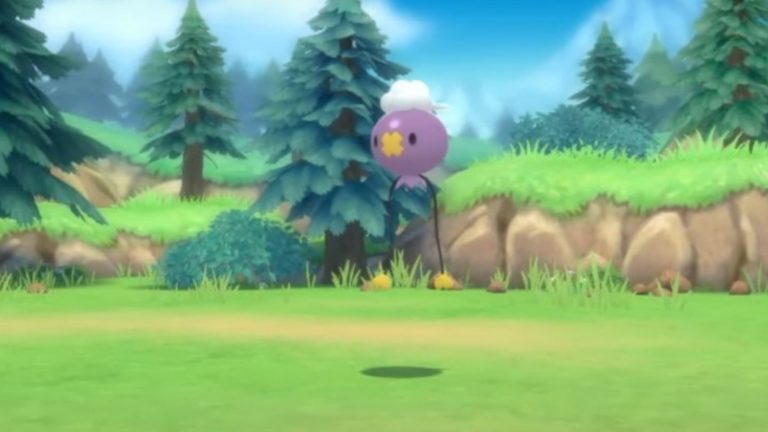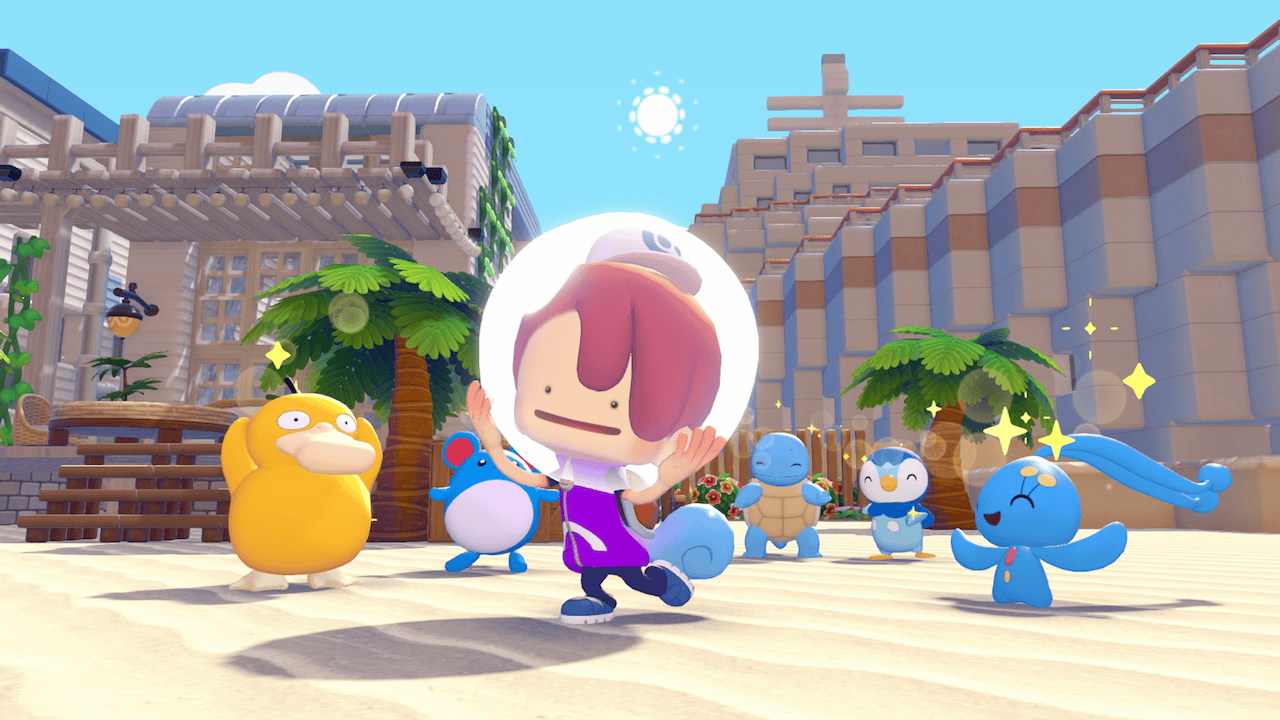
The Pokémon Pokopia Dive move lets Ditto swim freely underwater. Added in the free 2.0.0 update on 5 August 2026, it also opens up new ways to explore and build beneath the surface.
You don’t need to buy the Expansion Pass to learn Dive. The paid Bubbly Basin town has its own entrance requirements, but the move itself is free. Here’s how to unlock it and what else changed for underwater exploration.
What does the Pokémon Pokopia Dive move do?
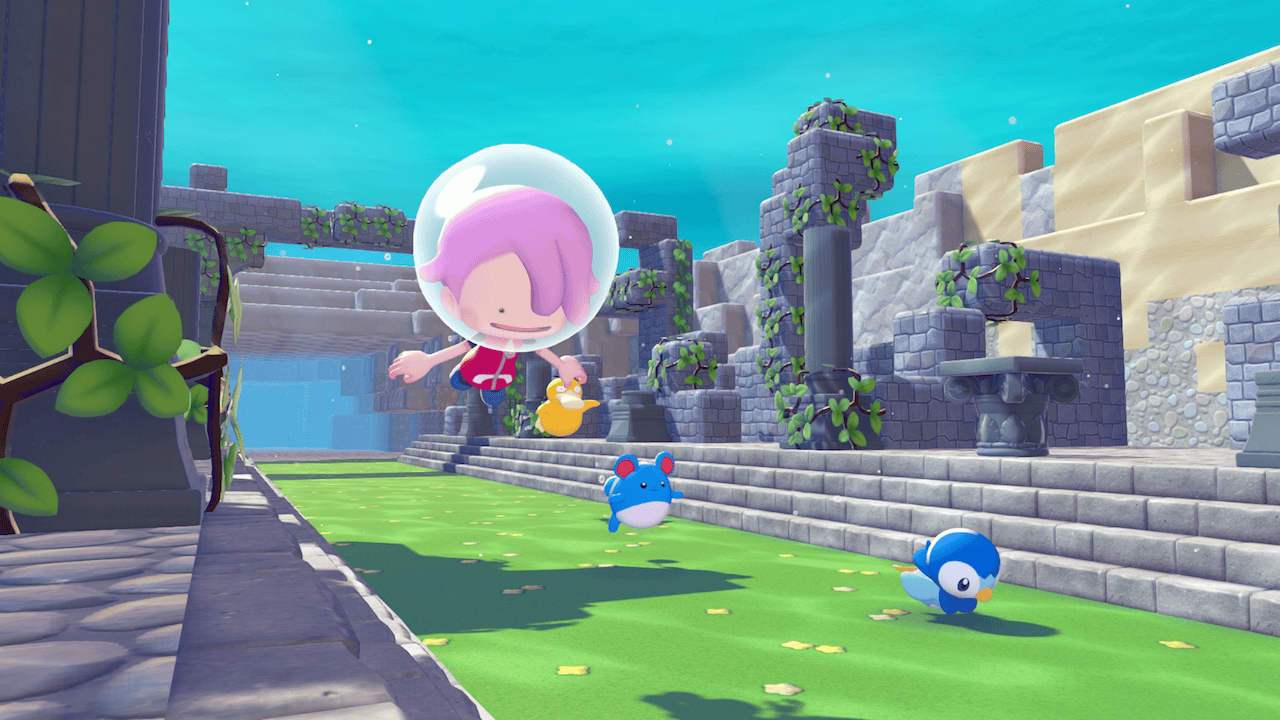
Dive allows Ditto to move freely beneath the water’s surface. It isn’t simply another way to describe Surf: the update adds a new move for underwater exploration, while Surf remains useful for travelling across water.
Strength now works underwater, and Pokémon with the Build specialty can construct houses below the surface. Together, those changes make the Pokémon Pokopia Dive move useful to explorers and players who want to build in previously inaccessible locations.
Nintendo confirms exactly how to learn Dive in its DLC announcement, although it doesn’t give a specific controller button combination for activating the move. The requirements are set out below.
How to unlock the Pokémon Pokopia Dive move
Finish the important request “Raise the environment level!” in Bleak Beach, and make sure Ditto already knows Surf and how to jump. Once you meet those conditions, Manaphy teaches Dive. These are requirements for the free move, not a paid-DLC purchase.
Is the Pokémon Pokopia Dive move free?
Yes. It belongs to the free 2.0.0 software update. The Pokémon Company explicitly states that the quality-of-life changes in this version don’t require the paid three-part Expansion Pass.
Bubbly Basin, by contrast, is an additional underwater town included in Part 1 of the paid DLC. To access its gate, Nintendo says you must own the pass, learn Dive and complete the important request “Raise the environment level!” in Bleak Beach. Nintendo also points players towards Popplio there. Those are requirements for visiting Bubbly Basin, not proof that purchasing DLC unlocks the free move.
How Surf and Waterfall changed
Surf can now activate from land when you hold the focus button and press the Surf button. That’s the exact control change identified in the patch notes. It applies to Surf, not to Dive, so don’t mistake it for an undocumented Dive command.
The activation conditions for Surf and Waterfall were also adjusted to work more smoothly. These changes sit alongside the Pokémon Pokopia Dive move and make travelling over and around water more convenient.
Companion Pokémon can now follow during Surf, Glide, Rollout and Magnet Rise. Rollout also lets Ditto inhale items or open the bag while moving, and it can break certain large natural objects. Those improvements make travelling with a companion less disruptive.
Can you use Strength and Build underwater?
Yes. Nintendo confirms that Strength is usable underwater and that Pokémon with the Build specialty can build houses underwater. Players can therefore do more than simply explore when using the Pokémon Pokopia Dive move.
The patch notes confirm underwater house construction, but don’t specify building-kit compatibility, materials, depth limits or exact menu selections. Those details need a verified in-game walkthrough; they shouldn’t be presented as universal instructions.
For your first underwater project, keep that distinction in mind: the update enables the capability, while the detailed build process still needs an in-game check or a specific official guide.
Other underwater and movement improvements
When Ditto releases stored water, the water level now automatically matches nearby levels. The patch also allows a short press while taking in liquid to hold it in Ditto’s mouth without removing the water from its surroundings. Both changes should help with water-based construction.
There are new settings for motion-sickness reduction, plus options for moving while the move wheel is open and hiding the confirmation prompt when cancelling Magnet Rise. These are small changes, but helpful when using movement abilities repeatedly.
The camera and movement options are worth checking if you spend a lot of time exploring below the surface or switching between traversal abilities.
How to check whether Dive is in your game
On the Nintendo Switch 2 HOME Menu, highlight Pokémon Pokopia without starting it and press + or −. Nintendo shows the installed version beneath the game’s name. Choose Software Update and Via the Internet to install the current version.
Version 2.0.1 followed on 8 September 2026 and includes the earlier changes, so Dive is still available if your version number is higher than 2.0.0. The Pokémon Pokopia Dive move is free whether or not you own Bubbly Basin.
Our Pokémon Pokopia 2.0.0 update guide covers the full change list, and our portal pod guide explains how to keep building materials accessible across areas.
Related Guides
Official source: Nintendo’s Dive unlock and free update announcement.