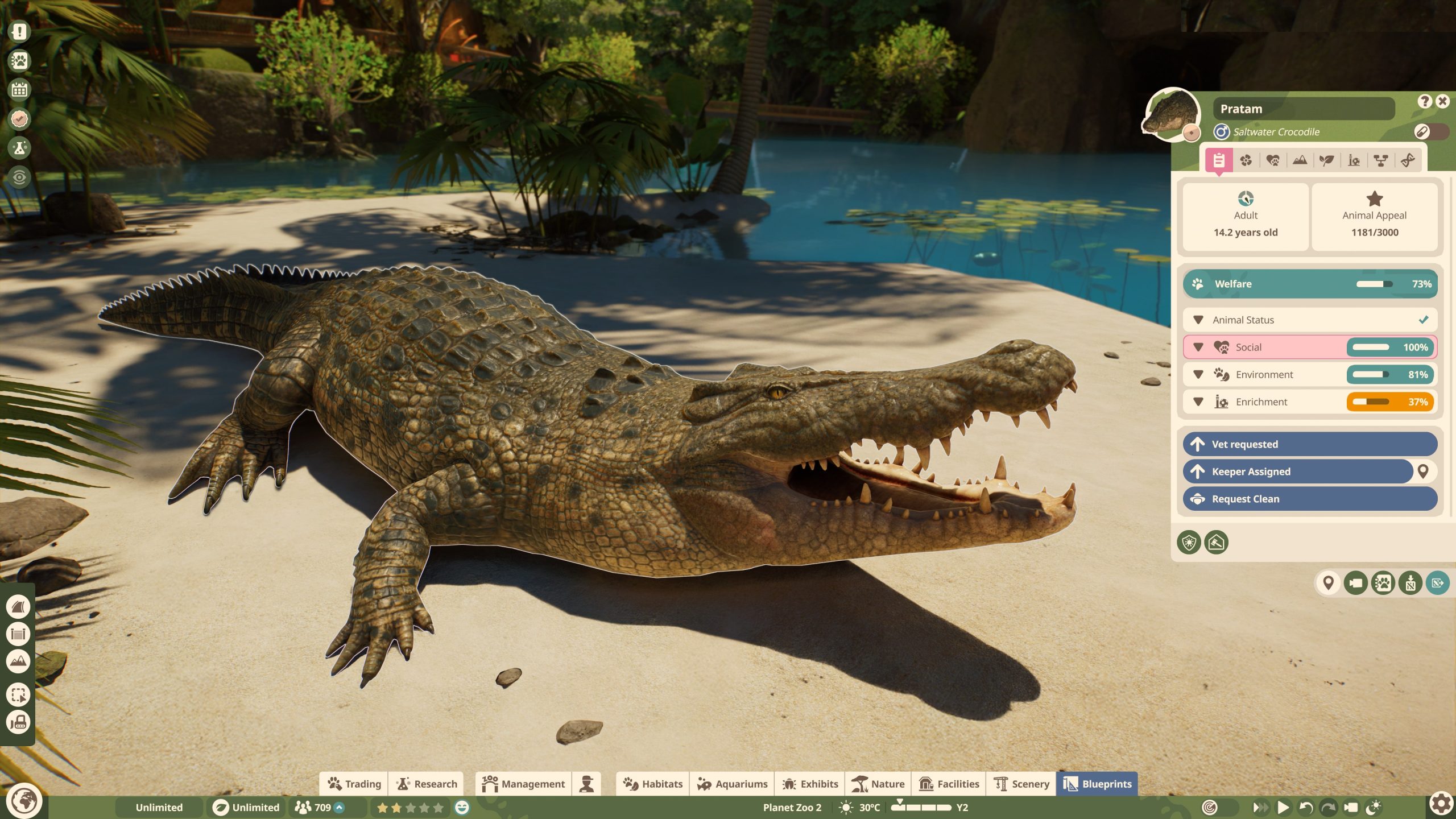
Planet Zoo 2 Franchise Mode has received several fixes since its 13 October 2026 launch, including an October 29 update that replaces animals lost during certain releases to Wildlife Reserves. Frontier has also worked on connection stability, animal trading stock and save handling.
If Planet Zoo 2 Franchise Mode won’t open, the Animal Market looks empty or a release-group animal is missing, start by identifying the symptom. Update 1.0.8 handles a specific lost-animal bug; earlier fixes addressed other login and market problems. You won’t necessarily solve them in the same way.
Planet Zoo 2 Franchise Mode Update 1.0.8: Missing Animals and Stability
Frontier’s 29 October patch fixes an issue where animals in a Franchise release group were lost if the game crashed or disconnected while the group was being sent to a Wildlife Reserve. The developer identified affected accounts and says new animals are automatically added to those players’ Wildlife Reserves to replace the lost group.
These replacements are not promised for animals missing from the Animal Trading Market, active zoo or unrelated storage. If the loss happened during a reserve release, check that Wildlife Reserve first, then report any continuing problem to Frontier. See our Wildlife Reserves walkthrough for the usual release process.
The patch also fixes a crash after attempting to open Franchise before the connection was complete and then entering Sandbox. Franchise save slots no longer reorder according to the last zoo played. Our Planet Zoo 2 Update 1.0.8 patch notes cover the other changes.
Planet Zoo 2 Franchise Mode Hotfix 1.0.7: Resume Error
On 23 October, Update 1.0.6 introduced a separate problem: selecting Resume on a Franchise save could display a connection error and stop other game modes loading. Frontier issued Hotfix 1.0.7 on the same day. The affected saves had not been deleted, so update your game rather than wiping a saved zoo.
Planet Zoo 2 Franchise Mode Update 1.0.5: What has been fixed?
Frontier released Update 1.0.5 on October 16 with further Franchise Mode repairs. Loading stability has improved, particularly for newly created and flat zoos. The login window is longer to reduce connection timeouts, server capacity has increased and more animals are being placed on the trading market.
The patch also improves the balance of male and female animals offered for cash in Frontier’s trading market and the gender split of animals born in Franchise Mode. Wildlife Reserves should no longer charge incorrect amounts of Conservation Credits. Those fixes were part of the October 16 update. Check the current version before relying on older troubleshooting advice.
Frontier has also warned that VPN connections and some usernames caught by its profanity filter can cause login problems. If you’re still getting the same account error after updating, contact its support team rather than restarting your saved zoo.
Earlier Planet Zoo 2 Franchise Mode Fixes: Updates 1.0.4 and 1.0.5
Update 1.0.4, released on 14 October, tackled Franchise stability and increased the number of animals initially available for trading. It also allowed juvenile shoals to be listed and repaired the Community Challenge panel. Update 1.0.5 followed on 16 October with more login and Animal Market improvements.
Those fixes matter if you’re returning after launch, but they don’t prove the original outage is happening today. When Planet Zoo 2 Franchise Mode won’t connect, check the installed version and your exact error before changing anything in a saved zoo.
Is Planet Zoo 2 Franchise Mode down?
Frontier confirmed that Planet Zoo 2 broke the team’s previous concurrent-player record. On 13 October, its community message specifically warned that servers were under strain, that attempts to connect might fail, and that the Franchise Animal Market could have too few animals available. The company said it was increasing capacity.
Those reports describe the launch period. They aren’t evidence that servers are down today. For Planet Zoo 2 Franchise Mode connection errors, check Frontier’s latest announcement and test another online service before assuming a widespread outage.
Planet Zoo 2 Franchise Mode errors and missing animals
| Problem | Likely explanation | Next step |
|---|---|---|
| Franchise appears offline | Online connection not established | Check developer updates |
| Connection error or timeout | Server overload or local internet | Test another online service |
| Returned to main menu | Lost online session is possible | Close and reopen the game once |
| Animal Market looks empty | Confirmed stock shortage during heavy load | Clear filters, then revisit later |
| Existing Franchise zoo fails to load | Connection may not be completing | Avoid deleting the save |
These symptoms are not a list of officially numbered error codes. If Planet Zoo 2 Franchise Mode fails in only one particular zoo, or every other online service on your computer is also broken, you may need to investigate something more specific than the known capacity problem.
How to fix Planet Zoo 2 Franchise Mode not working
1. Check Frontier’s statement first. If the service is overloaded, local settings cannot add server space. The launch-day server warning was historical; check Frontier’s newer updates before assuming the same outage is happening today. Don’t delete the game or your save files because the market is unavailable during a confirmed server issue.
2. Test your own connection. Open another online service on the same device. If that also fails, check Wi-Fi or Ethernet, confirm you are signed in to the appropriate platform account and restart your router if needed. If other online services work, check Frontier’s latest service notice rather than assuming the launch-day overload is ongoing.
3. Restart the game once. A fresh login may help after a temporary interruption. Repeatedly reopening the game or reinstalling it is unlikely to fix Frontier’s capacity problems. If the same connection message returns, switch to another mode rather than cycling through the same failed login indefinitely.
4. Check Animal Market filters. Clear any species or other search filters so they are not hiding listings. If the market is still empty or has very little stock, Frontier has already confirmed that missing animals can be part of the launch service issue. The 14 and 16 October patches increased market supply, so check the market again after updating.
Why Is the Planet Zoo 2 Franchise Mode Animal Market Empty?
The shared Animal Market uses online trading. At launch, Frontier reported shortages of animals available to trade. Today, a filter, an Accreditation lock or a lack of listings could be the reason an animal does not appear. That isn’t the same as an animal disappearing from your zoo.
Clear the market filters and check the Accreditation tier required for the species. If a previously available animal is still missing, check current service notices before looking for a local fix.
Can you play Planet Zoo 2 Franchise Mode offline?
Franchise is the connected mode, including its shared Animal Market. It is not a reliable offline alternative during a service problem. Career and Sandbox are better choices if you want to keep building and caring for animals without repeatedly attempting to enter Franchise.
Sandbox is especially useful for experimenting with aviaries and aquariums while the online services recover. It won’t give you the same shared market or magically transfer progress into your existing Franchise zoo, but it does let you continue playing instead of sitting at the connection screen.
Planet Zoo 2 Franchise Mode Still Not Working After Update 1.0.8?
Frontier increased server capacity after launch and fixed several specific connection failures, but it has not declared that every Franchise issue is resolved. The October 29 patch also improves save handling and protects against specific cases of lost animals, not every kind of missing-animal issue. If you’re still experiencing problems, check that the latest version is installed, make a note of the exact error, and test another online service.
If the problem affects only one zoo, don’t overwrite its saved files. If it concerns a reserve release lost during a disconnect, check the relevant Wildlife Reserve for replacement animals before submitting a ticket. Planet Zoo 2 Franchise Mode may also be affected by VPN routing or an account-specific issue, so report the platform and the approximate time to Frontier.
Official source: Frontier Developments’ Planet Zoo 2 patch announcements.