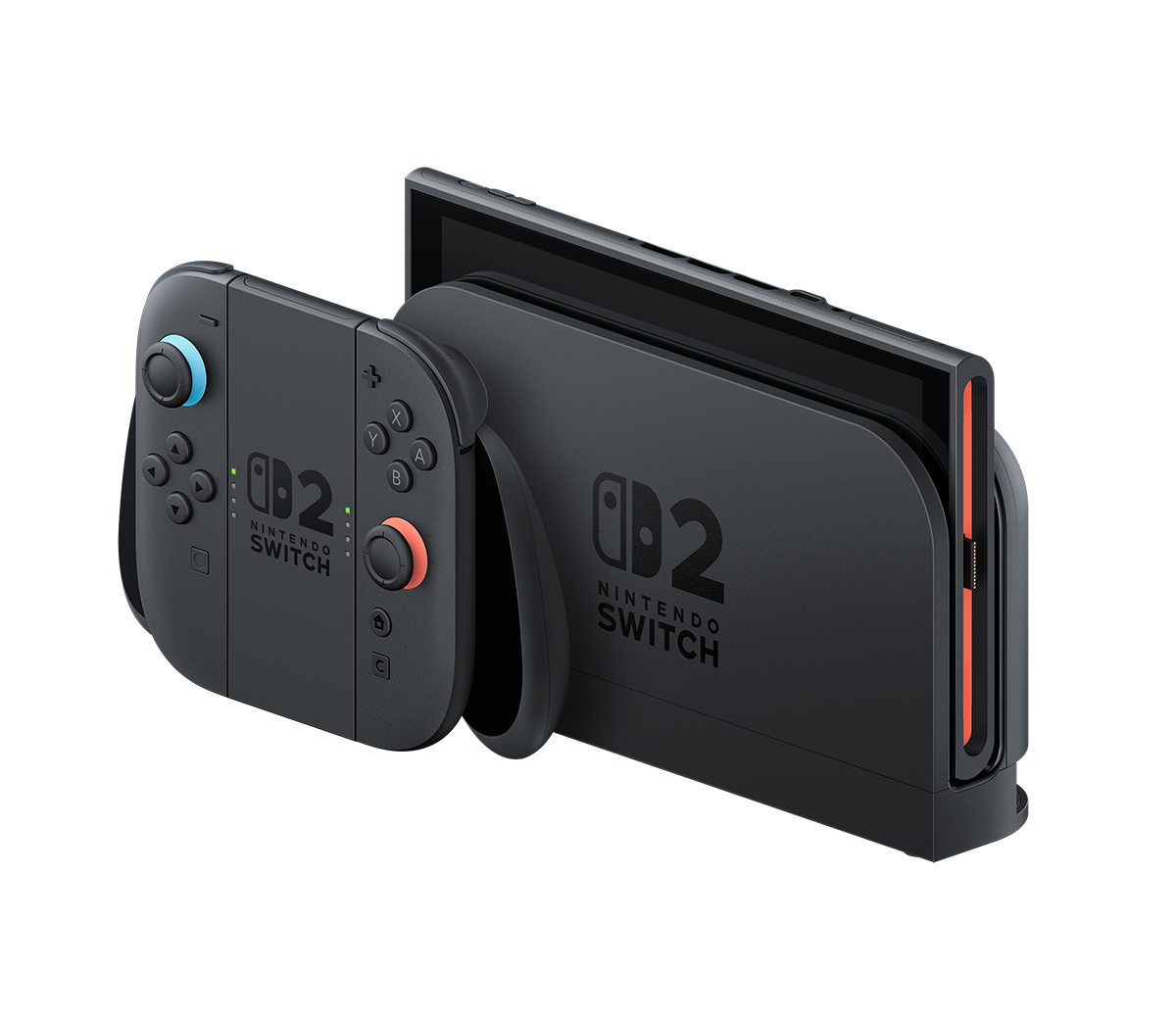
Nintendo Switch 2 update 23.5.0 is now available, adding accessibility features and preparing the console for Nintendo eShop family gifting. Nintendo released this firmware on 10 November 2026. The new gifting feature, however, is scheduled for 17 November, so installing the system update does not mean you can send digital purchases to a family member today.
Most consoles download system updates automatically when they’re connected to the internet, but you can check the installed version yourself. Nintendo has also released version 23.5.0 for the original Switch, with a shorter list of changes. Here’s what each console gets.
Nintendo Switch 2 update 23.5.0 patch notes
Nintendo’s notes for Nintendo Switch 2 update 23.5.0 cover the following changes:
- Initial console setup: Accessibility settings can now be configured during first-time setup, instead of having to finish setup before adjusting those options.
- Nintendo eShop gifting: Support has been added for a forthcoming feature that will let people gift eligible eShop products to members of their Nintendo Account family group. Nintendo schedules it for after eShop maintenance on 17 November 2026.
- Text to Speech: Portuguese (Portugal) is a new language choice in Accessibility under System Settings.
- GameChat Convert Text to Speech: Portuguese (Portugal) is also added to the language choices for this separate GameChat accessibility feature.
- General improvements: Nintendo also lists adjustments and fixes to improve the experience, without identifying specific bugs.
Nintendo hasn’t named any game-specific performance changes or individual bugs fixed in version 23.5.0. The accessibility improvements are available now; eShop gifting has a separate launch date.
How to install Nintendo Switch 2 update 23.5.0
You need an internet connection to download the firmware. Nintendo says updates usually download by themselves while the console is online, but a manual check is useful if your device still shows an older version.
- Open the HOME Menu on your Nintendo Switch 2.
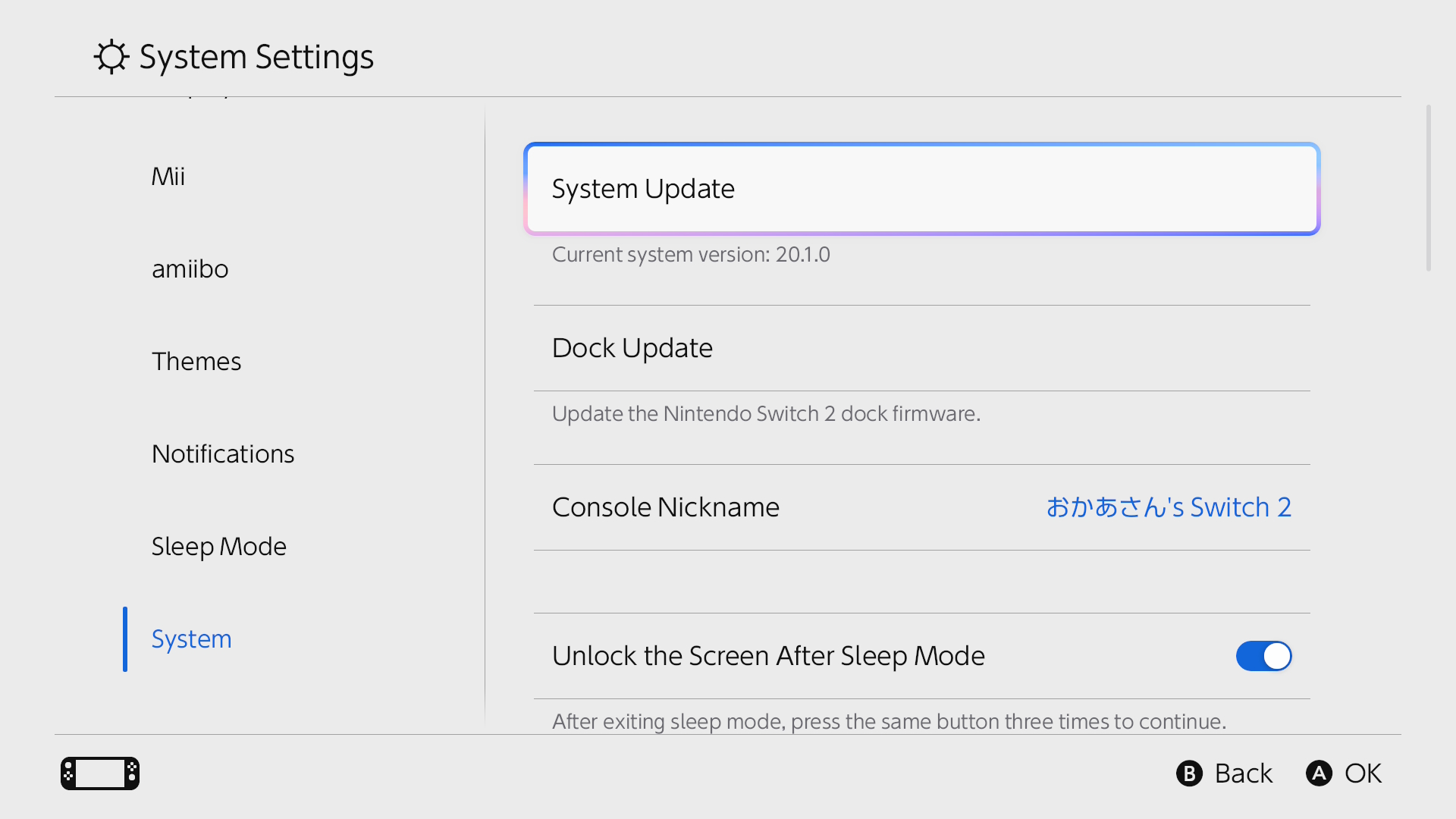
- Choose System Settings, then scroll down and select System.
- Choose System Update. The console checks for a newer firmware version.
- If an update is available, follow the on-screen prompts to install it. Your installed version can be seen in the same part of the menu.
If Nintendo Switch 2 update 23.5.0 will not download or install, Nintendo recommends restarting the console and trying again. It hasn’t published a separate fix tied to this particular version. Make sure the console has an internet connection before repeating the check, rather than changing unrelated settings.
Nintendo Switch 2 versus original Switch changes
Both Switch generations have received firmware 23.5.0. The important difference is that Nintendo lists the accessibility additions for Switch 2, not for the older console family. Both support the forthcoming family gifting feature, and both receive unspecified general adjustments.
| 23.5.0 change | Switch 2 | Original Switch |
|---|---|---|
| Future family-group eShop gifting support | Yes | Yes |
| Accessibility options in first-time setup | Yes | Not listed |
| Portuguese (Portugal) Text to Speech | Yes | Not listed |
| Portuguese (Portugal) GameChat Convert Text to Speech | Yes | Not applicable; GameChat is for Switch 2 |
| General adjustments and fixes | Yes, unspecified | Yes, unspecified |
Both systems can install version 23.5.0, but their accessibility menus are different. Nintendo Switch 2 update 23.5.0 includes GameChat language support, which the original Switch cannot use.
When does Nintendo eShop gifting become available?
Nintendo’s UK patch notes place the planned launch after Nintendo eShop maintenance on 17 November 2026. Nintendo’s North American news article says 16 November, while the UK patch notes specify 17 November. Nintendo hasn’t explained the discrepancy, so the UK date is the one given here. As of 12 November, Nintendo Switch 2 update 23.5.0 has made the console ready for gifting, but the purchasing feature itself is not live. Installing the firmware again won’t make gifting appear any sooner.
Nintendo has since published a preview of the gift checkout in its North American news section. Once the service is live, eligible products will have a Give as a Gift option in the eShop. You can choose a family-group recipient, select one of their linked systems and pick a gift-wrap colour. Nintendo says gifts arrive on the recipient’s HOME Menu immediately. Those steps aren’t available in the UK eShop yet.
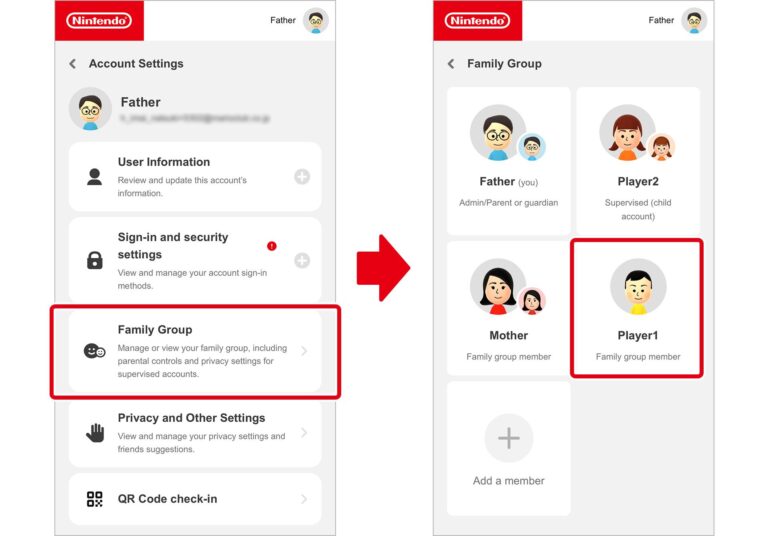
You can already prepare your Nintendo Account family group, which can have up to eight accounts including its administrator. Existing Virtual Game Card loans are a different option: eligible family members can borrow a digital game for up to 14 days, during which the lender cannot use that virtual card. A loan is not a gift, and the new eShop feature should not be treated as an extension of the loan menu.
What should owners do now?
Install Nintendo Switch 2 update 23.5.0 through the usual system menu, then check the eShop again after the scheduled 17 November maintenance if you’re interested in gifting. There is no need to hunt for a new button before the announced rollout. If you need the accessibility options, those are part of the firmware released on 10 November.
The Nintendo Switch 2 update 23.5.0 is listed as the latest firmware in Nintendo UK’s notes dated 10 November. Check System Settings > System > System Update to see your installed version. Gifting becomes available only after the separately scheduled eShop maintenance.
Related Nintendo Guides
- Nintendo eShop Family Gifting: November 17 Release and Rules
- Nintendo Switch 2 Virtual Game Card Settings
- Lend Nintendo Switch 2 Digital Games to Family
- Play Nintendo Switch 2 Digital Games Offline
- Move Switch 2 Digital Games Between Consoles
- Switch 2 Virtual Game Card Pairing and Internet Fixes
- Nintendo Switch 2 Backwards Compatibility
- Tears of the Kingdom Switch 2 Upgrade and Membership Rules
Official source: Nintendo UK: Nintendo Switch 2 system update information.