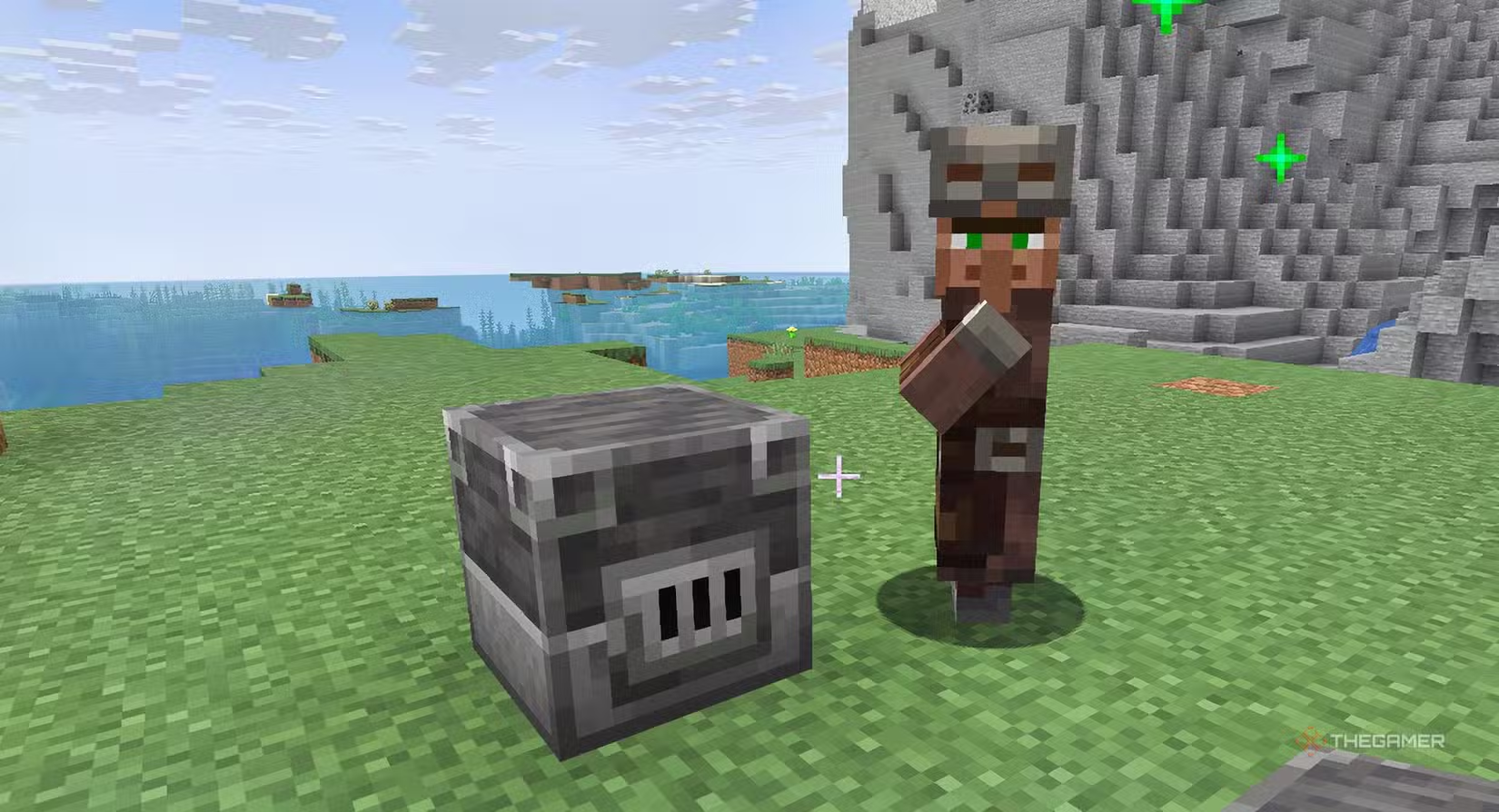
Minecraft Villager Workstations determine which profession a villager will take and what trades they can offer. Understanding Minecraft Villager Workstations is essential if you want to build a trading hall, unlock valuable enchantments, or gain access to some of the best villager trades in the game.
Every villager profession is linked to a specific workstation block. By placing the correct workstation near an unemployed villager, you can assign jobs and control the types of trades available within your village.
What Are Minecraft Villager Workstations?
Minecraft Villager Workstations are special blocks that allow villagers to claim professions.
When an unemployed villager detects a nearby workstation, they can adopt the profession associated with that block.
This system gives players significant control over village development and trading opportunities.
Complete Minecraft Villager Workstations List
| Workstation | Profession |
|---|---|
| Lectern | Librarian |
| Composter | Farmer |
| Blast Furnace | Armorer |
| Smithing Table | Toolsmith |
| Grindstone | Weaponsmith |
| Brewing Stand | Cleric |
| Barrel | Fisherman |
| Cartography Table | Cartographer |
| Fletching Table | Fletcher |
| Loom | Shepherd |
| Stonecutter | Mason |
| Smoker | Butcher |
| Cauldron | Leatherworker |
Each workstation unlocks unique trades and benefits.
Lectern
The Lectern creates a Librarian Villager.
Librarian Benefits
- Mending books
- Silk Touch books
- Fortune books
- Name Tags
- Glass trades
Many players consider the Lectern the most valuable workstation in Minecraft because Librarians offer some of the strongest enchantments available.
For more information, see our guide on How to Make a Librarian Villager in Minecraft.
Composter
The Composter creates a Farmer Villager.
Farmer Benefits
- Crop trades
- Emerald generation
- Golden Carrots
- Food supplies
Farmers are one of the easiest ways to earn emeralds in survival mode.
Blast Furnace
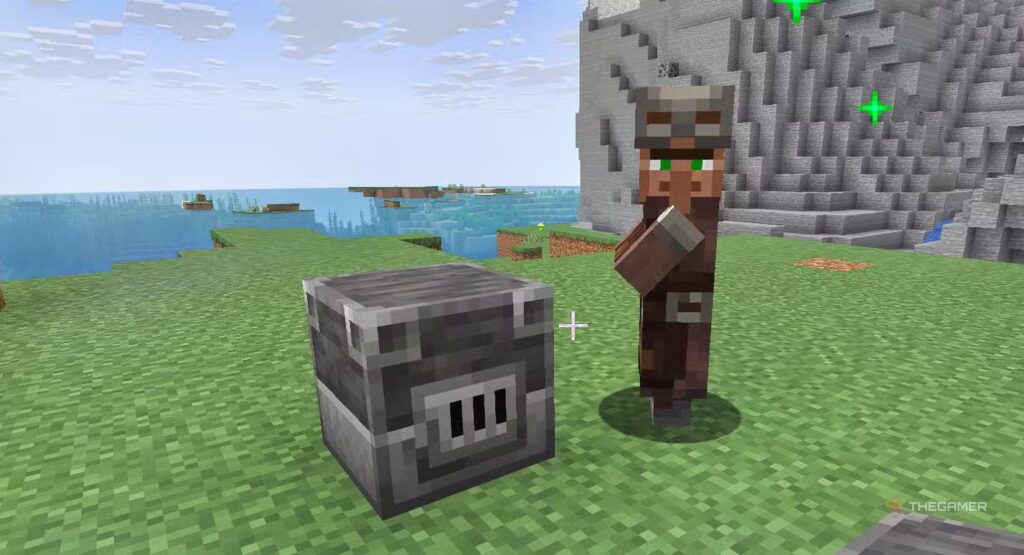
The Blast Furnace creates an Armorer.
Armorer Benefits
- Iron armour
- Diamond armour
- Enchanted equipment
Armorers help players obtain powerful gear without relying entirely on mining.
Smithing Table
The Smithing Table creates a Toolsmith.
Toolsmith Benefits
- Diamond pickaxes
- Diamond axes
- Useful tool upgrades
Toolsmiths are especially useful for players focused on mining and resource gathering.
Grindstone
The Grindstone creates a Weaponsmith.
Weaponsmith Benefits
- Diamond swords
- Axes
- Enchanted weapons
Weaponsmiths provide reliable access to combat equipment.
Brewing Stand
The Brewing Stand creates a Cleric.
Cleric Benefits
- Ender Pearls
- Redstone
- Glowstone
- Brewing materials
Clerics are often overlooked despite offering several valuable resources.
Barrel
The Barrel creates a Fisherman.
Fisherman Benefits
- Fish trades
- Campfires
- Emerald opportunities
Fishermen can provide useful early-game resources.
Cartography Table
The Cartography Table creates a Cartographer.
Cartographer Benefits
- Ocean Explorer Maps
- Woodland Explorer Maps
- Banner patterns
Cartographers are particularly useful for exploration-focused players.
Fletching Table
The Fletching Table creates a Fletcher.
Fletcher Benefits
- Arrows
- Bows
- Crossbows
- Stick trades
Many players use Fletcher stick trades as an easy source of emeralds.
Loom
The Loom creates a Shepherd.
Shepherd Benefits
- Wool trades
- Decorative blocks
- Paintings
Shepherds are especially useful for builders.
Stonecutter
The Stonecutter creates a Mason.
Mason Benefits
- Stone blocks
- Quartz
- Decorative materials
Masons provide building resources that can be difficult to gather in large quantities.
Smoker
The Smoker creates a Butcher.
Butcher Benefits
- Cooked food
- Meat trades
- Emerald opportunities
Butchers can support food production in larger villages.
Cauldron
The Cauldron creates a Leatherworker.
Leatherworker Benefits
- Leather armour
- Saddles
- Horse-related items
While not the strongest profession, Leatherworkers still offer some useful niche items.
How to Assign Workstations
Assigning a workstation is simple.
- Find an unemployed villager.
- Place the workstation nearby.
- Wait for the villager to claim it.
- Check the new profession.
If the villager has never been traded with, you can remove the workstation and try a different profession.
Why Workstations Matter
Minecraft Villager Workstations are the foundation of villager trading. Without them, players cannot control professions or access the specialised trades that make villagers so valuable.
Whether you’re searching for Mending books, Diamond Armour, Golden Carrots, or Ender Pearls, understanding workstation blocks allows you to build more efficient villages and trading halls.
For more Minecraft guides, check out Minecraft Villager Jobs: Every Profession and Workstation Explained, Minecraft Villager Trading Guide, Best Villager Trades in Minecraft, How to Make a Librarian Villager in Minecraft, and How to Cure a Zombie Villager in Minecraft.
For more Minecraft tips, tutorials, and walkthroughs, be sure to visit our Minecraft Guides Hub. You’ll find guides covering villagers, enchantments, diamonds, Netherite, The End, potion brewing, building ideas, and everything else you need to master Minecraft.