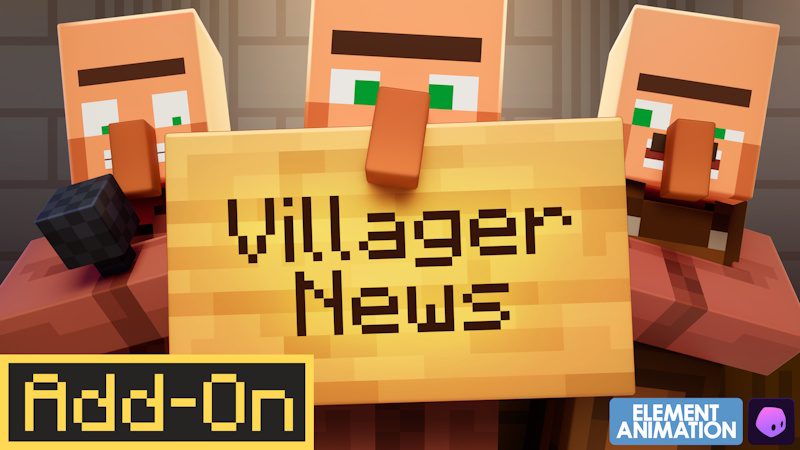
Minecraft Villager News Add-On Not Working problems can range from the pack not appearing in Marketplace to villagers loading with completely vanilla behaviour. Because Villager News 1.0 is a Bedrock Marketplace Add-On, troubleshooting it is different from fixing a Java Forge or Fabric mod.
The official release comes from Oreville Studios in collaboration with Element Animation. It launched September 8, 2026 and has already received post-launch revisions, so checking that you have the newest Marketplace version is a sensible first step.
Minecraft Villager News Add-On Not Working: first checks
If Minecraft Villager News Add-On Not Working is your problem, confirm three things first: you are using Bedrock Edition, you are signed into the Microsoft account that owns the Add-On, and Villager News is activated on the world you are testing.
Buying the Add-On does not automatically mean every world uses it. Open the world's settings and check its active Add-On/resource and behaviour content. If Villager News is only listed as owned or downloaded but is not enabled for that world, normal villagers will remain normal.
Restart Minecraft after changing the packs, then load a village and listen for the new voiced reactions.
Update Villager News through Marketplace
Marketplace tracking currently lists a newer build than the initial 1.0 launch. Let Minecraft finish any content updates before spending time debugging an issue that may already have been patched.
If an update appears stuck, close Minecraft fully and reopen it with a stable internet connection. Confirm the Marketplace recognises the purchase on your account.
Minecraft Villager News Add-On Not Working immediately after an update can also be worth testing in a fresh world. If the new world works, the installation is fine and the problem is more specific to your existing save or pack combination.
Villager News is missing from Marketplace search
Some launch-week players reported that direct search did not surface the Add-On even though it was available. Searching for Oreville Studios and opening the creator's Marketplace catalogue was a successful workaround for some players.
Make sure your Bedrock client itself is current. Marketplace visibility and content compatibility can behave badly on an outdated game build.
Do not respond by downloading an unofficial copy from a random website. The official Villager News 1.0 release is Marketplace content.
Villagers are talking but something else is broken
If you hear Villager News dialogue, the pack is at least loading. At that point, narrow the problem down: is a special character missing, is a trade behaving unexpectedly, or are too many custom villagers appearing?
There has already been a community report about merchant villagers continuing to spawn without disappearing, so not every odd behaviour is necessarily a setup mistake. If you can reproduce a bug on the latest version, Oreville Studios provides support channels for feedback.
Check for Add-On conflicts
Villager News is officially advertised as compatible with Actions & Stuff. That is useful if you use Oreville's animation pack, but it does not mean every behaviour-changing Add-On from every creator is automatically compatible.
If Minecraft Villager News Add-On Not Working started after adding another pack, duplicate the world and temporarily disable other villager-changing Add-Ons. Test Villager News by itself. Re-enable other packs one at a time until the problem returns.
This is much safer than randomly changing multiple settings at once because you can actually identify the conflicting pack.
Does Villager News disable achievements?
Marketplace Add-Ons can have different behaviour depending on what features they use, and achievement handling can change with Bedrock's systems. Check the warning shown by your current Minecraft version when applying the pack rather than relying on an old comment about a different Add-On.
If achievements are critical to that world, make a backup before activation and read any prompt Minecraft displays.
When to contact support
If the Add-On is owned, downloaded, updated and enabled, but a clean test world still cannot run it correctly, gather useful details before contacting Oreville: your platform, Minecraft version, Villager News version, other active packs and the exact steps that reproduce the issue.
Minecraft Villager News Add-On Not Working reports are much easier to solve when they describe one repeatable problem rather than simply saying villagers are broken.
Oreville Studios has an official Villager News content guide and support contact. Use that route for persistent bugs after the basic activation, update and conflict checks above.
For official details and support, visit Oreville Studios’ Villager News guide.