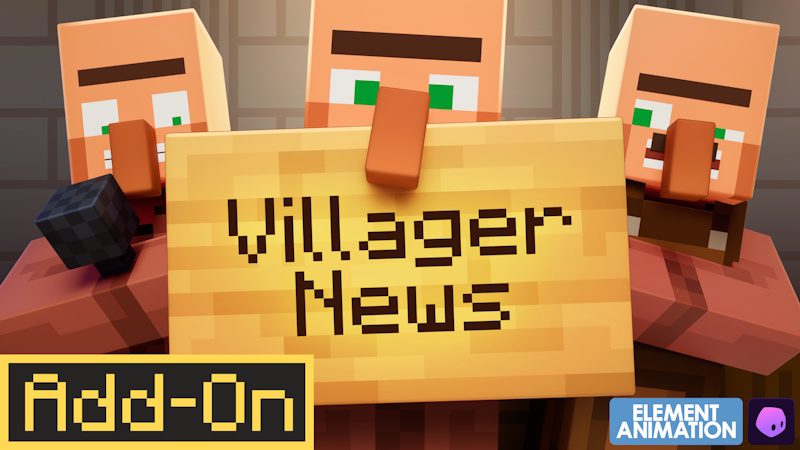
How to Get Villager News in Minecraft is straightforward once you know where the pack actually lives. The official Villager News 1.0 release is a paid Bedrock Edition Add-On from Oreville Studios made in collaboration with Element Animation, and it is distributed through Minecraft Marketplace rather than as a Java mod download.
That distinction matters because searches for Villager News bring up years of animations, fan projects and old resource packs. The 2026 release is the official Marketplace Add-On with more than 2,000 voiced reactions, animated villagers, reputation, gossip, special characters and unique trades.
How to Get Villager News in Minecraft Bedrock
Open Minecraft Bedrock Edition and enter the Marketplace. Search for Villager News or Oreville Studios, then open the Villager News 1.0 Add-On listing. It costs 1,170 Minecoins, so complete the purchase on the Microsoft account you normally use for Minecraft.
After buying it, allow the content to download completely. How to Get Villager News in Minecraft does not involve installing files from a third-party website, extracting a ZIP or moving anything into a Java mods folder. Marketplace handles the entitlement and download for you.
If Marketplace search does not surface the add-on immediately, search for Oreville Studios and open the creator's catalogue. Some players reported that this was easier than searching the full title during the launch period.
How to activate Villager News in a world
Owning an Add-On and enabling it are separate steps. Edit the Bedrock world you want to use, find its Add-Ons/resource and behaviour pack settings, and activate the Villager News content for that world. The exact menu wording can vary slightly with Bedrock UI updates, but the pack needs to be enabled on the world before its features can appear.
For a valuable long-running world, create a backup first. That is good practice whenever you add behaviour-changing Marketplace content, even when the pack is designed to work with normal Bedrock worlds.
Load into an area with villagers once the pack is active. You should begin seeing the expressive behaviour that defines the add-on, including voiced reactions and animations. A village is naturally the easiest place to confirm that everything loaded correctly.
Can I add Villager News to an existing world?
The add-on is built to enhance Bedrock gameplay, so you are not limited to a special bundled adventure map. Applying it to an existing world lets the new villager systems become part of a settlement you already use.
How to Get Villager News in Minecraft safely still starts with a backup. If you later decide you do not like a behaviour-changing pack, having a clean copy from before activation is far easier than trying to unwind changes after many hours of play.
What do you get with Villager News?
Oreville Studios lists more than 2,000 voiced reactions, reactive dialogue for mobs, blocks and player actions, expressive animation and lip sync, reputation and gossip, plus special characters with unique trades.
It is also compatible with Actions & Stuff. That does not mean Actions & Stuff is required; it means players using Oreville's animation pack can combine it with Villager News rather than choosing between them.
Why can't I find Villager News in Marketplace?
First confirm that you are using Bedrock Edition and are signed into Marketplace. The official add-on launched September 8, 2026, so an outdated Minecraft client may also be worth updating.
If the title search fails, search Oreville Studios instead. Community reports from launch week specifically mention finding the pack through the studio page when direct Marketplace search was temperamental.
You should also avoid downloading files that claim to be the paid Marketplace release for free. How to Get Villager News in Minecraft legitimately is through Minecraft Marketplace; unofficial downloads may be unrelated packs and should not be treated as the Oreville/Element release.
Does the add-on need experimental settings?
Do not switch on random experimental toggles merely because another Add-On guide tells you to. Start with the requirements presented by the Marketplace version you have installed. Unnecessary experiments can complicate troubleshooting and are not a substitute for activating the correct pack.
If the add-on is installed but nothing changes, check the world's active packs, restart Minecraft, make sure the content download finished and test a fresh world with Villager News enabled. That quickly tells you whether the problem belongs to one world or to the installation itself.
How to Get Villager News in Minecraft ultimately comes down to three steps: buy the official Bedrock Add-On, download it through Marketplace and activate it on the world where you want talking villagers.
For official details and support, visit Oreville Studios’ Villager News guide.