
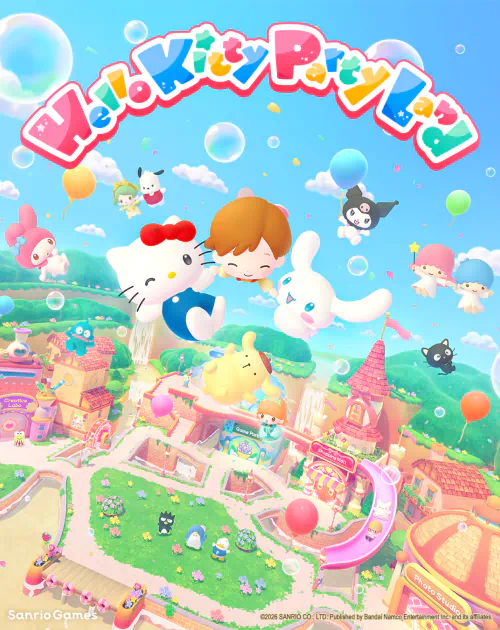
Hello Kitty Party Land save transfer does not work between the original Nintendo Switch version and the native Nintendo Switch 2 version. Nintendo explicitly states that the two editions cannot share save data. Buying the Switch 2 game after starting on Switch will not bring your avatar, collection or other progress into the new edition.
There is a way to keep playing your existing Switch copy on a newer console: the original game is supported through Switch 2 backward compatibility. The difference is whether you are moving the same Switch software to compatible hardware or trying to move progress into a separate native Switch 2 game.
Can you use Hello Kitty Party Land save transfer between versions?
Image credit: Bandai Namco Entertainment / Sanrio Games.
No. Nintendo’s store pages state that Switch and Switch 2 save files cannot be shared. The Hello Kitty Party Land save transfer restriction applies regardless of whether your copy is digital or physical. This isn’t a question of turning on an option or selecting the right menu within Party Land. The save formats belong to separate game editions.
The original Switch release launched on October 29, 2026, alongside the native Switch 2 edition. There is no paid or free Switch 2 upgrade pack either. Both software products must be treated separately when you choose what to buy and where to continue a save.
What about a Switch save moved to Switch 2 hardware?
Nintendo lists the original Switch version as compatible with Switch 2. If you continue to run that same Switch edition, you are not crossing into the native software. That is the route for keeping the version you already play when you change console hardware.
A Hello Kitty Party Land save transfer problem appears when someone installs the native Switch 2 edition and expects the old progress to show up. Even when both games are on the same physical console, Nintendo’s restriction means progress from the original game is not shared with its native counterpart.
Keep the original Switch save and game installation until you have checked that your existing progress is available in the compatible Switch version on the new console. There is no reason to delete the older save while sorting out which edition you own.
Does Nintendo Switch Online allow Hello Kitty Party Land save transfer?
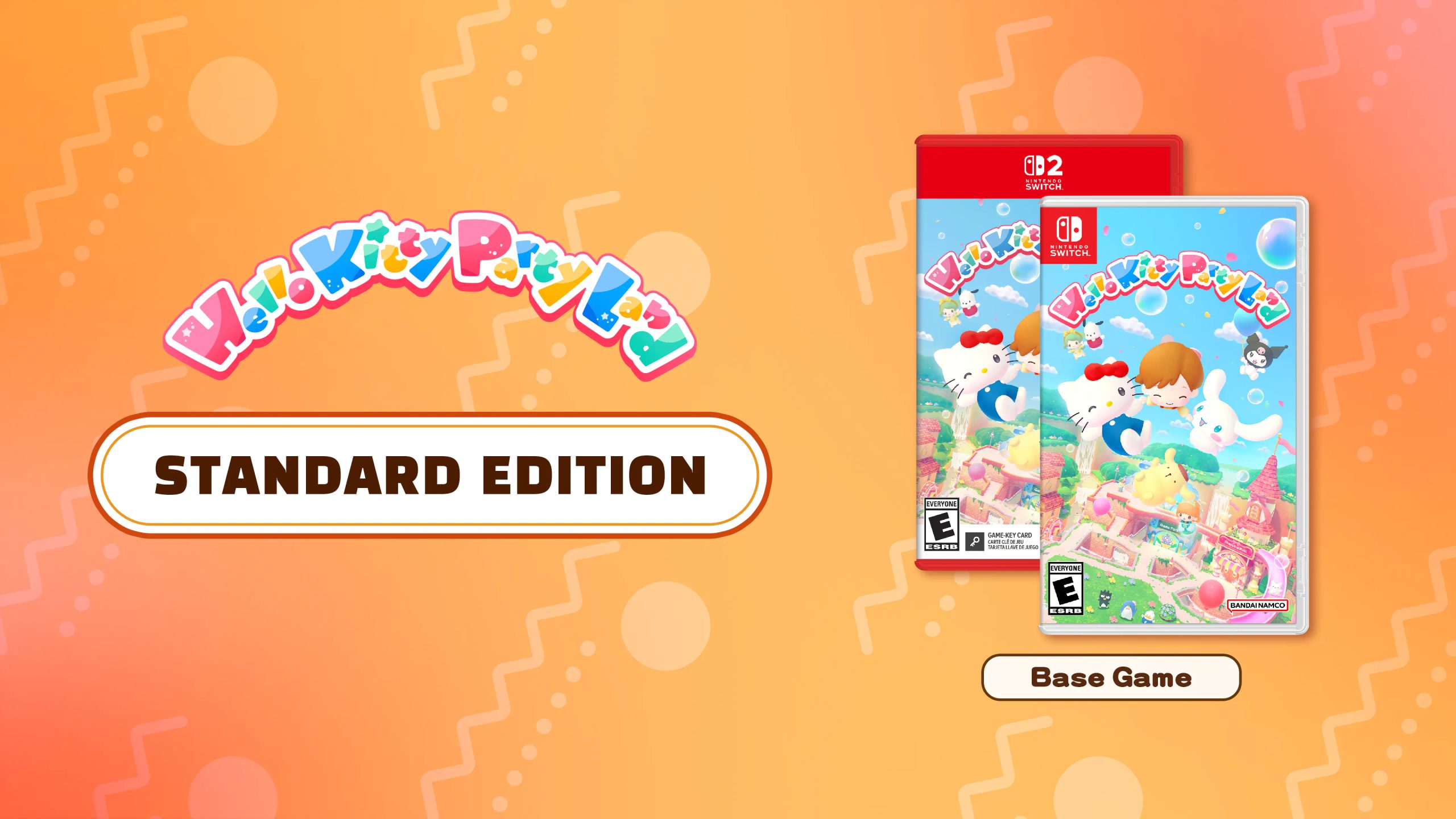
Image credit: Bandai Namco Entertainment / Sanrio Games.
No. Nintendo lists Save Data Cloud support, but cloud backups and cross-edition conversion are not the same feature. A cloud backup of the original Switch game does not become a save for the native Switch 2 release. Nintendo’s explicit notice against sharing saves still applies.
For Hello Kitty Party Land save transfer, keep the game’s edition in mind whenever you see a save-management option. A backup can help manage progress within compatible software, but it cannot overrule a publisher’s separation of two products. Simply installing both games will not make their save files interchangeable.
Can Hello Kitty Party Land save transfer from Switch to Switch 2?
Yes, if you continue playing the original Switch software on Switch 2 through backward compatibility and move your compatible Switch-version data using Nintendo’s supported system features. No, if you mean starting on original Switch software and continuing that save in the native Switch 2 edition.
The Hello Kitty Party Land save transfer answer is especially relevant for a family whose older console is being replaced. Buying the newer native edition might sound like the natural choice, but it means starting that game’s separate progress. Keeping the original release avoids that particular cross-edition problem.
Does the game have cross-save with another account?
Nintendo’s rule is about the two software editions; it does not grant an account-wide save that follows you from one game to the other. Use the Nintendo profile associated with the original save when continuing the original Switch software, and keep backups under the appropriate account where supported.
The game includes avatar customisation, stickers, character friendships, board games and other activities. None of these progress systems has a separately announced exception to Nintendo’s cross-version restriction. Do not purchase a second edition on the assumption that one particular collection will copy over.
Which copy should you play to keep progress?
If you have already made progress on Nintendo Switch, the simplest choice is to keep playing the Switch version. It is supported on Switch 2 hardware. If you buy the native Switch 2 version instead, treat it as a new game with separate progress.
The Hello Kitty Party Land save transfer rule does not stop you playing either title. Both versions contain the same advertised minigames and characters. What changes is the save that each version can read. Backward compatibility gives owners a way to continue the old software rather than repurchasing it.
For a Hello Kitty Party Land save transfer between the different editions, the answer is no. Keep the original copy and its saves intact, choose the right software on your Switch 2, and only buy the native version if you are happy to begin that edition separately.
Related Guides
- Hello Kitty Party Land Release Date and Platforms
- Hello Kitty Party Land Editions
- Hello Kitty Party Land Multiplayer
- Hello Kitty Party Land Switch 2 Upgrade
- Hello Kitty Party Land Jinbei Costumes
- Hello Kitty Party Land Board Game
- Hello Kitty Party Land Stickers
- Hello Kitty Island Adventure Spooky Celebration
Official source: Bandai Namco Entertainment, Hello Kitty Party Land.





