
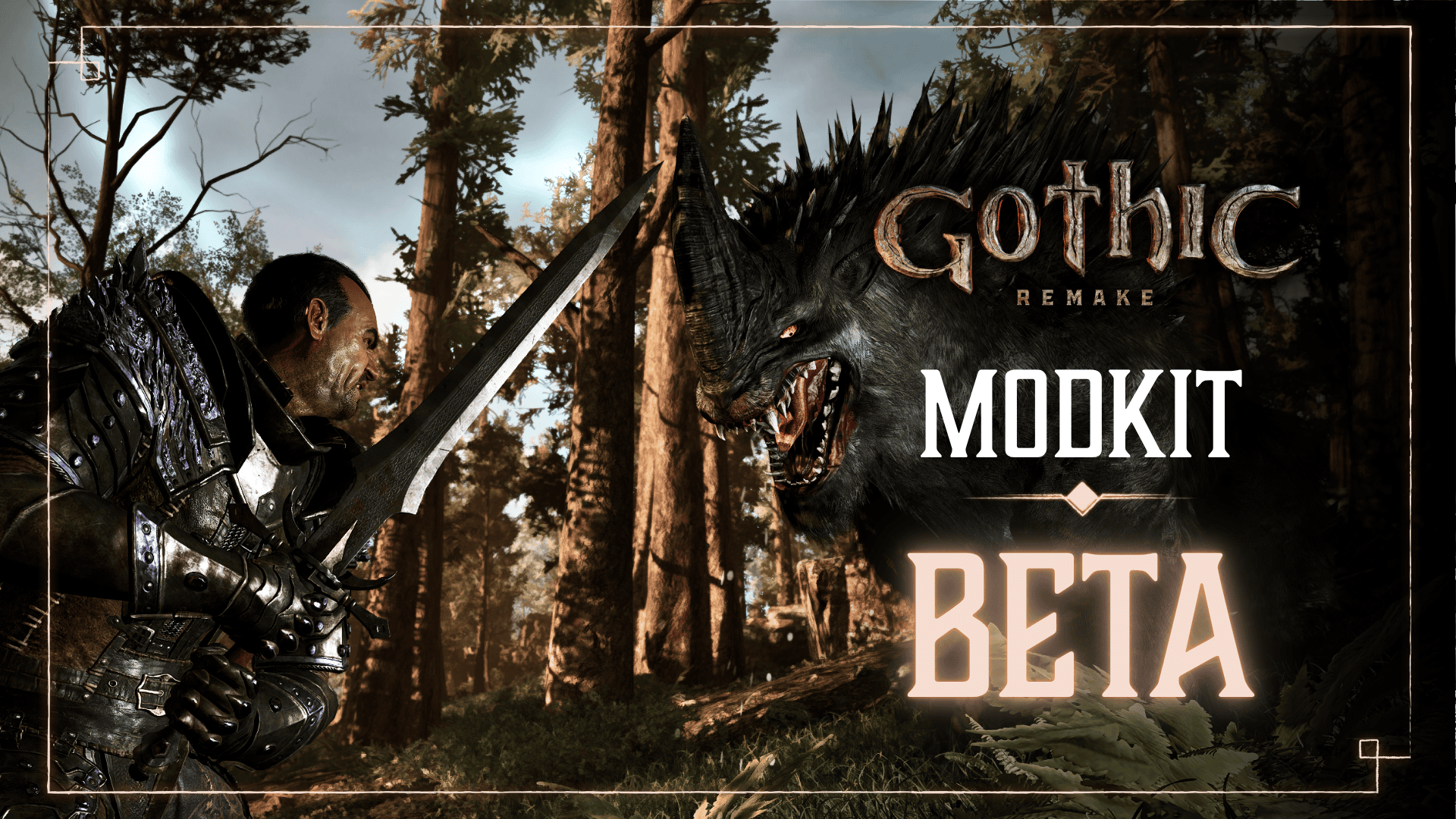
Gothic 1 Remake Modkit Beta launched on 29 October 2026, giving PC creators their first official set of tools and source material for modding Alkimia Interactive’s remake. The initial release exposes the game’s scripting language and the full script sources, opening up a much more direct route to changing how the Colony works.
For the first time, modders have the actual game scripts to study instead of having to piece together how the remake behaves. The beta also introduces an official way to manage and share mods through Steam.
What is included in Gothic 1 Remake Modkit Beta?
The biggest addition is access to the complete game scripts and the language used to write them. That gives you a starting point for investigating how dialogue, quest conditions and other scripted interactions work before making a change of your own.
The developer also provides documentation and a modding licence. To find the documentation, open Gothic 1 Remake in your Steam library, select its news feed and open the Modkit BETA announcement dated 29 October. The official documentation and licence are linked there.
Read the documentation before editing the supplied files. It explains the toolchain and the way your project needs to be prepared, saving you from trying to build a mod with an unrelated tool or file structure.

How to open the official mod manager on Steam
The official release also adds a way to launch the game’s mod management interface. If you play on Steam, look for the new launch option when starting the game. You can also start the Windows game executable with the argument published by Alkimia Interactive:
G1R-Win64-Shipping.exe -ModManagementUIThat is an executable launch argument, not text to enter inside the game. The manager is for handling the mods available to your installation. It is separate from Marvin Mode, the cheat feature added in Feature Update #1.
Use the manager when you want to check which mods the game is loading. It is especially useful during testing, when a change to a script can behave differently depending on which other modifications are installed.
How Steam Workshop fits into the update
Alongside the Modkit, Gothic 1 Remake now has an official Steam Workshop. It’s where mod creators can publish their work and other PC players can find and subscribe to it. Authors building a mod with the official scripting tools have a direct place to share the finished result.
If you’re planning to publish your own work, make the description clear about what you’ve changed, how to use it and which version you tested. The Workshop page is where other players will decide whether your mod fits their game.
Do check which game a mod was made for. The remake runs on Unreal Engine 5, while Gothic Classic and Gothic II are older games with separate modding ecosystems. Workshop content for the remake belongs to the new game, not the original installation.
Getting started with your first script mod
- Open the official Modkit BETA Steam news announcement and follow its documentation link.
- Read the modding licence before reusing or distributing any supplied game material.
- Study the released scripts and choose one small behaviour to work on.
- Make your changes in a separate project, keeping the original files as a clean reference.
- Test with a separate save so a script experiment doesn’t affect your regular playthrough.
- When the mod works, follow the documentation’s packaging and publication instructions if you want to share it through Steam Workshop.
Test one change at a time. If you alter a character’s dialogue, load a save near that character, trigger the conversation and check the result. Once that works, make the next edit. You’ll have a much easier time finding a mistake than if you rewrite an entire quest chain in one go.
Keep notes on which script you changed and what happened during the test. Even a small personal changelog helps when a game update arrives or you want to revisit a project weeks later. If you publish a mod, give other players a clear description of what it changes and which version of the game you tested.
Modkit Beta not appearing?
Make sure you’re looking at the PC Steam release and its news and launch options. The October Feature Update is also on PS5 and Xbox, but the official Modkit instructions are built around Steam Workshop, game scripts and the Windows executable.
For the management interface, select the Steam launch option or use -ModManagementUI with the Gothic 1 Remake executable. For writing mods, open the developer documentation from the Modkit BETA news post. Those are two different starting points: the manager handles installed mods, while the documentation and scripts are for creating them.
Keep your remake projects separate from mods for the original Gothic games. The new engine and supplied scripts need their own workflow, and older mod files aren’t a shortcut to a working remake mod.
Official publisher: THQ Nordic’s Gothic 1 Remake website.





