
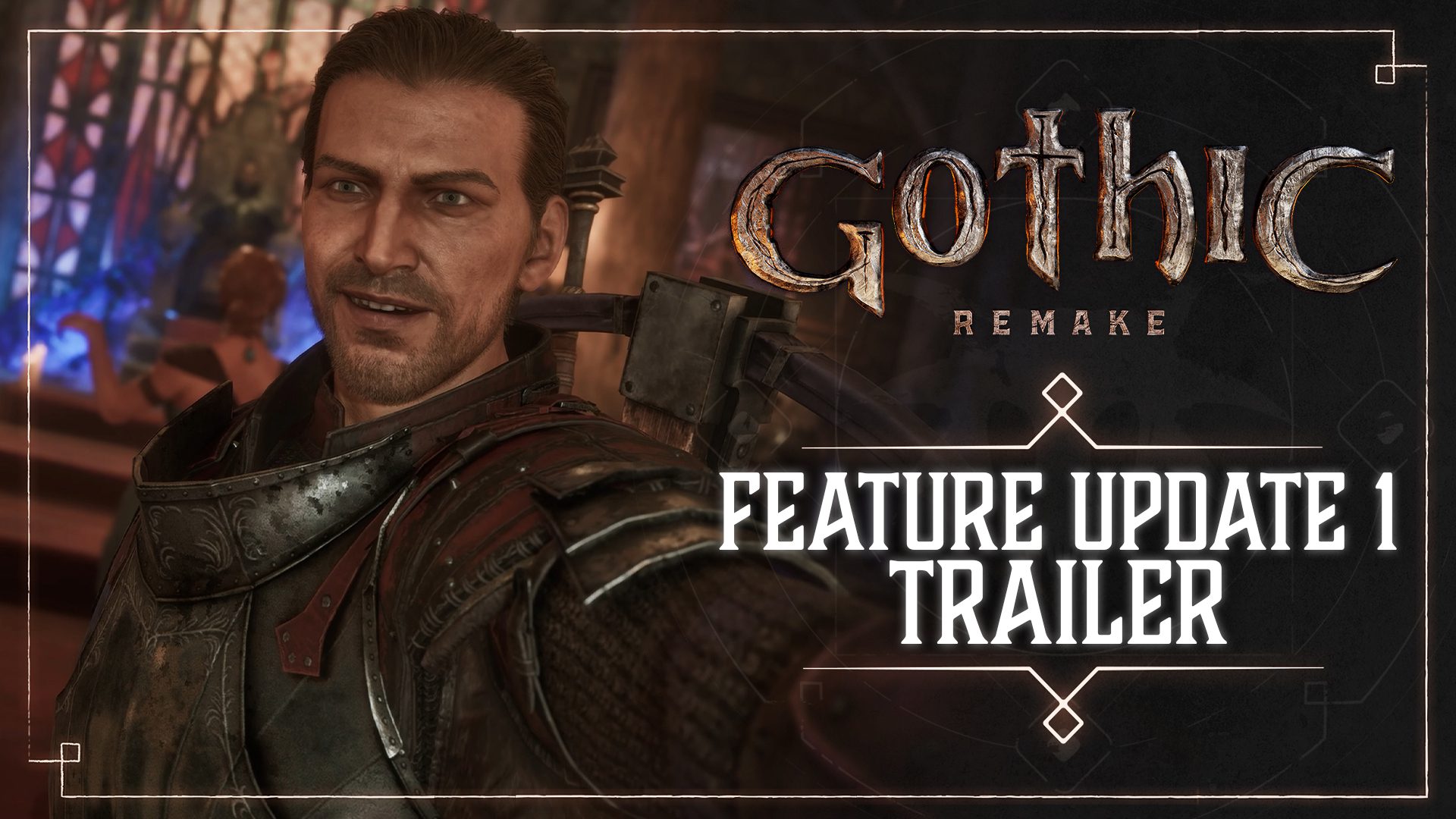
Gothic 1 Remake Feature Update 1 arrived on 29 October 2026 as a free download for PC, PlayStation 5 and Xbox Series X|S. It adds an official cheat mode, a photography feature, hairstyles and tattoos for the Nameless Hero, Brotherhood improvements and the ability to pass time while sitting on a bench.
If you’ve been playing out of order, the fixes to Aaron Chest and the Focus Stone quest could be particularly useful. There are also changes to weapons, equipment and enemy behaviour, so the patch is worth a look even if your quests have been progressing normally.
Gothic 1 Remake Feature Update 1: All new features
- Marvin Mode: The built-in developer and cheat tools can open locks, teleport the hero and spawn items, characters or creatures. On PC, press Esc, type MARVIN and press Esc again. To turn it off, open the menu and type 42.
- Photo Mode: Open the photography interface from the pause menu, or use L on PC. It includes settings for composing screenshots of the Colony.
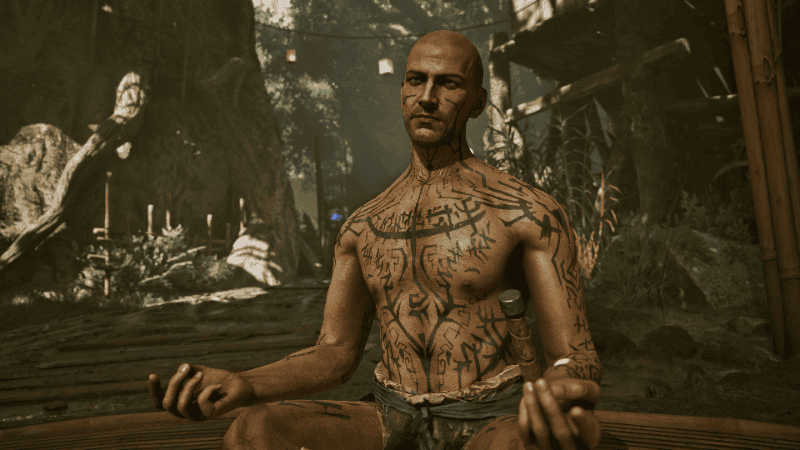
- New hairstyles and tattoos: The Nameless Hero can change his look after completing quests involving Joru and Baal Namib in the Swamp Camp.
- Brotherhood customisation: Players who join the Swamp Camp gain an additional immersion and customisation feature.
- Waiting on benches: The game now lets the hero pass time while sitting down on a bench.
Marvin Mode is for experimenting with the game world, while Photo Mode is for capturing it. Neither requires a separate download once the update is installed.
Crafted weapon stats and other gameplay improvements
Crafted weapons now have improved stats. If you’ve been relying on a favourite sword or another item made through crafting, take another look at its current numbers before deciding whether to replace it. The change gives crafted equipment a better showing alongside other weapons you can find or purchase.
You’ll also hear more sound reactions during gameplay. Alkimia added an animation for the Nameless Hero dying in water after taking damage, so that situation now has its own visual response instead of using a generic death sequence.
Two identical rings, inventory and journal fixes
Wearing two identical rings now works as intended. The bug affected characters trying to use a matching pair, so players who previously had trouble with their equipment slots can try equipping the same ring twice again after updating.
Item checks now include anything held in the player’s pouch. That helps when the game needs to recognise something you’re carrying for an interaction or quest condition. The journal also has fixes for location and enemy entries that failed to unlock, making the information recorded during exploration more reliable.
Two enemy equipment corrections are included: Green Goblins now use clubs and swords, while Goblin Warriors use morning stars. The merchant Saturas has also been fixed so he no longer sells the Water Mages Robe twice because of the duplicate listing bug.
Chapter 1: Aaron Chest progression blocker
Aaron Chest could get stuck if you completed its objectives in a different order from the one the quest expected. Feature Update #1 corrects that progression blocker. If you were stopped after dealing with the chest early, install the patch and continue from your existing quest journal and save.
It’s particularly useful for players who open chests or collect items before the related conversation. The quest now accounts for that progress instead of leaving you stuck.
Chapter 2: The Minecrawler Nest and Gor Na Dun
The trial during The Minecrawler Nest has a fix for Gor Na Dun’s combat reaction. The issue involved how he responded during the fight, potentially interrupting the way the trial progressed. The new build addresses that behaviour so the encounter can follow its intended sequence.
Chapter 3: Focus Stone with Lester, Milten and Gorn
The Focus Stone storyline now handles players who picked up a required stone before formally starting the quest. Alkimia added fallback behaviour for Lester, Milten and Gorn so their interactions can account for the item already being in the player’s possession.
If you explored ahead and collected a stone early, update the game and return to the relevant character. You can continue with the item you already have, rather than hunting for a second copy. This is one of the most useful progression changes for anyone who likes exploring the Valley of Mines out of order.
Chapter 4: Golem corpse interaction and Urshak
Golem corpses now respond to interaction from all angles. That makes looting or inspecting a fallen golem less fiddly when it has collapsed awkwardly against the environment.
Urshak could fail to appear at the Ruined Castle after you triggered Find The Orc Shaman. That missing-character issue has been fixed, so players stalled at the castle should revisit the location on the updated build.
Chapter 6: Mad Kalom combat and navigation
The Chapter 6 encounter with Mad Kalom has been polished. His movement, navigation and attacks have been improved in situations where his combat behaviour was awkward or unreliable. The boss remains the same character and encounter, but its execution should feel more consistent.
How to install the free update and retry a stuck quest
The free update arrived on PC, PS5 and Xbox Series X|S on 29 October 2026. On PC, finish any queued update in your launcher. On a console, select Gothic 1 Remake from your game library and check for an available update through the system menu.
For a previously stuck quest, load your saved game after patching and go back to the affected objective. Talk to the named character again, check the journal and try the normal quest interaction. Players with a Focus Stone already in their inventory can return to Lester, Milten or Gorn; anyone waiting for Urshak can revisit the Ruined Castle.
Even outside those story quests, there are useful fixes to matching rings, pouch checks, crafted weapons and journal entries. You should notice the difference in an ordinary playthrough, not just when returning to a stuck quest.
Official source: THQ Nordic’s Feature Update #1 announcement.





