Cyberpunk 2077 GeForce NOW mods now work through the game’s integrated mod.io support. NVIDIA confirmed the change on 29 October 2026, allowing cloud players to browse and use supported community content directly inside Cyberpunk 2077. You do not need local access to NVIDIA’s Windows game folders to use the built-in integration.
This is a different approach from traditional PC modding, where players copy files into an installation directory. GeForce NOW runs the game on a remote machine, so the supported in-game mod catalogue matters. Here is how the cloud system fits together and what to check before launching a modded save.
Cyberpunk 2077 GeForce NOW mods: How mod.io works
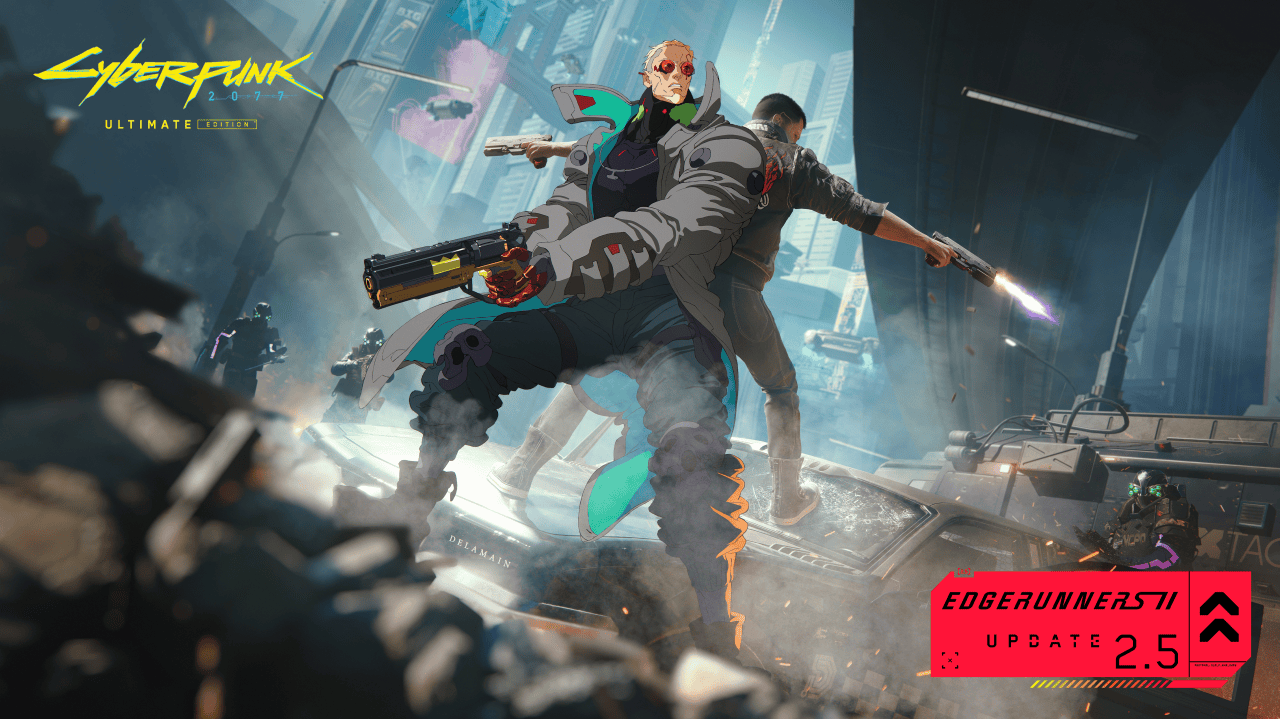
The Cyberpunk 2077 GeForce NOW mods update is part of NVIDIA’s October 29 GeForce NOW Thursday announcement. The company explicitly names Cyberpunk 2077 and The Witcher 3: Wild Hunt Remastered as games with direct in-game mod.io support while streaming.
How to access the in-game mod browser
Start a Cyberpunk 2077 session from your GeForce NOW library using a supported game-store account that owns the title. Once the game is running, use its integrated mod.io experience to browse mods available through that interface. Choose content that the in-game system lists as compatible and use the displayed installation or activation controls.
For Cyberpunk 2077 GeForce NOW mods, use the game’s mod.io integration rather than downloading files to your own desktop. NVIDIA has added the supported system inside the streaming game, not a separate mod installer in the GeForce NOW app.
NVIDIA’s service runs the game remotely and streams the result to your device. Your PC, phone or television receives the video and sends input, while the game processes the supported mod content on the cloud machine. You still need the appropriate game entitlement and a GeForce NOW membership for streaming.
Which Cyberpunk 2077 GeForce NOW mods work?
The Cyberpunk 2077 GeForce NOW mods catalogue should be treated separately from the wider PC mod scene. A mod must appear in the integrated catalogue and work with the cloud version of the game. Files intended for manual installation, script extenders or plugins that require arbitrary Windows folder access are outside the directly announced in-game feature.
That distinction is useful if you’ve already installed Nexus Mods or REDmod content on your own PC. GeForce NOW does not mirror your desktop’s mod folder into each cloud session. Instead, select supported modifications through the game’s own integrated browser and follow any instructions it displays for enabling them.
Save syncing and modded game progress
Before changing a modded save, check how your cloud and local game progress is synchronised. If you play both locally and on GeForce NOW, make sure the game’s supported cloud-save or cross-progression system has completed syncing. A modded save can depend on content that is not enabled in another session.
CD Projekt RED added broader mod support to Cyberpunk 2077 with Update 2.5, including its cross-platform mod ecosystem. Our Cyberpunk console mods guide explains the console interface, while the modded-save guide covers saves that depend on missing or changed mods.
The cloud experience is distinct from PS5 and Xbox mod installation. Console games use the supported in-game catalogue under their own platform rules. GeForce NOW is a PC game stream, so its available mods and supported store ownership are governed by NVIDIA’s cloud service and the game’s integrated systems.
Cyberpunk 2077 GeForce NOW mods not appearing
If Cyberpunk 2077 GeForce NOW mods are not appearing, first confirm you are streaming the current supported game build and looking in the game’s own mod.io experience rather than expecting a Windows folder browser. Restarting a streaming session can refresh a menu that has failed to load, while NVIDIA’s service-status page covers broader cloud issues.
For mod conflicts, disable the most recently enabled content through the in-game system and test the game again. Keep an unmodified save slot before trying major gameplay changes. Our cross-progression guide explains supported save transfers, and the Update 2.5 overview covers new gameplay and mod features.
Witcher 3 Remastered cloud mod support
The same GeForce NOW Thursday post confirms mod.io integration for The Witcher 3 Remastered. Our Witcher 3 mod guide covers its wider in-game system. These are two separate games, so use the mod catalogue built into whichever title you are streaming.
To use Cyberpunk 2077 GeForce NOW mods, launch your owned game on the service and manage compatible content through its mod.io browser. That is the feature NVIDIA added on October 29, and it avoids the need to access the cloud computer’s game files.
Official source: NVIDIA GeForce NOW Thursday: Cyberpunk 2077 mod.io support.