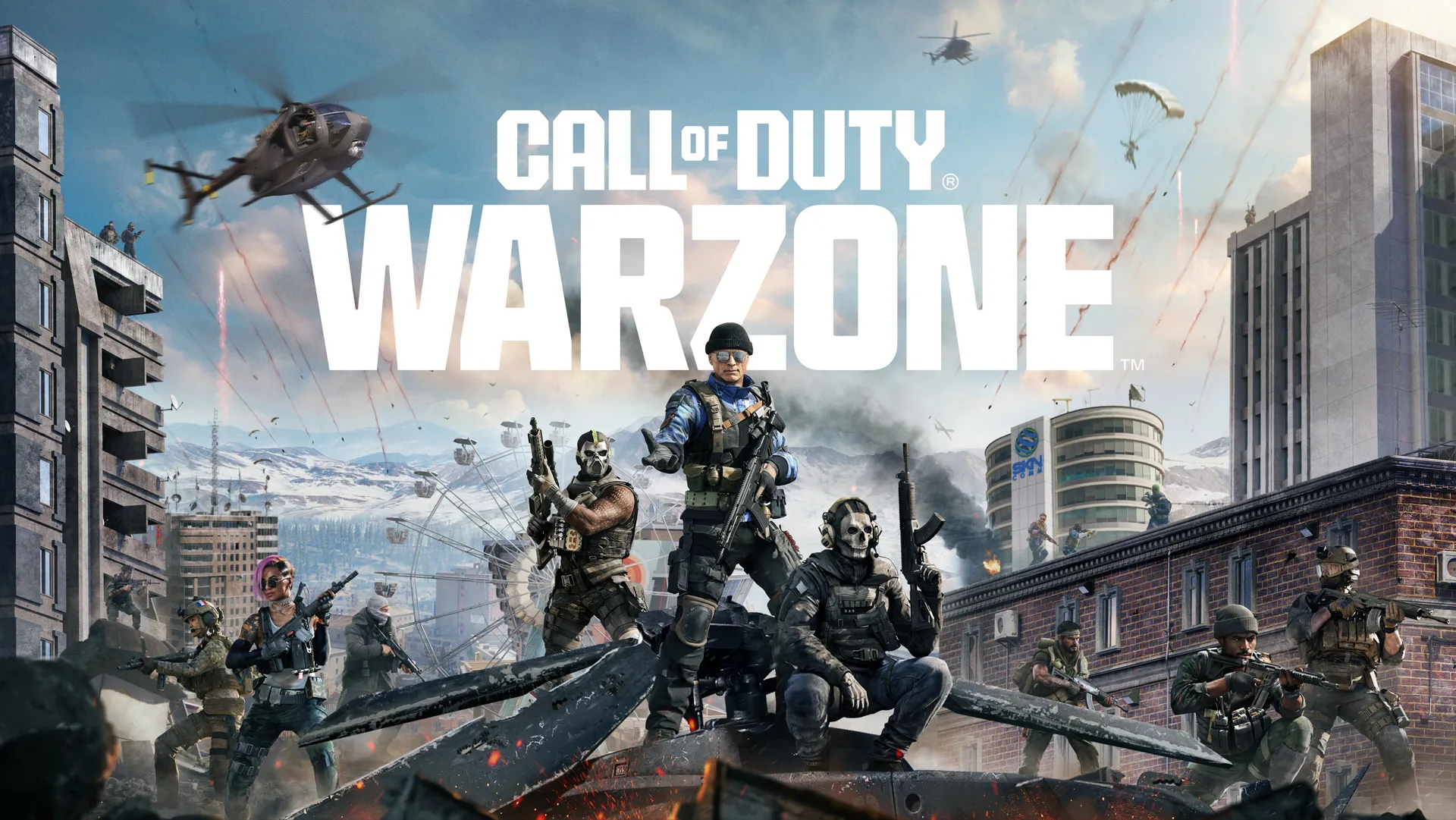
Call of Duty Warzone turn off crossplay is something many players search for when trying to improve matchmaking or avoid playing against PC users. While Warzone supports crossplay across multiple platforms, turning it off works differently depending on where you play.
Here’s exactly how to disable crossplay in Warzone, what platforms allow it, and what to expect.
Can You Turn Off Crossplay in Warzone?
Warzone has crossplay enabled by default, allowing players on PlayStation, Xbox, and PC to play together.
However, the ability to turn off crossplay in Warzone depends on your platform:
- PlayStation (PS4 & PS5): You can disable crossplay in settings
- Xbox (Xbox One & Series X/S): More limited control through system settings
- PC: Crossplay cannot be disabled
This means not all players have the same level of control over matchmaking.
How to Turn Off Crossplay in Warzone
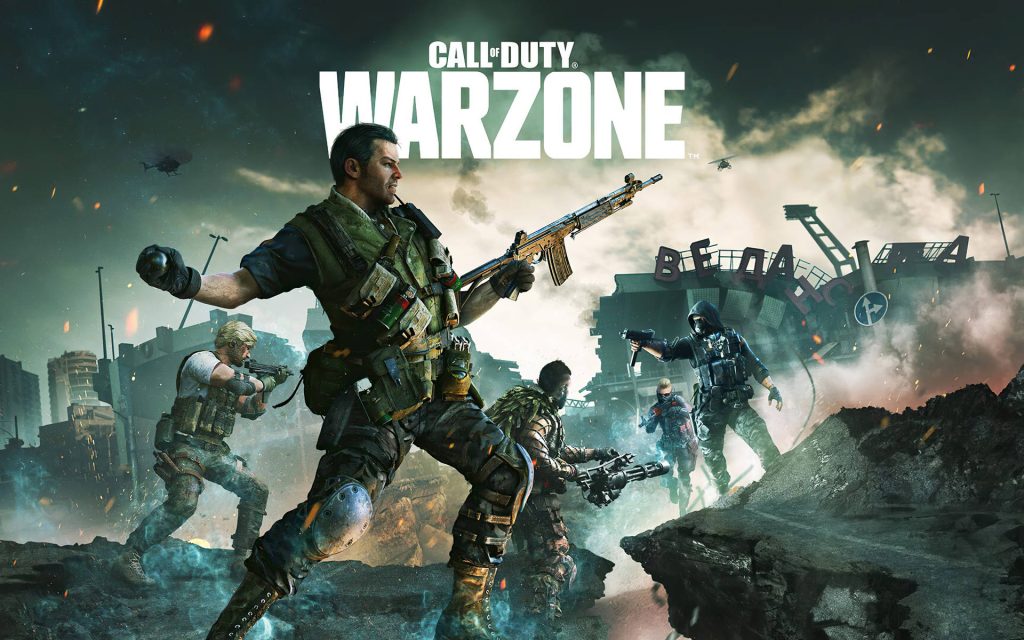
PlayStation (PS4 & PS5)
- Open Warzone
- Go to Settings
- Navigate to the Account tab
- Find the Crossplay option
- Set it to Disabled
Once turned off, you’ll only match with other PlayStation players.
Xbox (Xbox One & Series X/S)
Xbox players cannot fully disable crossplay in Warzone through in-game settings. Instead, you can try:
- Open Xbox Settings
- Go to Account > Privacy & Online Safety
- Select Xbox Privacy
- Go to View Details & Customise
- Find “You can play with people outside Xbox Live”
- Set it to Block
This limits crossplay, but may affect matchmaking and other games.
PC Players
PC players cannot disable crossplay in Warzone. Crossplay is always enabled for matchmaking.
Why Players Turn Off Crossplay in Warzone
Many players look for how to turn off crossplay in Warzone for several reasons:
- Avoiding PC players when on console
- Reducing potential cheating concerns
- More balanced matchmaking
- Better overall experience on controller
However, turning off crossplay may increase queue times.
If you’re trying to stay competitive regardless of crossplay settings, take a look at our best Warzone loadouts guide to see the current meta weapons and class setups.
Does Turning Off Crossplay Work?
Disabling crossplay in Warzone can limit matchmaking to your platform, but it’s not always perfect.
You may still experience:
- longer wait times
- limited lobbies
- matchmaking delays
The system prioritises filling matches quickly.
If you’re still jumping into matches regularly, it’s worth keeping up with the latest changes, check out our Warzone Season 3 update breakdown to see how recent updates are affecting gameplay.
Crossplay in Other Games
Crossplay works differently across games. If you’re trying to manage it elsewhere, you can also check our guide on how to turn off crossplay in Rogue Company, where the system and limitations are slightly different.
Call of Duty Warzone Turn Off Crossplay FAQ
Can you turn off crossplay in Warzone?
Yes, but mainly on PlayStation. Xbox and PC have more limited options.
Why can’t I disable crossplay on PC?
Crossplay is required for PC matchmaking in Warzone.
Is it better to turn off crossplay?
It depends on your preference, but it may lead to longer queue times.
If you’re trying different games and want to know how long they take to finish, check out our guide on how long Deathloop is, including main story and full completion time.