
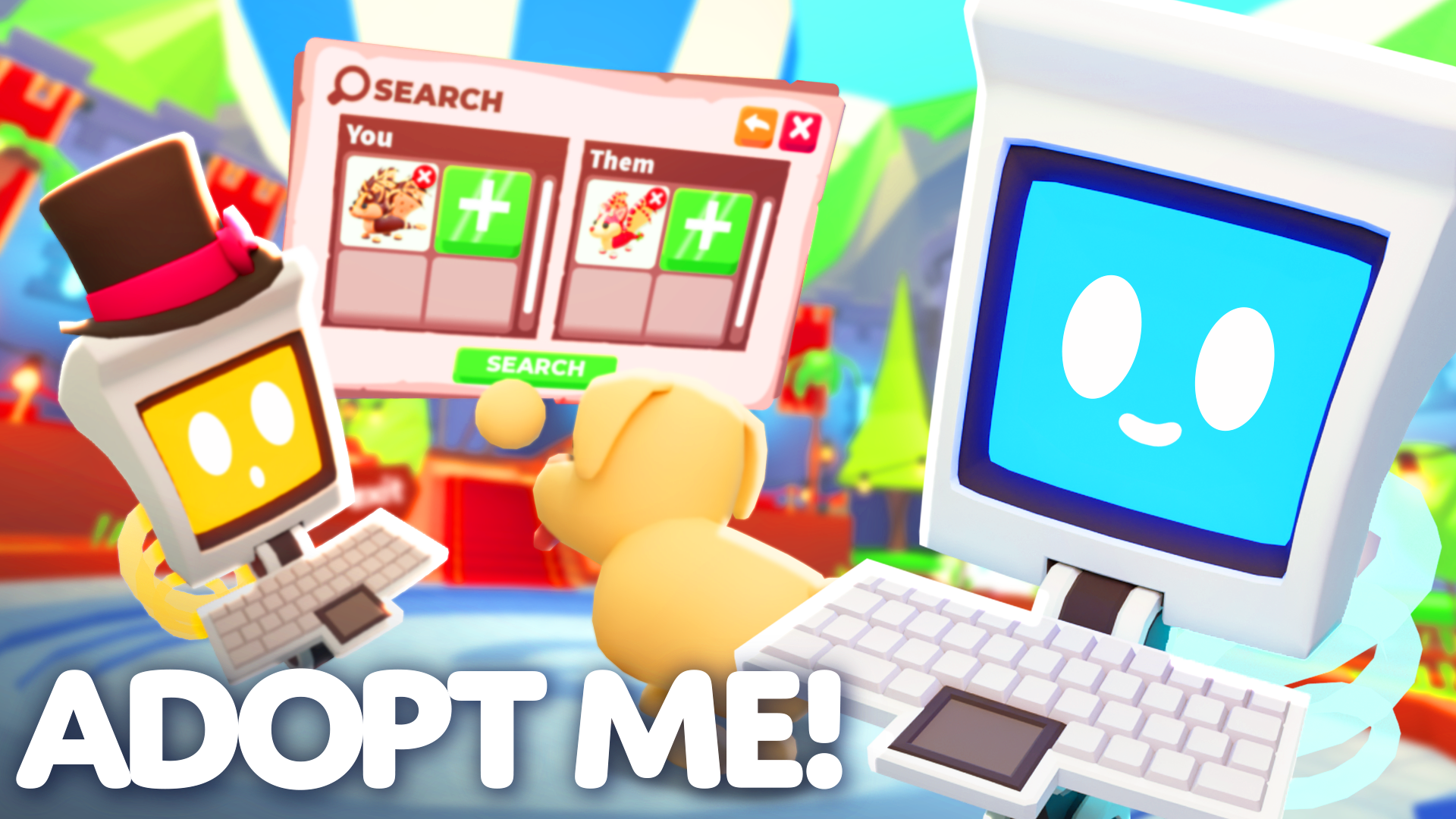
The Adopt Me Trading Hub lets you advertise trades and search offers across servers without repeatedly joining new Roblox games. It unlocks after you’ve played for two hours, earned a Trade License and obtained your first Neon pet. The free Trading Phone then summons the balloon that takes you there.
Inside, two robots handle different parts of trading: Robo Todd manages listings, while Robo Rob finds offers. You can check incoming offers from a normal server, but you have to return to the Hub to change a listing. Here’s how to unlock access and use each feature.
How to unlock the Adopt Me Trading Hub
Before the Trading Phone can take you to the Adopt Me Trading Hub, you need to meet these three requirements. Uplift Games confirmed them when the new area launched on July 31, 2026.
| Requirement | How to complete it |
|---|---|
| Play for two hours | Claim the free Trading Phone from the Guide |
| Trade License | Pass the quiz in the Safety Hub |
| Neon pet | Own at least one Neon pet |
The Trade License comes from a three-question safety test in the Safety Hub. You can take it again if you fail. The phone is free from the Guide after two hours of play, while owning a Neon pet is a separate requirement. Once you’ve claimed the phone and completed the other two steps, use it to summon a hot air balloon.
Post an Adopt Me Trading Hub listing with Robo Todd
Robo Todd lets you choose what you’re offering and what you want in return. Every new listing costs 100 Bucks. The Adopt Me Trading Hub allows two active listings at a time; you can purchase a third slot for 49 Robux. Buying that slot doesn’t complete a trade or guarantee the item you’ve requested.
Talk to Robo Todd again to check offers or change what you’ve posted. The Trading Phone works as a way to view listings, offers and trade history from an ordinary server, but it can’t create or modify them there. You’ll need the balloon to return to the Hub.
Search the Adopt Me Trading Hub with Robo Rob
Robo Rob searches for listings matching the pets or trade you want. If nobody is offering an exact match, it can show similar offers instead. Check which pets are Neon or Mega Neon and whether Fly or Ride abilities are included before responding.
Some very uneven trades are blocked automatically. Uplift Games says the Adopt Me Trading Hub uses those restrictions to reduce spam, not to provide an official trading-value chart. You should still inspect both sides of any offer, especially if you’re giving away an old or limited pet.
Why is your pet locked after listing it?
A pet you’ve added to a listing or offer becomes locked in your inventory. You can’t equip it, modify it or trade it elsewhere while the offer remains active. That prevents the same pet being promised to two different people at once.
If the Adopt Me Trading Hub has locked a pet you want to use, remove the listing or withdraw the offer. Once it isn’t committed to a trade, you’ll be able to equip it again. It’s a deliberate restriction rather than a missing-pet bug.
Trading Phone not working or missing the balloon?
Check the Guide for the two-hour reward, confirm your Safety Hub Trade License and make sure you own a Neon pet. If the phone displays offers but won’t let you edit them, return to the Hub: remote editing is disabled by design.
The Adopt Me Trading Hub complements ordinary player-to-player trading rather than replacing it. Be cautious with valuable pets and don’t arrange payments outside the game’s trade system, which isn’t a supported way to exchange pets.
Related Guides
Official sources: Uplift Games, Trading Hub Notes; Uplift Games, Trade Safety.





