
Adopt Me Backpack Storage gives you a separate place to keep items you aren’t currently using. Added in August 2026, the feature lets you move pets and other items out of the active Backpack, select multiple items for moving, and organise your collection using up to 25 custom tabs. Nothing needs to be released or deleted to tidy your inventory.
It’s especially helpful when you have too many duplicates to browse comfortably. The storage area is separate from the Backpack’s ordinary filters and can also be accessed during trading. Here’s how to move items, organise them and get something back when you need it.
How to use Adopt Me Backpack Storage
Open your Backpack and switch to the Storage section. Select an item you want to put away and move it into Storage. You can transfer it back into your Backpack later, so this isn’t a permanent exchange like releasing a pet for Tickets.
The Adopt Me Backpack Storage tool supports selecting several items at once. If you’re putting away duplicates, choose the pets or items together instead of moving each individually. Check the selection first so a pet you’re currently ageing doesn’t disappear from your everyday Backpack view.
Make and name your Storage Tabs
In Adopt Me Backpack Storage, organise stored items into tabs. Uplift Games allows up to 25 tabs, and each can have a name and an icon selected from the Journal. The tabs help keep collections apart without needing dozens of pets in the active Backpack.
For instance, make one tab for pets you’re planning to trade, another for retired event pets and a third for spare items. You decide the labels. The game doesn’t force you to separate items by rarity or by event.
| Feature | Official rule |
|---|---|
| Move items | Storage and Backpack transfers in either direction |
| Select multiple items | Move several at once |
| Tabs | Up to 25 |
| Tab customisation | Name plus Journal icon |
| Storage in trading | Accessible and can be shown to others |
Can you trade pets kept in Storage?
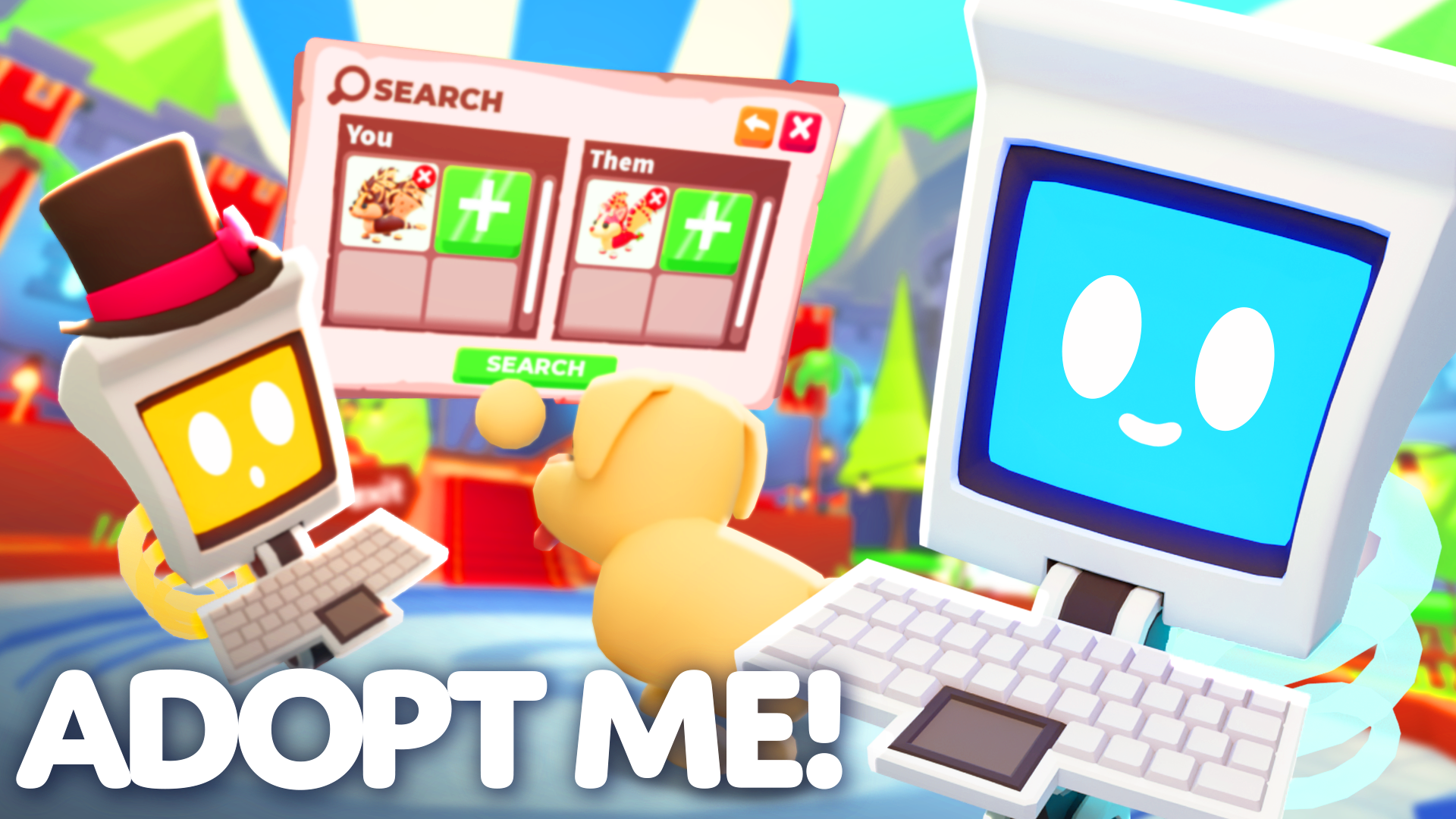
Yes. Uplift Games confirms that players can access Storage during trades and give others permission to view it. A September 2026 update also fixed trading items directly from Storage and offering stored items in response to Wishlist requests.
That makes Adopt Me Backpack Storage useful for keeping tradeable duplicates outside your regular Backpack without making them inaccessible to the trading system. Your pets stay in the collection until you actually complete a trade or another explicit action.
Does putting a pet in Storage release it?
No. The Pet Releaser and Storage are two different features. Storage simply keeps the pet or item in a separate inventory area, while releasing permanently exchanges a pet for a fixed Ticket payout. Moving to Storage doesn’t give you Tickets.
Don’t release a valuable older pet just to clean up clutter. The Pet Releaser guide explains that permanent process separately. With Adopt Me Backpack Storage, you can retrieve your item whenever you choose to use it again.
How to find a pet that’s missing from your Backpack
If you recently moved a pet, open the Storage section and check the tabs. The pet may simply be outside your usual Backpack list. Once found, move it back when you want to equip it or resume ageing.
The Adopt Me Backpack Storage limit applies to the number of tabs you create, not to a required number of pets in each one. Start with categories that actually help you find things and adjust them as your collection changes.
Related Guides
Official sources: Uplift Games, Backpack Storage and Releaser Refresh and Uplift Games, Storage Trading Fixes.





