Pet Simulator 99 Security PIN is a new protection feature in Update 100 that lets you lock valuable pets and require a PIN before you unlock or box them. It can lock all of your Huge, Titanic and Gargantuan pets in one action, making it particularly useful for anyone with a large collection.
BIG Games added the feature on 31 October 2026 and also introduced a delayed reset if you forget your code. The wait is between three and 14 days, with the delay chosen during reset. This is deliberately different from a password recovery shortcut or an instant unlock.
How to set up a Pet Simulator 99 Security PIN
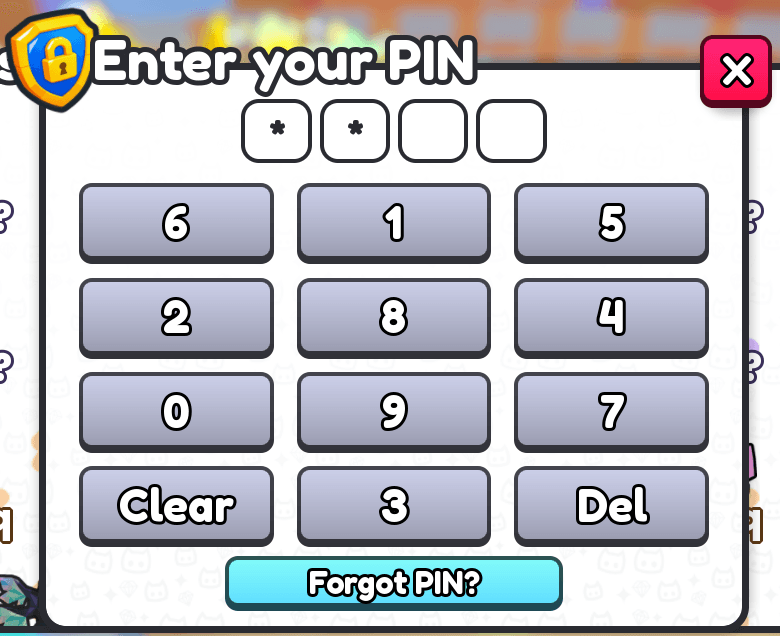
Open the Settings menu inside Pet Simulator 99 and find the new Security PIN option. Follow the prompts shown in the game to create your PIN. The Pet Simulator 99 Security PIN belongs to the game’s pet-locking system, not the main Roblox sign-in password or an external website.
Choose a code that’s hard for somebody else to guess but which you can retrieve securely. Keep it in a trusted private password manager if you need a record. Do not post it in a Discord server, Roblox chat or a screenshot, and do not use a code somebody sends you in a trade message.
When you have configured the Pet Simulator 99 Security PIN, use the protection feature to lock the pets you want to safeguard. BIG Games says setup can lock every Huge, Titanic and Gargantuan pet with a single tap. That gives collectors a starting point rather than requiring them to protect each high-rarity pet individually.
Which pets can the Security PIN lock?
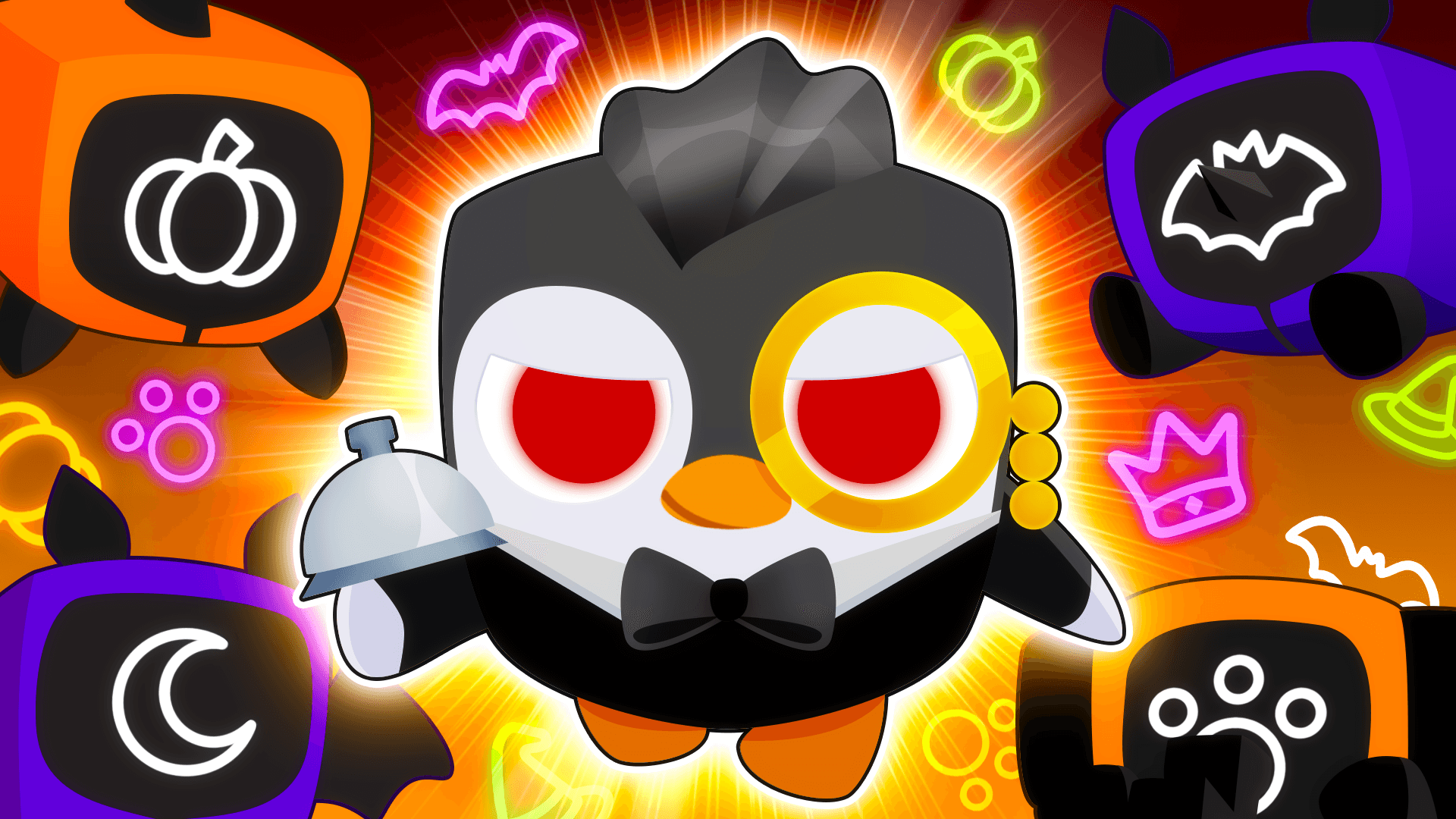
BIG Games explicitly names Huge, Titanic and Gargantuan pets for the Pet Simulator 99 Security PIN mass-lock option. This covers the rare pet types that are often at the centre of valuable collections. It is especially useful for limited rewards, including the Forge’s Titanic Neon Skeleton Cat and Gargantuan Butler Penguin.
The feature is separate from the 7 November trading restriction on Halloween Games pets. The event restriction comes from the update and applies on its own timetable. A player-controlled PIN lock is an additional layer that remains relevant beyond this Halloween event.
When does the game ask for the PIN?
BIG Games says unlocking or boxing a pet that you have locked requires the Pet Simulator 99 Security PIN. That means the protection is attached to those locked-pet actions. If you plan to move a valuable pet into a box or remove its lock, be ready to enter your own code through the game’s interface.
A locked pet needs the PIN for unlocking or boxing. You should still review every trade carefully; this lock is not a substitute for checking what you’re giving away. Locking a prized pet is worthwhile, but you should still review trade screens carefully and keep your Roblox account secure.
Update 100 also improves the trade chat by showing every item added or removed. That separate change can help players notice last-minute trade changes. It is not a replacement for the pet lock, and the Pet Simulator 99 Security PIN is not a guarantee that a risky transaction can be reversed after you accept it.
How to reset a forgotten Pet Simulator 99 Security PIN
If you forget your Pet Simulator 99 Security PIN, BIG Games allows a reset with a waiting period of three to 14 days. The player chooses the delay. It is not an immediate reset, so do not expect to unlock valuable pets the moment you start the process. The wait is part of the protection.
Before starting a reset, check the PIN you originally saved in your trusted private location. If you cannot retrieve it, use only the reset option presented inside Pet Simulator 99. Don’t trust anyone offering to bypass the waiting period through a message or an external website.
Never share your PIN with staff or other players
BIG Games is explicit: never share your Security PIN, and its staff will never ask for the code. That applies even if somebody claims to be checking ownership, fixing a failed hatch, releasing a trade lock or giving out a leaderboard reward. A message asking for your code is not a legitimate support step.
A trade partner needs to decide what they are offering, not know the PIN that protects your inventory. The same goes for an account claiming to distribute prizes from the Halloween Forge, Season Pass or PSX Classic. Keep any codes inside the game’s own entry screens and do not enter them on linked websites.
Security PIN versus Roblox account protection
The Pet Simulator 99 Security PIN protects specific in-game pet actions. Your Roblox password and account security settings are a separate layer that control access to the entire account. Use a strong unique Roblox password and the platform’s available account verification options as well as the new pet PIN.
If a player already has access to your account, a PIN on your rare pets adds a barrier to the locked actions BIG Games describes. It does not replace securing your login or checking where you have signed in. Treat the new lock as one part of protecting your collection, alongside careful trades and private login details.
What to check before trading a valuable pet
Before a trade, check the exact pet name, variant and any displayed lock state. A Huge, Titanic and Gargantuan may have similar seasonal names while being completely different collectibles. With Update 100 adding several themed rewards at once, reviewing the actual item matters more than relying on a message about what you are supposedly receiving.
If your locked pet cannot be boxed or unlocked, remember that the Pet Simulator 99 Security PIN is designed to require authorisation for those actions. Use your own code and the built-in interface, not another player’s instructions. The feature is meant to give you more control over valuable pets, not introduce a new person who needs access to them.
Official source: BIG Games Update 100.