
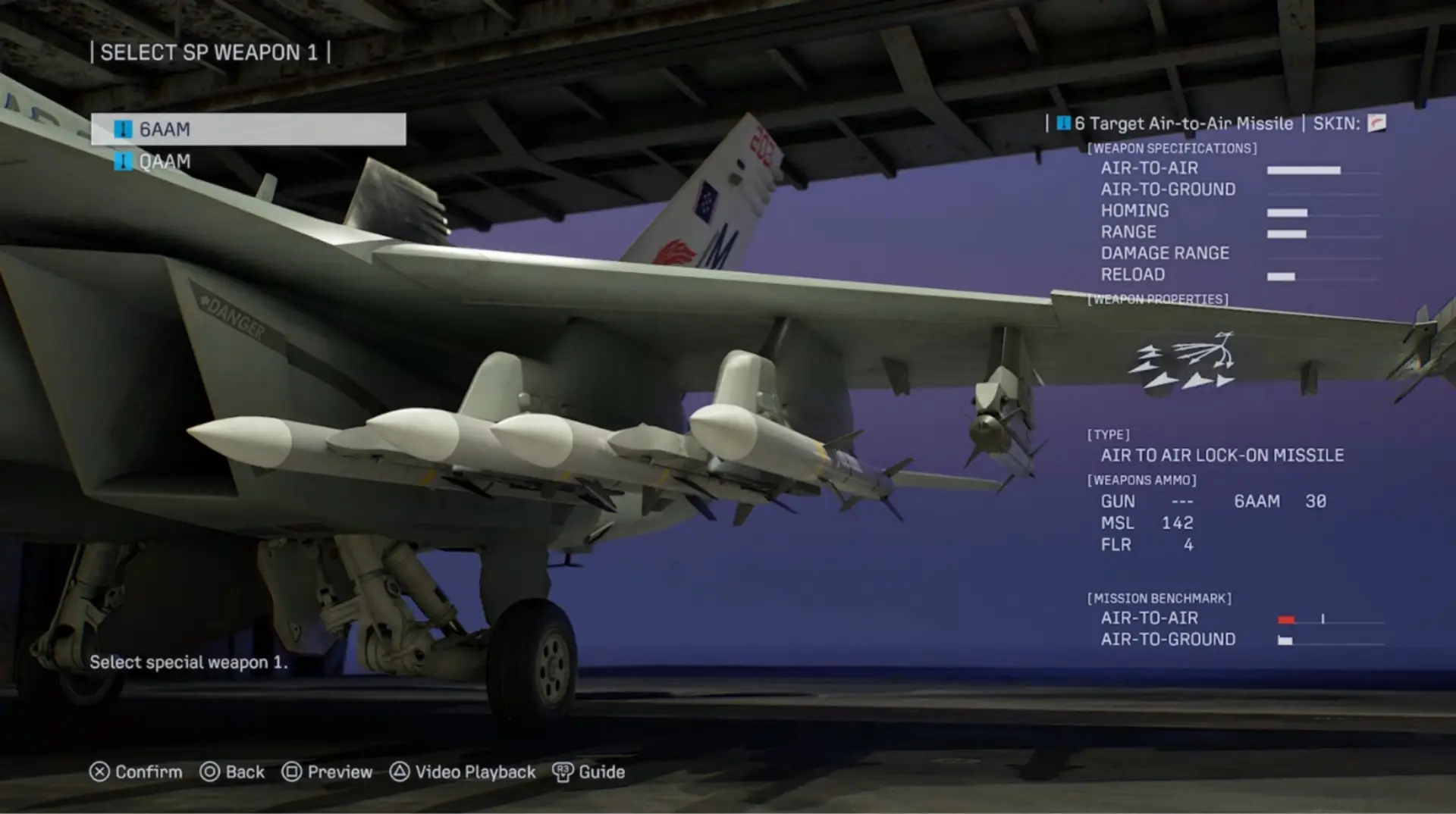
ACE COMBAT 8 Aircraft Skins are easy to collect before the game makes the cosmetic system feel completely transparent. Campaign rewards, named enemies, edition content and online progression can all put cosmetics in front of you, yet the place where a particular skin is earned is not always the same place where it can eventually be used. That creates a very common bit of launch-week friction: the reward exists, but the expected customization option appears to be missing.
The confusion gets worse because Campaign and ACE COMBAT ONLINE do not handle every unlock in exactly the same way, and some bonus cosmetics are tied to specific modes or entitlements. The useful way to untangle it is to separate earning a skin, gaining access to the relevant customization menu and applying the cosmetic to the correct aircraft. The first section begins with that menu flow before the guide moves into the different unlock sources and missing-skin checks.
ACE COMBAT 8 Aircraft Skins: how to equip them
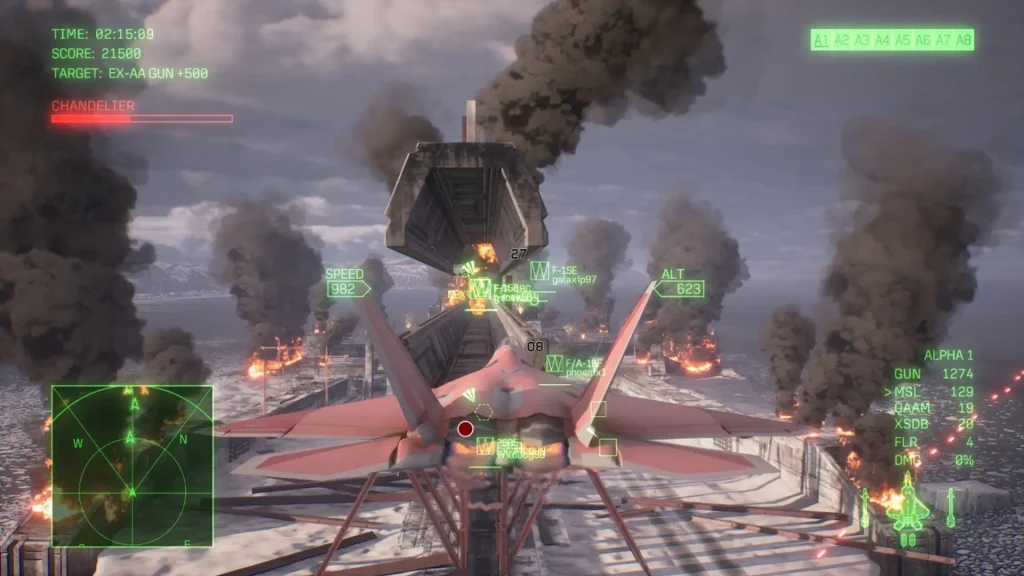
ACE COMBAT 8 Aircraft Skins become freely selectable in Campaign after you finish Mission 30, Song of Wings, and complete the story. The campaign clear opens Aircraft Sets. From the Mission Menu, open Aircraft Sets, choose the set you want to edit, select the aircraft and use Select Skin to pick from the paint schemes you have already earned for that airframe. ACE COMBAT 8 Aircraft Skins are cosmetic, so a missing skin should be troubleshot as an unlock or entitlement issue rather than a performance upgrade.
The important detail is that a skin can be unlocked before the menu itself appears. If a challenge, named Ace or edition bonus has already granted a cosmetic, it is not necessarily missing just because the first-playthrough hangar cannot equip it. Finish the campaign, open the post-game aircraft customization menu and check the relevant aircraft again. ACE COMBAT 8 Aircraft Skins become a campaign customization system only after the story unlock has been reached, so early menus can look incomplete.
How to unlock more skins
Campaign ACE COMBAT 8 Aircraft Skins come from several sources. Named enemy Aces and challenge conditions award special paint schemes, while some edition or DLC packages grant fixed cosmetics such as the F-4E Mobius Squadron 25th Anniversary skin and the F/A-18C Team Zvezda skin. The Season 1 Ace Pass also contains aircraft skins on both its Free and Premium tracks, but those rewards belong to the online progression structure.
A useful rule is to check the reward description before assuming one cosmetic applies everywhere. Campaign and ACE COMBAT ONLINE have separate progression saves. Bandai Namco also labels some avatar and online rewards specifically, so a cosmetic earned from the seasonal pass should not be treated as a substitute for Campaign Aircraft Tree progress. ACE COMBAT 8 Aircraft Skins earned from named enemies are easiest to chase in Free Mission after the relevant Assault Record route is understood.
Enemy Ace skins and Assault Records
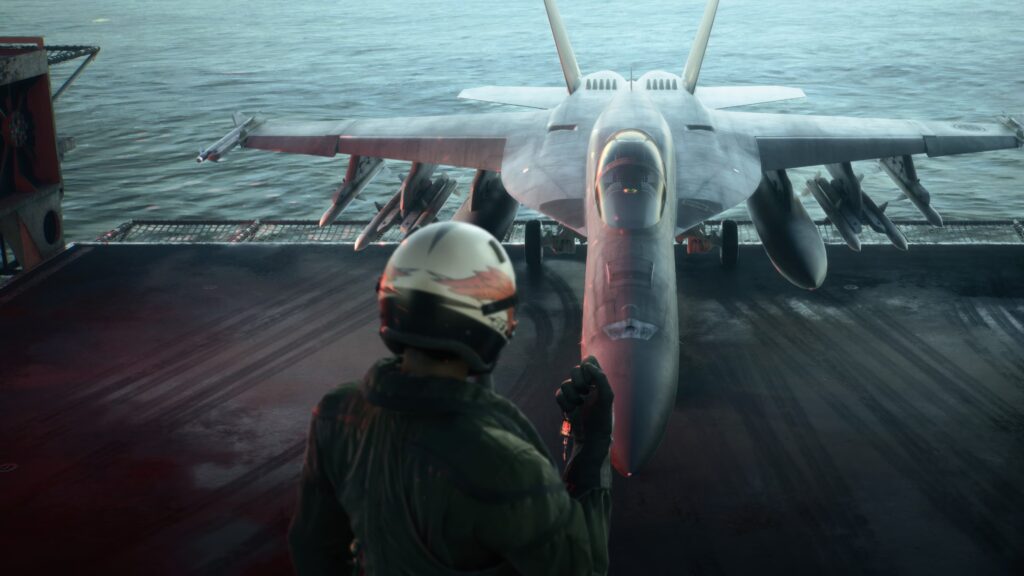
Conditional enemy Aces are one of the best reasons to revisit missions after the credits. They only appear when you satisfy the mission-specific trigger on Veteran or higher, and the kill must be carried through to mission completion for the Assault Record to stick. Many of those named aircraft are also tied to distinctive liveries, making Assault Record cleanup a natural companion to ACE COMBAT 8 Aircraft Skins collection.
Use the Assault Records checklist rather than randomly replaying missions. Set the required difficulty, satisfy the spawn condition, identify the named target, destroy it and then complete the sortie. If you are also chasing an S rank, decide whether the Ace detour is close enough to the optimal route to stack both goals or whether a separate skin run will be faster. ACE COMBAT 8 Aircraft Skins should be checked per airframe, because owning one cosmetic does not mean every aircraft has the same selection.
Campaign skins vs Online skins
ACE COMBAT ONLINE has customization available from the beginning of the multiplayer side, while Campaign holds its broader skin and emblem menu until story completion. Seasonal Ace Pass rewards can add more skins, and Bandai Namco has already used the pass to distribute a sizable cosmetic pool. That makes ACE COMBAT 8 Aircraft Skins a collection spread across more than one progression system rather than a single Campaign list.
If a skin is visible in one mode but not the other, first check how it was earned. Do not assume the saves synchronize simply because the same aircraft exists in both places. Campaign MRP, Aircraft Tree purchases and post-game cosmetics are separate from the online mercenary economy and seasonal pass. ACE COMBAT 8 Aircraft Skins from edition or pass content still need the corresponding aircraft and entitlement to appear in the selection menu.
Why a skin is missing from Select Skin
The most common reason is simple: the campaign is not finished yet. The second is that the skin belongs to a different aircraft than the one currently selected. The third is mode scope, especially for cosmetics attached to ACE COMBAT ONLINE or an edition bundle. Reopen the reward description and make sure the correct airframe and mode are being used before treating it as a bug. ACE COMBAT 8 Aircraft Skins are equipped from the Aircraft Set editing flow rather than from the Aircraft Tree purchase screen.
If the story is complete and the reward still does not appear, confirm the relevant DLC or pass entitlement is installed, restart the game after the platform finishes syncing licences, and check the same aircraft again. ACE COMBAT 8 Aircraft Skins should not require changing global Media or save data manually. The normal customization menus are the correct route once the reward and mode match.
Official source: Official ACE COMBAT 8 game overview





