FSR 4.1.2 handheld support now covers specific AMD Ryzen Z2 and Ryzen AI processors, bringing machine-learning upscaling to integrated Radeon graphics. AMD added these families through its October 28, 2026 FSR SDK 2.4 release. A lightweight INT8 model runs on eligible chips with more limited memory and power than desktop graphics cards.
The way to get the feature on a handheld is through a compatible game and the device manufacturer’s graphics updates. AMD’s desktop Adrenalin 26.10.1 package excludes gaming handheld devices. Use the update tool supplied with your model rather than installing the desktop graphics package.
Ryzen chips with FSR 4.1.2 handheld support
AMD names Ryzen AI Z2 Extreme, Ryzen Z2 Extreme and Ryzen Z2 A for the lightweight model. The same implementation supports Ryzen AI 9 300 and Ryzen AI 9 400 series processors in certain laptops and compact PCs. In Windows, open Settings, then System and About to see the processor name and compare it with AMD’s list.
Ryzen AI Max 300 and 400 processors use the full INT8 upscaler rather than the lightweight version. On dedicated cards, Radeon RX 6000 and 7000 use full INT8, while RX 9000 uses FP8. Model selection happens automatically on supported hardware. The lighter model is less than half the size of the full INT8 variant, according to AMD.
How FSR 4.1.2 handheld support uses a lightweight model
A supported game renders fewer pixels, then uses AMD’s machine-learning model to reconstruct the image on the handheld’s display. The lighter INT8 model is built to preserve detail while limiting the work required from the integrated GPU. Quality and Balanced modes offer different trade-offs between image detail and rendering load.
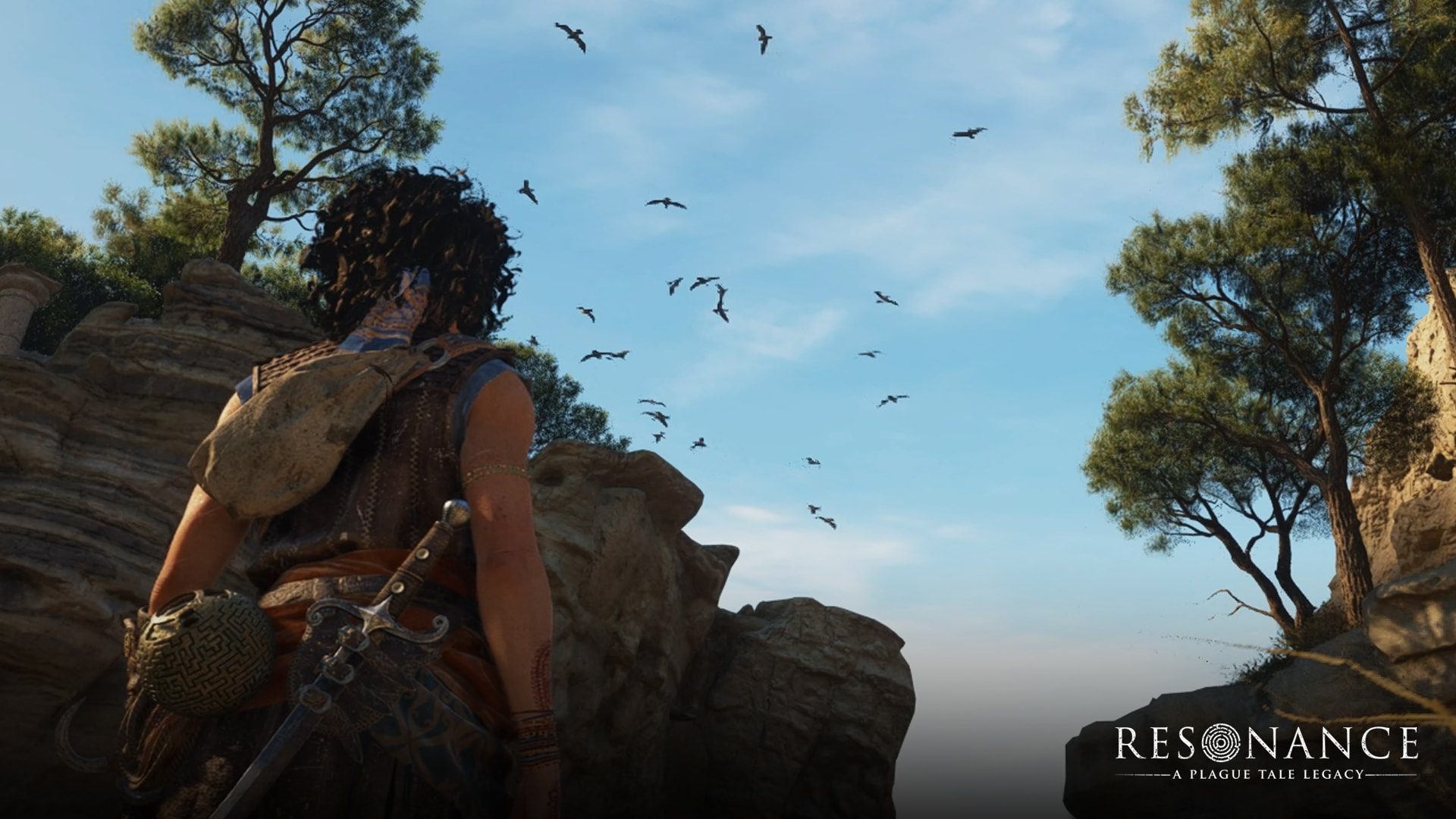
Unlike a desktop graphics card, an integrated GPU shares system memory with the processor. Memory bandwidth, power mode and cooling therefore matter when you compare results. AMD’s Resonance: A Plague Tale Legacy images show the feature on a Ryzen AI 9 HX 370 at 1080p Medium settings, comparing FSR 3.1 Quality with FSR 4.1 Performance.
FSR 4.1.2 handheld support: driver installation
To check FSR 4.1.2 handheld support on your device, confirm the processor in Windows and open the manufacturer’s software-update utility. Install the GPU driver released for your exact model, whether that arrives through ASUS Armoury Crate, a Lenovo utility or another OEM channel. Do not assume a driver package for one handheld is suitable for another device using an AMD processor.
If your handheld offers a preview driver, read the manufacturer’s supported-model list and release notes before installing it. Preview builds are separate from the normal stable update channel. The device maker’s release is the reference for the correct installation route and any additional control-panel settings.
FSR 4.1.2 handheld support: enable it in games

Open a supported game’s Graphics or Display settings after updating it. Select the available FSR Upscaling option and a preset such as Quality or Balanced. These presets control how much of the image the game renders before reconstruction. FSR 4.1.2 handheld support is delivered by the game and relevant software, not by an on-switch present in every Windows installation.
On DirectX 12, eligible older FSR 3.1 and newer integrations can receive AMD’s supported driver upgrade. Vulkan games instead need the newer SDK’s Vulkan effect integrated by the developer first. An old Vulkan FSR 3.1 option does not become ML upscaling merely because the graphics driver has been updated.
FSR 4.1.2 handheld support and frame generation
FSR Upscaling 4.1.2 supports compatible Windows 10 and 11 devices. ML FSR Frame Generation 4.0.2 is separate and remains for Radeon RX 9000-class graphics or newer running Windows 11. The lightweight Ryzen upscaler does not unlock that newer frame generator or Driver-Assisted Frame Pacing on every handheld.
Older hardware can still use analytical FSR 3 frame generation in games that provide it. When comparing two handhelds, keep the display resolution and graphics preset the same, then examine both smoothness and picture quality. Power and temperature can also change performance during a longer session.
FSR 4.1.2 handheld support not appearing
If the expected option is missing, check your full processor model, OEM graphics software, game update and graphics API. DirectX 12 and Vulkan integrations have different upgrade routes, while a game may label its upscaler simply FSR without displaying the version number. Use its published patch information to identify the supported implementation.
After updating, test the same demanding scene with Quality and Balanced presets and keep the one that looks and feels better on your screen. If the game still uses analytical FSR, check its own patch notes for the next implementation update rather than swapping game files.
Related Guides
Official source: AMD GPUOpen FSR SDK 2.4 Ryzen compatibility guide.