
Cyberpunk 2077 cross progression transfers your latest saves between supported platforms through your CD PROJEKT RED account. On the original platform, open Load Game, link the account, enable cross-platform saves and make a new save. On the second platform, sign in to the same account through My Rewards, then find that cloud save in Load Game.
The process works between compatible PC and console versions, but a save created with Phantom Liberty installed cannot load in an edition without the expansion. CD PROJEKT RED applies this rule even if you haven’t started the DLC story. Different regional releases can also restrict transfers. Here’s how to make a safe transfer, confirm that your file uploaded and fix the common reasons a save is missing.
How to enable Cyberpunk 2077 cross progression
Start with the device holding the progress you want to transfer. Cyberpunk 2077 cross progression is an account-based cloud feature: it does not need a USB stick, copied save directory or third-party transfer website.
- Update the original game to its latest available patch and check the version on the main menu.
- Open Load Game and select the Cross Progression control shown at the bottom-left of the screen.
- Follow the prompts to connect a CD PROJEKT RED account.
- Check Settings > Gameplay > Enable cross-platform Saves. The feature should be enabled automatically after linking.
- Make a new manual save and look for the cloud icon beside it.
- Start Cyberpunk 2077 on the destination device and open My Rewards from the main menu.
- Link the destination game to the same CD PROJEKT RED account.
- Open Load Game and select the transferred save.
CD PROJEKT RED says the cloud system stores the most recent file for each save type, such as manual, quick and autosaves. Making a new manual save gives you a clear timestamp and helps you avoid accidentally loading an older quicksave. Keep the original local save until you’ve tested the transfer.
Does Cyberpunk 2077 cross progression transfer Phantom Liberty?
It transfers progress, not ownership of Cyberpunk 2077 or its expansion. If the original save was created with Phantom Liberty installed, the destination also needs the expansion. This is an edition/content compatibility rule, not simply a check for whether you’ve started a Phantom Liberty mission. CD PROJEKT RED says a base-game save can load into the Ultimate Edition, but a save created with expansion content cannot load into a base-game-only installation missing that content.
| Original save | Destination | Result |
|---|---|---|
| Base game without expansion | Base game | Compatible versions can load it |
| Base game without expansion | Ultimate Edition | Supported |
| Save requiring Phantom Liberty | Base game without DLC | Blocked by missing content |
| Save requiring Phantom Liberty | Game with DLC installed | Supported subject to version and regional rules |
Cyberpunk 2077 cross progression is not the same as Xbox Play Anywhere. That programme governs certain Xbox and Windows ownership rights; it does not grant an additional PlayStation, Switch or PC licence just because your progress transfers.
Cyberpunk 2077 cross progression save not showing
Return to the original device and open Load Game. If the new save has no cloud icon, check its internet connection and confirm cross-platform saves are enabled in Gameplay settings. Sign into the correct account and make another manual save. This is safer than deleting local files when an upload hasn’t happened.
On the destination platform, open My Rewards again and confirm you’re using exactly the same CD PROJEKT RED account. Check the installed game patch and DLC, then inspect Load Game. Cyberpunk 2077 cross progression can appear to be broken if the destination copy is missing Phantom Liberty or uses a different linked account.
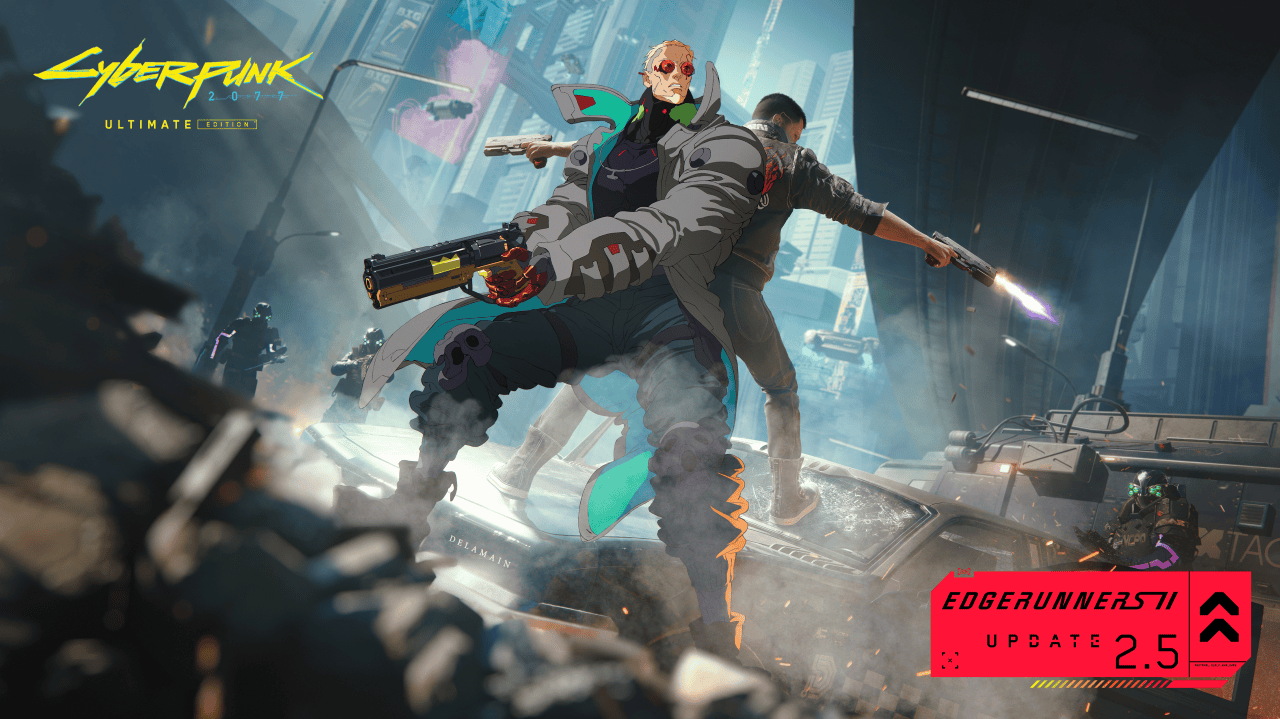
Update 2.5 groups saves by playthrough, so check the correct character group before concluding that the file is missing. If you’re returning for the Edgerunners 2 Update 2.5, remember that the save menu may look different from older screenshots.
Regional restrictions on transferred saves
Cyberpunk 2077 cross progression has regional restrictions for certain releases. CD PROJEKT RED’s support page lists affected Middle Eastern regions and Japanese game SKUs. An unrestricted save may not load into a more restricted console release, while a restricted save can usually transfer to an equally or less restricted version.
The direction matters. A restricted save transferred to an unrestricted edition and then overwritten there may no longer be compatible with the original restricted release. Check the publisher’s current regional rules before making an irreversible change, and keep your original saved game intact.
Are modded saves safe to transfer?
Cyberpunk 2077 cross progression handles saves, while mod.io console mods are a separate feature. Update 2.5 marks modded saves with an icon; CD PROJEKT RED also says console achievements and trophies are unavailable when playing from a modded save. Don’t rely on all PC mods working with a console transfer.
Keep an unmodified manual save available before enabling mods or loading a modified game on a different device. If the destination lacks a mod that the source used, its effects may not carry over safely. Transfer an ordinary save first if your priority is preserving trophies or achievements.
Before you switch platforms
For Cyberpunk 2077 cross progression, the best routine is to check that both copies have compatible content, link the same CD PROJEKT RED account, create a fresh manual save and wait for the cloud icon. After opening the second platform, confirm your inventory and quest position before continuing.
If you’re returning to Night City for the new quests, see our Clampdown walkthrough and Welcome to Paradise guide. Our dual-wielding guide, Glamdocs locations and Photo Mode pages cover other things to try on your restored playthrough.
Related Guides
Official sources: CD PROJEKT RED cross-progression instructions, missing DLC requirements and regional restrictions.





