
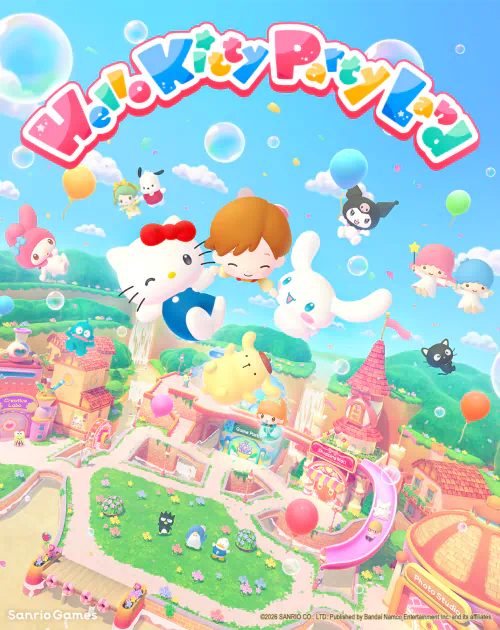
Hello Kitty Party Land multiplayer allows up to four people to play on one console, or two to four Nintendo friends to play online. You can also enjoy the game solo. Online sessions require Nintendo Switch Online; local games on one Switch or Switch 2 do not need the subscription.
Bandai Namco’s official manual tells you which menus to use, who hosts the game and how to join a password-protected room. Here are the real steps for both ways to play, plus the group activities you can start once everyone arrives in Party Land.
Hello Kitty Party Land multiplayer: local and online player counts
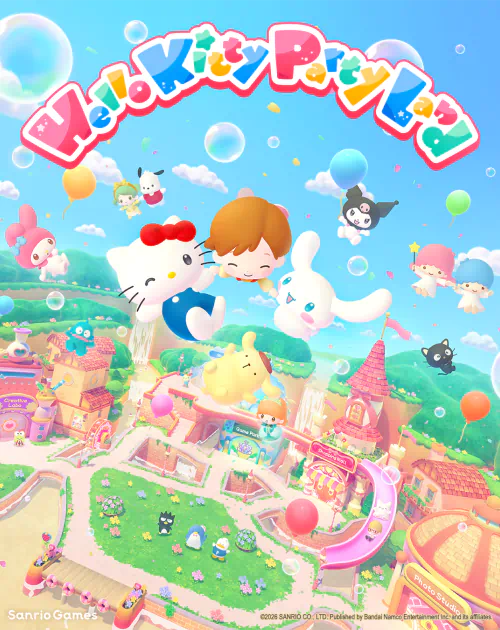
Image credit: Bandai Namco Entertainment / Sanrio Games.
Select 1-4 Player Game for a same-console party, or Online for a game with friends over the internet. The Hello Kitty Party Land multiplayer online mode supports two to four people and requires them to be registered as Nintendo friends, according to the game manual.
The two Nintendo releases have the same advertised multiplayer features. A Switch copy can run on Switch 2 through backward compatibility. That does not mean the two native software editions automatically share a matchmaking pool, so do not buy a different version solely on that assumption.
How to start local multiplayer
Choose 1-4 Player Game from the title menu and select the number of players. The first controller becomes the host. Other players can select a Nintendo user profile or join as a guest. The game then asks you to set difficulty, personalise avatars and choose Sanrio partners.
For Hello Kitty Party Land multiplayer on one system, you need a compatible controller for each player. The host handles menu choices, entering buildings, camera controls and starting games. On a horizontal Joy-Con, the stick moves the character and the right face button confirms. Two Joy-Cons and Pro Controllers use the usual A button to interact.
How to play online with friends
Choose Online, then have one person select Create Room. The host configures the room and waits. Everyone else selects Search for Room and picks the host’s room from the list. A host can add a four-digit password, which guests enter to join.
The Hello Kitty Party Land multiplayer online system is built for Nintendo friends. Check that both people have added one another and have the required Nintendo Switch Online membership. The host starts the session after everyone joins. The person who created the room controls shared menus and starts activities.
Which activities can everyone play?
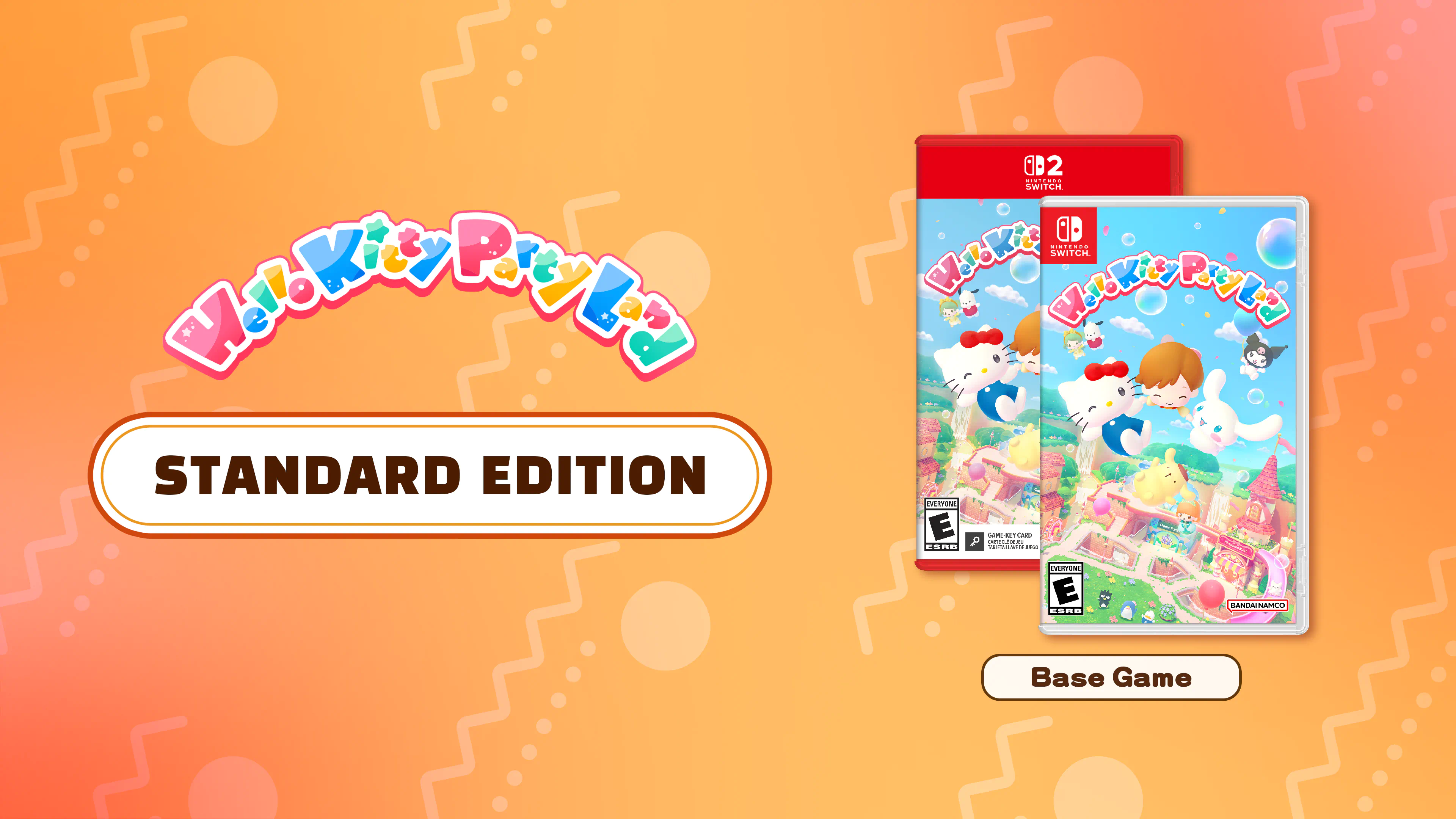
Image credit: Bandai Namco Entertainment / Sanrio Games.
There are more than 45 minigames and three board-game settings: Blooming Flower Festival, Tropical Twilight and Sparkling Neon Night. During a board game, players move around the map by stopping a roulette wheel. Spaces can start minigames or let someone earn the resource needed for the board’s objective.
At the Game Park, the Minigame Corner lets players choose individual games. Petit Games are shorter solo challenges that can run while other people continue playing. The Hello Kitty Party Land multiplayer activities therefore offer both full-group contests and small tasks between turns.
Does local multiplayer need Nintendo Switch Online?
No. The subscription is required for online play. If the whole group is sitting around one Switch or Switch 2, choose the local player option. You can play the base game’s party modes without a paid online membership. Standard, Day 1 and Premium editions include the same multiplayer game.
A room that does not appear in search is worth checking at the source: make sure the host created it, the accounts are Nintendo friends and any four-digit password is correct. Bandai Namco’s manual describes friend rooms, not public matchmaking.
Who controls the game in a group?
Controller 1 hosts local sessions; the person creating the room hosts online. That player can open the Sticker Book, control the camera, enter and exit buildings, select menu choices and start minigames. This makes the Hello Kitty Party Land multiplayer session easier to run when children are sharing a console.
Once everyone is connected, head to the Game Park for quick activities or choose one of the three boards. The Hello Kitty Party Land multiplayer setup is straightforward: one host, up to four total players and Nintendo Switch Online only for people joining remotely.
Related Guides
Official source: Bandai Namco, Official Game Manual.





